Working with PHP Arrays: A Beginner-Friendly Guide

PHP arrays let you store multiple values in one variable. They are used everywhere: menu items, form errors, database rows, configuration, API responses, product lists, and user data. If you understand arrays well, PHP becomes much easier to read.
This guide covers indexed arrays, associative arrays, nested arrays, loops, and practical examples. For broader language foundations, read PHP Syntax Basics. The official PHP array documentation explains the full type behavior in detail.
PHP arrays: indexed arrays
An indexed array stores values by numeric position. The first item has index 0:
<?php
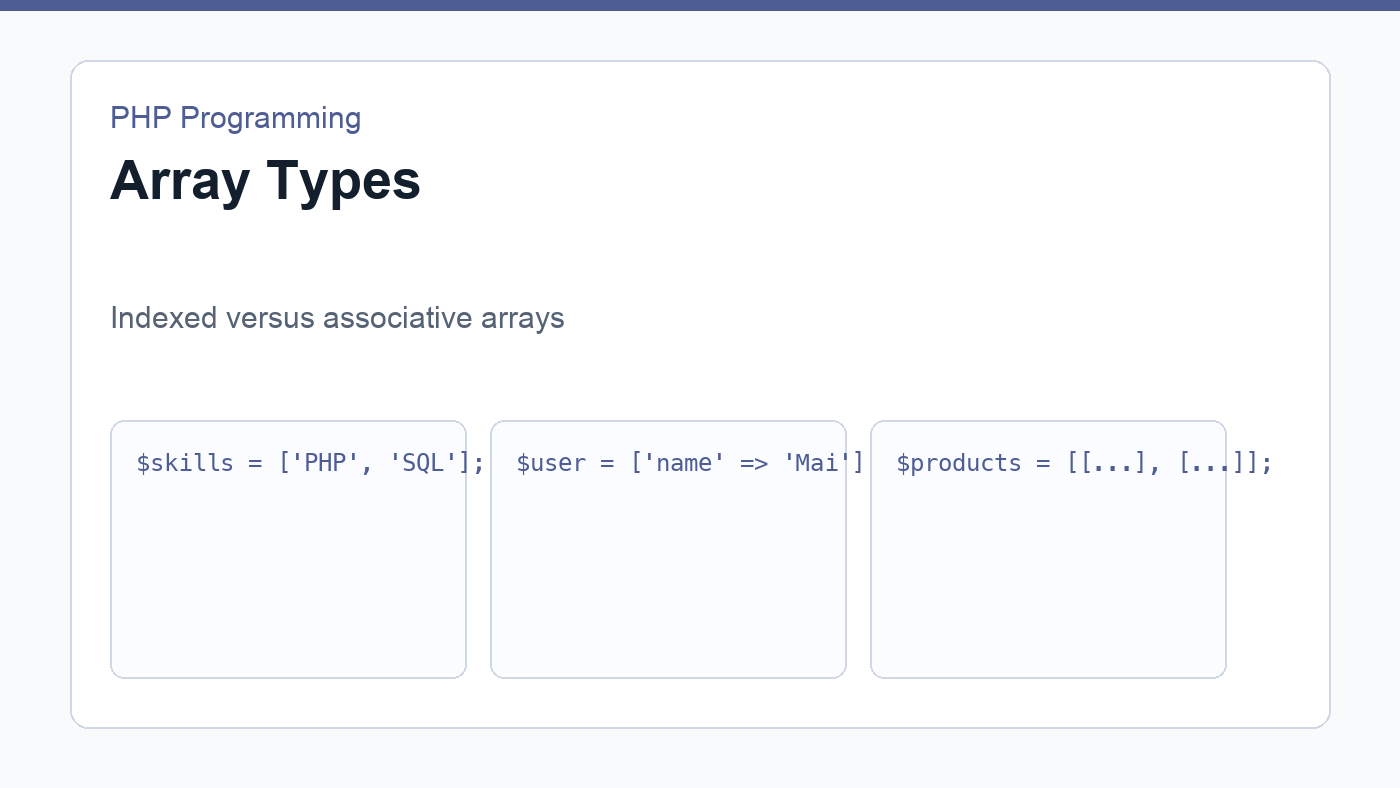
$skills = ['PHP', 'SQL', 'JavaScript'];

echo $skills[0]; // PHP
Indexed arrays are good for simple lists where the position matters less than the collection itself. Examples include tags, selected IDs, navigation labels, and lines in a report.
Associative arrays
An associative array uses named keys. This makes the data more descriptive:
<?php
$user = [
    'name' => 'Mai',
    'email' => 'mai@example.com',
    'role' => 'editor',
];

echo $user['email'];
Associative arrays are common when you need to describe one thing with several fields. A database row, a product, a logged-in user, or a settings group can all be represented this way.
Loop through arrays with foreach
The foreach loop is the most beginner-friendly way to process PHP arrays:
<?php
$tags = ['PHP', 'Backend', 'Tutorial'];

foreach ($tags as $tag) {
    echo "<li>" . htmlspecialchars($tag, ENT_QUOTES, 'UTF-8') . "</li>";
}
When values will be displayed in HTML, escape them. Arrays often contain user input or database values, and output safety should become automatic.
Nested arrays for real data
Real projects often need arrays inside arrays. A product list might look like this:
<?php
$products = [
    ['name' => 'Keyboard', 'price' => 49.99],
    ['name' => 'Mouse', 'price' => 19.99],
    ['name' => 'Monitor', 'price' => 179.00],
];

foreach ($products as $product) {
    echo $product['name'] . ': $' . number_format($product['price'], 2);
}
This shape appears frequently in APIs and database-backed pages. Later, when you fetch rows from MySQL with PDO, you will often receive an array of associative arrays.
Useful array operations
count($items)returns the number of items.array_key_exists('email', $user)checks whether a key exists.in_array('PHP', $skills, true)checks whether a value exists.array_map()transforms values.array_filter()keeps values that pass a condition.array_values()resets numeric indexes.
You do not need to memorize every array function immediately. Learn the basic patterns first: create, read, loop, count, filter, and transform.
Common beginner mistakes
The most common mistake is reading a key that may not exist. Use the null coalescing operator when a fallback makes sense: $email = $user['email'] ?? '';. Another mistake is mixing too many unrelated fields into one array. When data becomes complex, a class or a clearer structure may be better.
PHP arrays are flexible, and that flexibility is both helpful and dangerous. Use clear keys, keep shapes consistent, and inspect values with var_dump() while learning.
Build HTML from PHP arrays
A common beginner task is rendering an array as HTML. Imagine a navigation menu stored as an associative array. PHP loops through the data and prints one link for each item. This is the same basic idea used by templates, dashboards, and content management systems.
<?php
$menu = [
    ['label' => 'Home', 'url' => '/'],
    ['label' => 'Blog', 'url' => '/blog/'],
    ['label' => 'Contact', 'url' => '/contact/'],
];
?>

<nav>
    <?php foreach ($menu as $item): ?>
        <a href="<?= htmlspecialchars($item['url'], ENT_QUOTES, 'UTF-8'); ?>">
            <?= htmlspecialchars($item['label'], ENT_QUOTES, 'UTF-8'); ?>
        </a>
    <?php endforeach; ?>
</nav>
This example is small, but it teaches an important pattern: data and presentation can be separated. The array contains the menu data. The HTML section decides how to display it.
Practice with form errors
Arrays are also useful for collecting validation errors. Start with an empty array, add messages when a rule fails, then loop through the array to display them. This pattern appears in the PHP form handling guide and in many real applications.
<?php
$errors = [];

if ($email === '') {
    $errors[] = 'Email is required.';
}

if ($errors) {
    foreach ($errors as $error) {
        echo htmlspecialchars($error, ENT_QUOTES, 'UTF-8');
    }
}
Once you can use PHP arrays for menus, product lists, and error messages, you have a foundation for database results and API responses in real projects.
Practice exercise
Create an array of three blog posts. Each post should have a title, slug, author, and published status. Loop through the posts and display only the published ones as links. Then add a tag list to each post as a nested array. This small exercise prepares you for the kind of data structures you will see in WordPress themes, APIs, and database-backed PHP pages.
Discussion
Join the conversation