Common PHP Errors Beginners Make and How to Fix Them

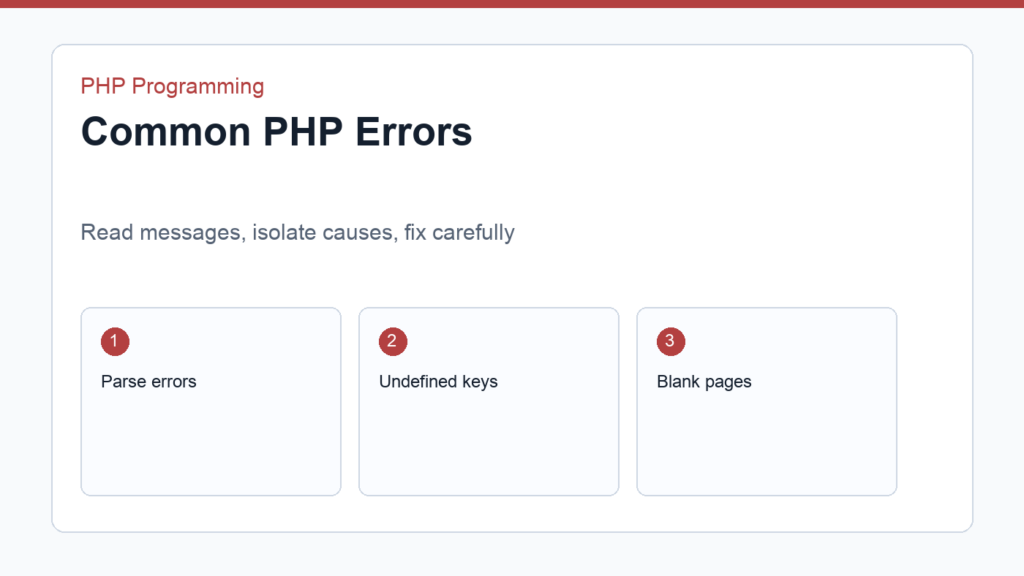
Common PHP errors are part of learning the language. A missing semicolon, undefined array key, wrong type, or blank page can feel frustrating, but each error is also information. The faster you learn to read error messages, the faster you improve.
This guide explains beginner PHP errors and how to fix them. If you are still learning the core language, review PHP Syntax Basics and your first PHP script. The official PHP error configuration documentation explains how error display and logging work.
Common PHP errors: parse errors
A parse error means PHP could not understand the structure of your code. Common causes include missing semicolons, unmatched quotes, missing parentheses, or an extra bracket.
<?php
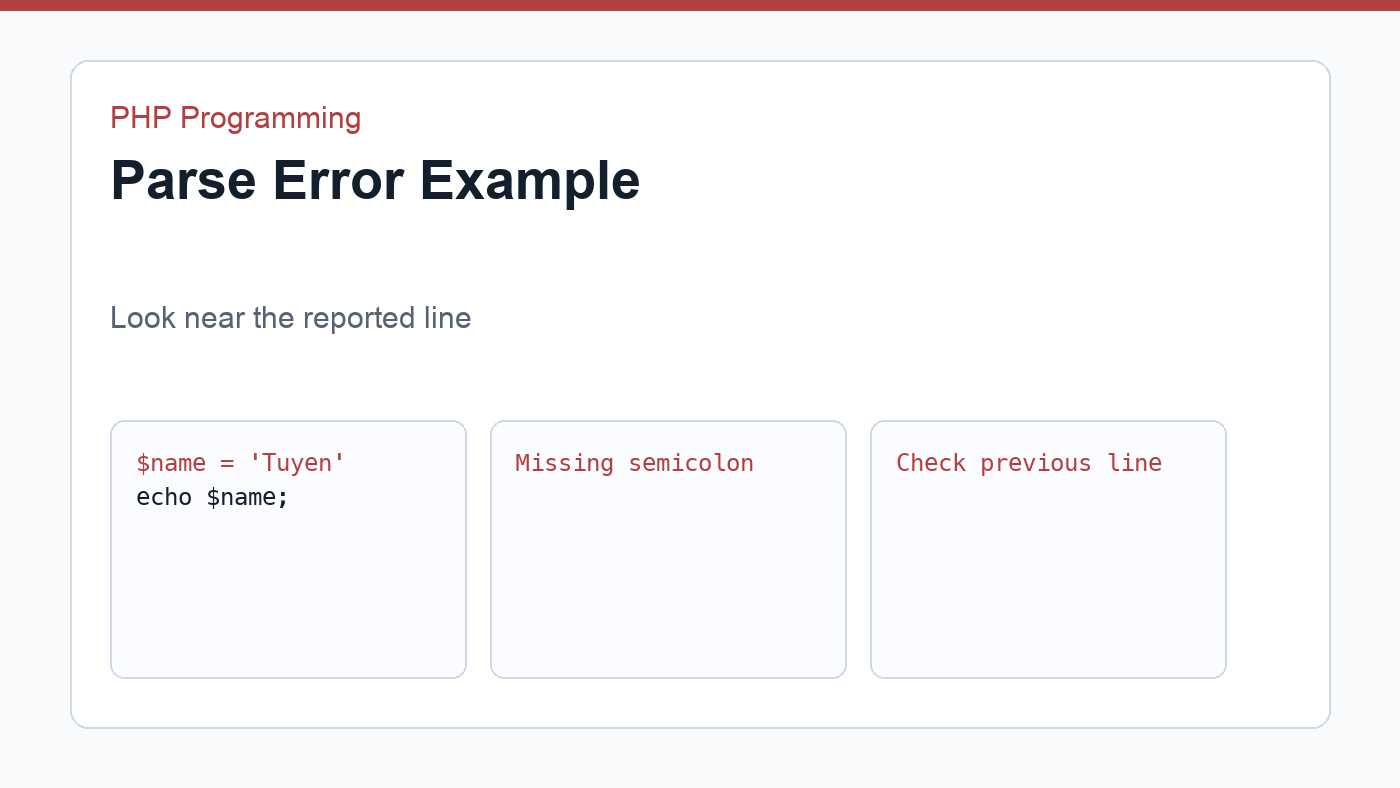
$name = 'Tuyen'
echo $name;
This example is missing a semicolon after the first line. PHP may report the error on the next line because that is where it finally became impossible to continue. Always inspect the line mentioned and the few lines before it.
Undefined variable or undefined array key
An undefined variable warning means you are reading a variable before assigning it. An undefined array key warning means the array does not contain the key you requested.
<?php
$email = $_POST['email'] ?? '';
The null coalescing operator gives a fallback value when the key is missing. This is especially useful in PHP form handling, where fields may not exist before the form is submitted.
Type errors
A type error happens when a value is not the kind of value PHP expected. For example, a function may require a number but receive an array or null.
<?php
function formatPrice(float $amount): string
{
    return '$' . number_format($amount, 2);
}

echo formatPrice(19.9);
Type hints are helpful because they make mistakes visible earlier. When you see a type error, check the value being passed into the function and trace where it came from.
Headers already sent
The “headers already sent” error appears when PHP tries to send HTTP headers after output has already started. Redirects, cookies, and session headers must happen before HTML or accidental whitespace is sent.
<?php
header('Location: /thank-you.php');
exit;
Place redirects before page output. In pure PHP files, many developers omit the closing PHP tag to reduce accidental whitespace at the end of the file.
Blank page or HTTP 500
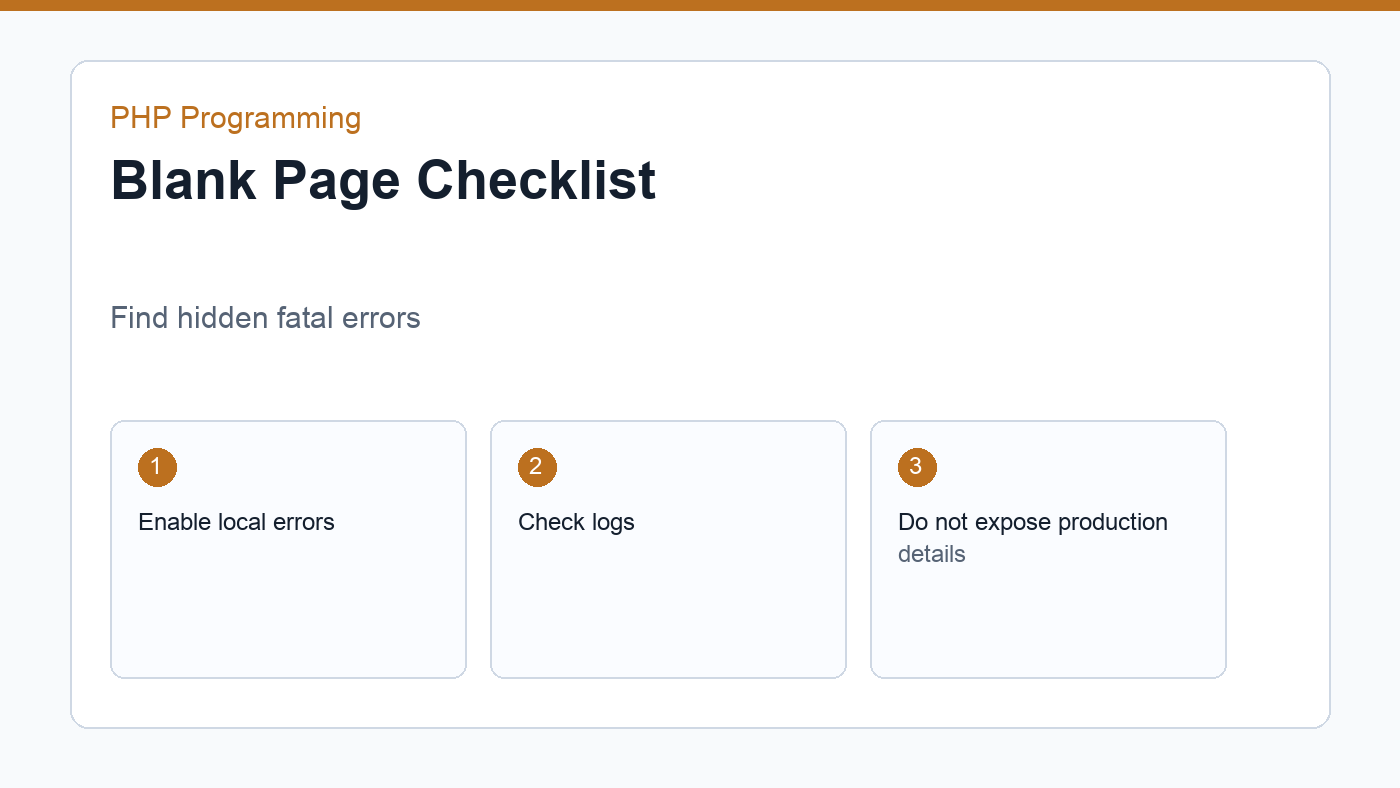
A blank page often means a fatal error happened but error display is disabled. In local development, enable useful error reporting. In production, log errors instead of showing details to visitors.
<?php
error_reporting(E_ALL);
ini_set('display_errors', '1');
Use this only in local development. Public sites should avoid displaying internal paths, SQL messages, stack traces, or configuration details.
A simple debugging workflow
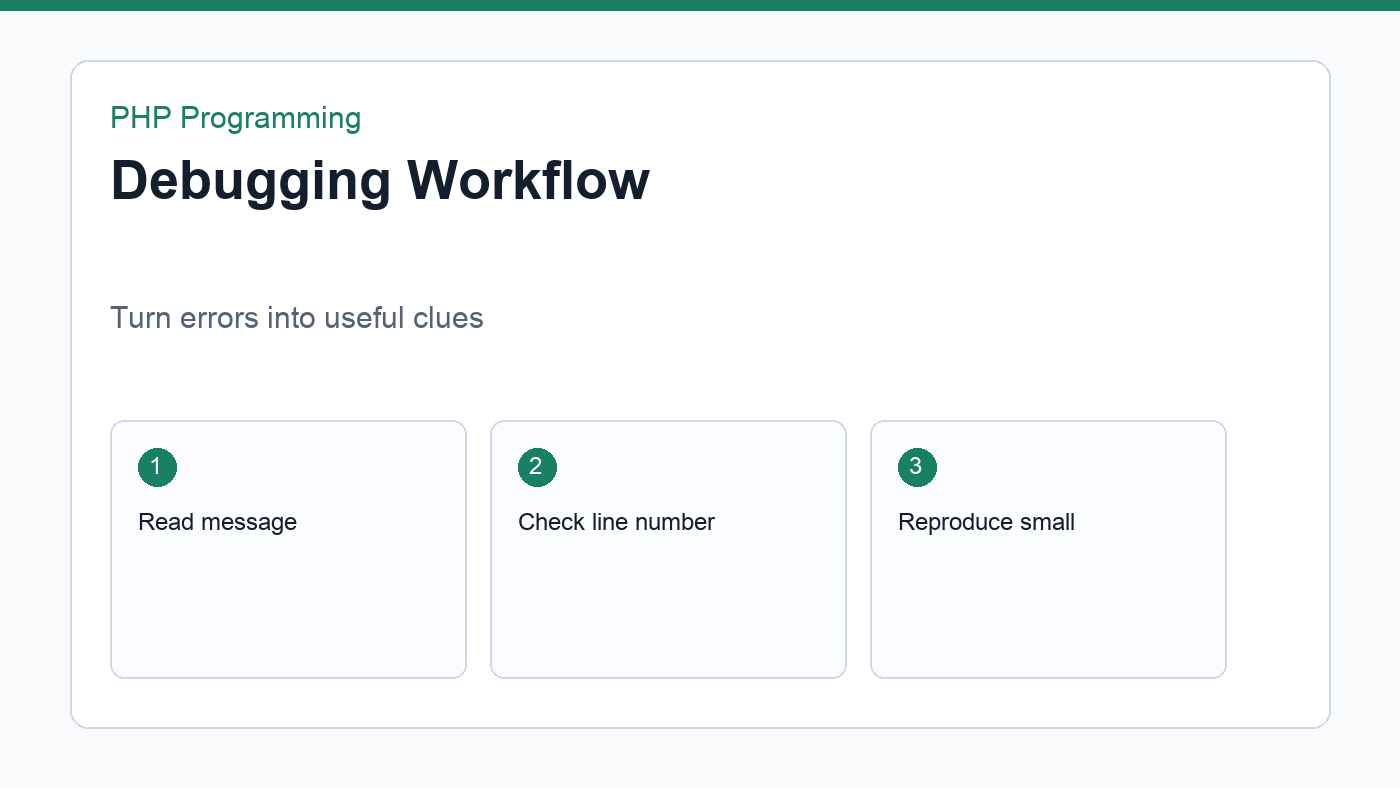
- Read the exact error message before changing code.
- Check the file and line number, plus nearby lines.
- Reproduce the error with the smallest possible example.
- Inspect values with
var_dump()while learning. - Undo the last change if the error appeared after a recent edit.
- Search the exact error only after you understand the local context.
Common PHP errors become less intimidating when you treat them as clues. Read carefully, isolate the problem, fix one thing at a time, and keep your examples small while learning.
Use logs when the browser is not enough
The browser only shows part of the story. If a script fails before output, the useful details may be in the PHP error log, the web server log, or the framework log. Local development tools often show these logs in a dashboard or terminal window. On hosting, the control panel may provide an error log viewer.
When you find a log entry, note the timestamp, file path, line number, and error type. Match it with the action you just performed. This helps you avoid chasing an old error from a previous request.
Do not silence errors too early
PHP has an error control operator, @, that can suppress warnings from an expression. Beginners should avoid it. Suppressing a warning does not fix the underlying problem; it only hides the signal that would help you understand the code.
Instead of hiding errors, handle the expected case. If an array key may be missing, use a fallback. If a file may not exist, check before reading it. If a function can fail, inspect its return value and show a controlled message.
Keep a debugging notebook
Write down the errors you fix, the cause, and the final solution. After a few weeks, you will notice patterns. The same common PHP errors appear again and again, and your notes become a personal troubleshooting guide.
Final thoughts
Debugging is not separate from programming. It is how you learn what the runtime is actually doing. When common PHP errors appear, slow down, read the message, isolate the smallest failing example, and fix one cause at a time. That calm process will help more than random edits.
Discussion
Join the conversation