PHP Security Basics: Validation, Escaping, and Safe Output

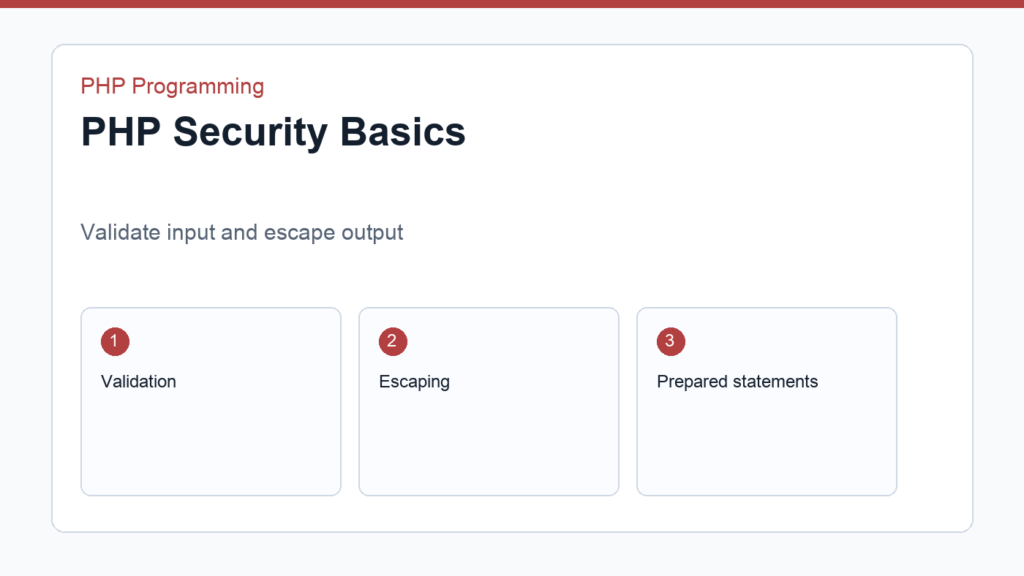
PHP security basics are not optional, even for beginner projects. The habits you build early determine whether your forms, pages, and database queries stay safe as your code grows. Security starts with validation, escaping, and careful handling of input and output.
This guide focuses on the practical first layer of PHP security. If you are also working through PHP form handling and Connecting PHP to MySQL with PDO, these ideas will fit naturally. The official PHP security manual is worth keeping nearby.
Validate input on the server
Never trust input just because it came from a form, cookie, or API request. Validation checks whether a value has the shape or format your application expects. A required name field, a valid email address, and a numeric quantity are all simple examples.
<?php
$email = trim($_POST['email'] ?? '');

if ($email === '' || !filter_var($email, FILTER_VALIDATE_EMAIL)) {
    $error = 'Please enter a valid email address.';
}
Escape output before rendering
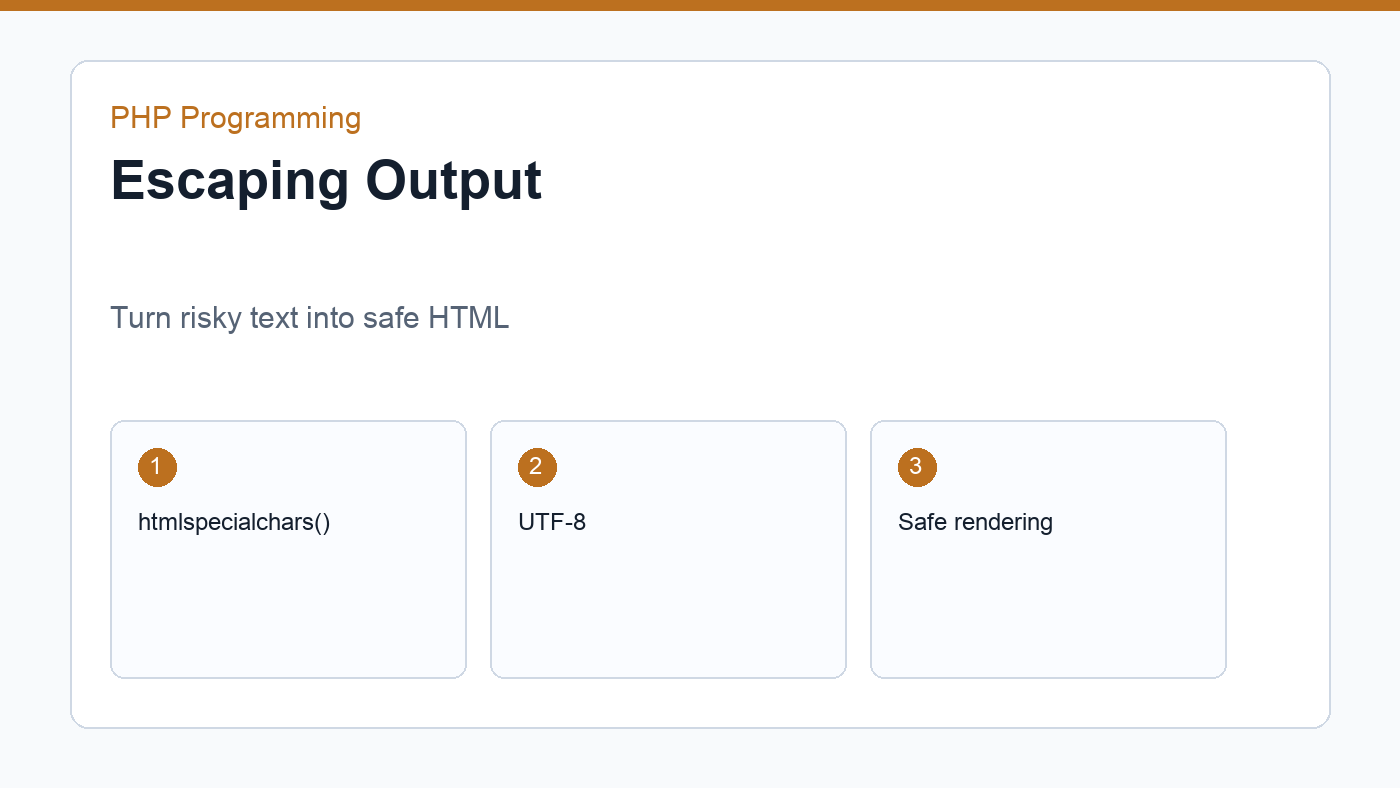
Escaping output means converting special characters into safe HTML entities before displaying data on the page. This matters any time you print user input, database content, or API values into HTML.
<?= htmlspecialchars($name, ENT_QUOTES, 'UTF-8'); ?>This is one of the most important PHP security basics you can learn. It is simple, repeatable, and useful on almost every public-facing page.
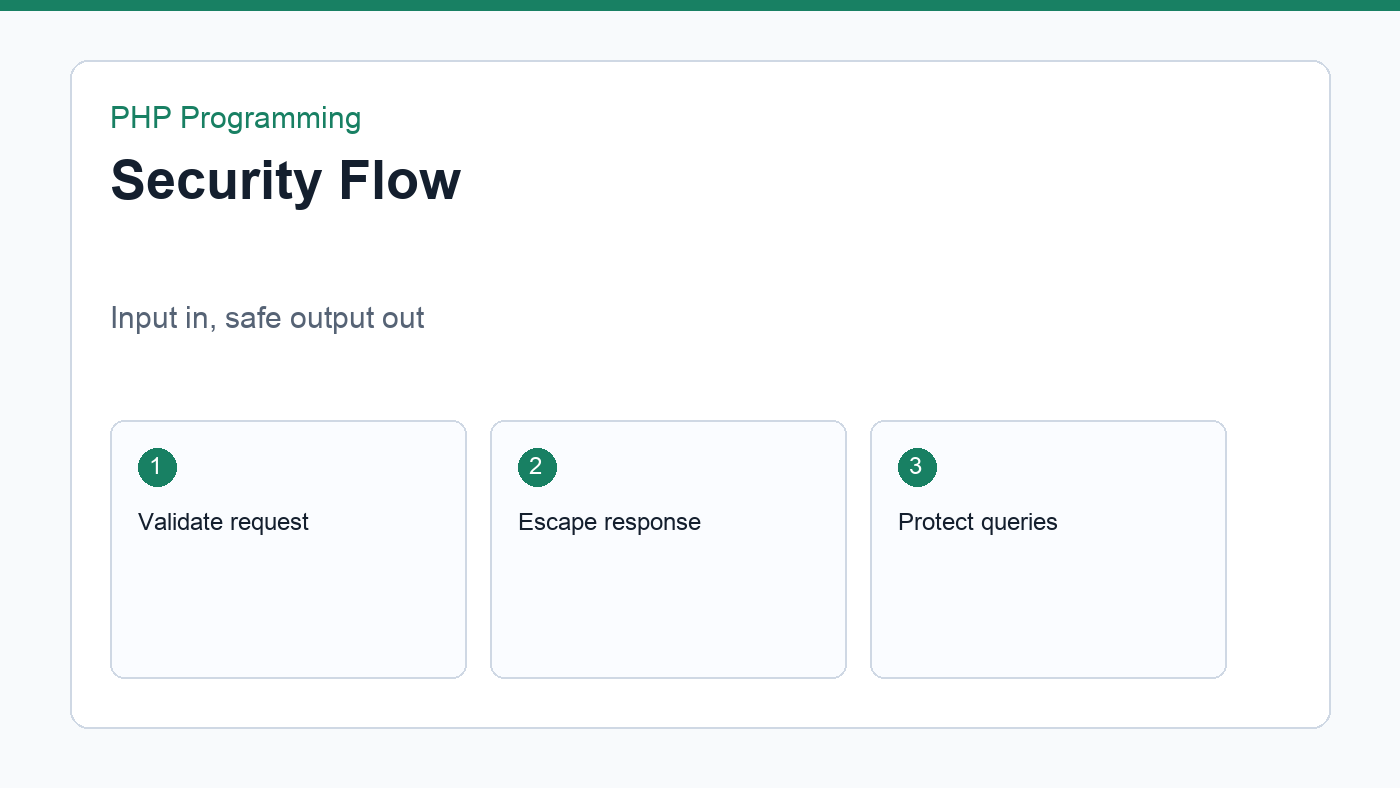
PHP security basics in practice
When you put these habits together, PHP security basics become a workflow: validate input, escape output, use prepared statements, and treat sessions carefully. That workflow is simple enough to remember while coding and strong enough to prevent many common beginner mistakes.
Use prepared statements for database queries
Prepared statements keep SQL structure separate from the values you insert into the query. That protects your application from SQL injection and makes the query easier to maintain.
Whenever you build dynamic database queries in PHP, use placeholders and bind values through PDO or the database layer that supports prepared statements.
Treat sessions carefully
Sessions store state on the server and usually identify the visitor with a session cookie. That is useful for logins and carts, but sessions must be protected with secure cookie settings, regeneration after login, and careful access control. The session is not the same thing as trust.
Handle file uploads cautiously
File uploads deserve extra care because they introduce file type checks, size limits, storage decisions, and path handling. Accept only the types and sizes your project truly needs, and never trust the original file name blindly.
Good habits for beginners
- Validate on the server even if JavaScript validation exists.
- Escape all output that can contain user or database content.
- Use prepared statements for SQL.
- Regenerate session IDs after login.
- Store sensitive data only when necessary.
- Keep error details out of public pages.
Protect against CSRF in state-changing forms
Cross-site request forgery happens when a malicious site tries to trigger an action on behalf of a logged-in user. A common defense is to add a per-session token to forms and verify it on the server before performing the action.
Even if you are not implementing CSRF protection on day one, know where it fits. It belongs in forms that create, update, or delete data, especially when the action depends on an authenticated session.
Limit file uploads
If your project accepts uploads, set a maximum file size, check MIME type or file signature where appropriate, and store uploads outside of executable paths. File upload bugs are easy to overlook because the feature seems simple from the user side but contains several risk points on the server side.
Security review checklist
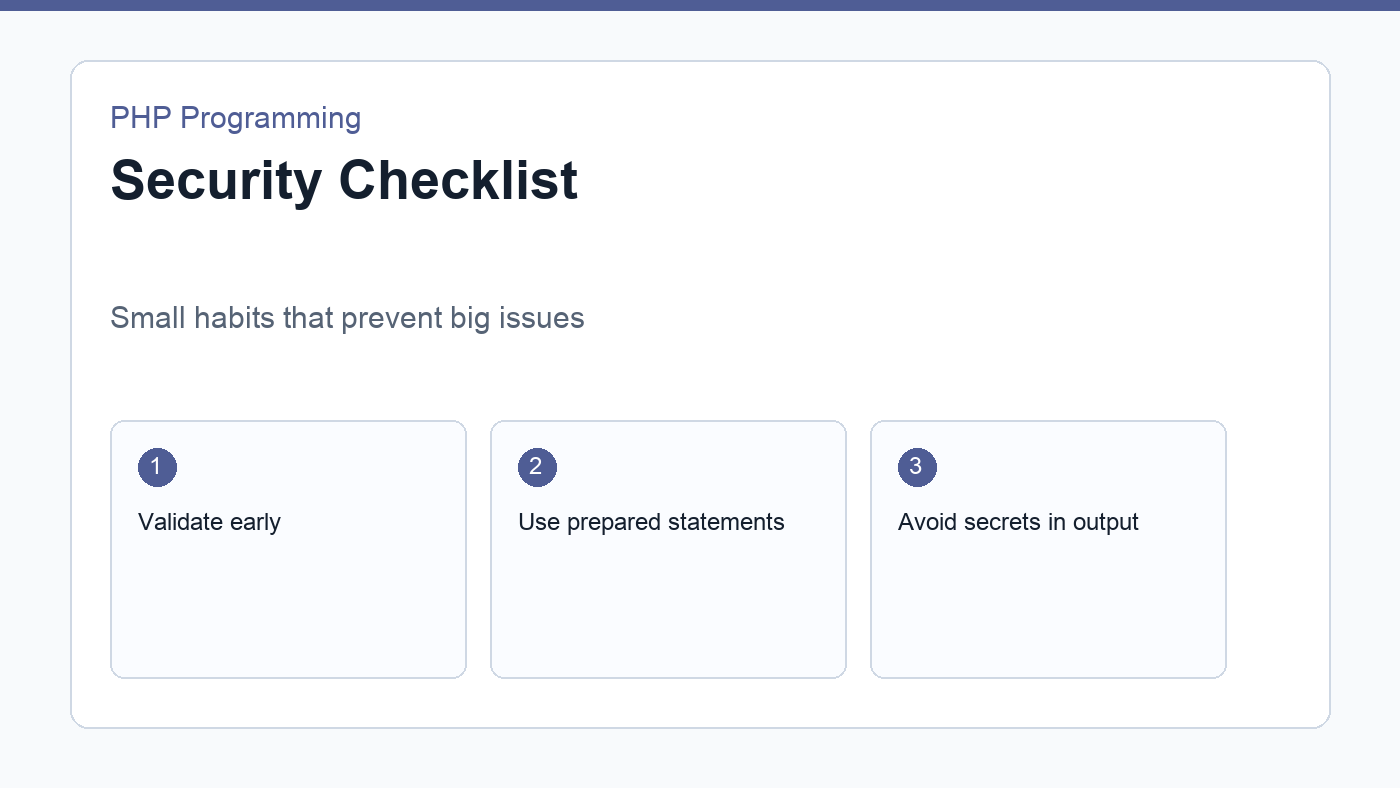
- Are all request values validated before use?
- Are all dynamic outputs escaped?
- Are SQL queries using prepared statements?
- Are session and cookie settings appropriate?
- Are error messages safe for public pages?
Security is not a one-time feature. It is a way of building habits so your application remains trustworthy as it grows.
When in doubt, choose the safer default. Validate again on the server, escape output again before rendering, and store less sensitive data whenever possible. Those choices are small, but they compound into a much more resilient application.
If you are unsure whether a value is safe to use directly, assume it is not and pass it through the right check first. That mindset is the difference between a tutorial script and a page you would actually feel comfortable leaving online.
Discussion
Join the conversation