PHP Composer Explained: Install, Autoload, and Manage Packages

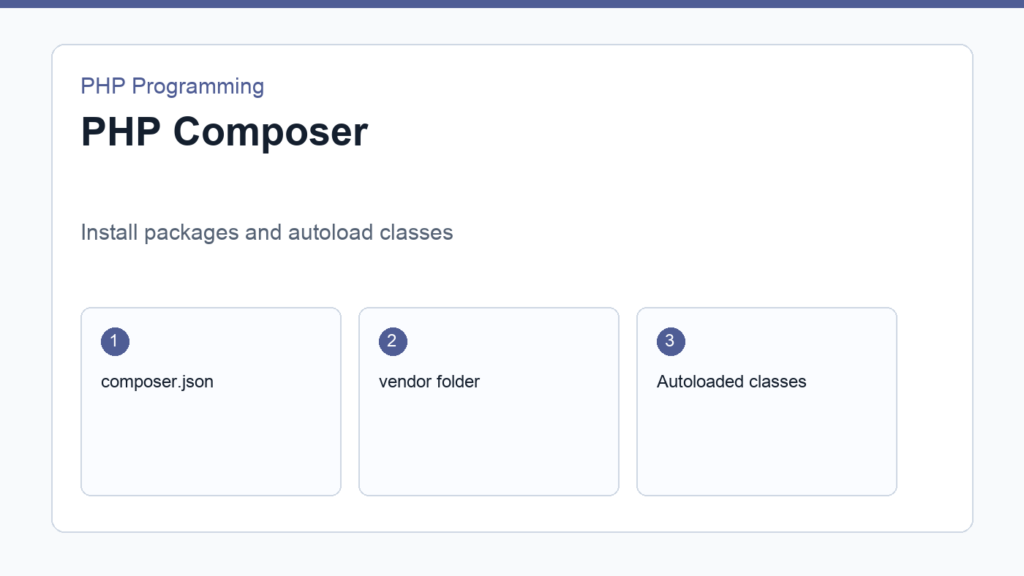
PHP Composer is the standard tool for installing packages and loading classes in modern PHP projects. If you want to work in a way that feels current and maintainable, Composer is one of the first tools worth learning after the language basics.
This guide explains what Composer does, how to install it, how composer.json works, and why autoloading matters. If you have not yet reached OOP, review Object-Oriented PHP for Beginners first. The official Composer introduction is the main reference.
PHP Composer in one sentence
Composer downloads PHP packages and helps your project load code from those packages automatically. Instead of manually copying libraries into random folders, you declare what you need and let Composer manage the dependencies.
Install Composer
The install process varies by operating system, but the key result is the same: after installation, you should be able to run composer -V in your terminal. That command confirms Composer is available globally.
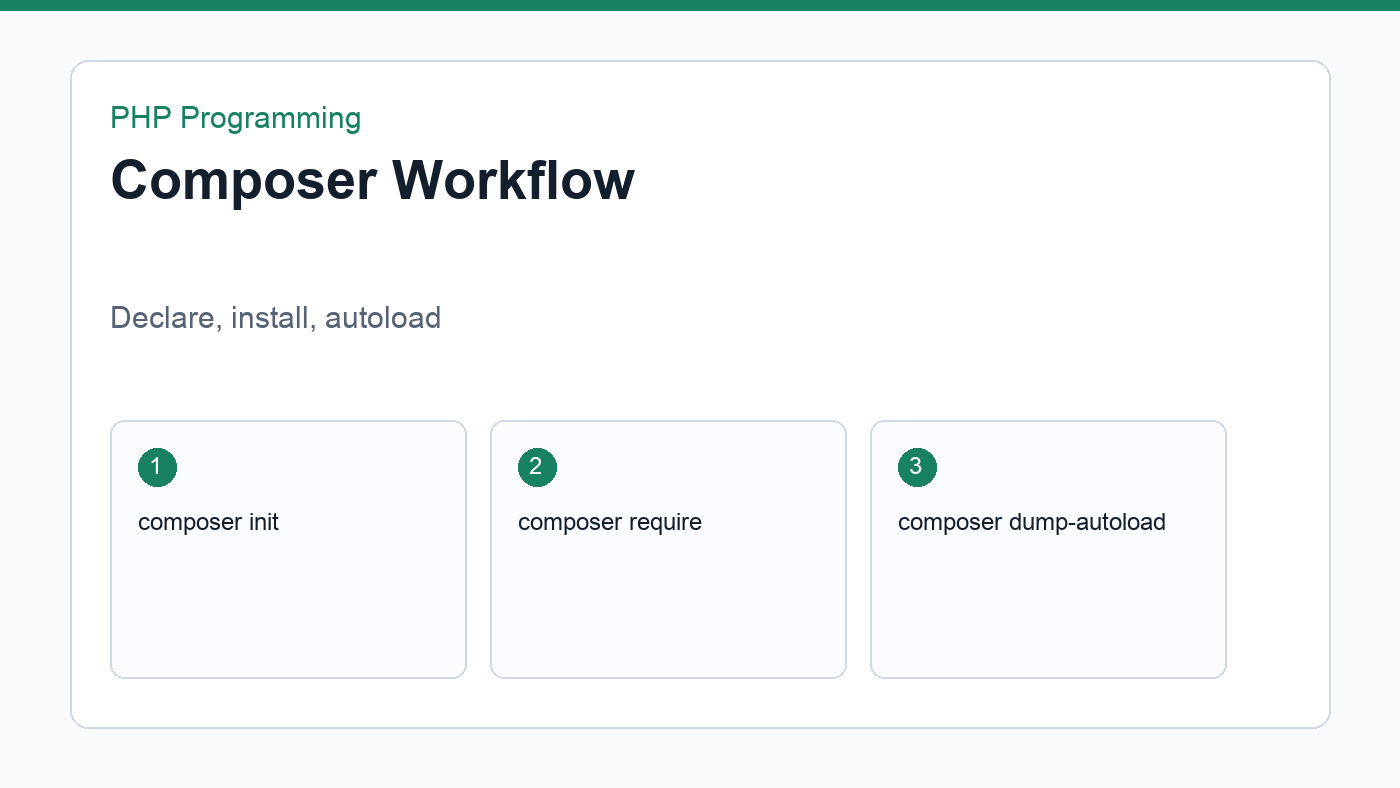
Once Composer is installed, you can initialize a project, add packages, and generate the autoload files that make modern PHP projects cleaner to work with.
composer.json is your project contract
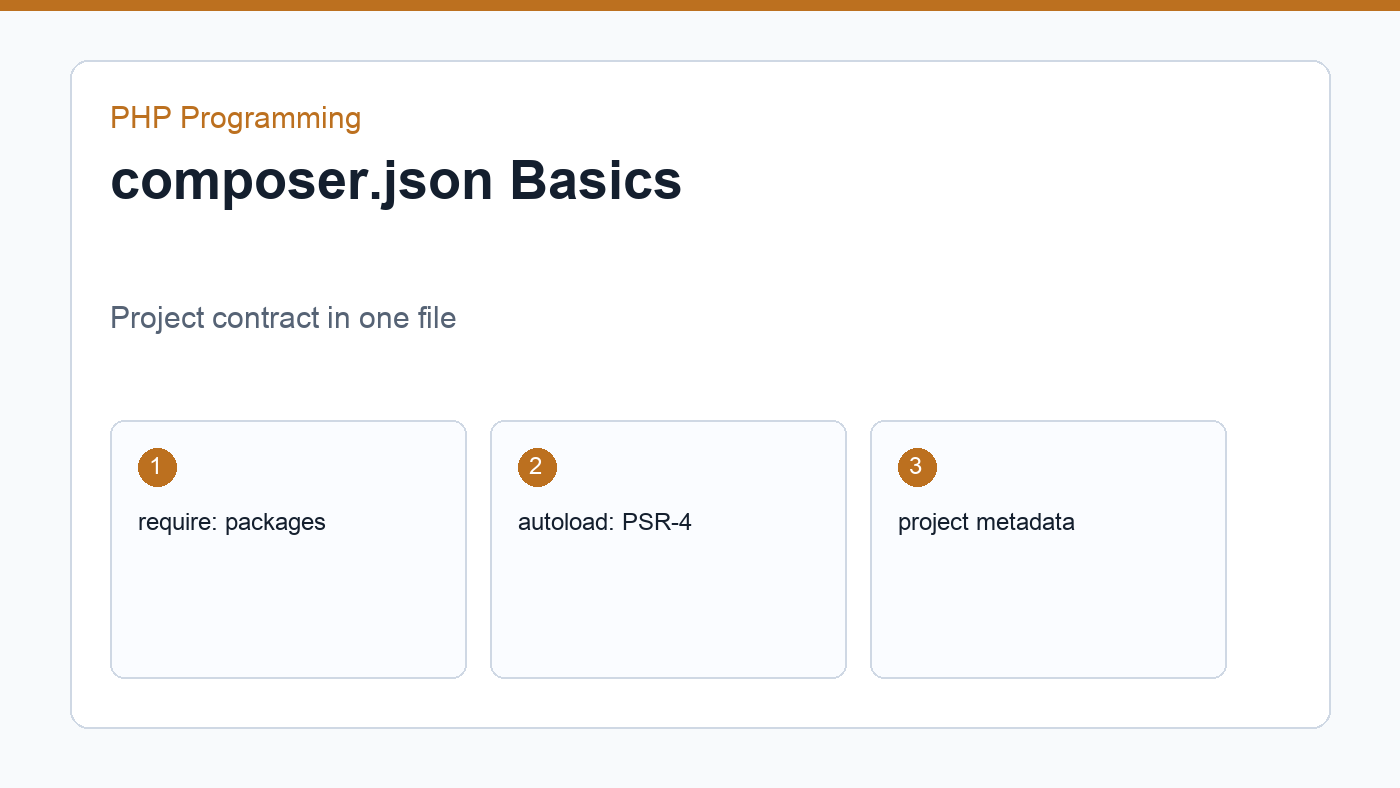
The composer.json file describes your project dependencies, autoload rules, and metadata. Think of it as a compact contract between your project and the packages it uses.
{
  "require": {
    "monolog/monolog": "^3.0"
  },
  "autoload": {
    "psr-4": {
      "App\\": "src/"
    }
  }
}
In this example, Composer knows which package to install and how to map your App\ namespace to the src/ directory.
Autoloading removes manual includes
Before Composer, many PHP projects used a chain of require statements to pull files into the page. That works for tiny scripts, but it becomes tedious and fragile as the project grows. Composer’s autoloading lets you load classes on demand instead.
A small package example
Suppose you want better logging. Composer lets you install a logging package, then load it through the generated autoloader. Your code stays focused on what it does, not on where every file lives.
The main benefit is consistency. Every project on your machine can use the same command-driven workflow instead of ad hoc folder copying.
Useful commands to remember
composer initstarts a new project.composer installinstalls dependencies fromcomposer.json.composer updateupdates packages within allowed version ranges.composer dump-autoloadrebuilds autoload files.composer require vendor/packageadds a new dependency.
Learn the command names, then practice by creating one tiny project that uses a package and one tiny project that only uses autoloading. That hands-on repetition makes Composer feel much less mysterious.
Installing packages with Composer
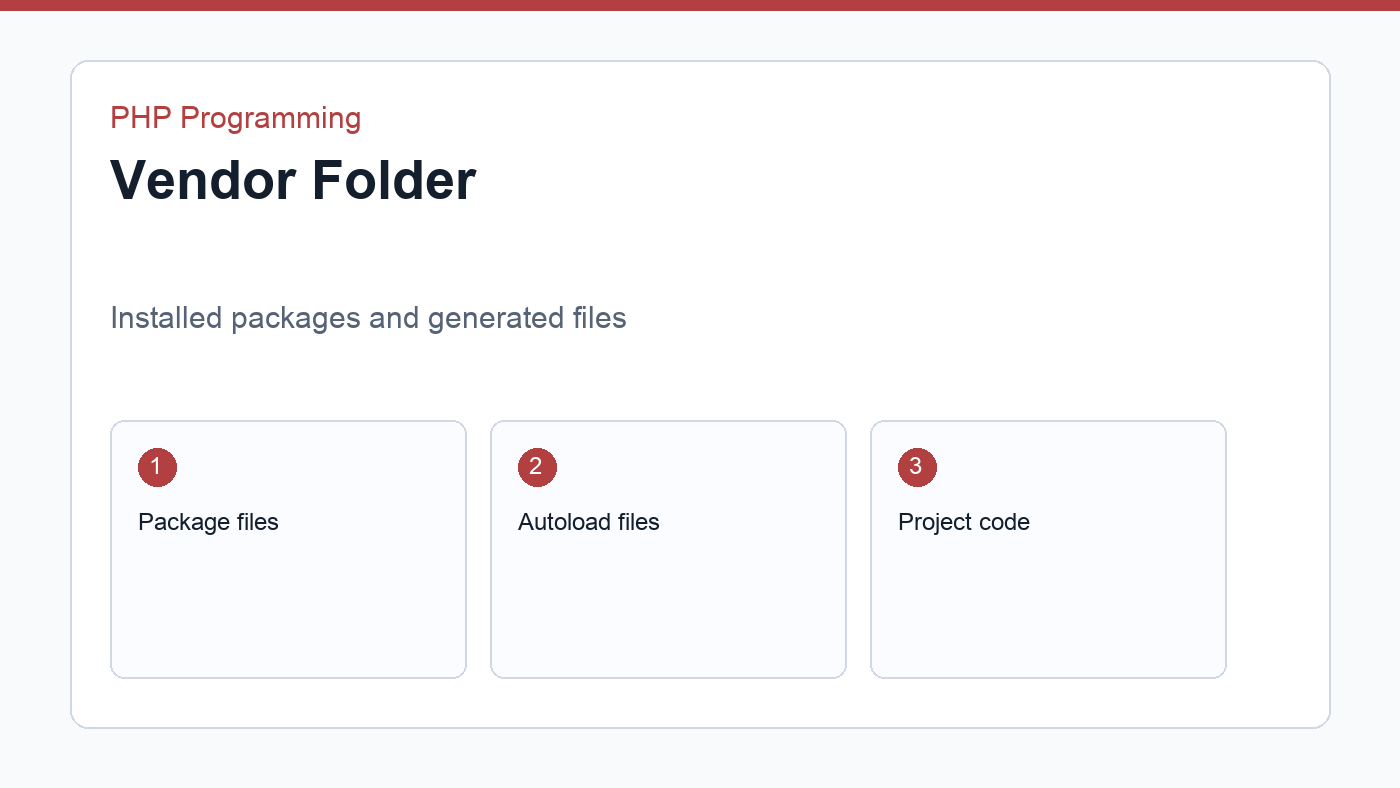
When you run composer require vendor/package, Composer updates composer.json, downloads the package, and updates the lock file. The lock file records the exact versions installed so your project is reproducible on another machine or in deployment.
composer require monolog/monologThis kind of workflow is common in PHP projects because it keeps dependencies explicit. You can see what the project needs at a glance and update those dependencies in a controlled way.
PSR-4 autoloading in practice
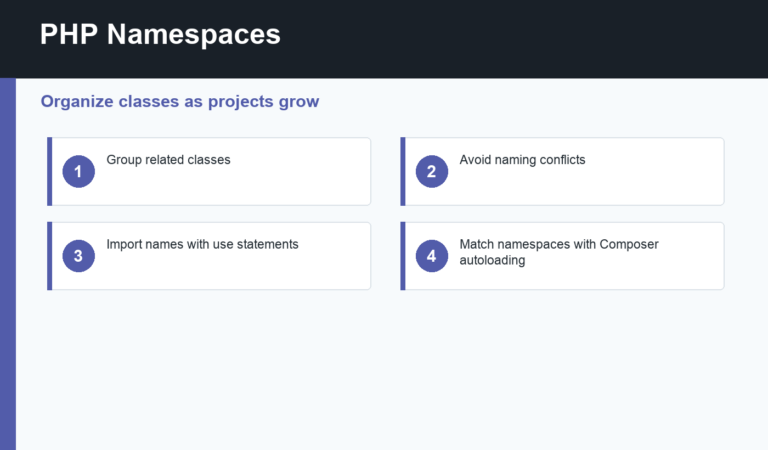
PSR-4 maps namespaces to directories. If your class is named App\Service\Mailer and your rule points App\\ to src/, Composer expects the file to live at src/Service/Mailer.php. That predictable mapping is what makes autoloading work well in larger projects.
When beginners understand this mapping, a lot of framework code suddenly makes more sense because file names, namespaces, and folder structure stop feeling random.
Common mistakes
- Forgetting to run
composer installafter cloning a project. - Editing
vendor/files directly instead of project code. - Ignoring the lock file and expecting identical results without it.
- Mixing namespaces and folder names inconsistently.
Composer is less about one command and more about a repeatable habit. Once that habit is in place, dependency management and class loading become boring in the best possible way.
In a team workflow, Composer also helps keep everyone on the same dependency versions. One developer can install the project, another can deploy it, and the lock file keeps the package set aligned across machines.
That predictability is one of Composer’s quiet strengths. The tool makes a PHP project easier to clone, review, and reproduce, which is exactly what you want once more than one person touches the code.
Discussion
Join the conversation