PHP Namespaces Explained for Beginners

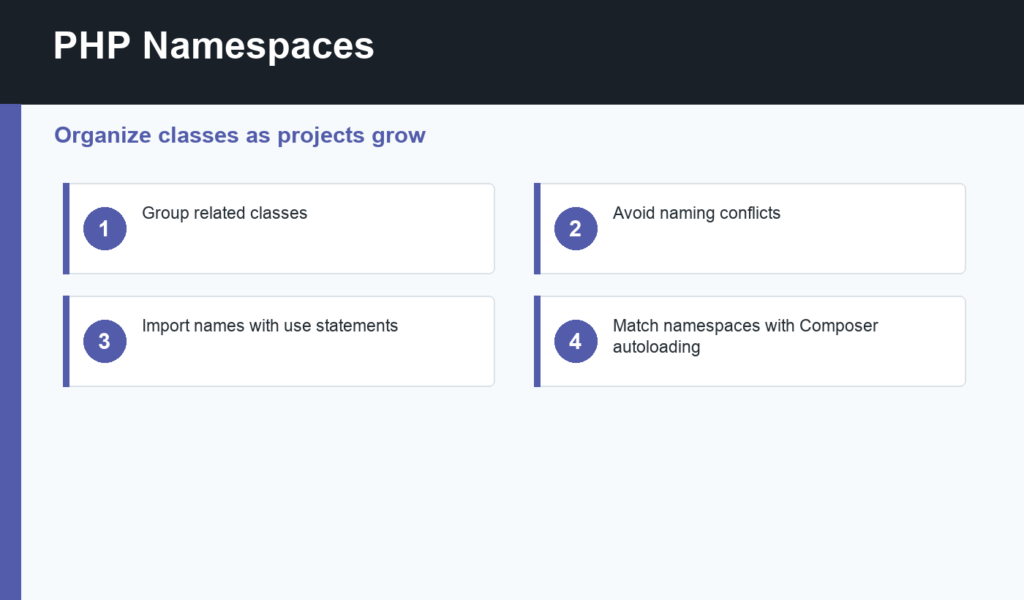
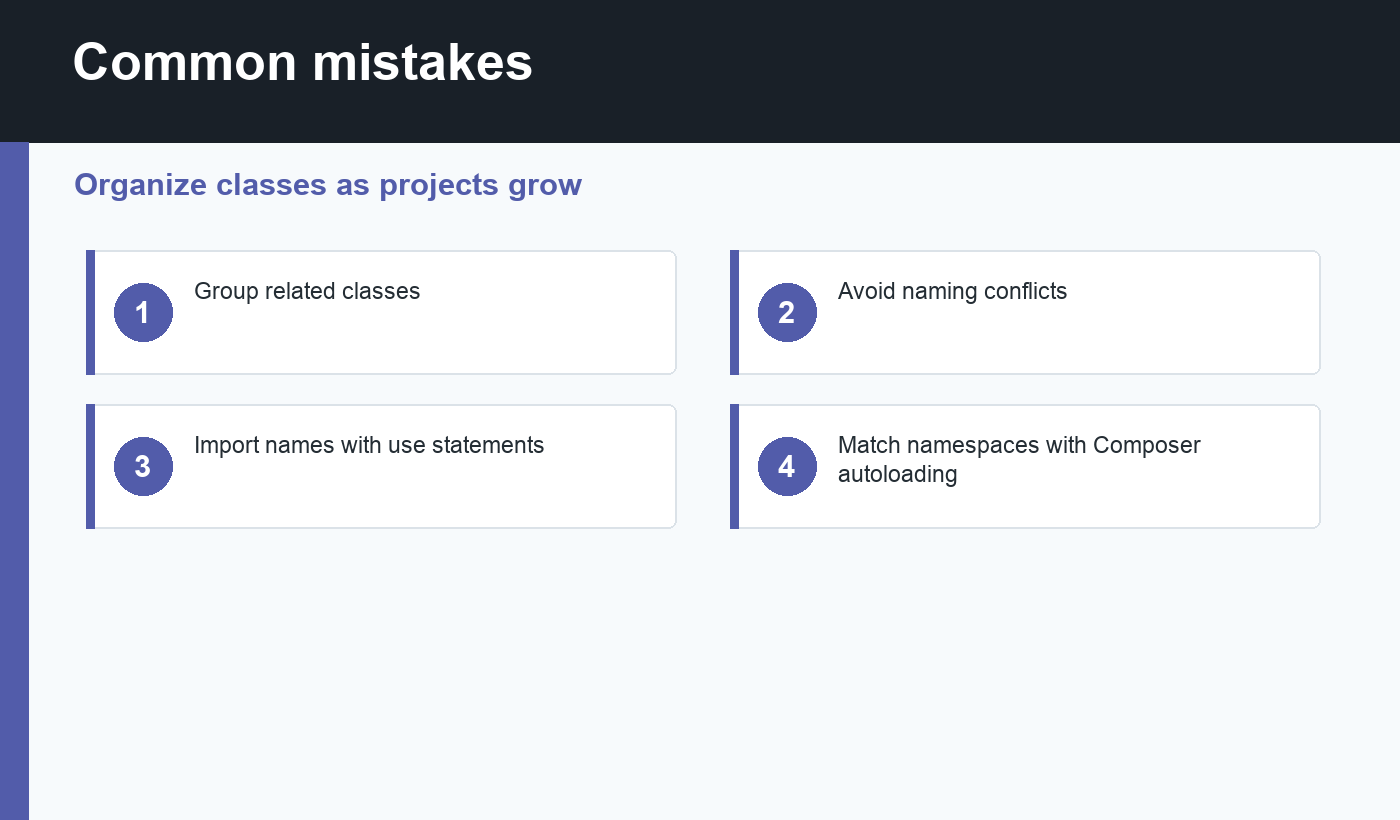
PHP namespaces help organize classes, functions, and constants as a project grows. Without namespaces, every class name lives in the global namespace, which can cause naming conflicts once you add libraries, Composer packages, or your own larger application structure.
If you already understand object-oriented PHP and PHP Composer, namespaces are the next piece that makes modern PHP projects feel organized.
PHP namespaces in plain English
A namespace is like a label for a group of code. Two classes can have the same short name if they live in different namespaces. For example, App\\Mail\\Message and App\\Support\\Message can both exist because their full names are different.
The official PHP manual on namespaces explains the syntax and resolution rules. For beginners, the most important habit is to put the namespace declaration at the top of the file before the class definition.
Why namespaces matter
Namespaces prevent collisions between your code and third-party code. They also make the project easier to navigate. A class named User is vague. A class named App\\Models\\User tells you it belongs to the model layer. A class named App\\Controllers\\UserController tells you it handles request flow.
This matters once a project has more than a few files. Namespaces make it easier for Composer autoloading to map class names to files, which means you can use classes without manually requiring every file yourself.
Use statements make names readable
Fully qualified class names can get long. A use statement lets you import a class at the top of a file and refer to it by its short name. This keeps the body of your code readable while still preserving the full namespace behind the scenes.
Use statements also make dependencies visible. When you open a file, the imports near the top show which other classes it relies on. That is useful when debugging, refactoring, or learning an unfamiliar codebase.
Namespaces and Composer autoloading
Modern PHP projects commonly use PSR-4 autoloading through Composer. A namespace prefix such as App\\ can map to a directory such as src/. Then App\\Services\\Mailer maps naturally to a file like src/Services/Mailer.php.
This is why naming files, classes, and folders consistently matters. Composer can only autoload reliably when the project follows the mapping you configured. If autoloading fails, check spelling, capitalization, namespace declarations, and the Composer autoload configuration.
PHP namespaces checklist
- Put the namespace declaration near the top of the file.
- Use namespaces that match your folder structure.
- Import classes with
usestatements. - Avoid putting unrelated classes in the same namespace.
- Use Composer autoloading for larger projects.
- Keep class names specific and readable.
- Watch capitalization on case-sensitive file systems.
A small project structure example
A beginner app might place application classes inside src/. Controllers can live in src/Controllers, models in src/Models, and shared services in src/Services. That can map to namespaces such as App\\Controllers, App\\Models, and App\\Services. The folder names and namespace names tell the same story.
This organization also keeps files shorter. A controller can use a model and a service without manually requiring several files. Composer loads the class when it is referenced. When something breaks, you can follow the namespace and folder path to find the class quickly.
When not to overuse namespaces
For a single-file learning script, namespaces may be unnecessary. Add them when organization starts to matter: multiple classes, third-party packages, shared helpers, or a project you plan to maintain. The point is clarity, not ceremony.
Debugging namespace problems
Namespace errors usually come from small mismatches. Check whether the namespace declaration matches the folder convention, whether the class name matches the file name, and whether Composer autoload files were regenerated after editing composer.json. Also check capitalization, because code that works on one system can fail on another when filenames differ by case.
If PHP says a class was not found, read the full class name in the error message. It often tells you exactly which namespace PHP tried to load.
Final recommendation
PHP namespaces are a small syntax feature with a big organizational payoff. Use them as soon as a project has multiple classes or Composer dependencies. They reduce naming conflicts, make code easier to scan, and prepare your beginner project for modern PHP structure.
Discussion
Join the conversation