PDF SEO: Publish Useful Documents and Control the Actual File Response

PDF SEO concerns a document file that search engines and visitors can access separately from an ordinary web page. Google lists PDF among indexable file types, but support for the format does not guarantee that a particular document will be indexed or shown. A useful PDF needs readable content and a sensible role within the site. Its direct URL, response headers, and access controls matter independently of a WordPress attachment page. Plan both the document experience and the public route used to retrieve it.
PDF SEO: a practical workflow
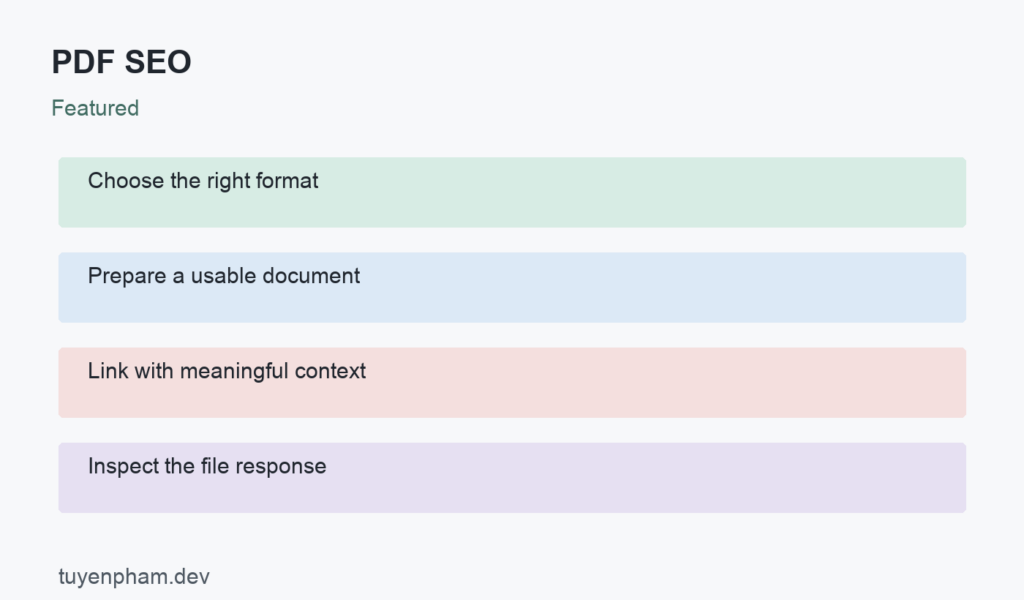
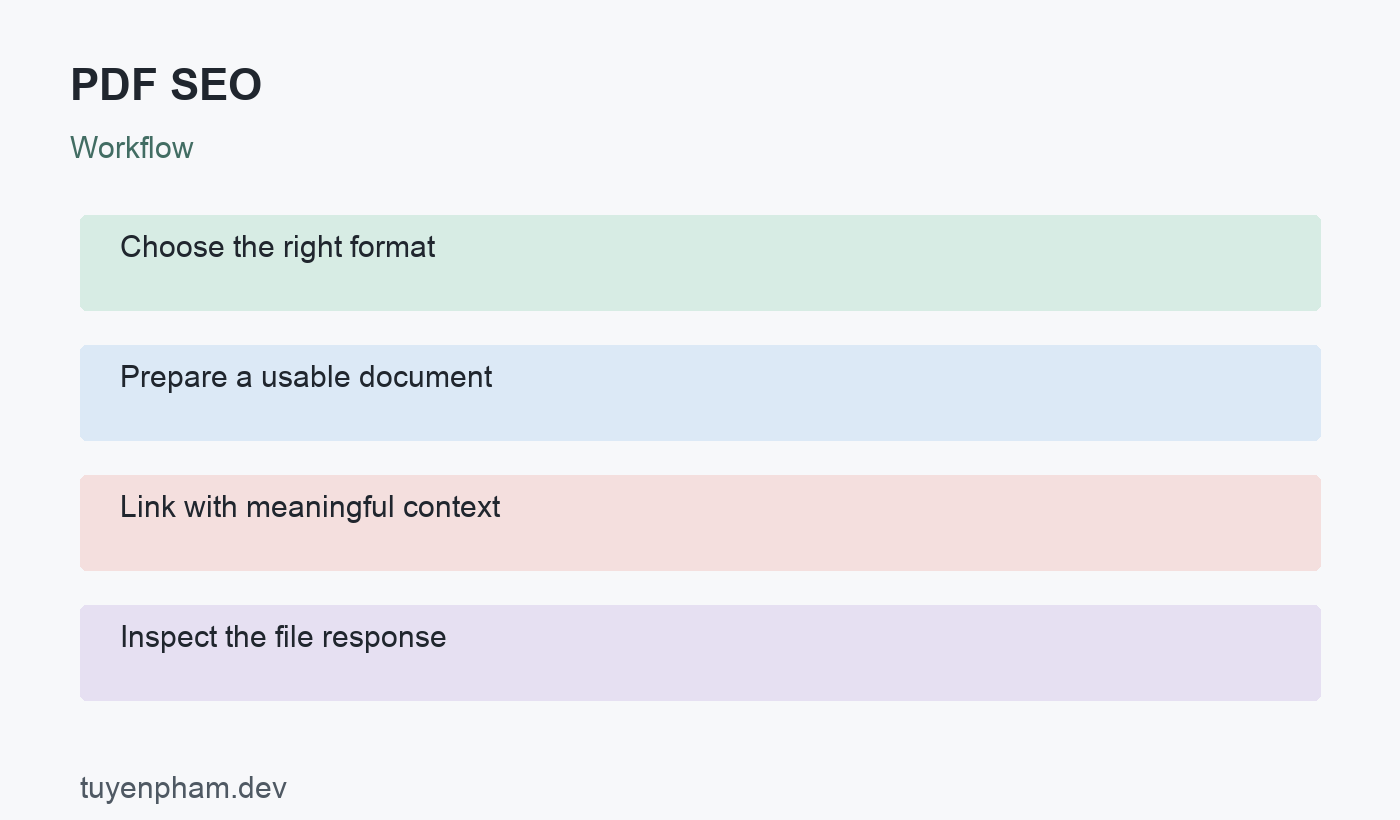
Use the following sequence to organize the review: Choose the right format → Prepare a usable document → Link with meaningful context → Inspect the file response. The sections below explain the decisions and evidence needed at each stage. The worked example is hypothetical and illustrates the process rather than claiming a measured result from this website.
Choose PDF for a real document need
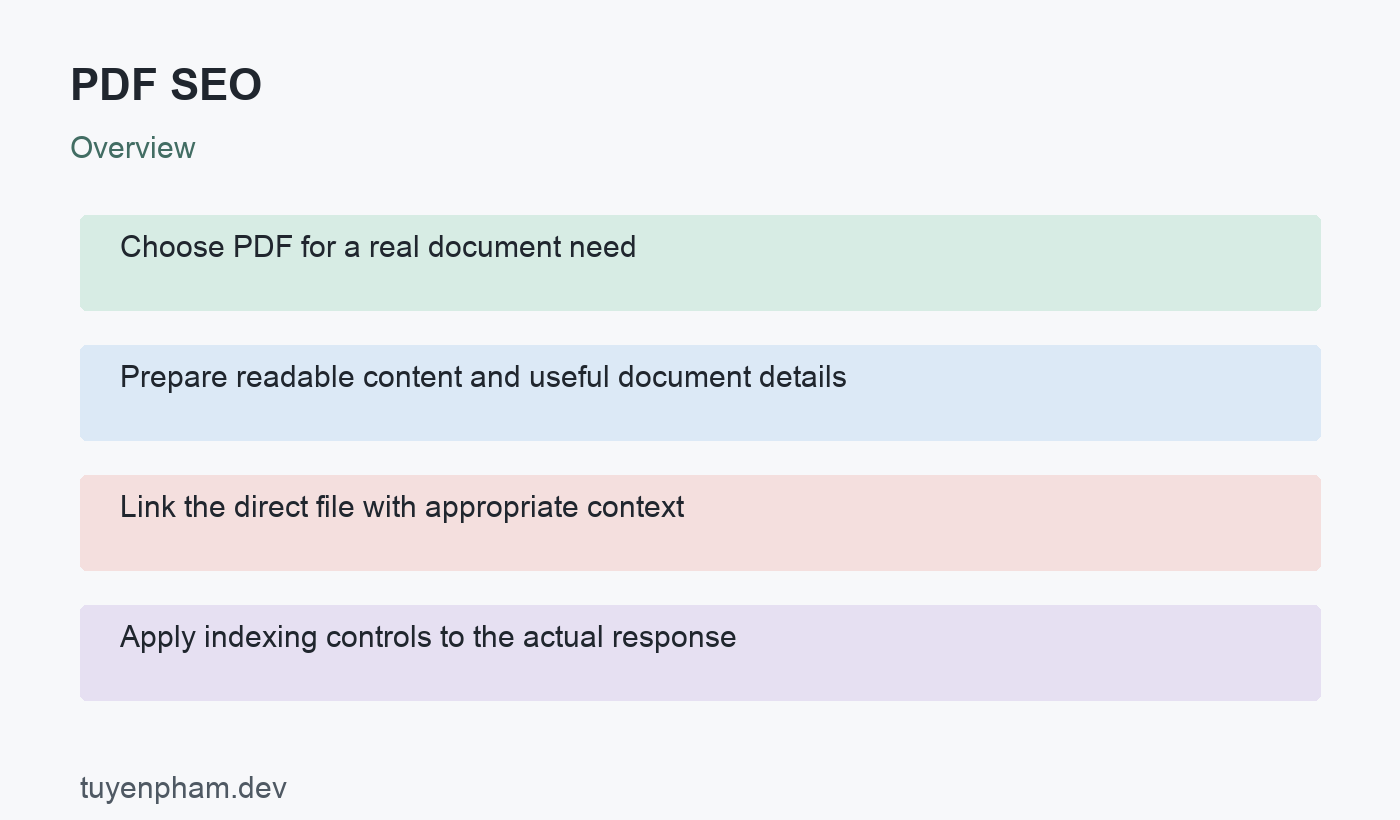
PDF can be appropriate for a report, manual, printable checklist, or a fixed-layout document. An HTML page may be more convenient for frequently updated instructions and mobile navigation. Consider whether the reader needs printing, offline access, interactive links, or an easily maintained explanation. Provide HTML context when it helps explain the document and its current version. Do not publish a PDF simply because it can be indexed. The format should support the task and the maintenance capacity of the publisher.
Prepare readable content and useful document details
Use an informative title, clear headings, readable text, and working document links. Check text selection and extraction rather than relying only on the visual appearance of scanned pages. Improve document accessibility and provide meaningful descriptions for visual content where the authoring tools support them. Metadata can supply useful context, but it does not force Google to use a particular search title or description. Include version and date information when they affect the reader’s ability to use the instructions correctly.
Link the direct file with appropriate context
Use a descriptive link from a relevant public page and indicate the format or size when that helps the reader decide whether to download. Verify that the direct URL retrieves the intended document and does not silently redirect to an error page. Keep old document references under review when a new version is published. A landing page can explain scope and link to the current file, but it should not promise an outdated version. Avoid creating several indistinguishable document URLs that complicate maintenance.
Apply indexing controls to the actual response
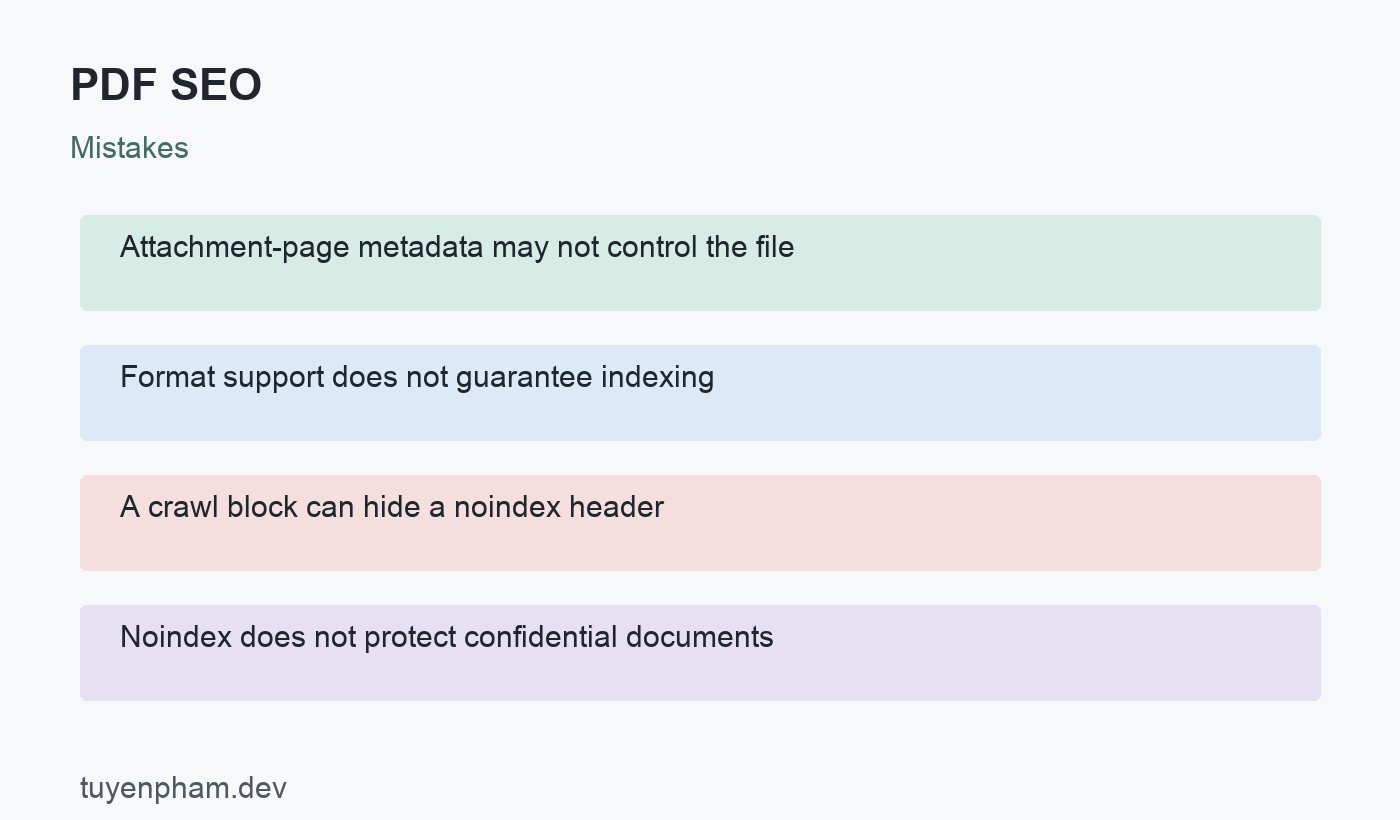
An HTML robots meta tag cannot be inserted into a PDF as if it were a web page. Google documents X-Robots-Tag headers for non-HTML resources, including file-level indexing controls. Rank Math explains why settings on an attachment page do not automatically control a PDF served directly by the server. Inspect the file response at the server or CDN layer. A crawler needs access to see a noindex header, so a simultaneous crawl block can prevent processing that instruction. Noindex is not an access-control mechanism for confidential documents.
Verify delivery and maintain document versions
Check response status, content type, headers, download behavior, and links inside the document. Compare the public landing page with the actual file version. Test accessibility and readability on a small screen as well as print output when that is part of the task. If the document changes, decide how old URLs should behave and update the source links. A removal or replacement should follow the real document relationship. Keep an inventory so obsolete files are not unintentionally left publicly available under forgotten URLs.
Worked example
A publisher sets noindex on a WordPress attachment page but leaves the PDF at its direct uploads URL publicly accessible with no file-level header. The setting affects the HTML page, not necessarily the document response. The team checks the direct file and applies an appropriate server or CDN header if public access with no indexing is intended. If the report contains confidential information, it uses proper access control instead. The decision depends on the actual file and the required audience.
Verification checklist
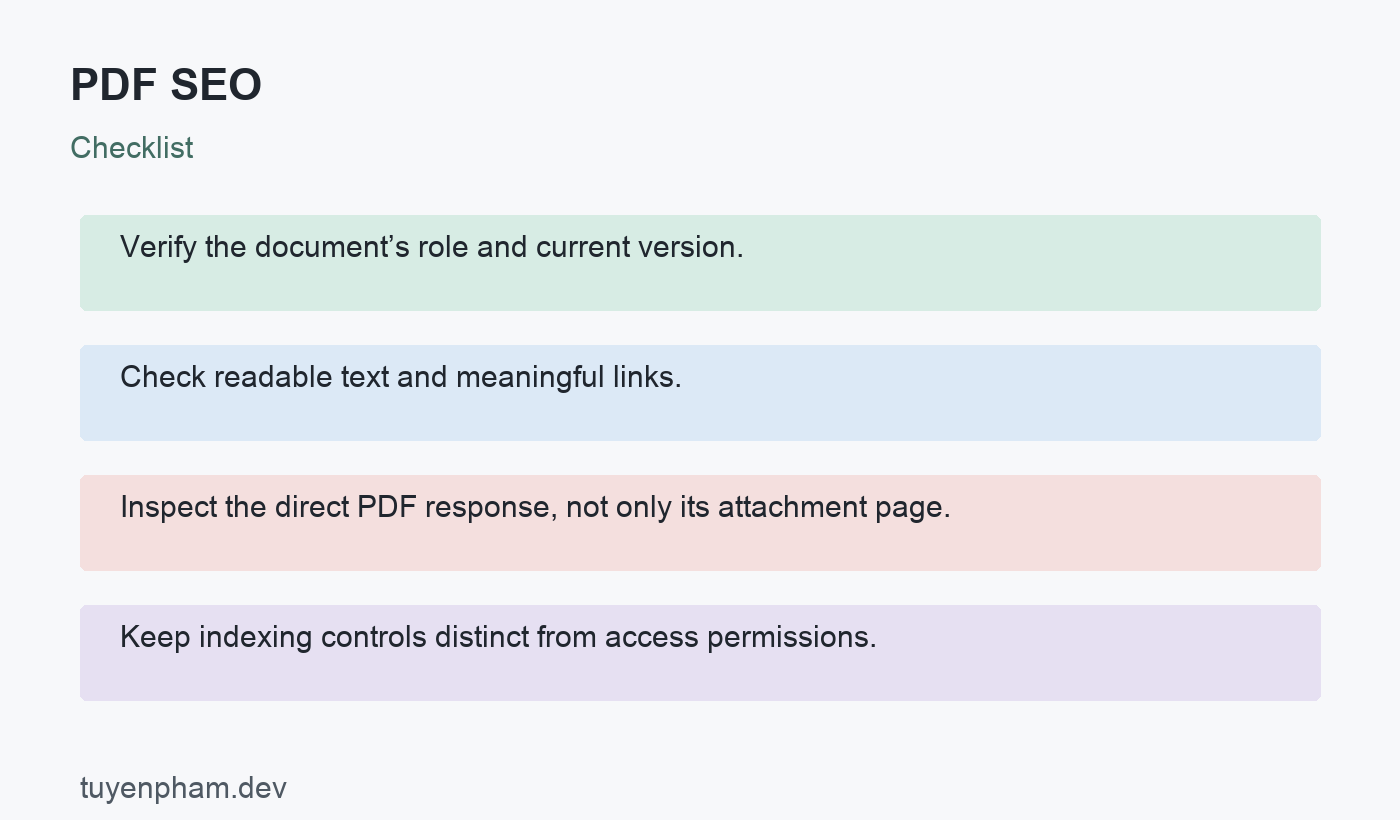
- Verify the document’s role and current version.
- Check readable text and meaningful links.
- Inspect the direct PDF response, not only its attachment page.
- Keep indexing controls distinct from access permissions.
A focused task for your website
Choose one public PDF and record its landing page, direct URL, version, and intended audience. Open the file on desktop and mobile, test text extraction, and follow its internal links. Inspect status and response headers at the direct URL. If indexing policy needs a change, test the file-level implementation in an appropriate environment. Recheck the public response and update the document inventory. Do not rely on an editor setting without verifying what the actual download returns.
References and related reading
Review Google’s official guidance and Rank Math’s related explanation or workflow, together with additional Google implementation guidance for the relevant requirements and tool details. Continue with Meta Robots Tags Seo and the SEO audit checklist to connect this review with the rest of your website.
Discussion
Join the conversation