Best WordPress Caching Plugins Compared: Which One Should You Use?

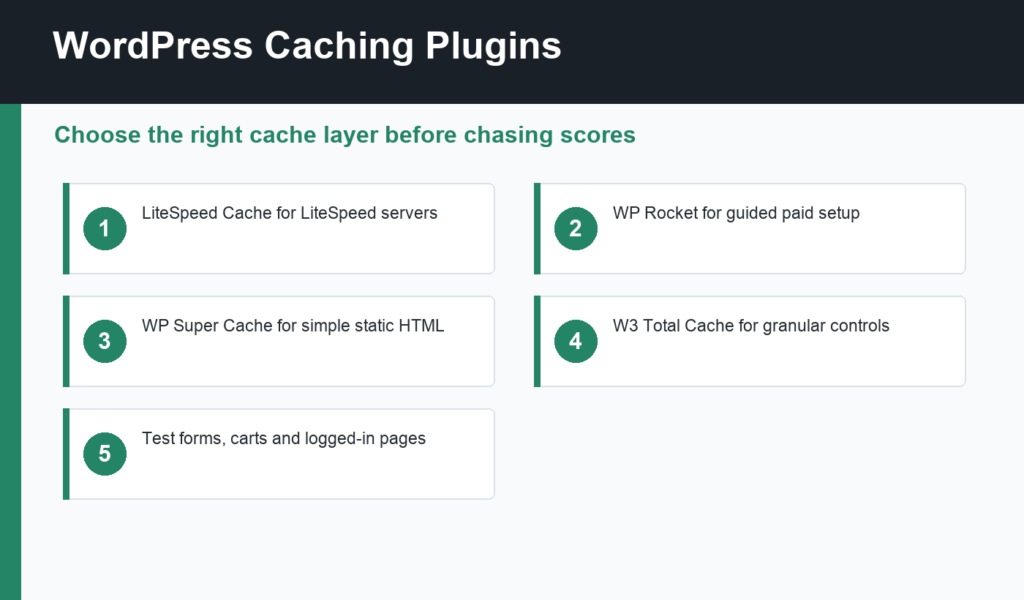
WordPress caching plugins can make a slow site feel dramatically faster, but the best plugin depends on your server, theme, traffic, and how much control you want. Caching is not one magic switch. It is a set of layers: page cache, browser cache, object cache, database cleanup, CDN integration, CSS optimization, JavaScript handling, and image delivery.
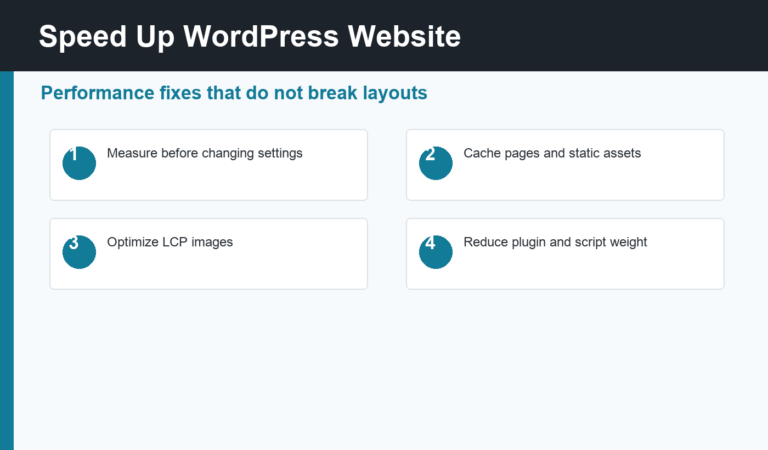
This comparison focuses on practical selection rather than chasing the longest feature list. If you have not measured your site yet, read our guide to speed up WordPress website performance first, then choose a caching plugin to solve the bottleneck you actually have.
WordPress caching plugins: quick picks
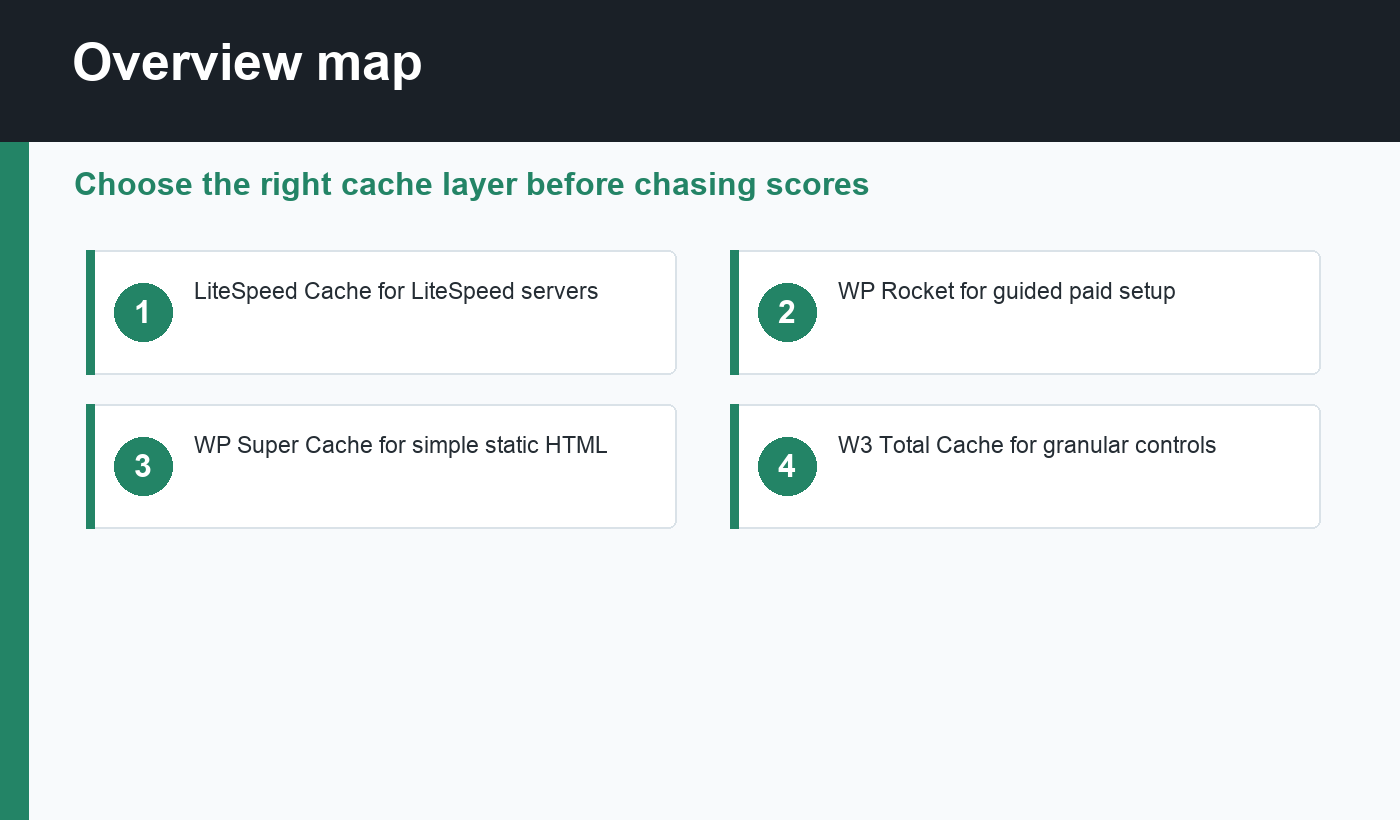
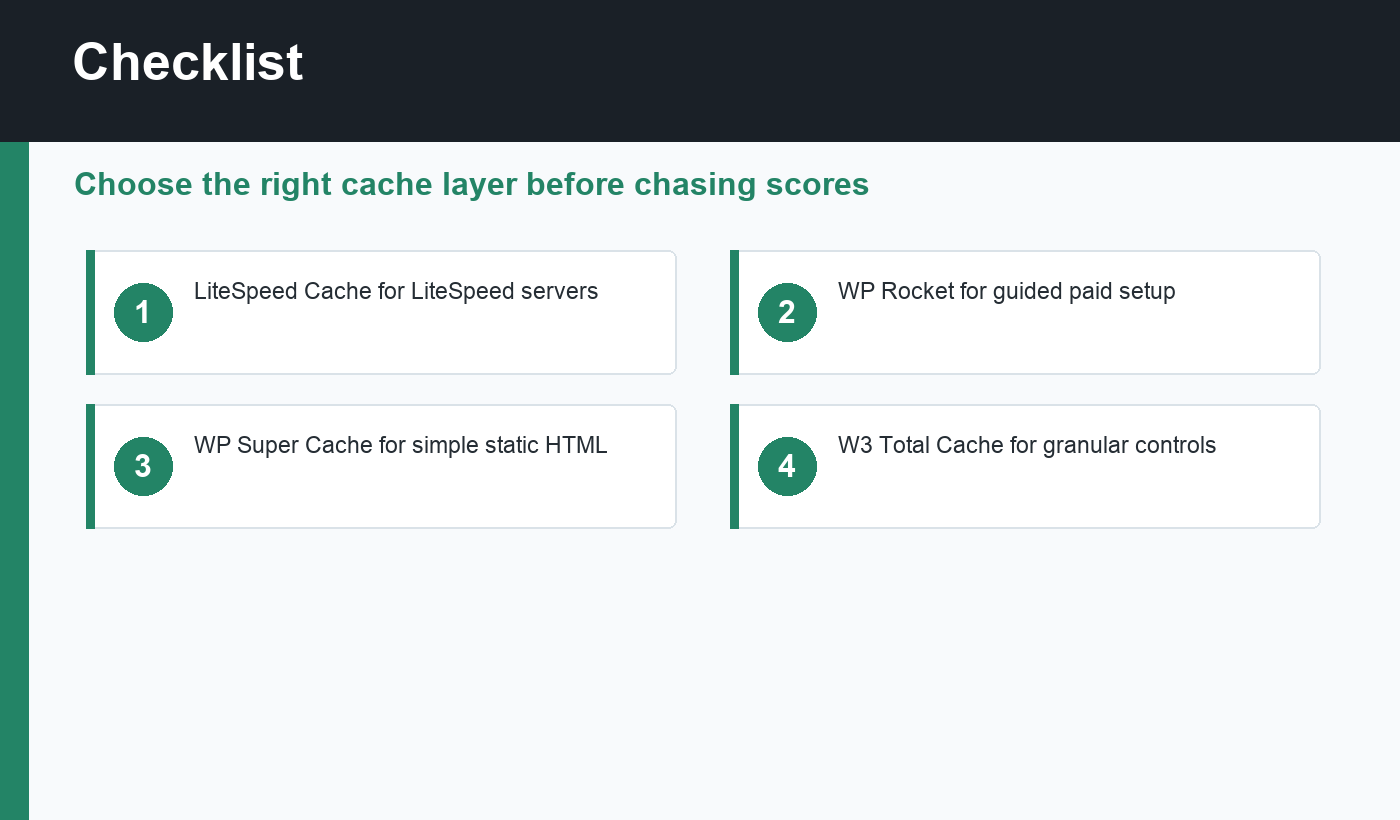
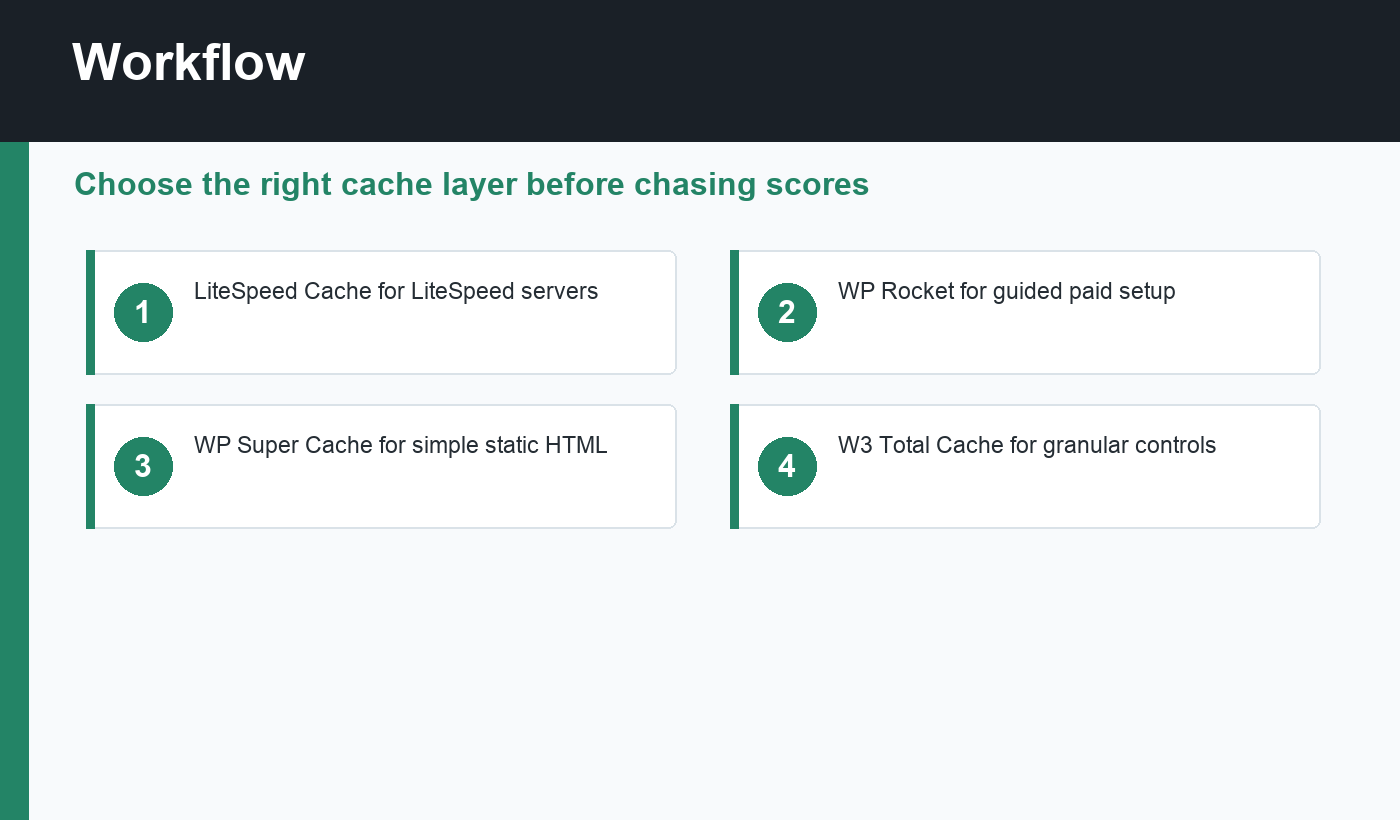
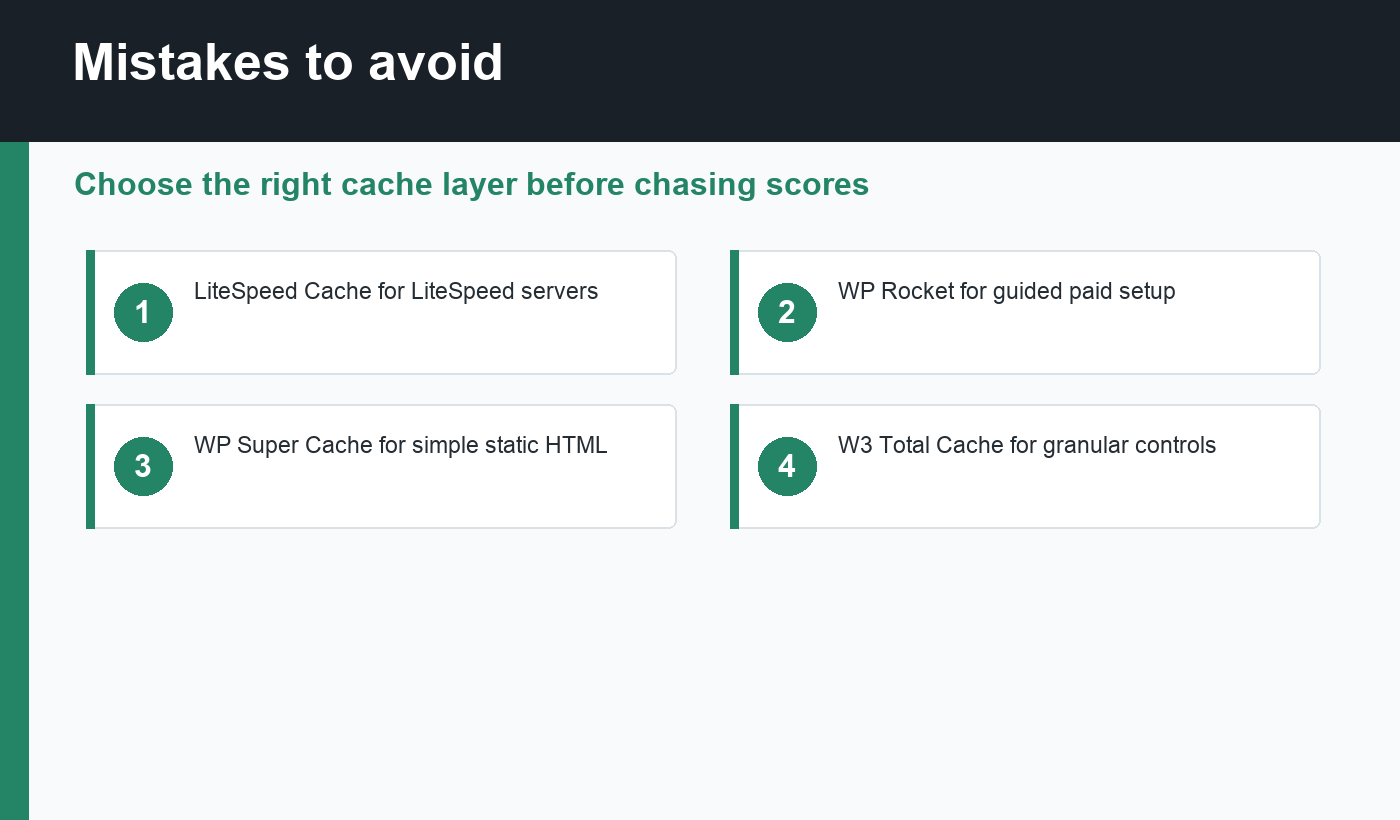
- LiteSpeed Cache: best if your site runs on LiteSpeed or OpenLiteSpeed hosting.
- WP Rocket: best paid option for non-technical site owners who want guided defaults.
- WP Super Cache: best simple free option for static page caching.
- W3 Total Cache: best for users who want granular configuration and are comfortable testing.
- Cache Enabler: best lightweight choice when you want a small, focused cache plugin.
What a caching plugin should do
A good caching plugin should reduce repeated server work, shorten load time for anonymous visitors, and avoid breaking logged-in or dynamic experiences. At minimum, it should create page cache files, set sensible browser cache headers, support cache clearing after content updates, and let you exclude pages such as cart, checkout, account, search results, and admin URLs.
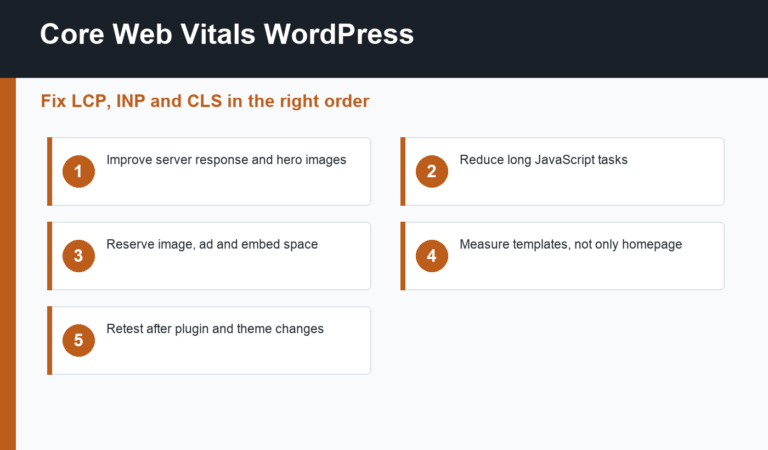
More advanced plugins add object cache support, CDN rewriting, critical CSS, JavaScript delay, database cleanup, preloading, and image optimization. These can help, but every advanced setting deserves testing. Google’s Core Web Vitals guidance is a useful reference when deciding whether your real issue is LCP, INP, or CLS.
LiteSpeed Cache
LiteSpeed Cache is excellent when the server supports LiteSpeed’s cache engine. It can handle server-level page caching, object cache integration, image optimization, CSS and JavaScript settings, CDN features, and database cleanup. On compatible hosting, it is often faster than a plugin-only page cache because the web server itself participates in caching.
The tradeoff is complexity. LiteSpeed Cache has many toggles, and aggressive settings can break layouts or scripts. Start with page cache and browser cache, then add optimization settings one by one. If your host is not LiteSpeed-based, another plugin may be simpler.
WP Rocket
WP Rocket is popular because it gives strong defaults with a friendly interface. It can handle page caching, cache preloading, browser caching, lazy loading, file optimization, delayed JavaScript, database cleanup, and CDN settings. For many business sites, the value is not just speed; it is fewer decisions and less tuning time.
Because it is paid, WP Rocket is not the automatic choice for every site. But if a slow site costs leads or revenue, paying for a stable workflow can be cheaper than spending hours testing free plugins. Always test forms, menus, analytics, and ecommerce flows after enabling file optimization.
WP Super Cache
WP Super Cache is a simple, reliable free plugin for generating static HTML files. It is a good fit for blogs, documentation sites, and small business websites that do not need a large optimization suite. If your main problem is uncached pages and slow repeat visits, it can be enough.
Its simplicity also means fewer built-in extras. You may still need a separate image optimization workflow, CDN configuration, or asset optimization. That is fine if you prefer small tools with clear responsibilities.
W3 Total Cache
W3 Total Cache is powerful and flexible. It can manage page cache, minification, database cache, object cache, browser cache, CDN settings, and fragment caching. It is a strong option for technical site owners who want control over each performance layer.
The risk is misconfiguration. Turning on every cache type without understanding the stack can create stale pages, broken CSS, or confusing behavior. Use W3 Total Cache when you are willing to test carefully and document your settings.
How to choose safely
Match the plugin to the environment. On LiteSpeed hosting, start with LiteSpeed Cache. For a paid guided setup, use WP Rocket. For a simple blog, WP Super Cache or Cache Enabler may be enough. For advanced tuning, consider W3 Total Cache. If your SEO plugin already handles sitemaps and metadata, do not choose a performance plugin that creates conflicting SEO outputs.
Before and after installing a cache plugin, check important pages for HTTP 200 status, self-referencing canonicals, and indexable robots meta. Your WordPress sitemap should remain accessible, and pages should not disappear from search because of cache or CDN rules.
Final recommendation
The best WordPress caching plugins are the ones that fit your hosting and your maintenance habits. Start with the smallest plugin that solves your measured bottleneck, test real user journeys, and avoid stacking multiple page cache systems. Good caching should make the site faster while becoming almost invisible in day-to-day publishing.
Discussion
Join the conversation