Core Web Vitals WordPress: What to Fix First

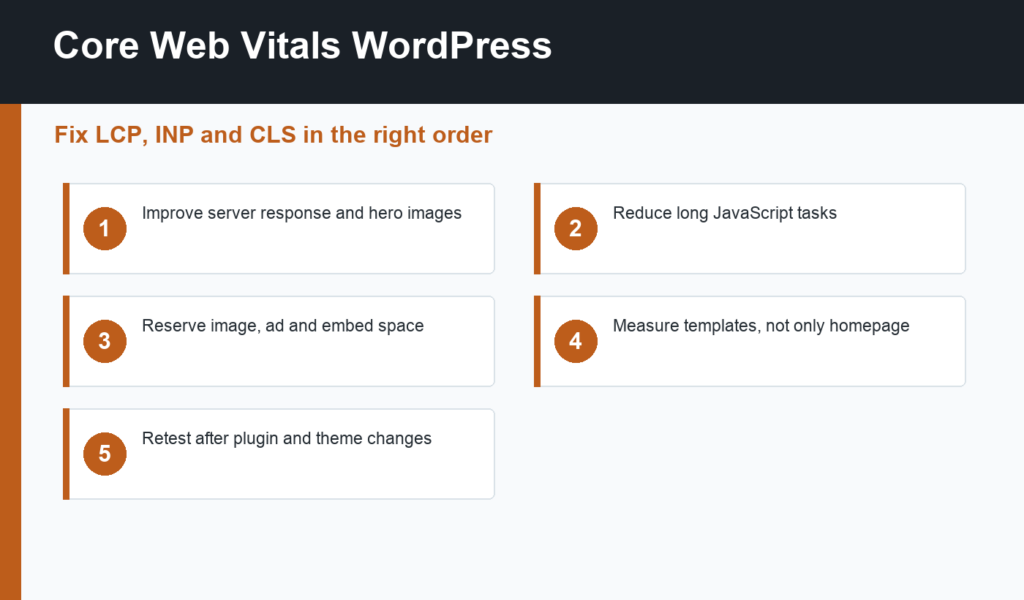
Core Web Vitals WordPress optimization is about improving how fast, stable, and responsive your pages feel to real users. The current Core Web Vitals metrics are Largest Contentful Paint, Interaction to Next Paint, and Cumulative Layout Shift. In plain English: how quickly the main content appears, how responsive the page is after user input, and how much the layout jumps while loading.
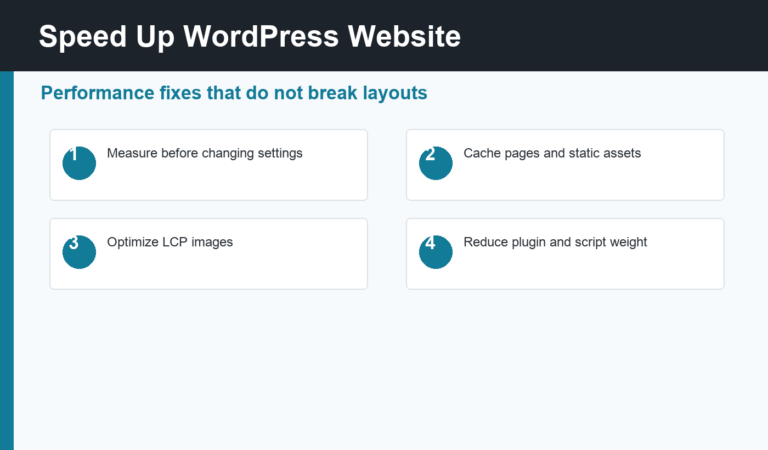
This guide explains what to fix first on WordPress sites, especially when plugins, themes, images, ads, embeds, and third-party scripts all affect the final experience. If you need a broader performance workflow first, read how to speed up a WordPress website.
Core Web Vitals WordPress: what the metrics mean
Largest Contentful Paint measures when the largest visible content element loads, often a hero image, heading block, or featured image. Interaction to Next Paint measures responsiveness after a user clicks, taps, or types. Cumulative Layout Shift measures unexpected movement, such as banners, ads, fonts, or images pushing content around.
Google’s Core Web Vitals documentation explains the metrics and thresholds in detail. For WordPress owners, the important point is that each metric usually has a different cause. Fixing LCP is not the same as fixing INP, and fixing CLS is not the same as installing a cache plugin.
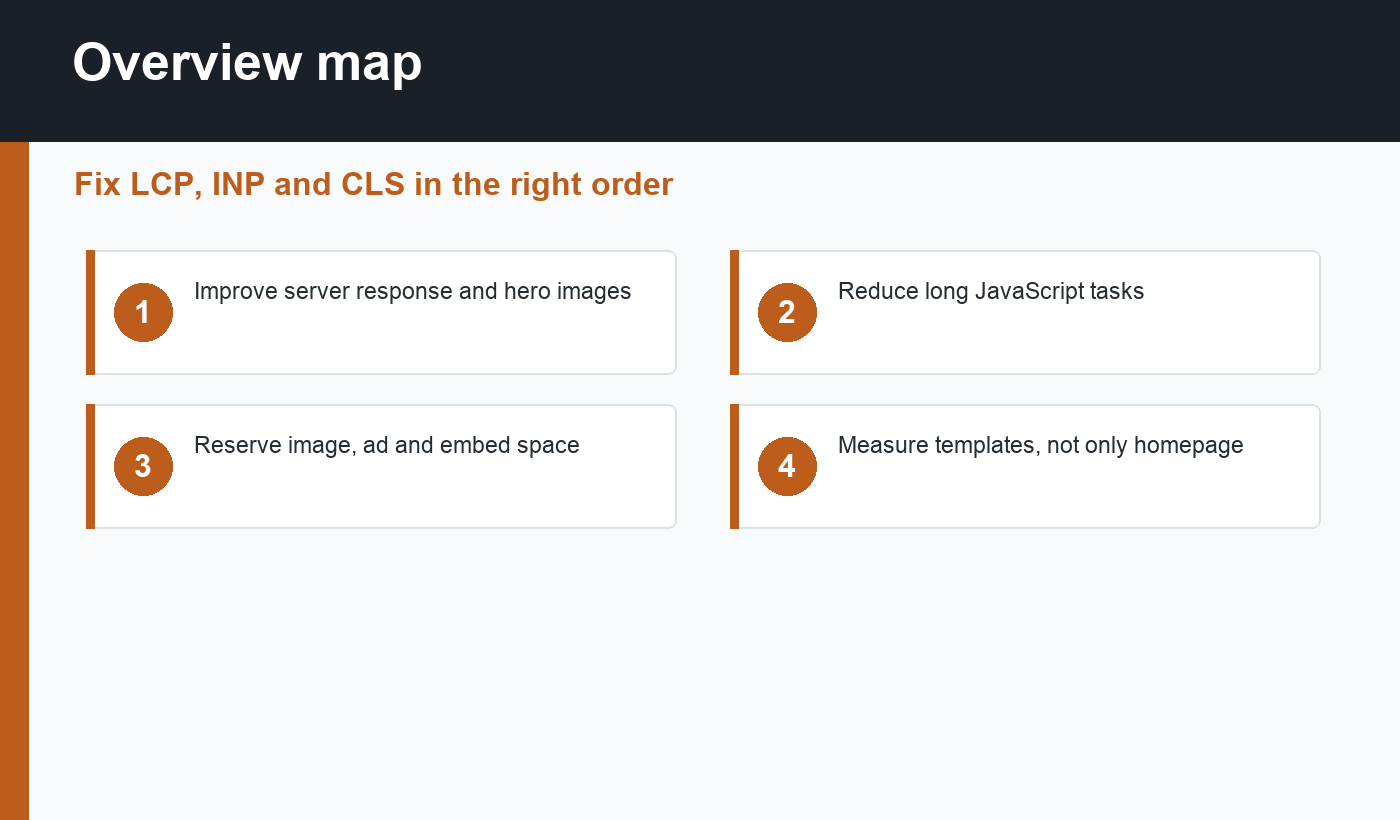
Fix LCP first on important templates
LCP problems often come from slow hosting, slow server response, render-blocking CSS, oversized hero images, lazy-loaded above-the-fold images, or too much work before the browser can paint the main content. Start with the templates that drive traffic: homepage, blog posts, product pages, service pages, and landing pages.
Improve server response with quality hosting and page caching. Resize and compress hero images. Use modern image formats. Avoid lazy-loading the main LCP image if it delays the most important visual. Reduce heavy above-the-fold design effects that require large CSS or JavaScript before content appears.
Reduce INP with lighter JavaScript
INP issues usually come from long JavaScript tasks. WordPress sites often accumulate scripts from page builders, sliders, analytics, ad networks, chat widgets, popup tools, social embeds, and ecommerce extensions. A page can look loaded but still respond slowly because the browser is busy executing scripts.
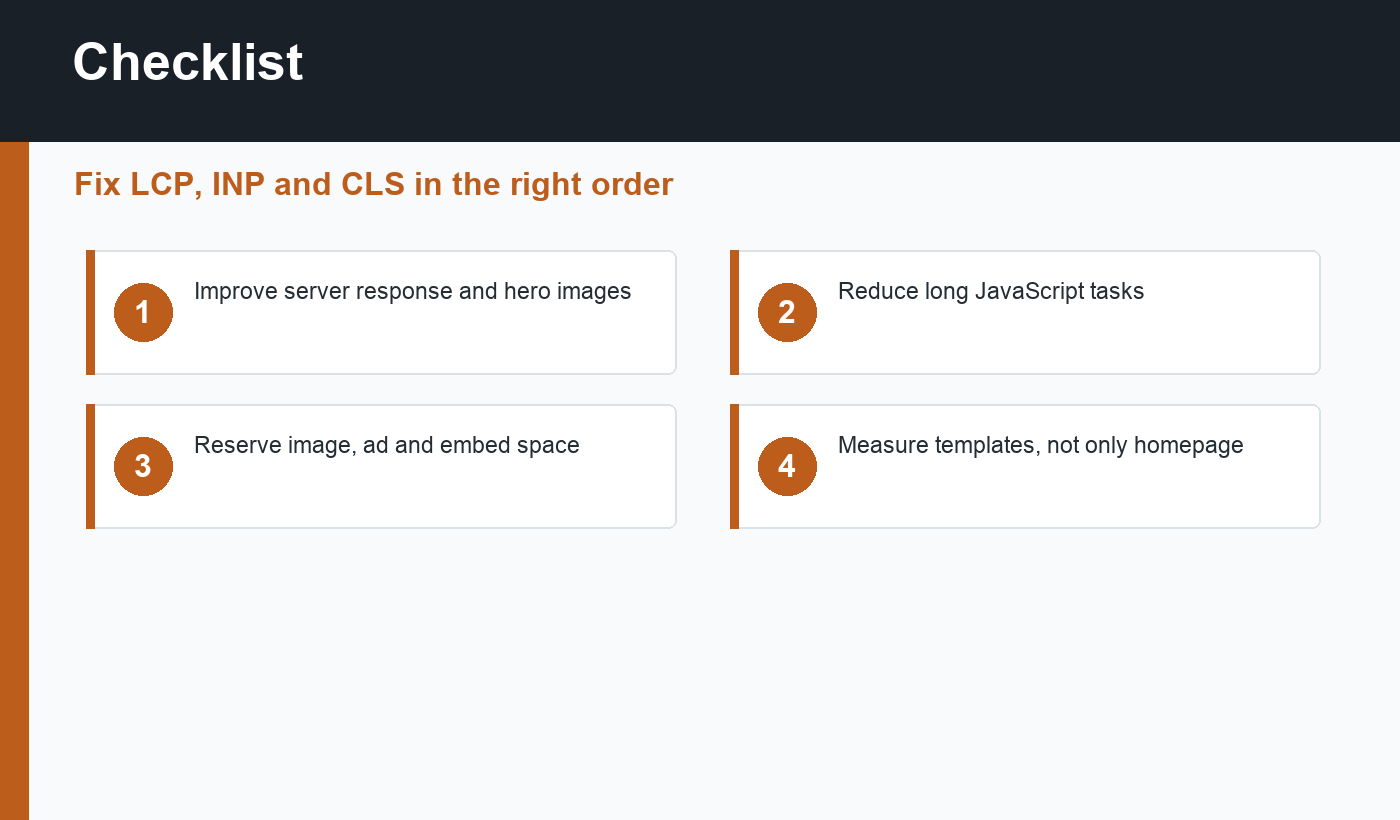
Audit which scripts load on each template. Remove tools you do not use. Delay non-critical third-party scripts. Replace heavy widgets with lighter alternatives. Be careful with “delay all JavaScript” settings because they can break menus, forms, tracking, or checkout if applied blindly.
Fix CLS by reserving space
Layout shift happens when the browser does not know how much space to reserve. Common WordPress causes include images without dimensions, ads injected late, cookie banners, announcement bars, web fonts, embeds, and dynamically inserted related posts. The fix is often simple: reserve the right space before content loads.
Add width and height attributes for images. Reserve ad and embed containers. Use stable banner placement. Preload important fonts or use font-display strategies carefully. Test on mobile because shifts that look small on desktop can feel disruptive on a phone.
Use caching without hiding problems
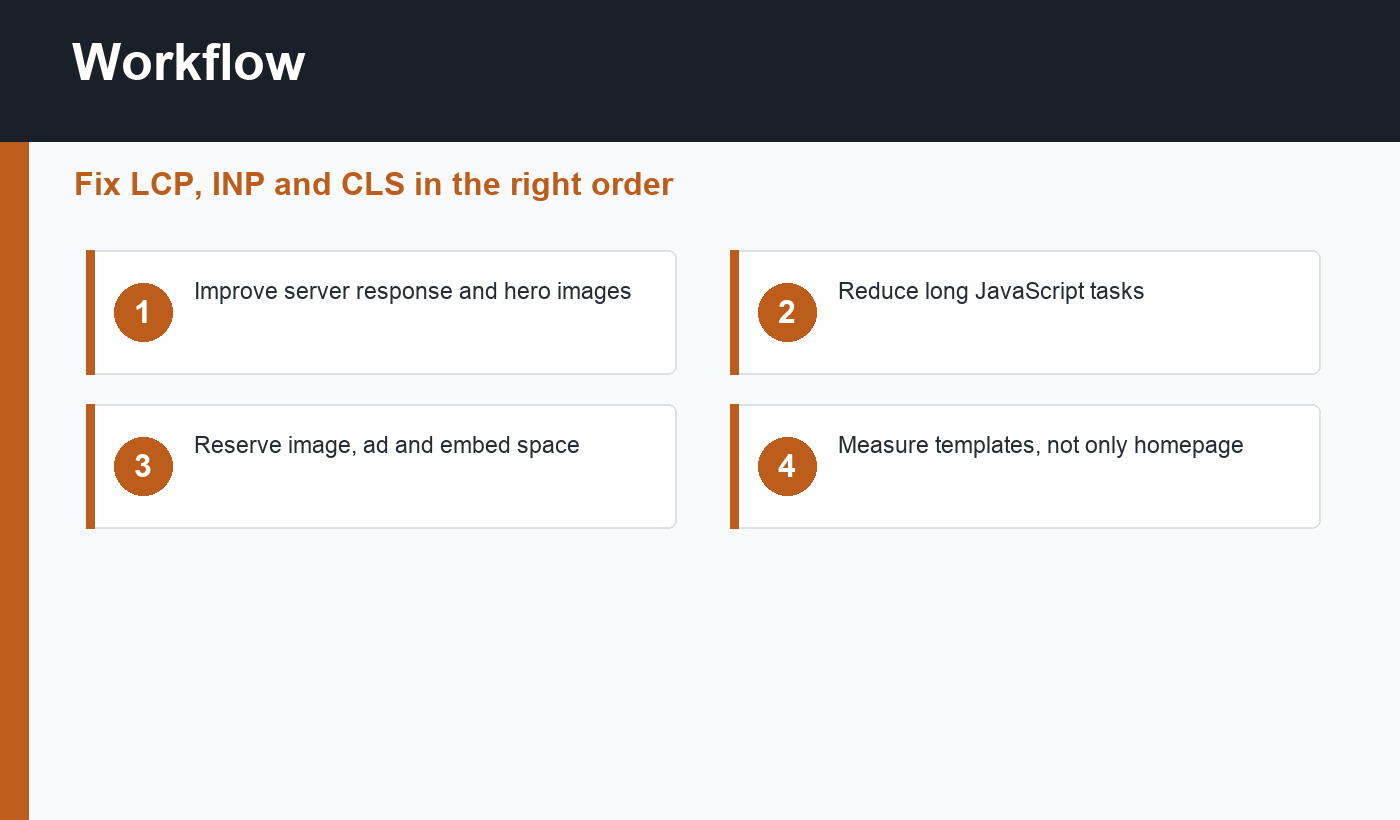
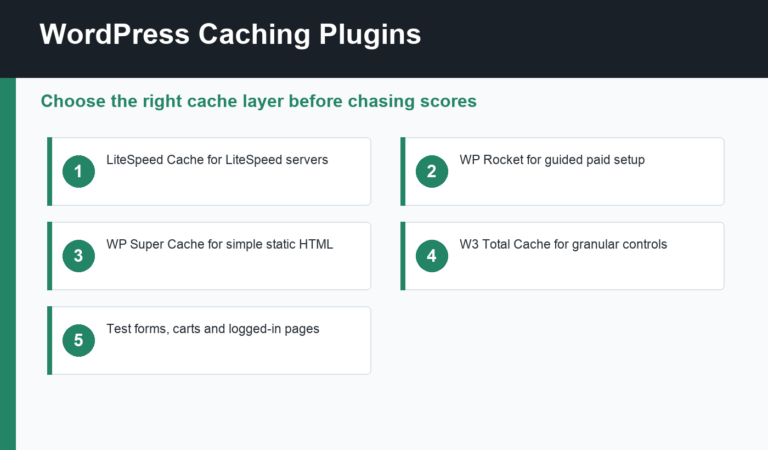
Caching can improve LCP by reducing server work, but it will not automatically fix heavy JavaScript or unstable layouts. Pick one primary caching setup and test it carefully. Our guide to WordPress caching plugins compares common options and when each one fits.
After cache changes, verify SEO signals too. Important URLs should return 200, keep self-referencing canonicals, remain indexable, and appear in the sitemap. Performance work should support SEO, not accidentally block it.
Core Web Vitals checklist
- Test field data and lab data for important templates.
- Improve hosting, TTFB, and page caching for LCP.
- Optimize hero images and avoid delaying above-the-fold media.
- Remove unused plugins and third-party scripts.
- Delay non-critical JavaScript only after testing key interactions.
- Reserve space for images, ads, embeds, and banners.
- Check mobile performance separately from desktop.
- Retest after theme, plugin, CDN, or cache changes.
How to prioritize fixes
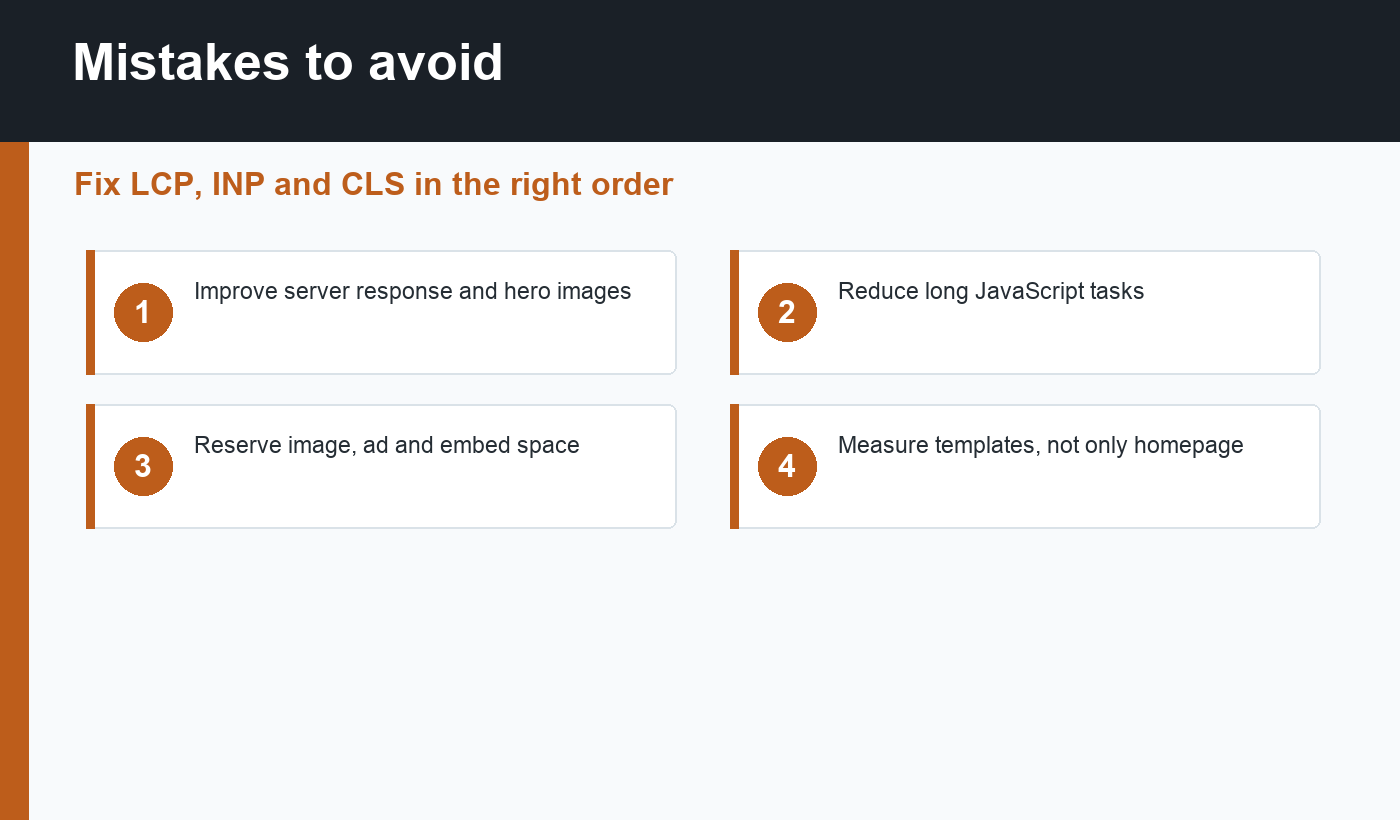
Do not try to fix every metric on every page at once. Pick one template with business or SEO value, identify its worst metric, and make a small reversible change. For example, if a blog post template fails LCP, improve the featured image and page cache before rewriting all JavaScript. If a product page fails INP, inspect scripts from reviews, tracking, chat, and variation controls.
This focused approach also makes reporting easier. You can show what changed, which page type improved, and which setting caused the improvement. That is more useful than a single homepage score that does not represent how search visitors actually experience the site.
Final recommendation
Core Web Vitals for WordPress should be handled in order: measure the right templates, fix LCP bottlenecks, reduce JavaScript for INP, and reserve space to prevent CLS. Do not chase perfect scores with risky settings. Build a faster site by making each page type lighter, steadier, and easier to use.
Discussion
Join the conversation