WordPress Image SEO: How to Optimize Images for Search and Speed

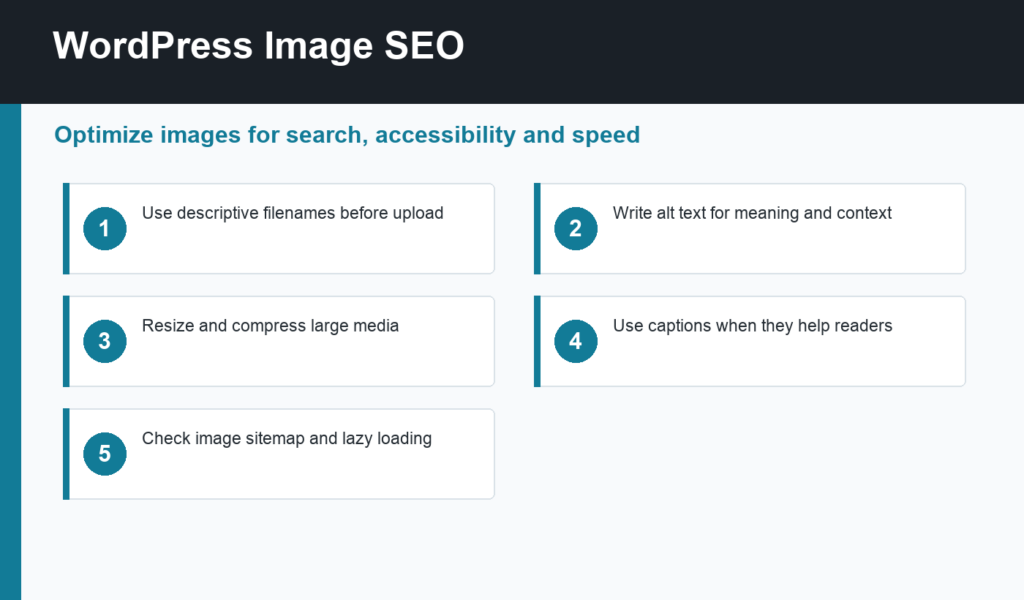
WordPress image SEO is the process of making images easier for users, browsers, and search engines to understand. Good image optimization improves accessibility, page speed, visual search visibility, and the overall quality of a WordPress article. It is not just adding keywords to alt text.
This guide shows a safe workflow for filenames, alt text, captions, compression, lazy loading, image sitemaps, and placement. It pairs well with the broader guide on writing SEO-friendly WordPress posts, because images should support the article instead of acting like decoration.
WordPress image SEO basics
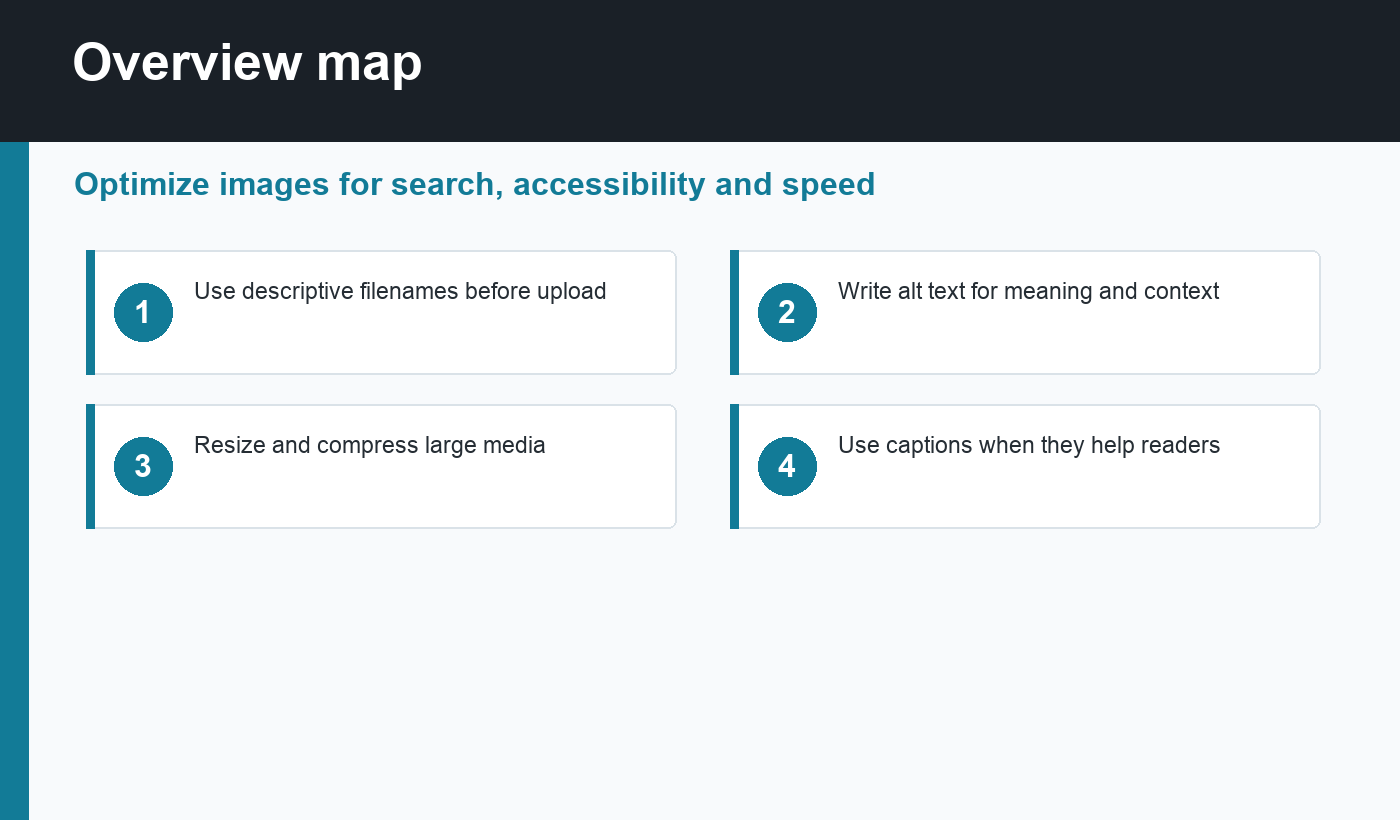
Start before upload. Rename files with clear, descriptive words, such as wordpress-image-seo-checklist.png instead of IMG_4821.png. Resize images to the largest size you need on the page. Compress them so visitors do not download unnecessary data. Use modern formats such as WebP or AVIF when your theme, CDN, or plugin workflow supports them.
Rank Math’s Image SEO guidance emphasizes useful alt attributes, title attributes when appropriate, and image optimization as part of the overall SEO workflow. Google also explains that images can appear in Search, Discover, and other surfaces when pages are crawlable and images are implemented cleanly.
Write alt text for meaning, not stuffing
Alt text should describe the image’s purpose in context. If an image explains a checklist, say what the checklist shows. If it is a product photo, describe the product and important visible details. If the image is purely decorative, the best accessibility choice may be empty alt text, but most editorial images in WordPress posts should have meaningful descriptions.
Avoid repeating the focus keyword in every image. That looks unnatural and does not help users. Use the focus keyword once when the image truly represents that topic. For example, “WordPress image SEO checklist for filenames, alt text, compression, and sitemaps” is useful. “WordPress image SEO WordPress image SEO best WordPress image SEO” is not.
Use captions when they add context
Captions are visible text, so they can help readers understand why an image matters. Use captions for diagrams, screenshots, before-and-after examples, process images, or charts. You do not need captions for every simple graphic, but when an image carries information, a short caption can make the post easier to scan.
For tutorial content, screenshots are often stronger than generic graphics. Show the actual WordPress editor, media library, plugin settings, or report screen when possible. When using custom illustrations, keep them specific enough that the reader knows what action or concept they support.
Optimize image size for speed
Image SEO and performance overlap. Oversized images can hurt Largest Contentful Paint, especially when the hero image is too large or loads too late. Use the right dimensions, compress media, and avoid uploading full-resolution photos when the design only displays a medium-sized image.
For images below the fold, lazy loading is usually helpful. For the main hero or featured image, lazy loading can sometimes delay the most important visual element. Test important templates with PageSpeed Insights or another performance tool. If images are the main bottleneck, the guide to speed up WordPress website performance gives a broader optimization path.
Check image indexing and sitemaps
Search engines need access to the page and the image files. Do not block image directories in robots.txt. Make sure CDN URLs, hotlink protection, and security rules do not prevent crawlers from fetching important media. If your SEO plugin includes images in the sitemap, confirm that the sitemap remains clean after publishing.
Google’s image SEO best practices recommend high-quality visual content, descriptive page context, relevant filenames, and useful alt text. In WordPress, those basics are usually controlled through the Media Library, editor blocks, theme image sizes, and your SEO/performance plugins.
A practical image checklist
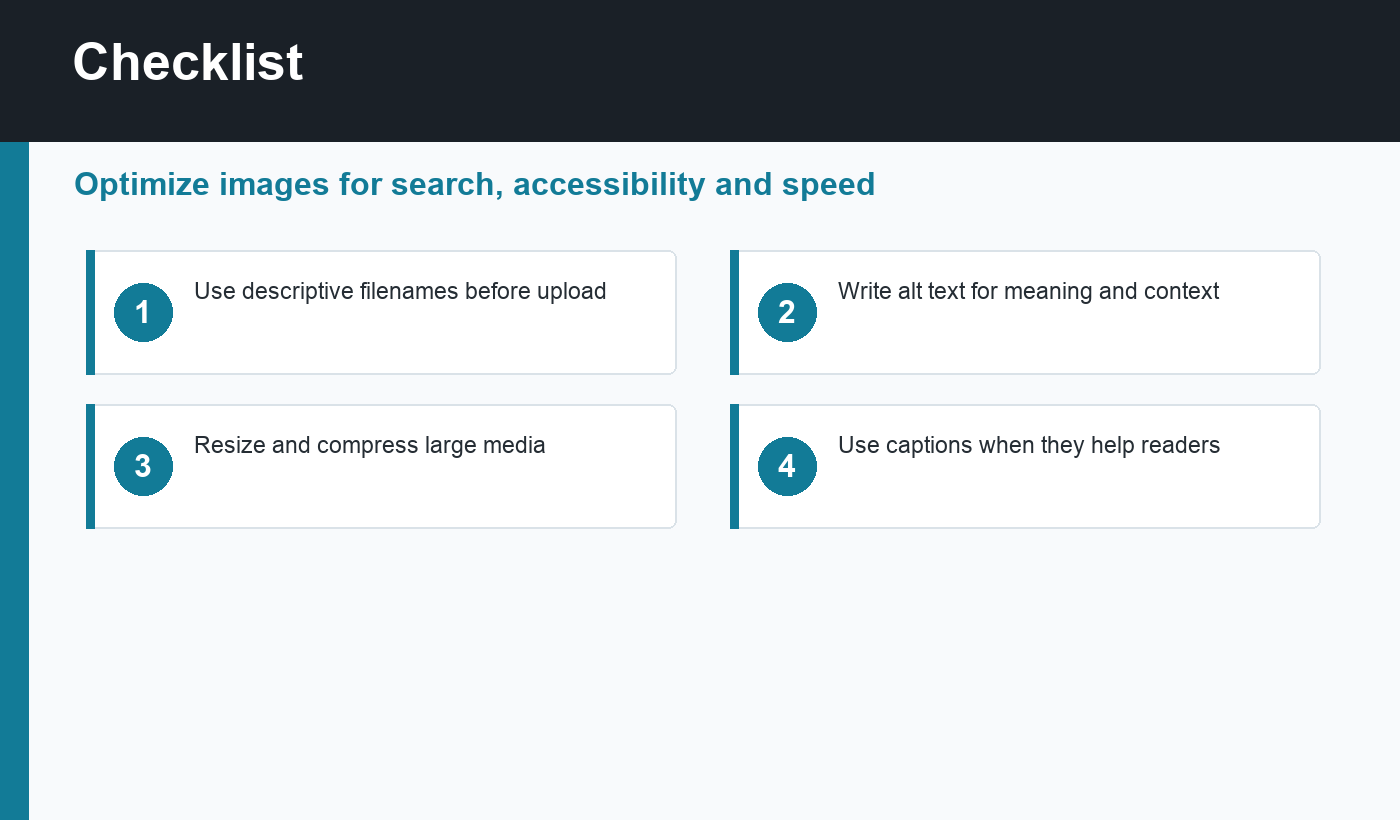
- Rename image files before upload using readable words.
- Resize images to the largest display size needed.
- Compress images and use WebP or AVIF where supported.
- Write descriptive alt text for meaningful images.
- Add captions to screenshots, diagrams, and examples.
- Use image dimensions to reduce layout shift.
- Lazy-load below-the-fold images but treat hero images carefully.
- Check that important images are crawlable and included in the right context.
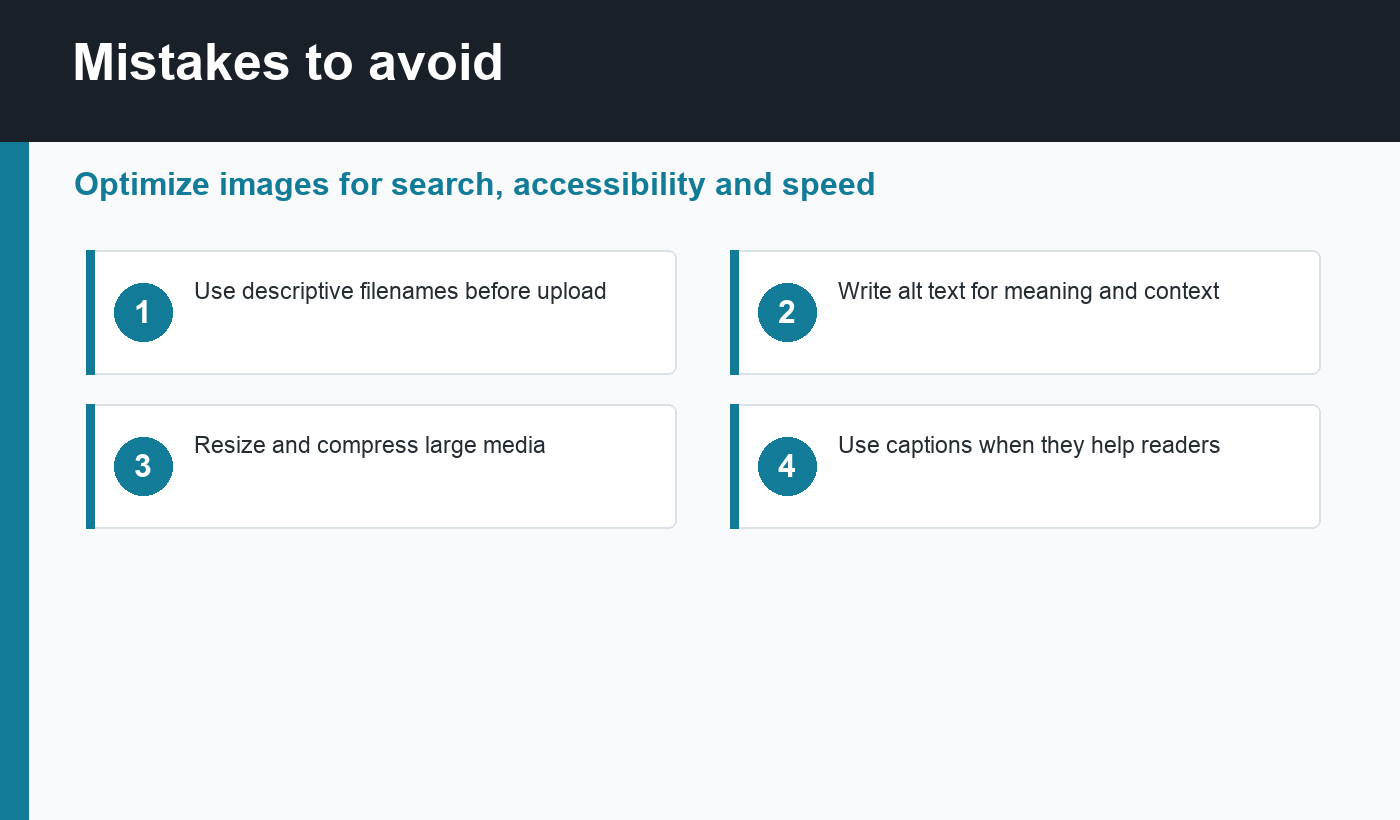
Image SEO workflow for every post
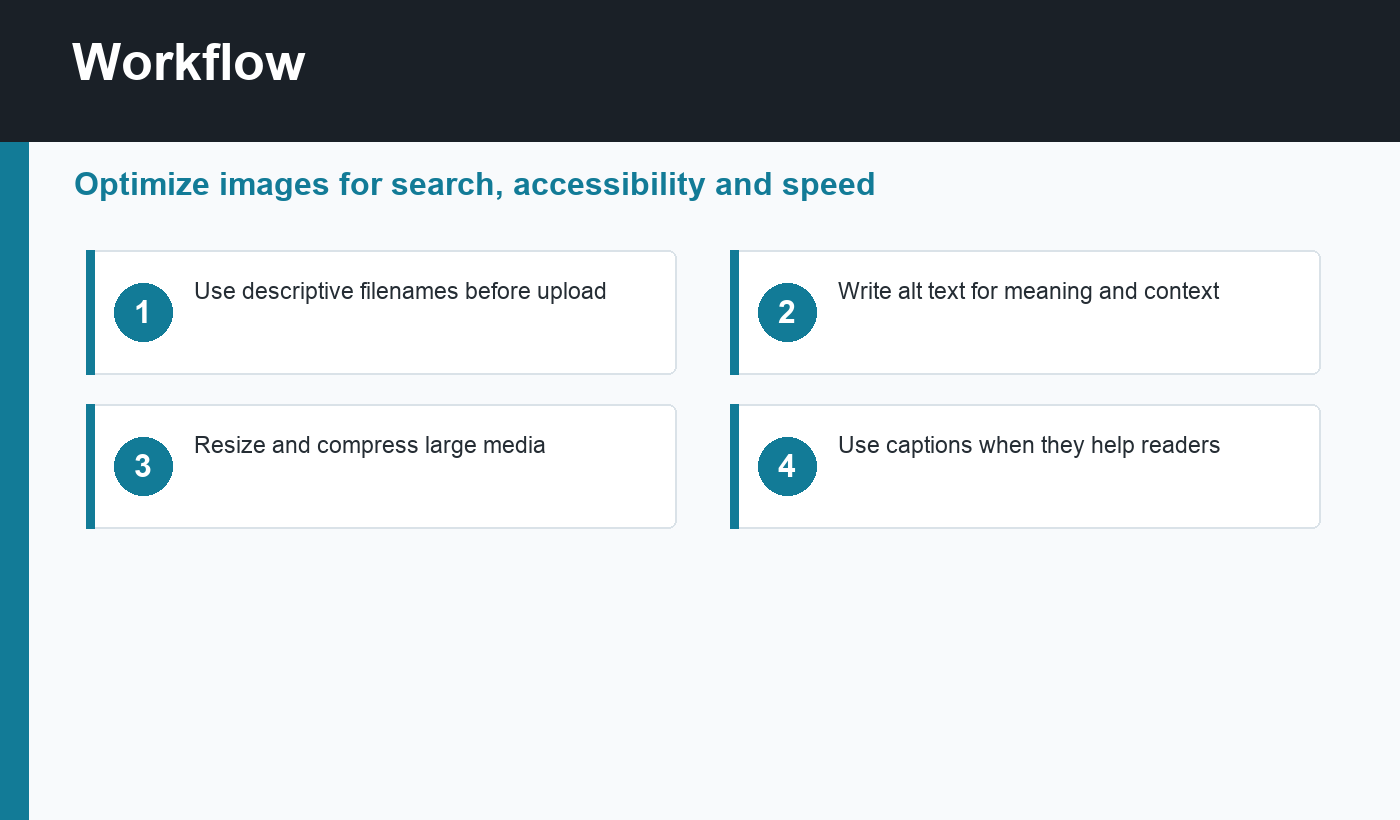
Before publishing, review the article from the reader’s point of view. Does each image explain a step, compare an option, summarize a checklist, or make the page easier to understand? If the answer is no, remove or replace it. Strong image SEO starts with useful media, then improves that media with filenames, alt text, captions, compression, and placement.
For repeatable publishing, create a simple preflight habit: prepare images before upload, add alt text inside the WordPress Media Library, place images near the sections they support, preview the post on mobile, and run a speed check on important pages. That keeps optimization practical instead of becoming a last-minute task after the article is already live.
Final recommendation
The best WordPress image SEO workflow is simple: upload useful images, name them clearly, describe them honestly, compress them well, and place them near the content they support. When images help the reader understand the page, they also give search engines better context.
Discussion
Join the conversation