How to Write SEO-Friendly WordPress Posts from A to Z

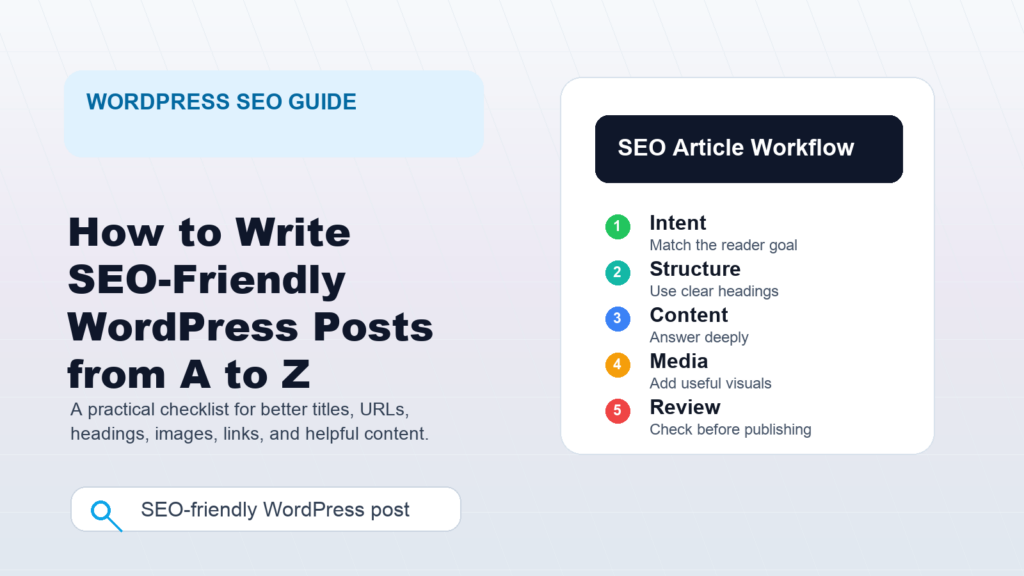
Writing SEO-friendly WordPress posts is not about stuffing keywords into every paragraph. It is about creating useful, well-structured pages that help readers solve a specific problem and help search engines understand what each page is about.
This A-to-Z guide walks you through the full workflow: choosing a topic, planning search intent, writing the article, optimizing WordPress settings, adding internal links, preparing images, and reviewing the post before publishing.
What Makes SEO-Friendly WordPress Posts Work?
SEO-friendly WordPress posts are easy for people to read and easy for search engines to interpret. Google’s own guidance emphasizes helpful, reliable, people-first content, with clear words in prominent places such as the title, main heading, link text, and image alt text. WordPress then gives you the publishing tools to shape that content into a crawlable, readable page.
In practice, that means your post should have a clear purpose, a descriptive title, a logical heading structure, a readable URL, useful internal links, optimized media, and content that actually answers the reader’s question.
Step 1: Start With Search Intent
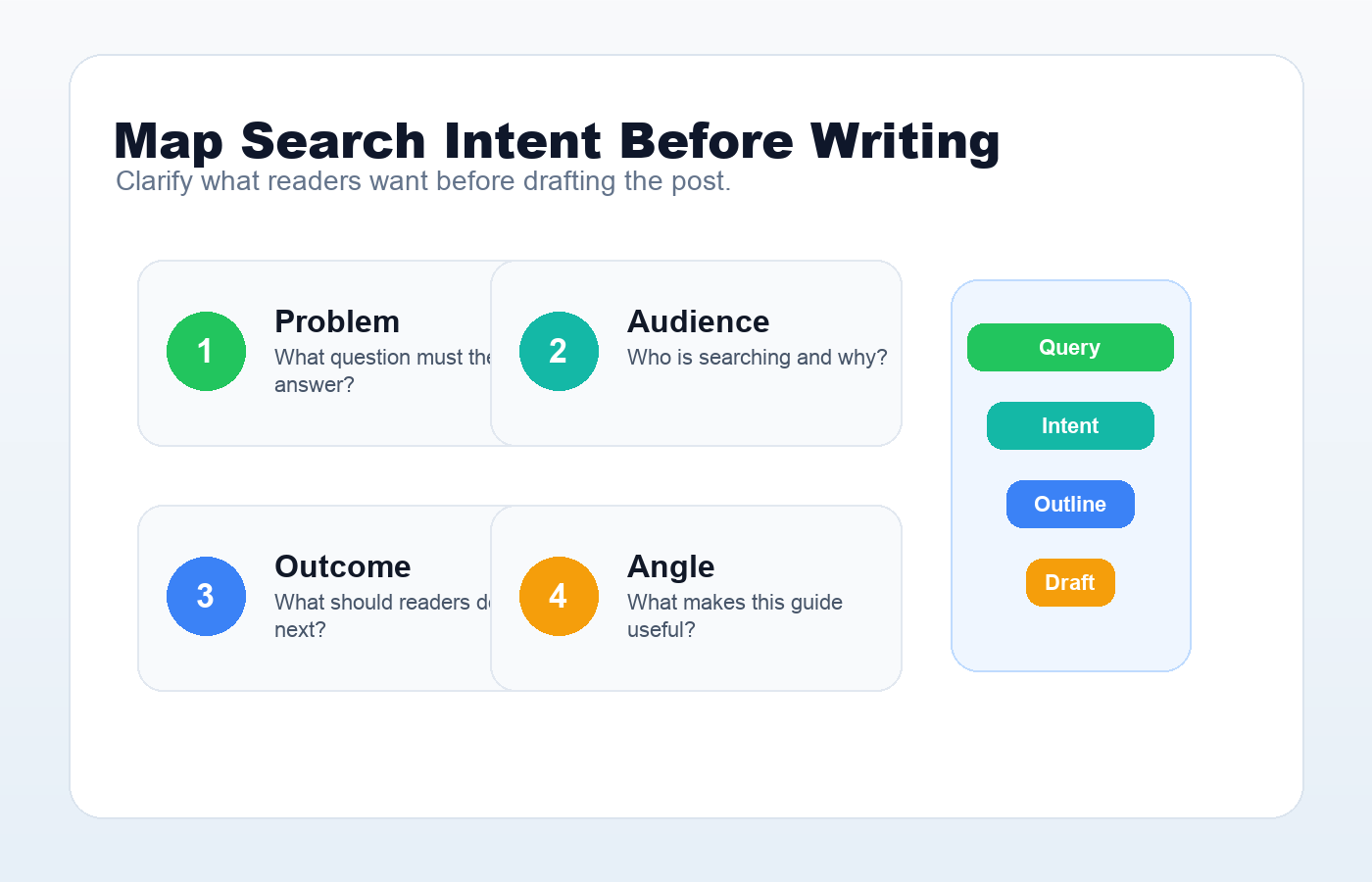
Before writing, define what the reader wants to achieve. Search intent is the reason behind a query. Someone searching “how to write SEO articles in WordPress” probably wants a practical process, not a theory-heavy essay about search algorithms.
Ask three questions before drafting:
- What problem does this post solve?
- What should the reader be able to do after reading it?
- What would make this article more useful than a generic answer?
Good SEO starts with the reader. If the article satisfies the intent clearly, the technical optimization becomes much easier.
Step 2: Choose One Primary Keyword
A primary keyword is the main phrase your post targets. It should describe the topic naturally. For this article, the primary keyword is “SEO-friendly WordPress posts.” A close supporting phrase could be “write SEO articles in WordPress.”
Avoid choosing a keyword only because it has high search volume. The best keyword is relevant to your audience, specific enough to guide the article, and realistic for your site’s authority. Long-tail keywords often work well because they match clearer intent.
Step 3: Build a Useful Outline
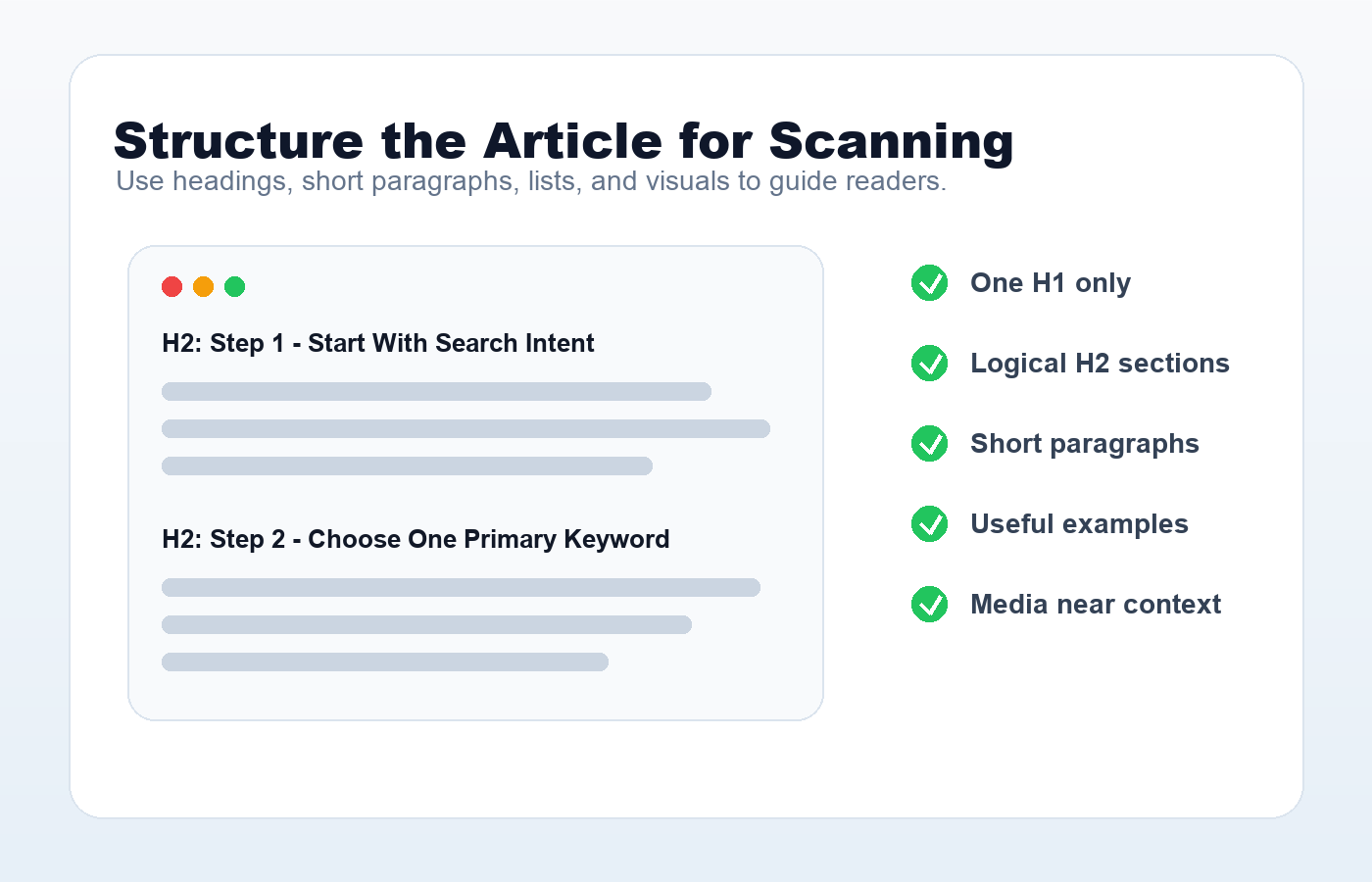
A strong outline keeps the article focused and helps readers scan the page. Use one H1 for the post title, then H2 sections for the major steps or ideas. Use H3 headings only when a section needs subpoints.
For a tutorial, a practical structure usually works best:
- What the topic means
- Why it matters
- Step-by-step process
- Common mistakes
- Checklist or summary
This structure helps readers move from understanding to action.
Step 4: Write a Title That Sets a Clear Promise
Your WordPress post title is one of the most important signals for both readers and search engines. It should describe the topic clearly and give people a reason to click.
A good SEO title usually has these qualities:
- It includes the main topic naturally.
- It is specific, not vague.
- It matches the content on the page.
- It avoids exaggerated promises.
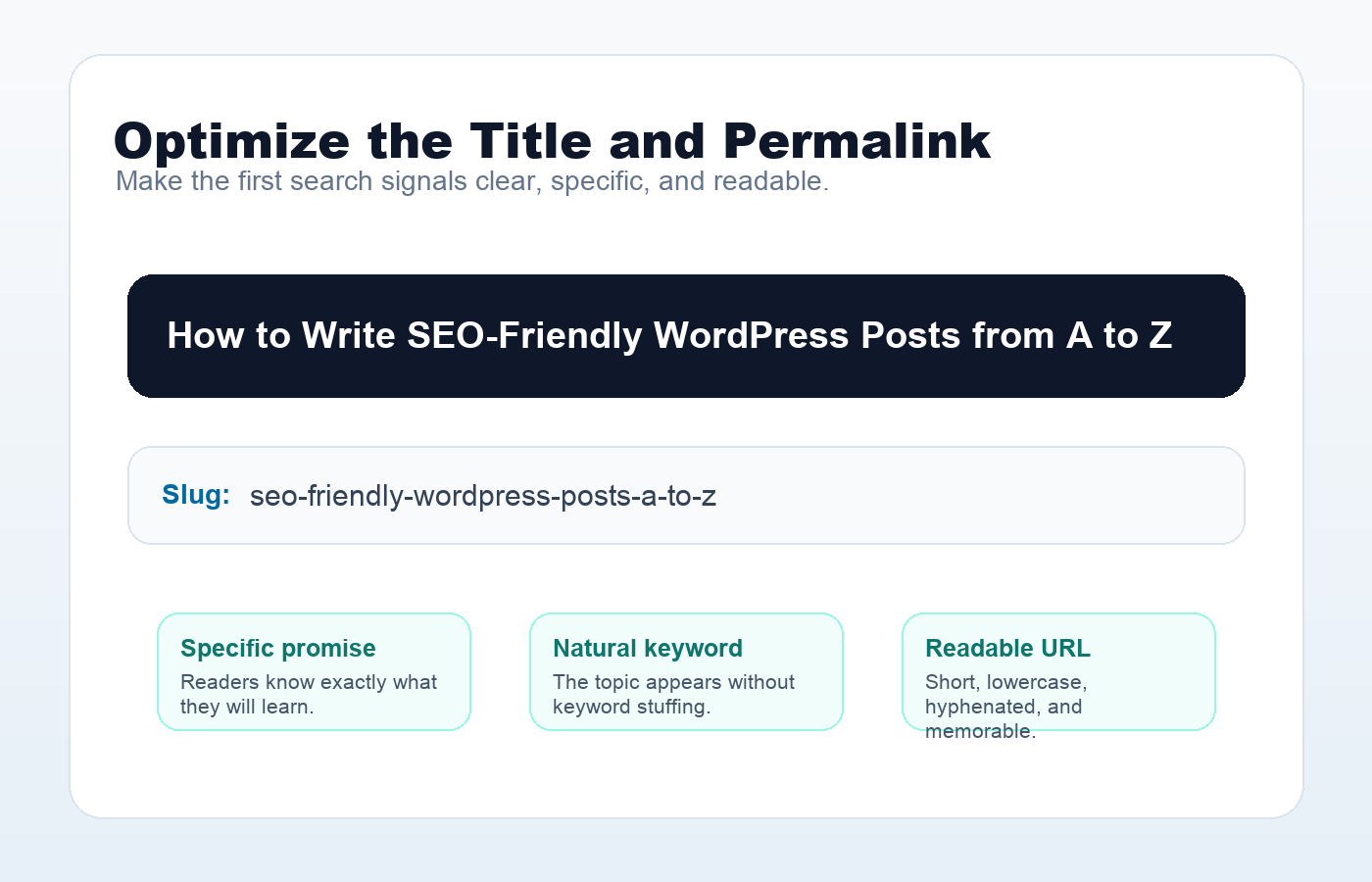
For example, “How to Write SEO-Friendly WordPress Posts from A to Z” is clearer than “Amazing SEO Secrets for Bloggers.” The first title tells readers exactly what they will learn.
A practical title test is simple: can a busy reader understand the topic, audience, and benefit in one glance? “WordPress SEO Checklist for Beginners: 15 Things to Do Before Publishing” is specific. “My Best SEO Thoughts” is too vague. If you need a deeper title and pre-publish review process, use this WordPress SEO checklist as a companion guide.
Step 5: Create a Readable Permalink
WordPress allows you to customize permalinks, and readable URLs help both users and search engines understand the page. A clean slug should be short, descriptive, and separated by hyphens.
Example:
https://example.com/seo-friendly-wordpress-posts/
Avoid long slugs filled with dates, stop words, or unnecessary details unless your site structure requires them. WordPress.org notes that pretty permalinks are more attractive and can make content easier to understand from the URL alone.
A good slug should usually be shorter than the title. For example, /seo-friendly-wordpress-posts/ is stronger than /how-to-write-seo-friendly-wordpress-posts-from-a-to-z-for-beginners/. For more URL examples, read the guide to WordPress permalink structure.
Step 6: Write for Humans First
Google’s guidance is clear: SEO is useful when it supports people-first content. Do not write paragraphs only to repeat a keyword. Instead, answer the reader’s question directly, explain the steps clearly, and include examples where they help.
A good WordPress post should feel like it was written by someone who understands the topic. Add your own experience, practical notes, screenshots, workflows, comparisons, or mistakes to avoid. Originality matters because many SEO articles repeat the same surface-level advice.
Step 7: Use the Keyword Naturally
Use your primary keyword in important places, but keep the writing natural. Good locations include:
- The post title
- The opening paragraph
- One or more headings, when relevant
- The URL slug
- The meta description or excerpt
- Image alt text, only when the image actually represents the topic
Then use related phrases throughout the article. For example, a post about SEO writing in WordPress might naturally mention “search intent,” “meta description,” “internal links,” “permalinks,” and “image alt text.”
Rank Math can help you check whether the focus keyword appears in important places, but the score should not override good writing. If a keyword phrase sounds awkward in a sentence, use a close natural variant and keep the reader experience intact.
Step 8: Optimize the Introduction
The introduction should confirm that the reader is in the right place. Keep it short and specific. Explain what the article covers and what outcome the reader can expect.
A simple formula works well:
- Name the problem.
- Explain why it matters.
- Promise a practical solution.
Avoid long autobiographical openings unless your story directly helps the reader.
Step 9: Make the Article Easy to Scan
Most readers scan before they read deeply. Good formatting improves engagement and makes your content easier to understand.
Use:
- Short paragraphs
- Descriptive headings
- Bullet points for lists
- Tables for comparisons
- Images or screenshots when they clarify a process
- Bold text only for important emphasis
Readable formatting is not decoration. It helps people find the answer faster.
Step 10: Add Internal Links
Internal links connect related content on your site. They help readers continue learning and help search engines discover your pages. When you publish a new WordPress post, link to relevant older posts. Also update older posts to link back to the new one where appropriate.
Use descriptive anchor text. Instead of “click here,” write text that describes the destination, such as “WordPress image optimization checklist” or “beginner guide to keyword research.” On this site, a post about metadata should link naturally to the guide on meta titles and descriptions in WordPress, while an indexing article can link to a tutorial on how to submit a WordPress sitemap to Google.
Step 11: Link to Helpful External Sources
External links can strengthen an article when they point to useful, trustworthy references. For SEO topics, official documentation from Google Search Central and WordPress.org is often worth linking because it gives readers a primary source.
Do not add external links only for the sake of having them. Add them when they help the reader verify a claim, go deeper, or use an official tool.
Step 12: Optimize Images
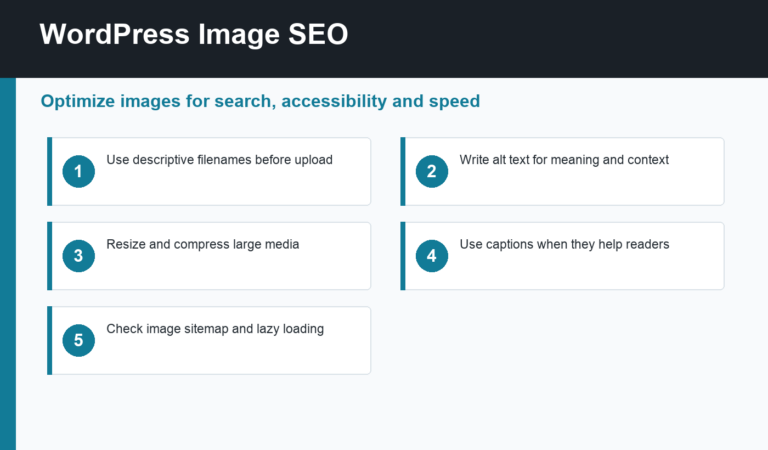
Images can improve clarity, especially in WordPress tutorials. Use screenshots to show settings, examples, and workflows. Before uploading an image, give it a descriptive filename, compress it for performance, and write alt text that describes the image accurately.
Good alt text is useful for accessibility and can help search engines understand the image. Avoid stuffing keywords into alt attributes. If the image is a screenshot of the WordPress permalink settings page, say that directly.
Step 13: Write a Strong Meta Description
A meta description is not a direct ranking shortcut, but it can influence how your page appears in search snippets. Google may use the page’s meta description when it best represents the content.
Write a short, accurate summary that tells the reader what the post offers. For example:
Learn how to write SEO-friendly WordPress posts from keyword planning and titles to permalinks, internal links, images, and final publishing checks.
A weak meta description says, “This post is about SEO tips.” A stronger one says what the reader can do after reading: write clearer titles, choose better URLs, add helpful links, optimize images, and review the post before publishing.
If you use an SEO plugin, place this text in the plugin’s meta description field. If not, you can still use it as your WordPress excerpt.
Step 14: Use Categories and Tags Carefully
Categories and tags organize your WordPress content. Categories should represent broad topics. Tags should describe more specific details. Do not create a new tag for every minor phrase; that can create thin archive pages and clutter your site.
A simple approach is best: choose one primary category and a few relevant tags only when they help users navigate your site.
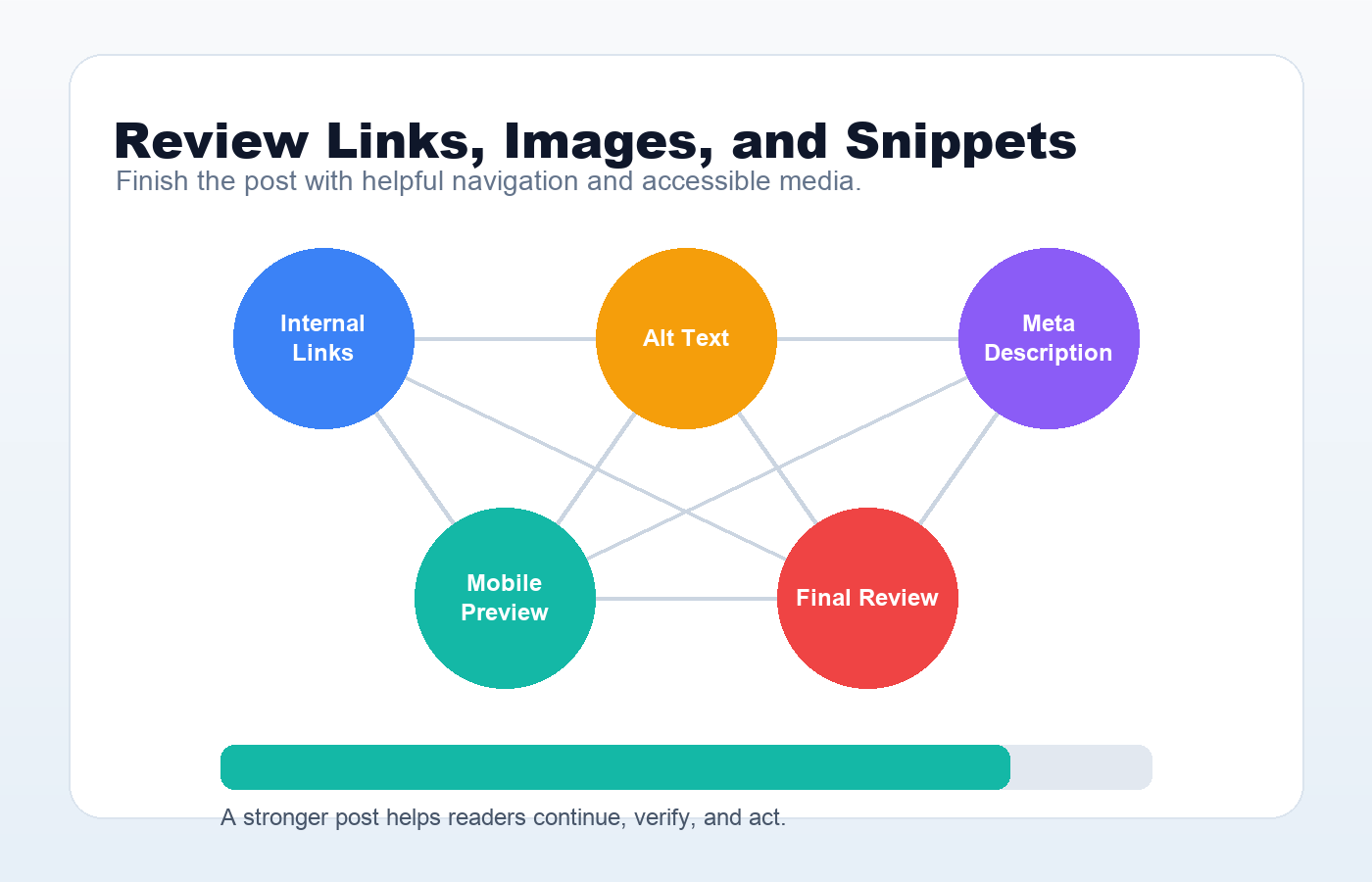
Step 15: Review Technical Basics Before Publishing
Before publishing, check the basics:
- The title is clear and accurate.
- The slug is short and readable.
- The article answers the search intent.
- Headings follow a logical structure.
- Images have descriptive filenames and alt text.
- Internal links point to relevant pages.
- External links open reliable resources.
- The excerpt or meta description is useful.
- The post looks good on mobile.
- The content has been proofread.
This final review often catches the small issues that make a post feel unfinished.
Common SEO Mistakes in WordPress
Even good content can underperform when basic mistakes get in the way. Watch out for these:
- Keyword stuffing: Repeating the same phrase until the article feels unnatural.
- Vague titles: Using clever titles that do not explain the topic.
- Messy URLs: Leaving long auto-generated slugs unchanged.
- No internal links: Publishing posts as isolated pages.
- Unoptimized images: Uploading large files with generic names and missing alt text.
- Thin content: Publishing a post that repeats basic advice without adding useful detail.
- Ignoring mobile layout: Forgetting that many readers will visit from phones.
A Simple SEO Checklist for WordPress Posts
Use this checklist before you hit publish:
- Primary keyword selected
- Search intent clearly defined
- Title includes the topic naturally
- Slug is short and descriptive
- Introduction explains the value quickly
- Headings are useful and ordered logically
- Content is original, practical, and complete
- Images are compressed and have meaningful alt text
- Internal links are added
- External references are trustworthy
- Excerpt or meta description is written
- Post preview has been checked on desktop and mobile
Recommended Official References
- Google Search Central: SEO Starter Guide
- Google Search Central: Creating helpful, reliable, people-first content
- Google Search Central: Title links in search results
- Google Search Central: Meta descriptions and snippets
- Google Search Central: Image SEO best practices
- WordPress.org: Customize permalinks
- Rank Math: SEO tests and content score guidance
Final Thoughts
SEO-friendly WordPress writing is a combination of good editorial judgment and clean publishing habits. Start with the reader’s intent, write the most useful answer you can, then use WordPress settings to make the post clear, crawlable, and easy to navigate.
If you follow this process consistently, every new post will have a stronger foundation: better structure, clearer signals, and a more helpful experience for readers.
Discussion
Join the conversation