WordPress Schema Markup: Beginner Guide to Rich Results

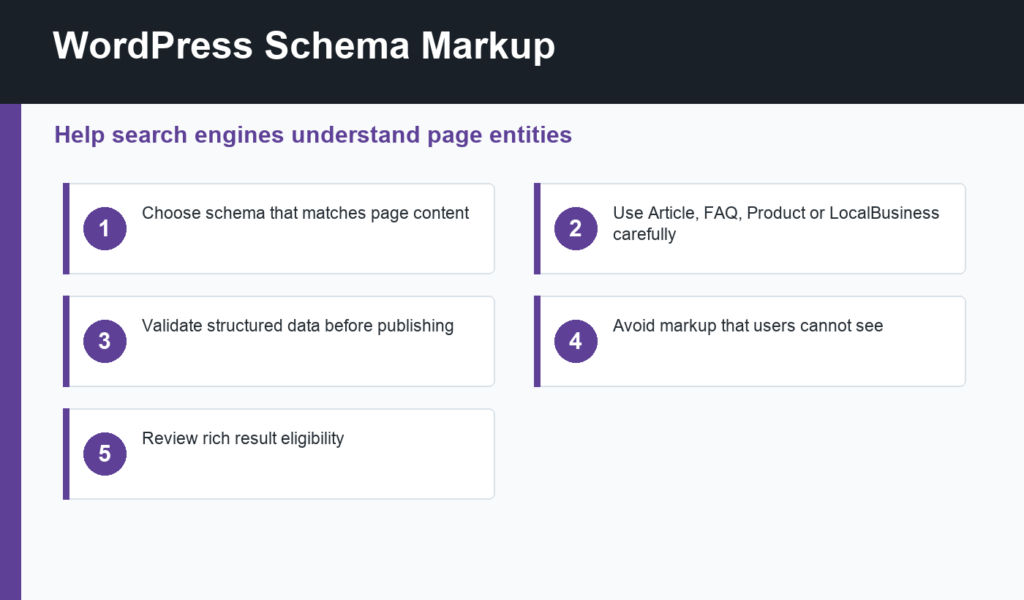
WordPress schema markup helps search engines understand what a page is about, who published it, and how different pieces of information relate to each other. Schema can support rich results for eligible content types, but it works only when the structured data accurately matches visible page content.
This beginner guide explains which schema types matter for WordPress, how SEO plugins such as Rank Math help, what to validate, and which mistakes to avoid. Schema is one part of technical SEO, alongside clean URLs, metadata, sitemaps, canonicals, and indexability.
WordPress schema markup basics
Schema markup is structured data, usually output as JSON-LD in the page source. It can identify an article, breadcrumb trail, product, review, FAQ, local business, organization, video, course, recipe, event, or other entity. Google’s structured data introduction explains that structured data helps Search understand page content and can make pages eligible for enhanced appearances.
Eligibility is not a guarantee. Google decides whether to show rich results based on many signals, including quality, policy compliance, search intent, and whether the markup reflects visible content. Your job is to mark up real content accurately.
Common schema types for WordPress
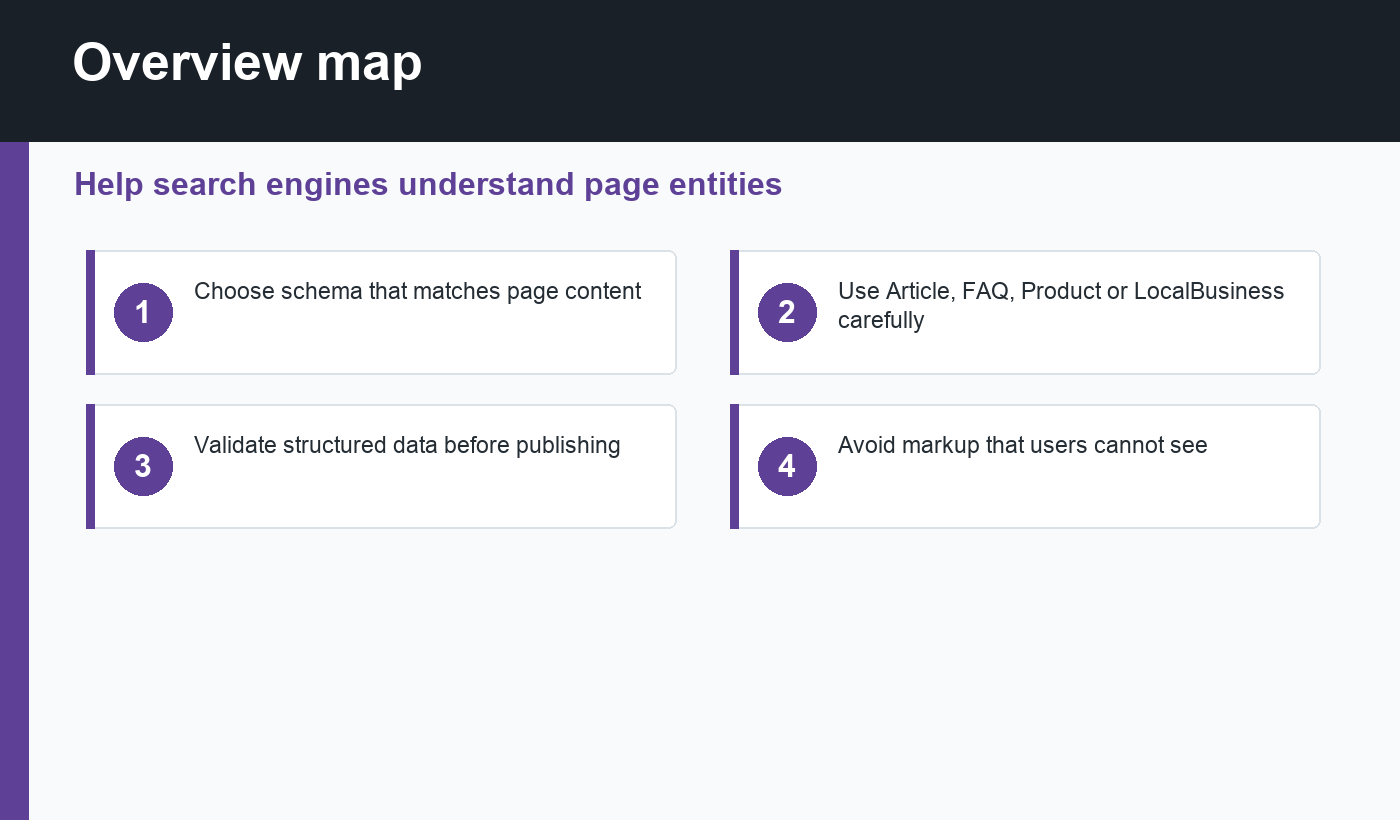
- Article: useful for blog posts, news posts, and guides.
- BreadcrumbList: helps clarify site structure and page hierarchy.
- FAQPage: only for visible question-and-answer content that follows current guidelines.
- Product: for ecommerce products with real product details.
- LocalBusiness: for local companies with accurate name, address, phone, and service information.
- VideoObject: for pages where a video is a main content element.
Using Rank Math for schema
Rank Math provides schema controls inside WordPress, including default schema settings and page-level options. Its rich snippets and schema documentation is a useful reference for understanding how schema types are configured in the plugin. The practical benefit is that editors can set structured data without hand-coding JSON-LD for every post.
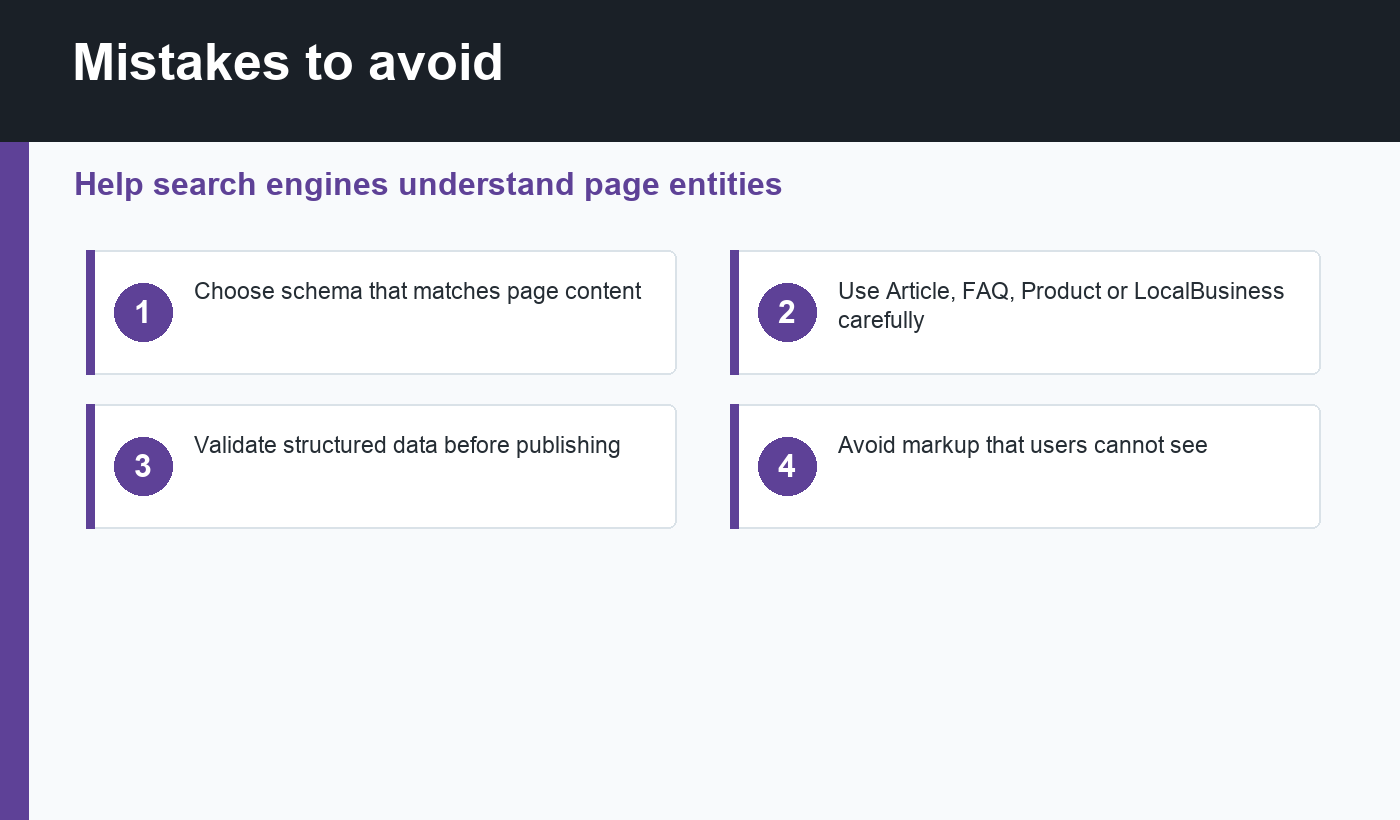
That convenience does not remove editorial responsibility. Choose the schema type that matches the page. A standard blog post should not be marked as a product. A page should not use FAQ schema unless the questions and answers are visible to users. A local business schema should use real, consistent business details.
How schema fits with WordPress SEO
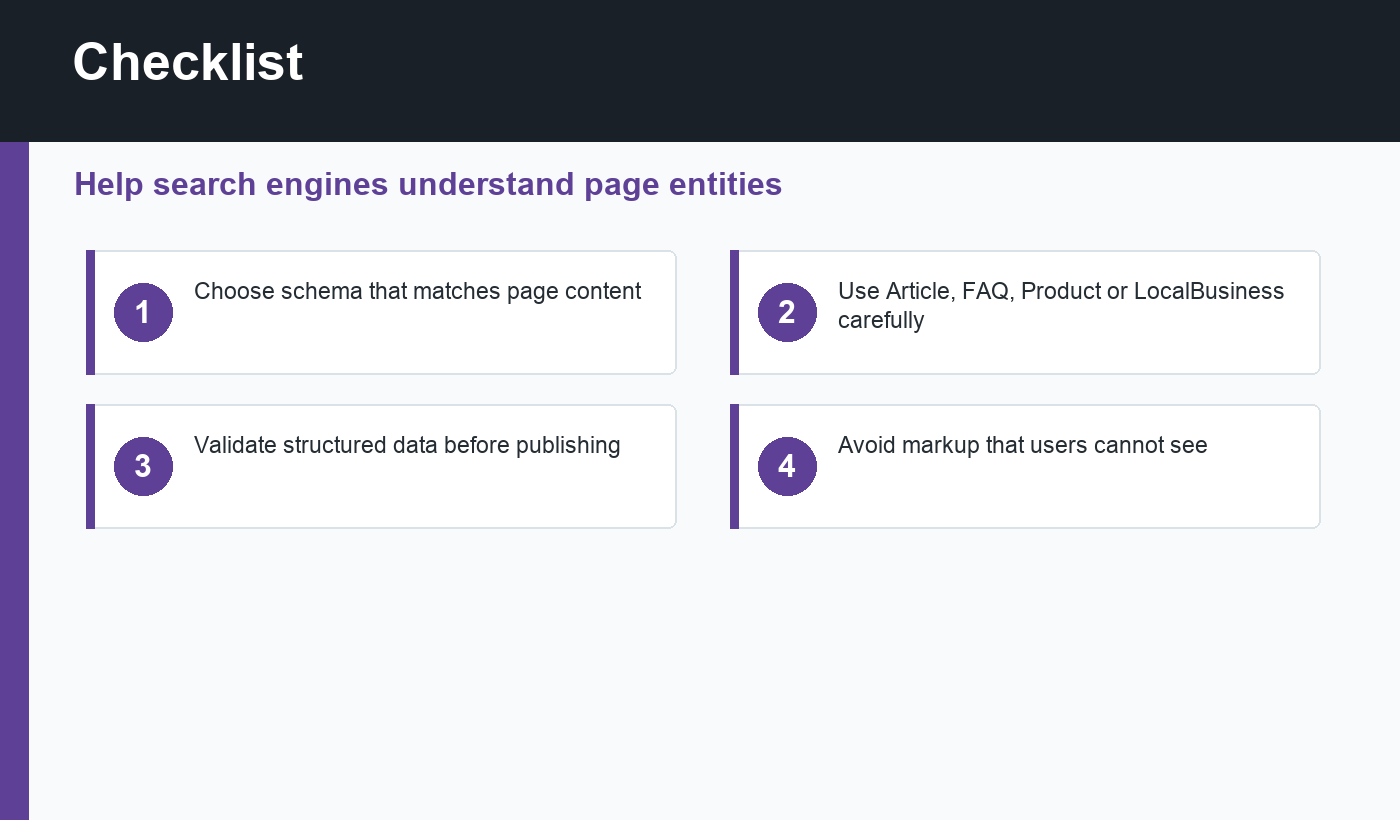
Schema works best when the rest of the page is healthy. The title should describe the page clearly. The meta description should set accurate expectations. The URL should be clean. Internal links should connect related content. The page should be indexable and included in the sitemap. If those fundamentals are missing, schema alone will not fix the page.
For a broader publishing process, use the WordPress SEO checklist before worrying about advanced markup. For URL hygiene, review the guide to WordPress permalink structure.
Validate before publishing
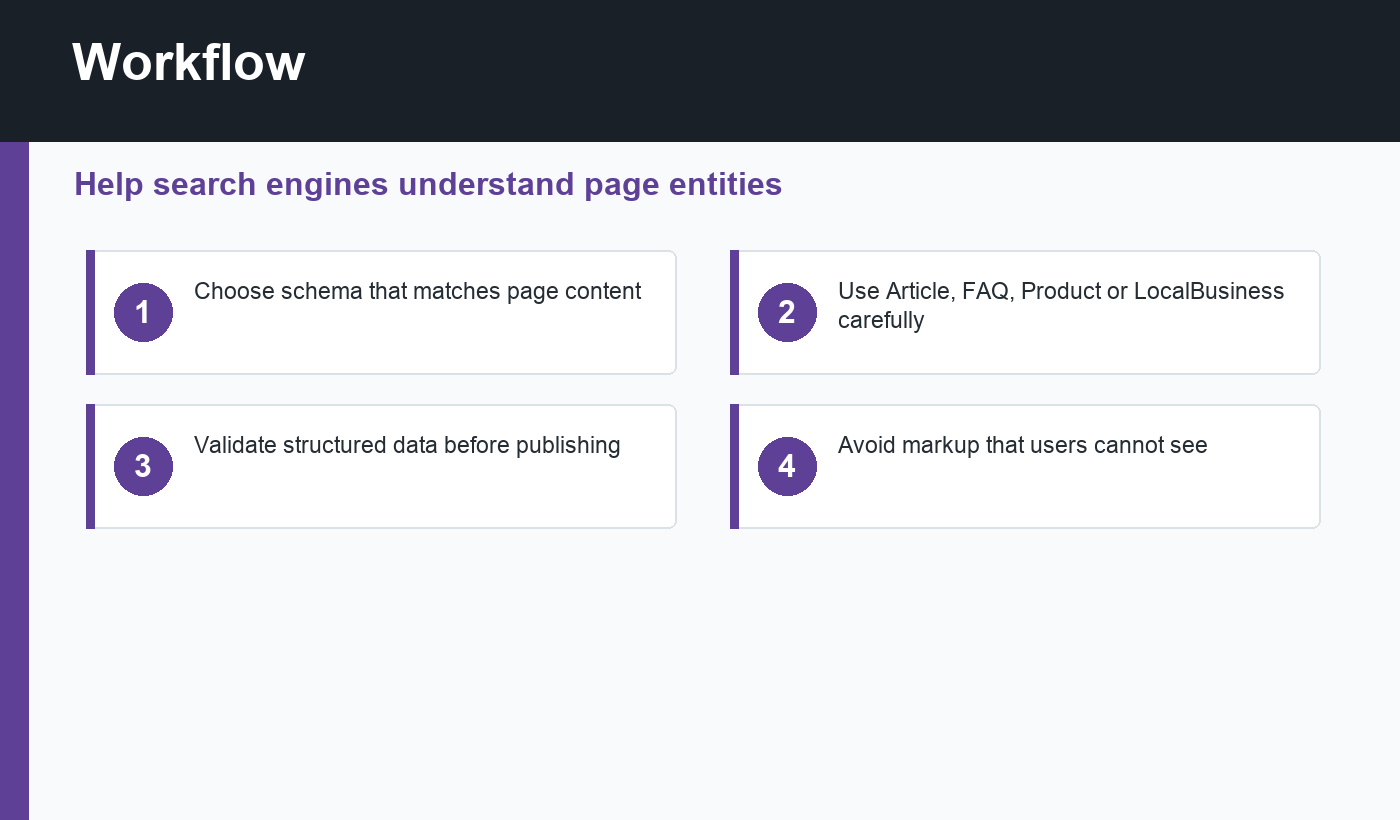
After adding schema, test important templates. Use Google’s Rich Results Test for eligible rich result types and Schema Markup Validator for broader structured data checks. Look for missing required properties, invalid values, duplicate markup, or schema that conflicts with the visible page.
Also inspect the rendered page, not only the editor. Caching, theme templates, page builders, and multiple SEO plugins can change the final source code. If two plugins output schema for the same entity, you may create confusing or duplicate data.
Schema mistakes to avoid
- Adding schema for content that is not visible on the page.
- Using review or product markup on pages that are not genuine reviews or products.
- Running multiple schema plugins without clear responsibility.
- Forgetting to update schema after changing business details, prices, authors, or page type.
- Assuming schema guarantees rich results or rankings.
A simple rollout process
For a small WordPress site, start with global defaults first. Configure Organization or Person details, enable Breadcrumb schema if your theme supports breadcrumbs, and confirm Article schema on blog posts. Then review special templates one at a time, such as product pages, local landing pages, video pages, or FAQ pages.
Keep notes about which plugin or theme controls each schema output. That documentation matters later when you redesign the site, change SEO plugins, or troubleshoot Search Console enhancements. Schema problems are easier to fix when you know where the markup is coming from.
When in doubt, keep schema conservative. Accurate basic markup is better than ambitious markup that misrepresents the page or creates warnings every time Google recrawls it.
Final recommendation
Use WordPress schema markup to clarify real page meaning, not to decorate weak content. Start with Article and Breadcrumb schema, add specialized schema only when it matches the visible page, and validate the final output after caching and theme rendering. Done well, schema makes your site easier for search engines to understand.
Discussion
Join the conversation