WordPress SEO Checklist for Beginners: 15 Things to Do Before Publishing

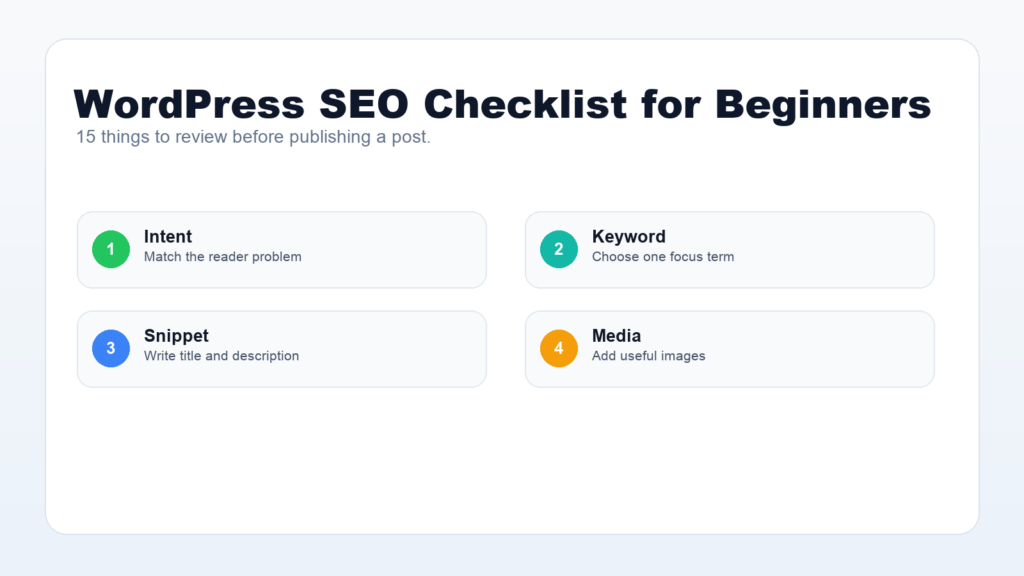
WordPress SEO checklist work is easier when you follow a repeatable process before every publish. Instead of guessing whether a post is ready, you can check the title, URL, content structure, images, links, schema basics, and search snippet before the article goes live.
This beginner-friendly guide gives you a practical WordPress SEO checklist you can use inside WordPress with Rank Math, Google Search Console, and a clean editorial workflow. It is written for site owners who want every post to have a stronger chance of being discovered, understood, and clicked.
WordPress SEO Checklist: Start With Search Intent
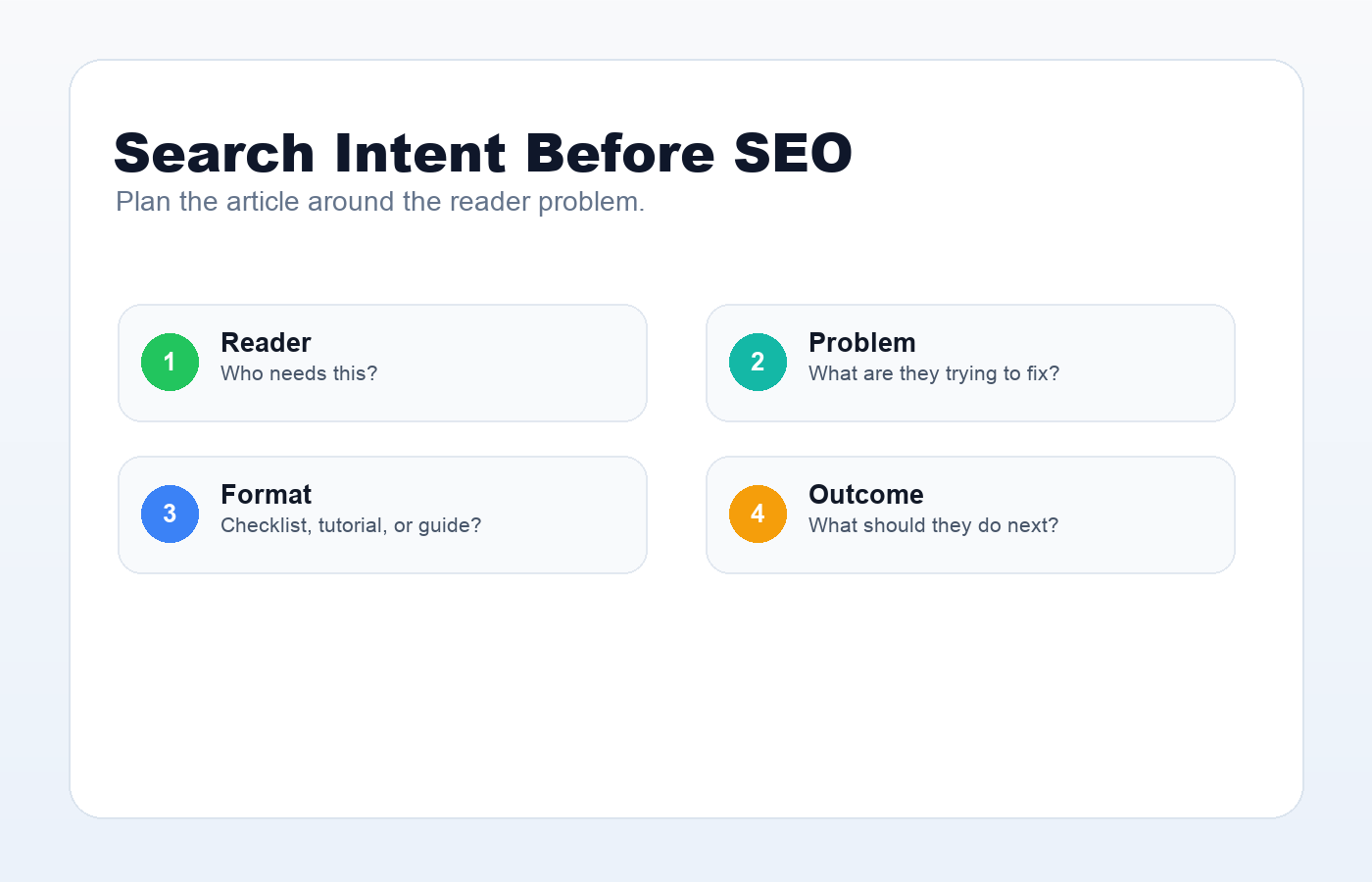
Before you open the WordPress editor, decide what the searcher wants. Search intent explains why someone types a query into Google. A beginner searching for “WordPress SEO checklist” probably wants a step-by-step list, not a technical essay about ranking systems.
- Define the reader problem in one sentence.
- Choose one primary focus keyword for the post.
- List three to eight related questions the article should answer.
- Check whether the best result format is a tutorial, checklist, comparison, or troubleshooting guide.
Google’s helpful content guidance is a good reminder: write for people first, then make the page easy for search engines to understand.
Use this checklist after drafting, not before you understand the reader. If the article itself is thin, no SEO plugin score can fully fix it. A strong WordPress SEO checklist should help you improve the page, not turn writing into a box-ticking exercise.
Choose One Focus Keyword
Rank Math works best when each post has one clear focus keyword. You can support it with related phrases, but the article should not chase five different topics at once. For this post, the focus keyword is “WordPress SEO checklist.”
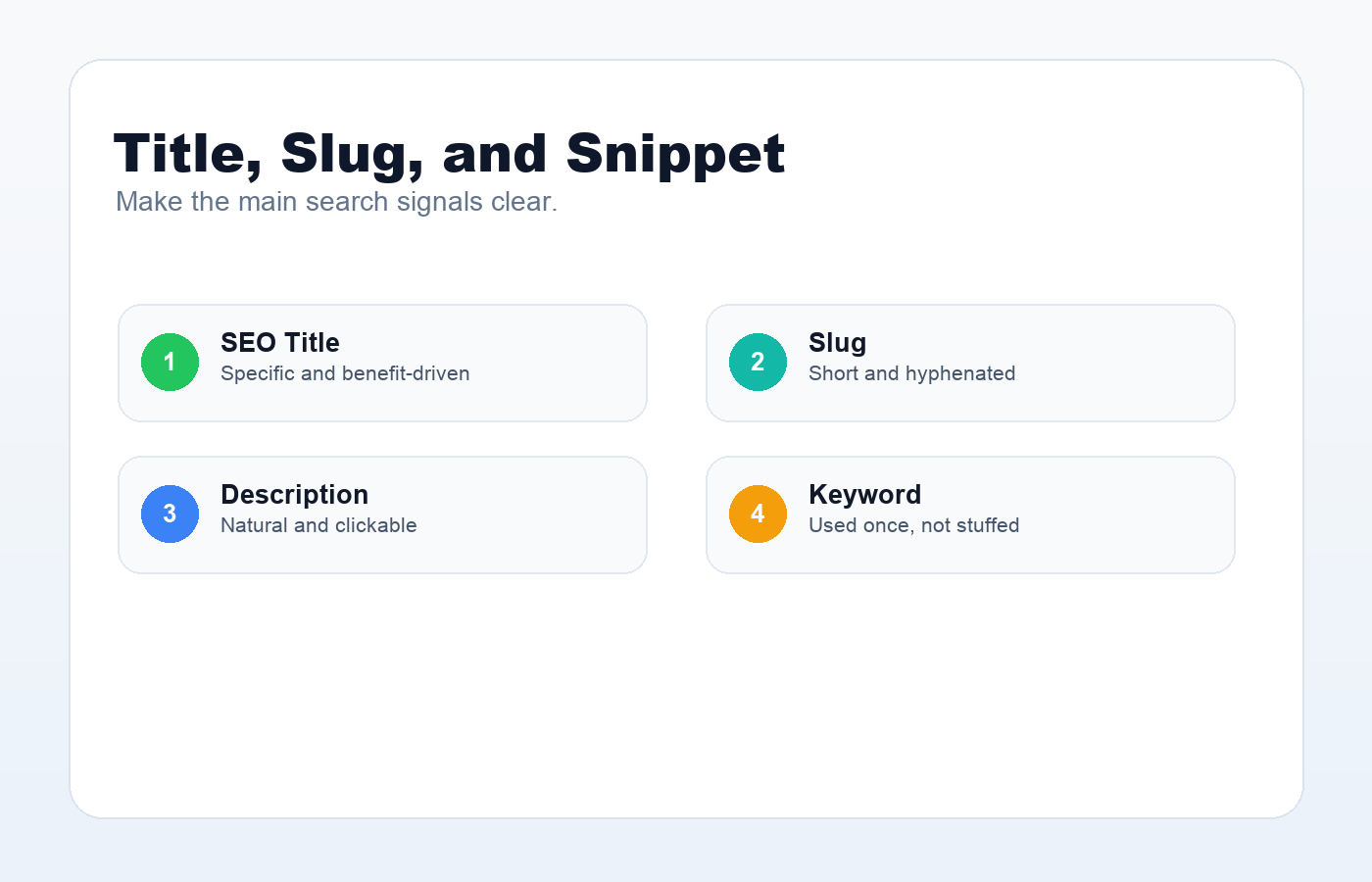
Use the focus keyword naturally in the title, introduction, slug, description, at least one helpful heading, and image alt text when the image genuinely represents the topic. Avoid keyword stuffing. The best SEO writing still sounds like a human wrote it.
Write an SEO Title People Understand
Your SEO title is often the first thing a searcher sees. It should be specific, accurate, and useful. A title like “WordPress SEO Checklist for Beginners: 15 Things to Do Before Publishing” works because it includes the topic, audience, and benefit.
Keep the title readable. If the keyword fits near the beginning, use it there. If it feels awkward, prioritize clarity. A clear title usually performs better than a robotic one.
For example, “WordPress SEO Checklist for Beginners: 15 Things to Do Before Publishing” is specific because it names the topic, audience, and outcome. A title like “Amazing SEO Tips You Need Today” is weaker because it does not tell the reader what they will actually learn.
Create a Clean URL Slug
A good WordPress slug is short, descriptive, lowercase, and separated by hyphens. For this article, a strong slug is wordpress-seo-checklist. It is readable for people and gives search engines a clear topic signal.
WordPress.org’s permalink documentation explains how clean URL structures make posts easier to read and share. Avoid long auto-generated slugs with every word from the title.
A good slug for this article is wordpress-seo-checklist. A weaker version would be 15-things-to-do-before-publishing-a-wordpress-post-for-seo because it is longer than necessary. For a deeper URL workflow, read this guide to WordPress permalink structure.
Optimize the Opening Paragraph
The first paragraph should confirm that the visitor is in the right place. Include the focus keyword naturally and explain what the reader will get. Do not waste the opening with a long generic introduction.
A strong introduction has three jobs: name the problem, promise the outcome, and set expectations for the structure of the article.
Use Headings to Structure the Answer
Headings help readers scan the page and help search engines understand the relationship between topics. Use one H1 for the post title. Use H2 headings for major checklist sections. Use H3 headings only when a section needs substeps.
- Keep headings descriptive.
- Do not use headings only for styling.
- Include related keywords where they fit naturally.
- Keep sections focused on one idea.
Add Images With Descriptive Alt Text
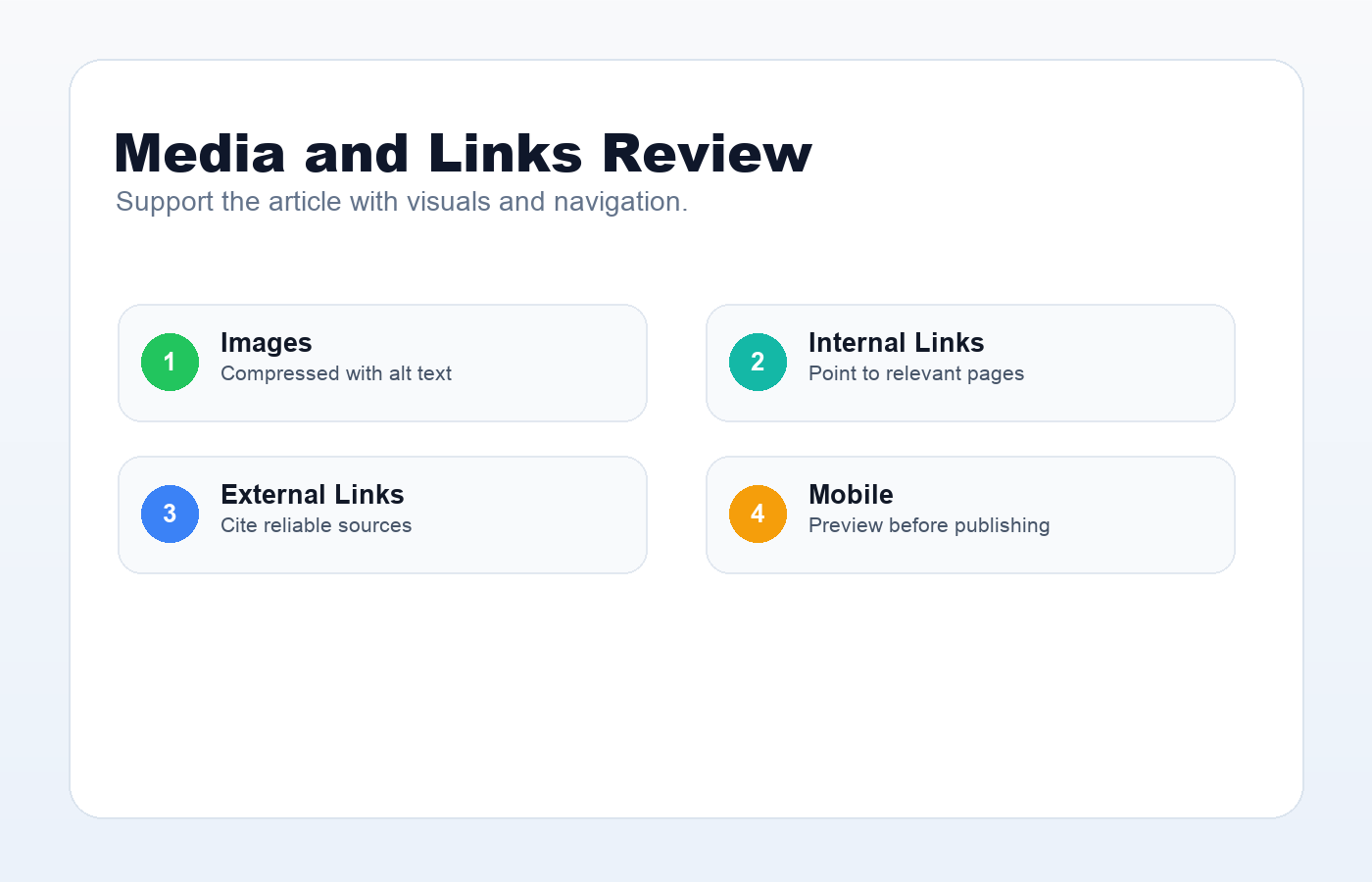
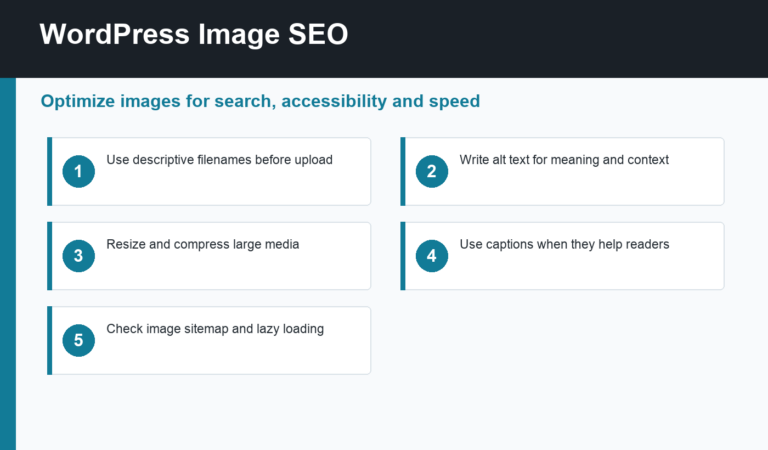
Images make a WordPress tutorial easier to understand. Use screenshots, diagrams, or simple checklists to explain the process. Compress images before uploading, give them descriptive filenames, and write useful alt text.
At least one image alt text can include the focus keyword if the image actually supports that topic, such as “WordPress SEO checklist before publishing.” Do not force keywords into unrelated images.
Good alt text describes the image first. For example, “WordPress SEO checklist for images links and mobile review” is useful because it explains what the graphic shows. “best SEO best WordPress SEO checklist ranking SEO” is keyword stuffing and should be avoided.
Add Internal and External Links
Internal links guide readers to related content on your site. If you are building a WordPress learning hub, link to your WordPress tutorials homepage, related SEO guides, plugin tutorials, and troubleshooting articles when they exist.
For this topic cluster, useful internal links include the full guide on SEO-friendly WordPress posts, the tutorial on meta titles and descriptions in WordPress, and the guide on how to submit a WordPress sitemap to Google. These links help readers move from checklist to implementation.
External links should support trust. Official documentation from Google, WordPress.org, and plugin developers is useful when it helps readers verify a setting or learn more.
Write a Helpful Rank Math Description
The Rank Math description should summarize the post and give people a reason to click. Keep it accurate, natural, and concise. Include the focus keyword once, but do not turn the description into a keyword list.
Use this WordPress SEO checklist to optimize titles, URLs, content, images, links, schema basics, and Rank Math settings before publishing.
A weak description says, “This article has WordPress SEO tips.” A stronger description is closer to the example above because it names the practical checks: titles, URLs, content, images, links, schema, and Rank Math settings.
Inside the Rank Math panel, review the Focus Keyword, SEO Title, Permalink, Description, Basic SEO, Additional SEO, and Content Readability sections. Treat the score as a useful warning system, then make the final call based on whether the page still reads naturally.
Check Technical Basics Before Publishing
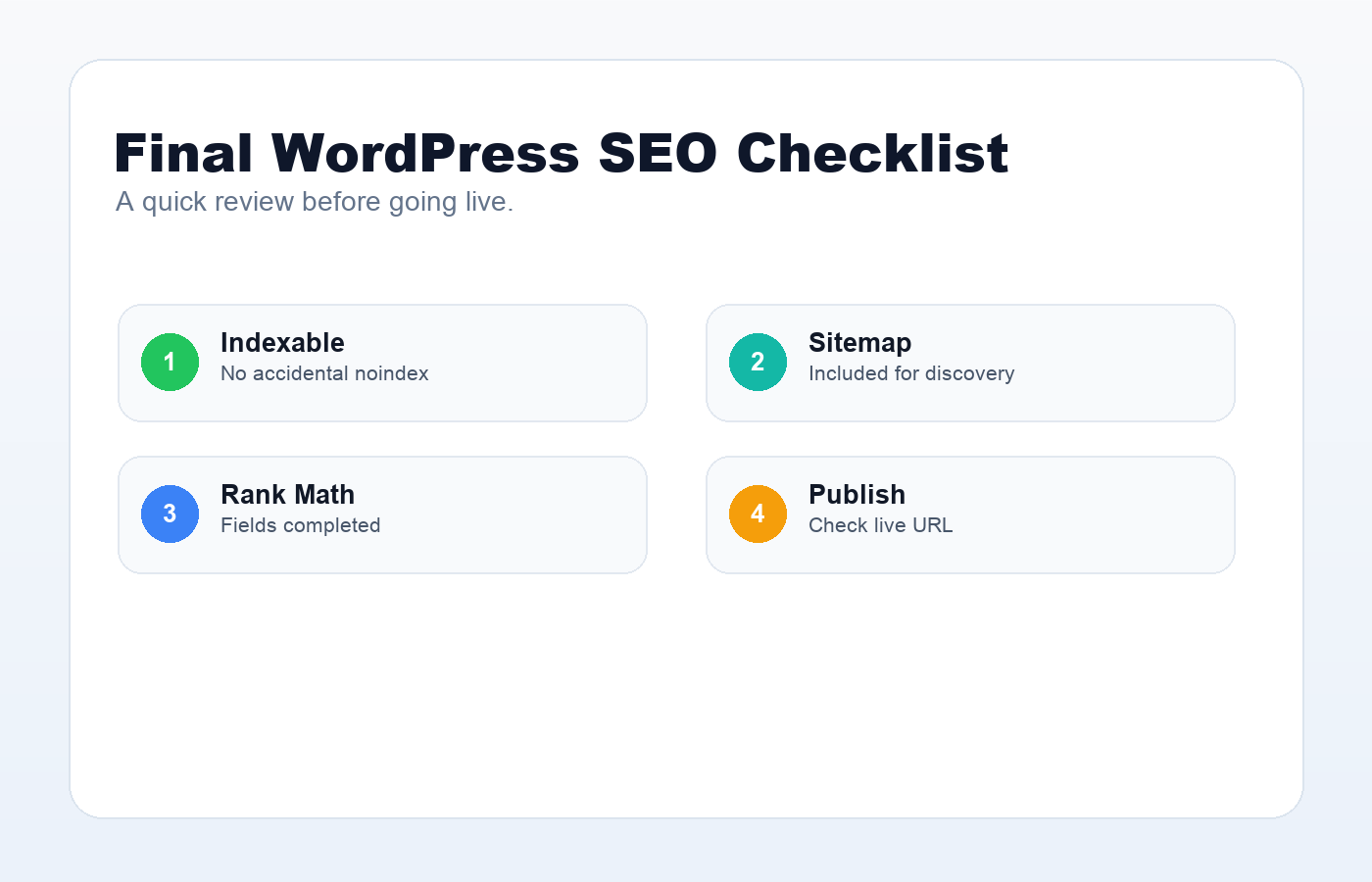
- The post is indexable and not set to noindex.
- The canonical URL points to the final permalink.
- The post appears in the sitemap.
- The page loads quickly on mobile.
- Images are compressed and not oversized.
- There are no broken links.
This part matters because a well-written article can still struggle if Google cannot crawl, understand, or trust the final URL. After publishing, open the post in an incognito browser, check the canonical tag, confirm it appears in the sitemap, and make sure important internal links point to the live URL.
Final WordPress SEO Checklist
- Search intent is clear.
- Focus keyword is selected.
- SEO title is specific.
- Slug is short and readable.
- Intro includes the topic naturally.
- Headings are useful.
- Images have alt text.
- Internal and external links are added.
- Rank Math description is optimized.
- The page is checked before publishing.
If you want the fastest review workflow, check the article in this order: search intent, title, introduction, headings, body depth, images, internal links, external references, metadata, mobile preview, and final indexability. That sequence catches most problems before the post goes live.
A WordPress SEO checklist will not magically rank a weak article. But it does make strong content easier to publish consistently. Use this process before every post, improve it as your site grows, and keep the reader’s problem at the center of the page.
Discussion
Join the conversation