PHP Syntax Basics: Variables, Data Types, Arrays, and Loops

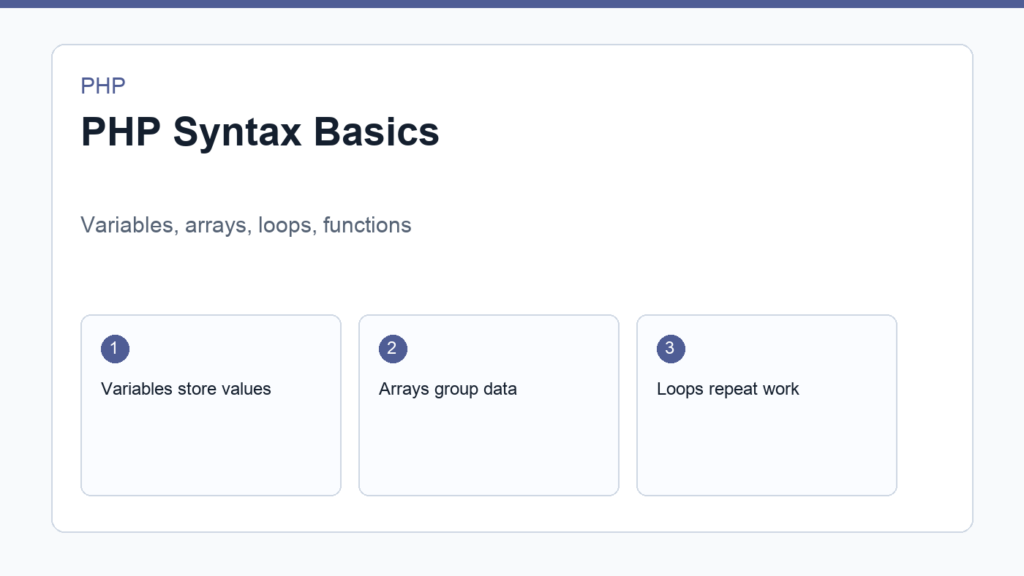
PHP syntax basics are easier to learn when you connect each rule to a real use case. PHP is not just a list of symbols. It is a way to describe what a server should do: store values, make decisions, repeat work, organize logic, and return output.
This guide covers the syntax you need first: PHP tags, variables, data types, arrays, conditions, loops, and functions. If you have not set up PHP locally yet, start with How to Install PHP, then come back and run the examples yourself. The official PHP language reference is useful when you want deeper details.
PHP syntax basics start with the opening tag
A PHP file usually begins with <?php. Everything after that tag is interpreted as PHP until the file ends or PHP reaches a closing tag. In pure PHP files, many developers leave off the closing ?> tag to avoid accidental whitespace output.
<?php
echo 'Hello from PHP';
The echo statement sends output. In a command-line script, that output appears in the terminal. In a web request, it becomes part of the response sent to the browser.
Variables in PHP
Variables store values. In PHP, variable names start with a dollar sign:
<?php
$name = 'Linh';
$age = 28;

echo $name;
Use clear variable names. $customerEmail is better than $x because it explains the value’s purpose. PHP variables are case-sensitive, so $name and $Name are different variables.
Common PHP data types
- String: text, such as
'hello'. - Integer: whole numbers, such as
42. - Float: decimal numbers, such as
19.95. - Boolean:
trueorfalse. - Array: a collection of values.
- Null: no value.
- Object: a value created from a class.
You can inspect a value while learning with var_dump():
<?php
$price = 19.95;

var_dump($price);
Strings and interpolation
PHP supports single-quoted and double-quoted strings. Double-quoted strings can interpolate variables:
<?php
$product = 'Keyboard';

echo "Selected product: {$product}";
The curly braces make the variable boundary clear. This habit becomes useful when strings contain more text around the variable.
Arrays in PHP
Arrays store multiple values. A simple indexed array looks like this:
<?php
$languages = ['PHP', 'JavaScript', 'SQL'];

echo $languages[0]; // PHP
An associative array uses named keys:
<?php
$user = [
    'name' => 'Minh',
    'email' => 'minh@example.com',
];

echo $user['email'];
Associative arrays are common when working with form data, configuration, API responses, and database rows.
Conditions: if, else, and comparisons
Conditions let PHP choose between paths:
<?php
$total = 120;

if ($total >= 100) {
    echo 'Free shipping';
} else {
    echo 'Shipping fee applies';
}
Use strict comparisons such as === and !== when you need both the value and type to match. Strict comparisons reduce surprises in real applications.
Loops: repeat work safely
Loops repeat work. The foreach loop is especially useful for arrays:
<?php
$items = ['Mouse', 'Keyboard', 'Monitor'];

foreach ($items as $item) {
    echo "<li>{$item}</li>";
}
Functions in PHP
Functions group reusable logic:
<?php
function formatPrice(float $amount): string
{
    return '$' . number_format($amount, 2);
}

echo formatPrice(19.9);
This function receives a number and returns a formatted string. The type hints make the expected input and output easier to understand.
Final practice exercise
Create an array of products. Each product should have a name and price. Loop through the array, display each product, calculate the total, and show a message when the total is above a discount threshold. This small exercise touches the most important PHP syntax basics in one place.
<?php
$products = [
    ['name' => 'Notebook', 'price' => 12.5],
    ['name' => 'Pen', 'price' => 2.25],
    ['name' => 'Backpack', 'price' => 39.99],
];

$total = 0;

foreach ($products as $product) {
    $total += $product['price'];
    echo $product['name'] . ': $' . number_format($product['price'], 2) . PHP_EOL;
}

echo 'Total: $' . number_format($total, 2) . PHP_EOL;

if ($total > 50) {
    echo 'Discount available.';
}
How to read PHP errors while learning syntax
Syntax errors are normal while learning. A missing semicolon, unmatched quote, or forgotten bracket can stop the script. PHP usually reports the file and line number where it became confused. The exact problem may be slightly before that line, so inspect the surrounding code too.
When you see an error, slow down and identify the category. Parse errors usually mean PHP could not understand the code structure. Type errors usually mean a value is not the expected kind. Undefined variable or undefined array key warnings usually mean you are reading something before creating it. These messages are not just obstacles; they are feedback from the runtime.
Formatting habits that make PHP easier
Use consistent indentation, one clear statement per line, and descriptive names. Keep functions short while learning. Avoid mixing too much HTML and PHP in one long file until you understand what each part does. Clean formatting will not make bad logic correct, but it makes mistakes easier to see.
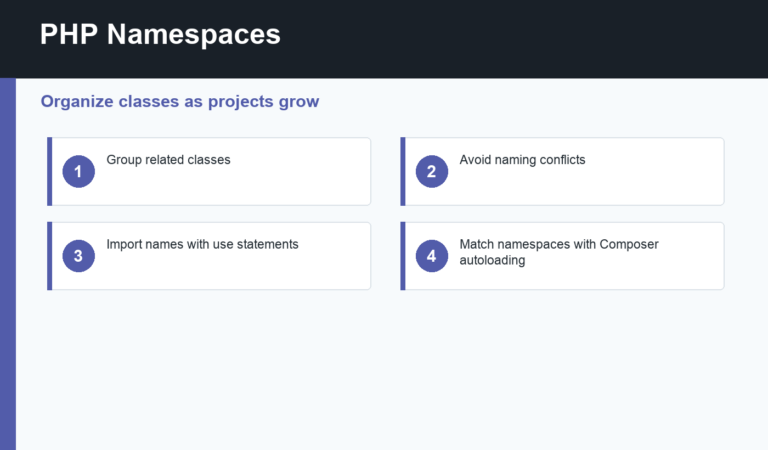
As your files grow, learn about Composer autoloading, namespaces, and project structure. Those topics are not required for the first script, but they matter when you begin writing code that should survive beyond a tutorial.
One useful habit is to keep a scratch file for experiments and a cleaner file for the final version. Try a concept in the scratch file first, then rewrite it neatly after you understand it. That small reset forces you to explain the syntax to yourself instead of only copying a working example.
After that, continue with your first PHP script or go back to the full PHP programming for beginners roadmap.
Discussion
Join the conversation