PHP Programming for Beginners: A Complete Start-from-Zero Guide

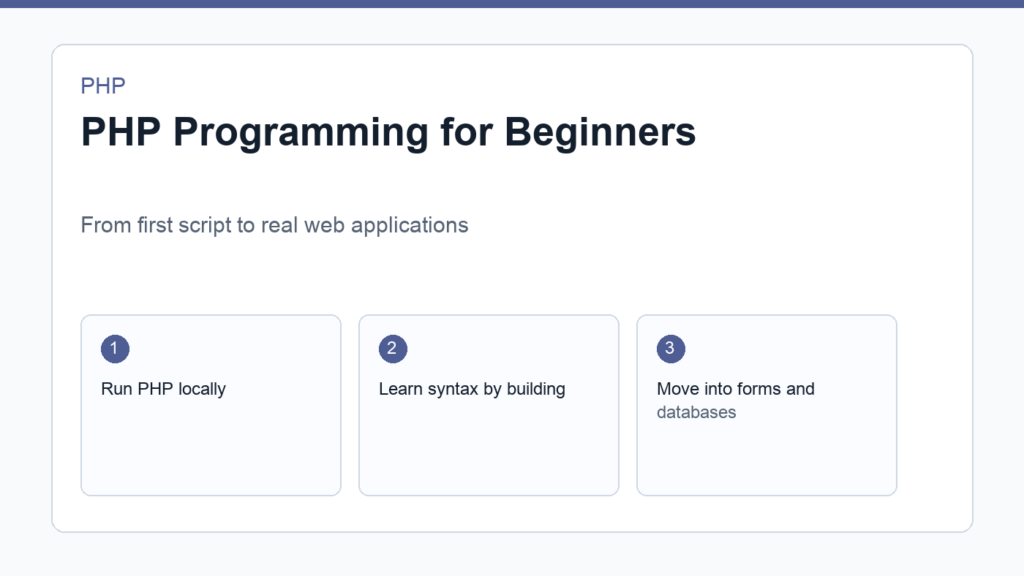
PHP programming for beginners is still a practical way to learn how dynamic websites work. PHP powers a huge part of the web, including WordPress, many custom business systems, ecommerce stores, APIs, admin dashboards, and Laravel applications. Even if you later move into another language, learning PHP gives you a useful mental model for server-side programming.
This guide gives you a clean starting point. You will learn what PHP is, where it runs, what tools you need, how to create your first script, and which topics matter most after the basics. For official language details, keep the PHP manual getting started guide nearby while you practice.
PHP programming for beginners: what PHP actually does
PHP is a server-side scripting language. That means PHP code usually runs on a web server, not inside the visitor’s browser. When someone opens a PHP-powered page, the server executes PHP code, builds an HTML response, and sends that response back to the browser.
For example, a static HTML page always shows the same content unless you edit the file. A PHP page can read form input, load posts from a database, check login status, calculate totals, or generate a personalized page before the browser receives anything.
Why learn PHP today?
PHP is worth learning because it is useful in real projects. WordPress themes and plugins are written in PHP. Laravel is one of the most popular backend frameworks for building modern web applications. Many hosting providers support PHP by default, so deploying small projects can be simpler than setting up a custom server stack.
PHP has also changed a lot over the years. Modern PHP includes strong typing options, better error handling, attributes, enums, performance improvements, and a mature package ecosystem through Composer. The goal is not to learn outdated copy-paste snippets. The goal is to learn PHP in a clean, modern, maintainable way.
What you need before writing PHP
- A code editor such as Visual Studio Code or PhpStorm.
- A local PHP runtime so your computer can execute PHP files.
- A browser for testing web output.
- Basic comfort with folders, files, and terminal commands.
- Composer later, once you begin using packages and autoloading.
If your first goal is simply to run code, start small. You do not need Laravel, Docker, Nginx, Apache, MySQL, Redis, and a complete production stack on day one. Install PHP, create one file, run it, and build from there. The dedicated setup guide in this series, How to Install PHP on macOS, Windows, and Linux, covers the environment in more detail.
Your first PHP script
Create a file named index.php and add this code:
<?php
$name = 'Tuyen';

echo "Hello, {$name}! Welcome to PHP.";
If PHP is installed, you can run the file from a terminal:
php index.phpYou can also use PHP’s built-in development server for simple browser testing:
php -S localhost:8000Then open http://localhost:8000 in your browser. For a slower walkthrough, read How to Run Your First PHP Script Locally.
The PHP basics to learn first
Once you can run a script, learn the language pieces that appear in almost every project. Start with variables, strings, numbers, booleans, arrays, conditional statements, loops, functions, and simple file organization. Do not rush into frameworks before you can read plain PHP comfortably.
A small example can combine several basics:
<?php
$prices = [19, 29, 49];
$total = 0;

foreach ($prices as $price) {
    $total += $price;
}

if ($total >= 50) {
    echo "Total: {$total}. Free shipping is available.";
} else {
    echo "Total: {$total}. Add more items for free shipping.";
}
This tiny script uses an array, a loop, a variable, an arithmetic operation, and an if statement. These are the building blocks of larger applications. The next syntax article, PHP Syntax Basics, expands each concept with beginner-friendly examples.
A practical PHP learning roadmap
- Stage 1: run PHP locally and understand basic syntax.
- Stage 2: process forms with
GET,POST, validation, and escaping. - Stage 3: connect PHP to MySQL using PDO.
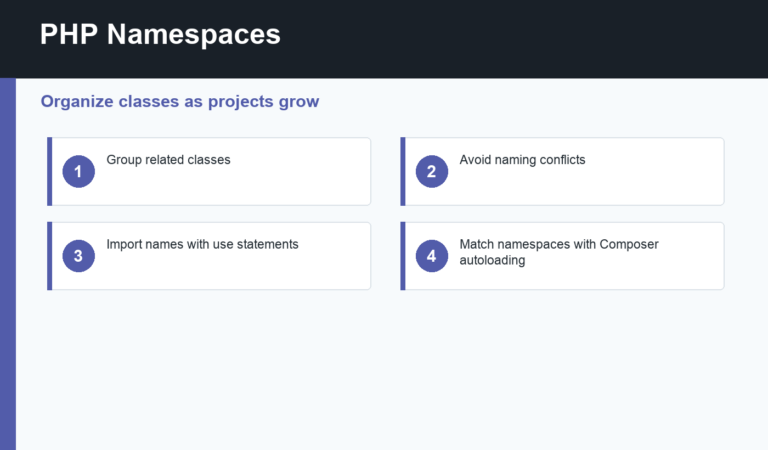
- Stage 4: learn Composer, namespaces, and autoloading.
- Stage 5: learn object-oriented PHP.
- Stage 6: build a small app, then move into Laravel or WordPress development.
Common beginner mistakes
The first mistake is trying to memorize everything. PHP has many functions, but you only need a small set to start building. The second mistake is copying old tutorials without checking modern practices. The third mistake is ignoring security until later. Even simple form examples should teach validation and output escaping early.
Another mistake is learning only syntax without building. After each concept, create a tiny project: a calculator, a contact form, a note list, a login page, or a simple blog. Projects reveal the gaps that reading alone hides.
A small project idea for your first week
A good first-week project is a personal expense tracker that does not use a database yet. Create an array of expenses, show them in an HTML table, calculate the total, and display a warning when spending passes a limit. This project is small, but it gives you practice with arrays, loops, conditions, functions, and HTML output.
After that version works, add one improvement at a time. Move repeated formatting into a function. Split the page into a few files. Add a form that lets you submit a new expense. Later, store the data in MySQL. This sequence teaches PHP programming for beginners in a realistic order because each new topic solves a problem you have already seen.
How to practice without getting stuck
Practice in short loops. Read one concept, type the example by hand, change it, break it, fix it, and write a note about what changed. When an error appears, read the exact message before searching. PHP errors often tell you the file, line number, and type of problem. Learning to read errors is part of learning to program.
Keep your examples in separate folders. A folder for syntax, a folder for forms, a folder for database work, and a folder for object-oriented PHP will make review easier. You do not need a perfect system, but you do need a place where experiments are easy to find.
When to move beyond plain PHP
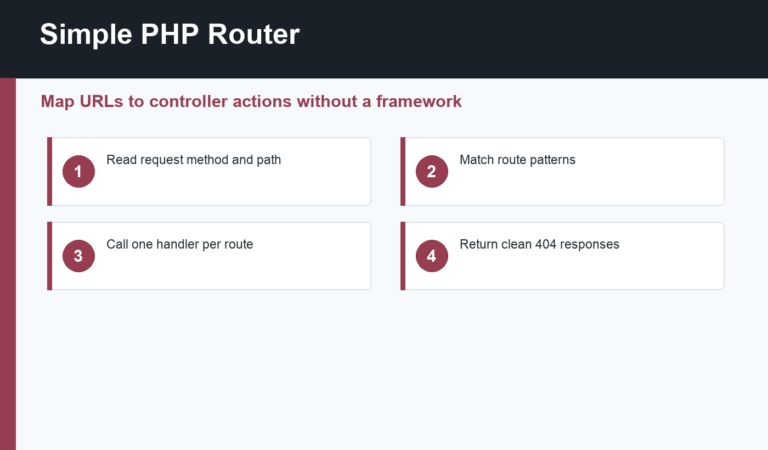
Move beyond plain PHP when you understand the basics well enough to feel repetition. If every page needs the same routing, database connection, validation, template structure, and security checks, a framework starts to make sense. Laravel gives you a complete application structure. WordPress gives you a content management system and a large ecosystem. Composer gives you package management for both simple and advanced projects.
Do not treat frameworks as shortcuts around fundamentals. Frameworks are easier when you already know what a request is, how arrays work, how functions return values, and why server-side validation matters. A few weeks of plain PHP practice can save a lot of confusion later.
Final thoughts
PHP programming for beginners should feel practical from the first day. Learn how the server responds to a browser, run one small script, understand the core syntax, and keep building simple examples. Once the foundation is clear, tools like Composer, MySQL, WordPress, and Laravel become much easier to understand.
Discussion
Join the conversation