PHP Error Handling: Exceptions, Logs, and Safer Failures

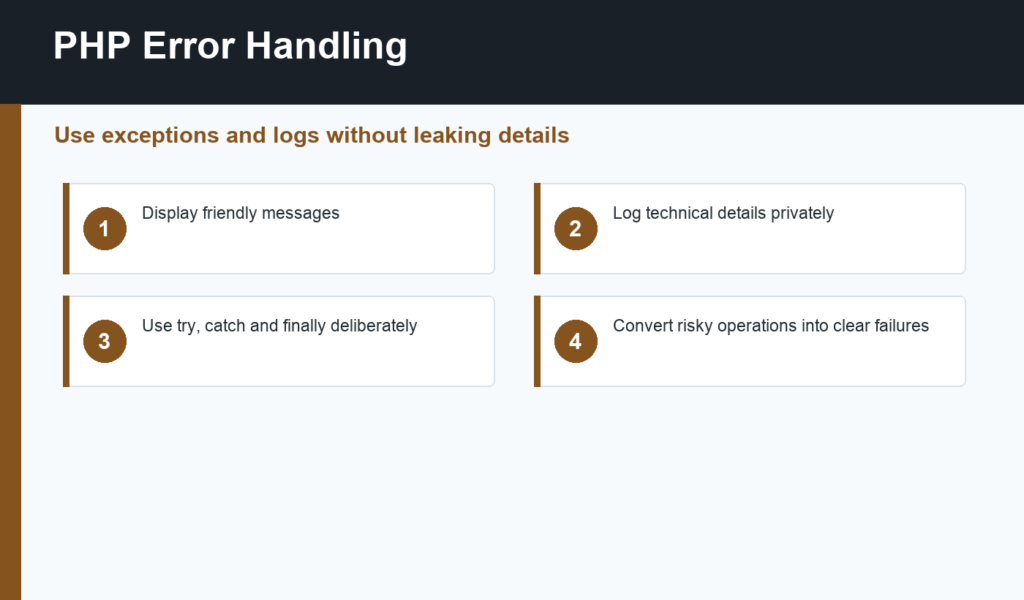
PHP error handling helps you turn confusing failures into clear behavior for users and useful information for developers. Beginners often start by printing errors directly on the page, but production applications need a safer pattern: display friendly messages, log technical details, and recover when recovery is possible.
This article builds on common PHP errors and PHP functions. Once you understand syntax errors and function flow, error handling helps your code fail in a controlled way.
PHP error handling basics
PHP has different kinds of problems: syntax errors, warnings, notices, exceptions, failed return values, and application-level validation errors. They are not all handled the same way. A missing semicolon is fixed during development. A failed database query or file operation should be handled at runtime with a clear fallback.
The PHP manual section on exceptions explains the try, catch, finally, and throw flow. Exceptions are useful when a function cannot complete its responsibility and the caller needs to decide what happens next.
Use try and catch around risky operations
Risky operations include database queries, API calls, file reads, file uploads, email sending, payment requests, and anything that depends on external systems. Wrap the operation in try and catch the specific exception you expect when possible. Specific catches make the code easier to reason about than one broad catch for everything.
A good catch block should choose the next safe action. That might be showing a friendly error page, retrying a request, returning a validation response, or logging the issue and stopping the operation. It should not hide every problem silently.
Log details, show simple messages
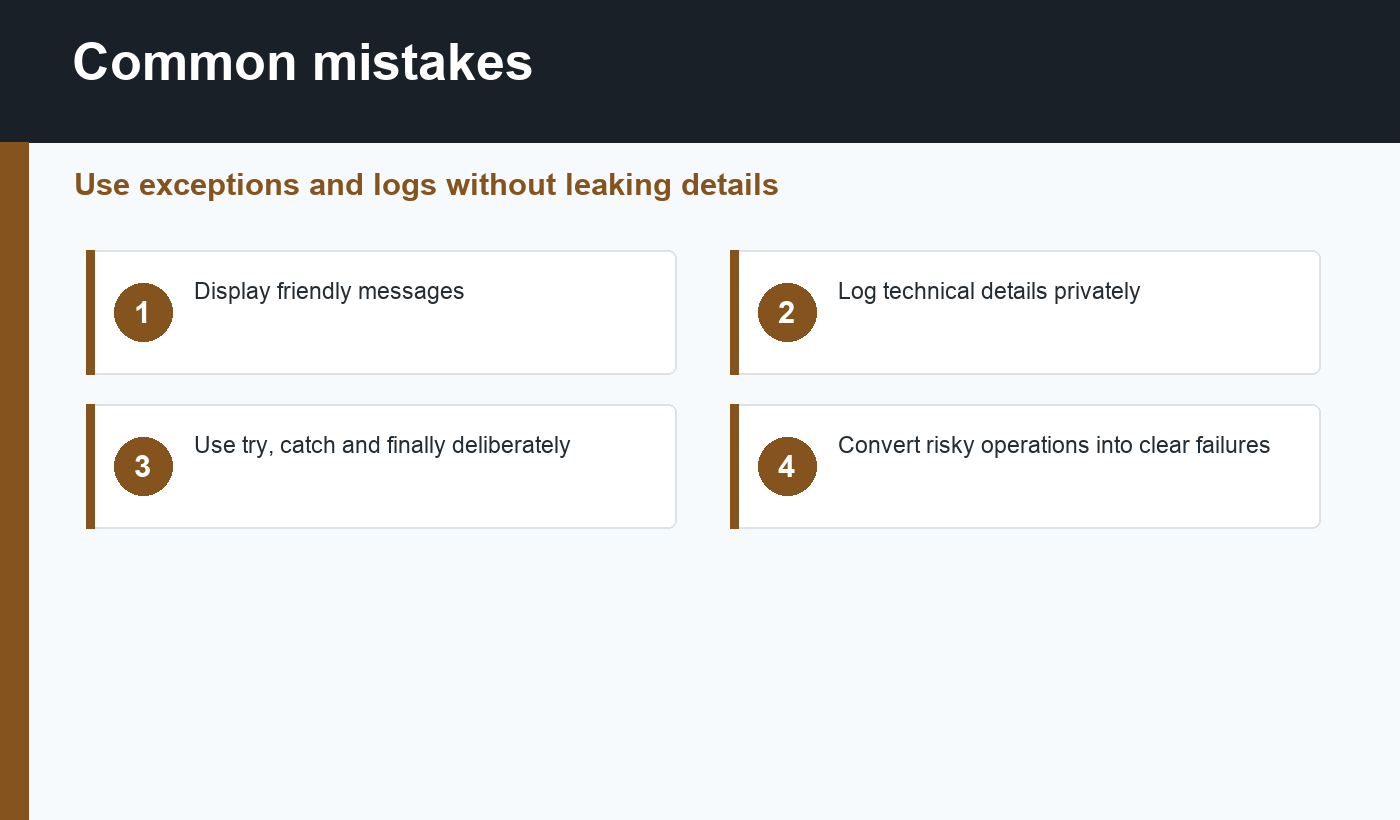
Users do not need stack traces, SQL details, file paths, or server configuration. Those details can leak information and make the site look broken. Show users a message they can act on, such as “We could not save your changes. Please try again.” Keep technical details in logs.
During development, visible errors are helpful. In production, configure PHP so errors are logged instead of displayed publicly. This is part of the same safe-output mindset covered in PHP security basics.
Return values versus exceptions
Not every problem needs an exception. A validation function can return an array of user-facing errors. A lookup function can return null when a record is not found. Exceptions work best for unexpected failures or operations that cannot complete correctly.
Choose a consistent style inside a project. If a function throws exceptions, document that behavior. If it returns a result object or error array, make the caller check it. Inconsistent error behavior is what makes beginner PHP projects difficult to debug.
PHP error handling checklist
- Display errors in development, not production.
- Log technical details privately.
- Use exceptions for operations that cannot complete.
- Catch specific exception types when possible.
- Show users messages they can understand.
- Validate user input before risky work.
- Do not swallow errors silently.
- Test failure paths, not only successful paths.
A practical logging habit
Good logs answer three questions: what failed, where did it fail, and what request or user action caused it? Do not log passwords, raw payment data, full session values, or secrets. Instead, log identifiers, timestamps, exception messages, and enough context to reproduce the issue safely.
For a beginner project, even a simple file or hosting log can help. As the project grows, centralized logging becomes more useful because errors from web requests, background jobs, and API calls can be searched together. The important habit is consistency: every serious failure should be visible somewhere private.
Test the unhappy paths
Many beginners test only the successful path: the form submits, the database saves, and the page redirects. Also test what happens when the database is unavailable, a required field is missing, an upload is too large, an API times out, or a user requests a record that does not exist. These tests reveal whether your error handling is actually useful.
How to practice safely
Take one small script and list everything that can fail. A form can receive missing data. A file can be unreadable. A database connection can reject credentials. A function can receive the wrong type. Add one controlled response for each failure, then run the script again and confirm the user sees a simple message while the log keeps the useful developer detail.
This practice builds the habit that separates beginner scripts from maintainable applications: success paths and failure paths both deserve design.
Final recommendation
Good PHP error handling makes applications easier to support. Let developers see enough detail in logs, keep users away from raw technical output, and use exceptions where they make failure paths explicit. The result is code that feels calmer when something inevitably goes wrong.
Discussion
Join the conversation