PHP Functions Explained with Practical Examples

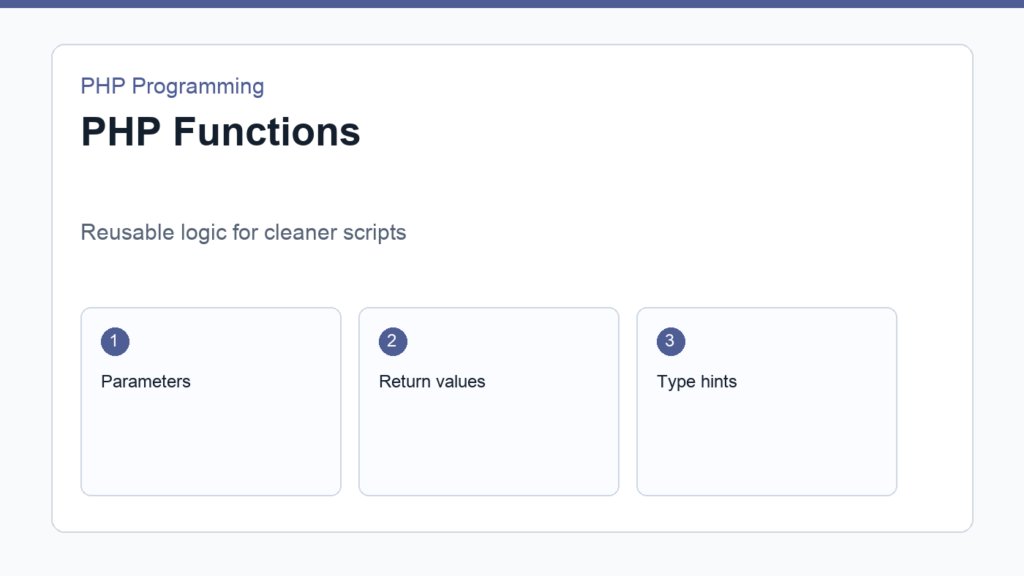
PHP functions help you turn repeated code into reusable logic. Instead of copying the same calculation, formatting rule, or validation check across many files, you write one function and call it whenever you need that behavior.
This guide explains function syntax, parameters, return values, type hints, scope, and practical beginner examples. If the language still feels new, review PHP Syntax Basics first. The official PHP functions documentation gives the complete reference.
PHP functions: the basic shape
<?php
function greet(string $name): string
{
    return "Hello, {$name}";
}

echo greet('Tuyen');
The function name is greet. The parameter is $name. The return type is string. The return statement sends a value back to the code that called the function.
Why functions matter
Functions matter because they reduce duplication and give names to ideas. A line such as formatPrice(19.9) is easier to understand than repeating number formatting details every time a price appears. Good function names make the code read closer to the problem you are solving.
<?php
function formatPrice(float $amount): string
{
    return '$' . number_format($amount, 2);
}

echo formatPrice(19.9); // $19.90
Parameters and default values
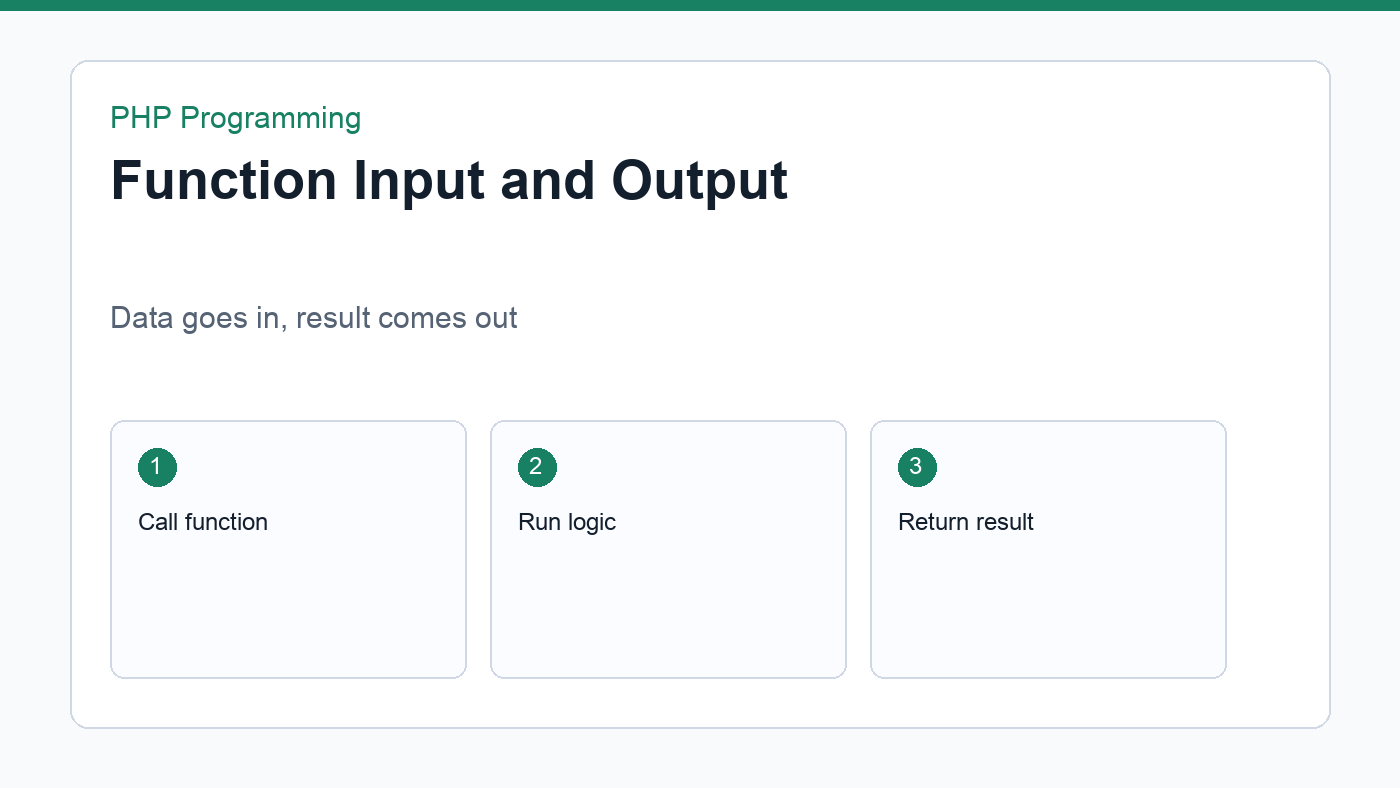
Parameters let you pass data into a function. Default values make a parameter optional:
<?php
function shippingMessage(float $total, float $freeShippingAt = 50): string
{
    if ($total >= $freeShippingAt) {
        return 'Free shipping is available.';
    }

    return 'Add more items for free shipping.';
}
Default values are useful when most calls use the same setting, but a few calls need customization. Keep defaults obvious and avoid hiding surprising behavior inside them.
Return values instead of echoing everything
Beginners often put echo inside every function. Sometimes that is fine, but returning values is usually more flexible. A returned value can be displayed, tested, logged, combined with other values, or passed into another function.
<?php
function calculateTotal(array $prices): float
{
    $total = 0;

    foreach ($prices as $price) {
        $total += $price;
    }

    return $total;
}

$total = calculateTotal([12.5, 4.75, 9.99]);
echo formatPrice($total);
Understand variable scope
A variable created inside a function is local to that function. Code outside the function cannot use it directly. This is a good thing because it keeps functions from accidentally changing unrelated parts of your program.
<?php
function example(): string
{
    $message = 'Inside function';
    return $message;
}

echo example();
// echo $message; // This would not work outside the function.
A practical validation function
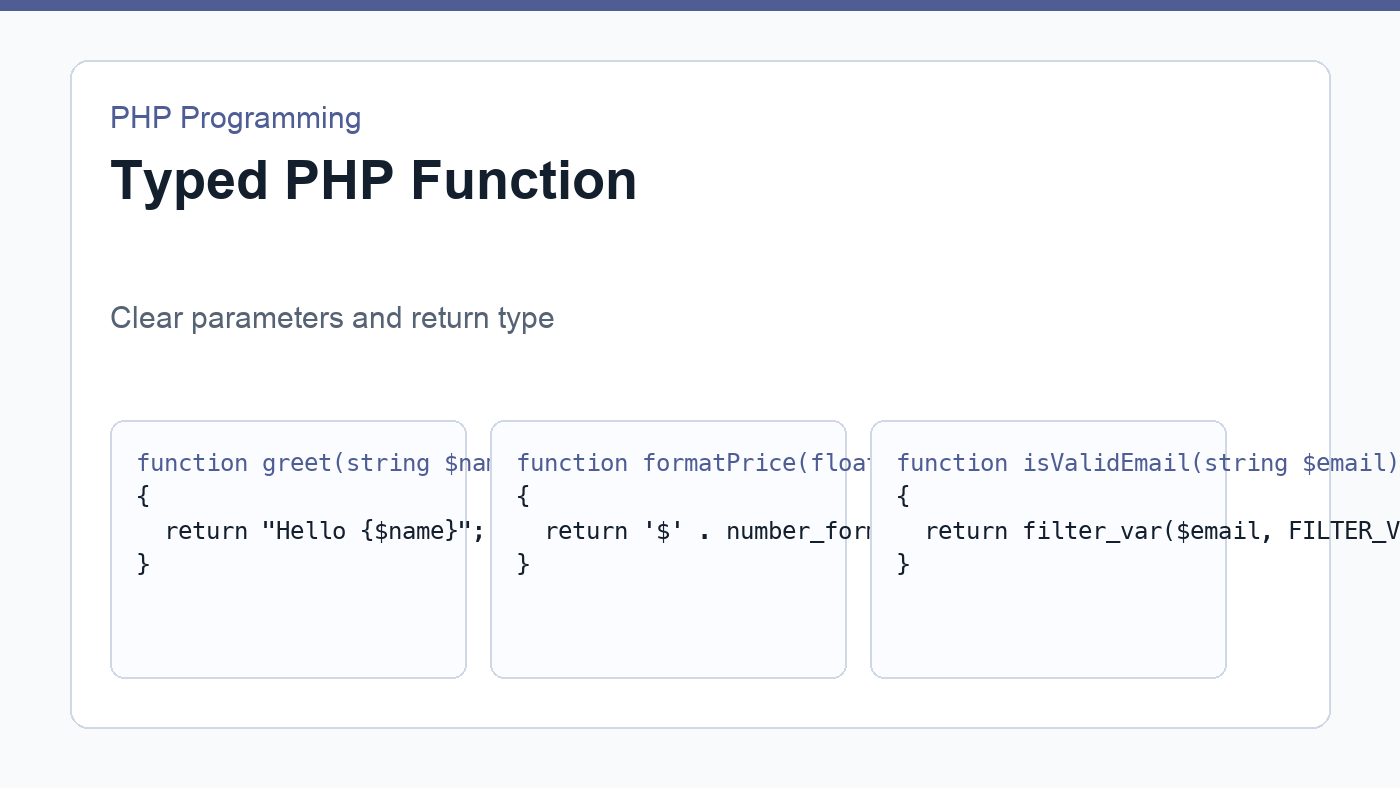
Functions are useful in forms because validation rules repeat. Here is a small email helper:
<?php
function isValidEmail(string $email): bool
{
    return filter_var($email, FILTER_VALIDATE_EMAIL) !== false;
}
You can use it in a form processing script from the PHP form handling tutorial. Small helpers like this keep request handling easier to scan.
Checklist for clear functions
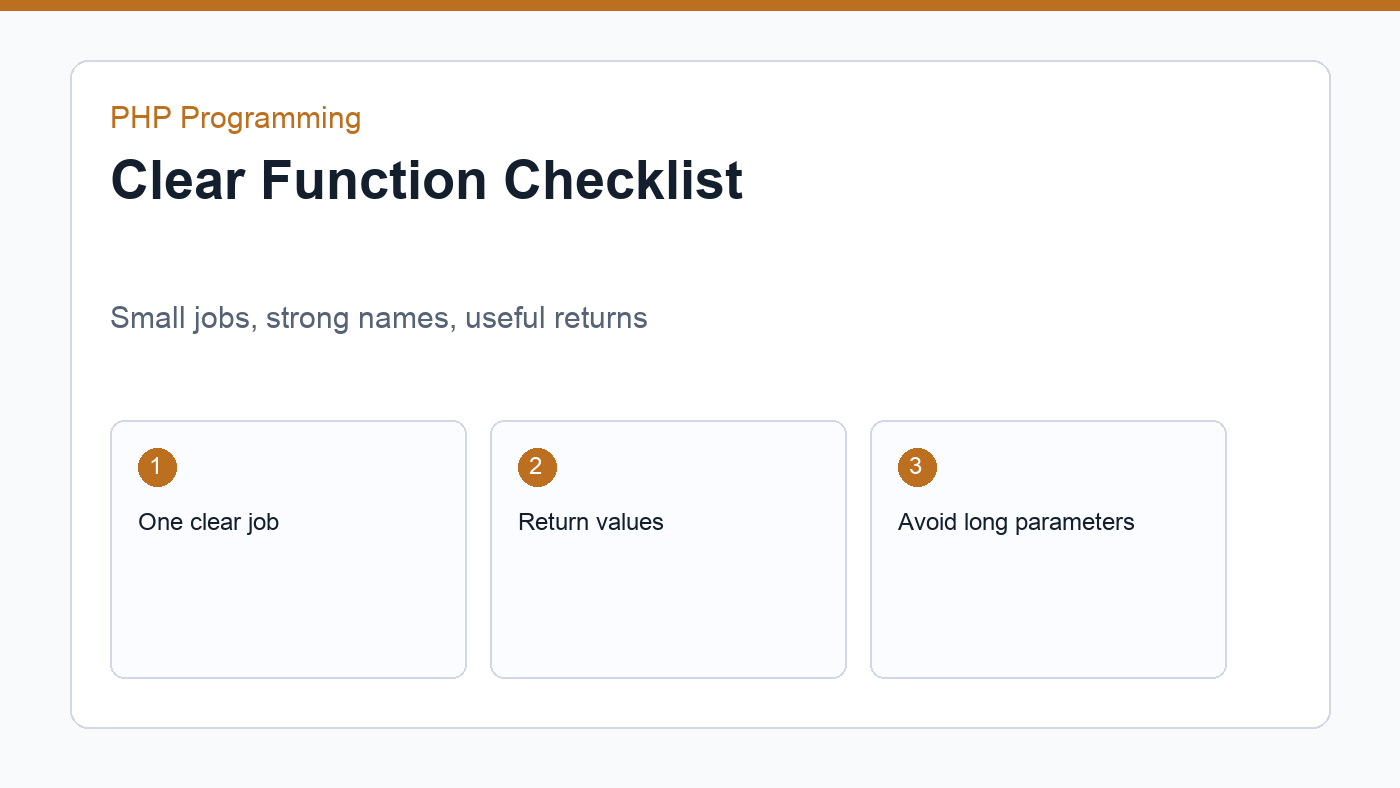
- Give each function one clear job.
- Use names that describe the result or action.
- Prefer returning values over printing inside the function.
- Add type hints when they make expectations clearer.
- Avoid very long parameter lists.
- Move repeated logic into functions only after you see real repetition.
Avoid hidden dependencies
A function is easier to understand when its inputs are visible in the parameter list. If a function quietly depends on a global variable, a request value, or a database connection created somewhere else, the code becomes harder to test and reuse.
<?php
function applyDiscount(float $price, float $percent): float
{
    return $price - ($price * $percent / 100);
}
This function is clear because everything it needs is passed in. You can call it from a product page, checkout page, command-line script, or test file without preparing hidden state first.
When a function is doing too much
A function is probably doing too much if its name contains “and”, if it has many unrelated branches, or if changing one small rule forces you to read the whole file. For example, a function named validateAndSaveAndEmailUser() is a warning sign. Split that workflow into smaller functions: validate input, save the record, and send the email.
Small functions are not automatically better, but clear responsibilities help beginners reason about code. Start by extracting repeated logic, then extract named ideas when a block is difficult to read inline.
Practice exercise
Create three functions: one to calculate a cart total, one to format a price, and one to decide whether free shipping is available. Then combine them in a small script that prints an order summary. This exercise connects PHP functions with arrays, loops, return values, and conditional logic.
After it works, change one rule at a time. Add tax, change the free shipping threshold, or format prices in another currency. If your functions are clear, each change should affect only one small part of the script.
PHP functions are the bridge between basic scripts and organized applications. Once you can write clear functions, object-oriented PHP and framework code become easier to understand.
Discussion
Join the conversation