PHP Password Hashing: Store Login Passwords Safely

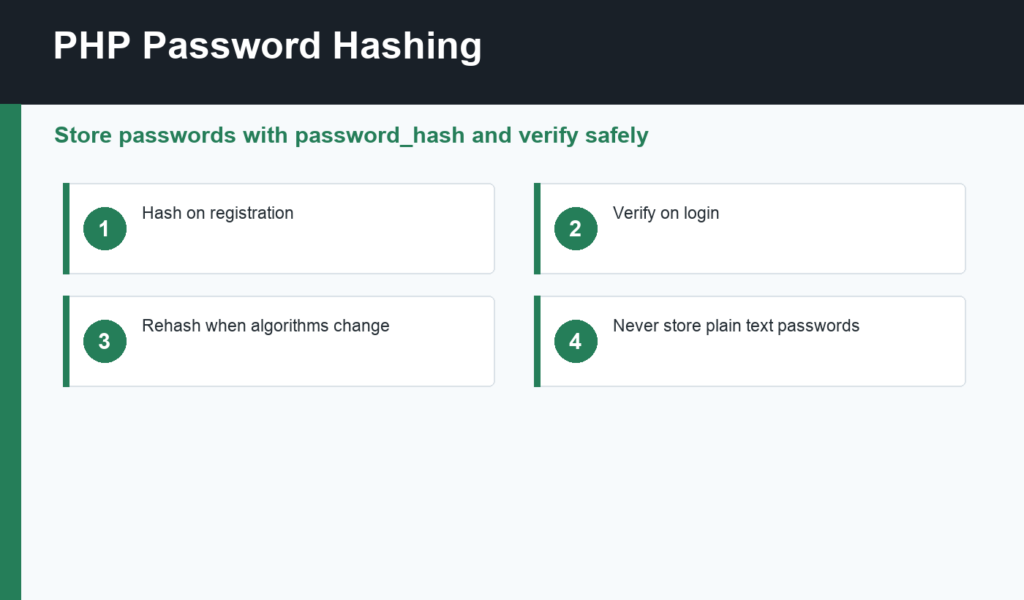
PHP password hashing is the safe way to store user passwords. A login system should never save plain text passwords, and it should not invent its own encryption scheme. PHP already provides purpose-built functions: password_hash() for storing a password hash and password_verify() for checking a login attempt.
This guide builds on PHP security basics, PHP sessions and cookies, and PHP MySQL PDO. Together, those pieces form the foundation of a safer beginner authentication flow.
PHP password hashing basics
Hashing turns a password into a one-way value that can be stored in the database. When the user logs in later, PHP hashes the submitted password in a compatible way and compares it with the stored hash. The original password should not be recoverable from the stored value.
The PHP manual for password_hash() and password_verify() is the primary reference. These functions handle salts and algorithm details for you, which is exactly why beginners should use them instead of custom hashing code.
Register users with password_hash
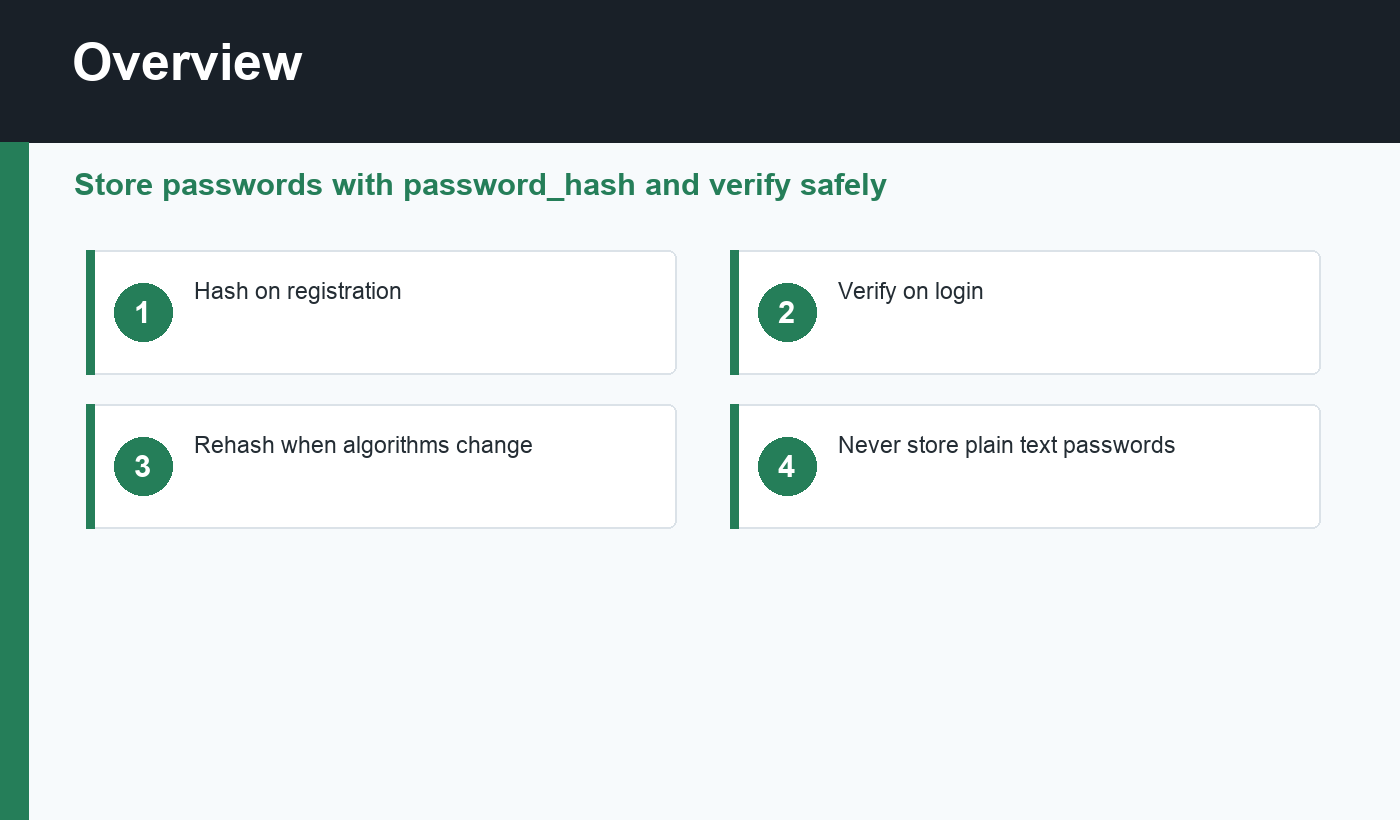
During registration, validate the input, check that the email or username is available, then call password_hash($password, PASSWORD_DEFAULT). Store the returned hash in the database, not the submitted password. The hash column should be long enough for current and future algorithms.
PASSWORD_DEFAULT lets PHP choose a recommended algorithm and update the default over time. That is helpful because password security practices evolve. Your application should not assume the hash length or algorithm will stay the same forever.
Log users in with password_verify
During login, find the user by email or username, fetch the stored hash, and call password_verify($submittedPassword, $storedHash). If it returns true, create a session and continue. If it returns false, show a generic login failure message.
Do not reveal whether the email exists or the password was wrong. A message like “Invalid login details” is safer than “Email not found” or “Password is incorrect.” Authentication should avoid leaking account information.
Rehash when needed
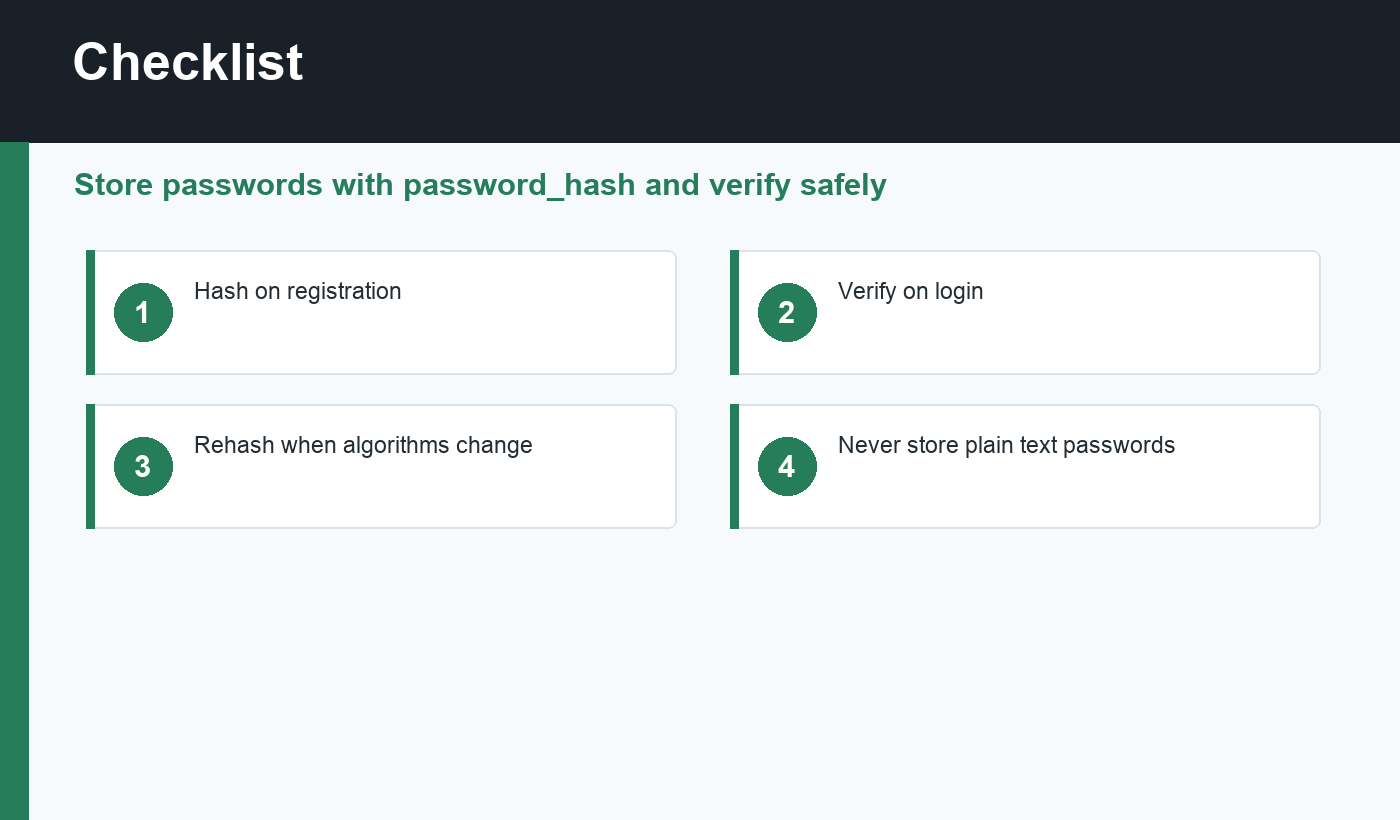
PHP also provides password_needs_rehash(). After a successful login, you can check whether the stored hash should be upgraded to a newer algorithm or cost setting. If it needs rehashing, generate a new hash from the submitted password and update the database.
This lets your application improve password storage gradually as users log in. It is cleaner than forcing every user to reset a password just because your hashing settings improved.
PHP password hashing checklist
- Never store plain text passwords.
- Use
password_hash()withPASSWORD_DEFAULT. - Store the full hash string returned by PHP.
- Use
password_verify()during login. - Use generic login failure messages.
- Regenerate sessions after successful login.
- Check
password_needs_rehash()after successful verification. - Protect database access with prepared statements.
Database and session safety
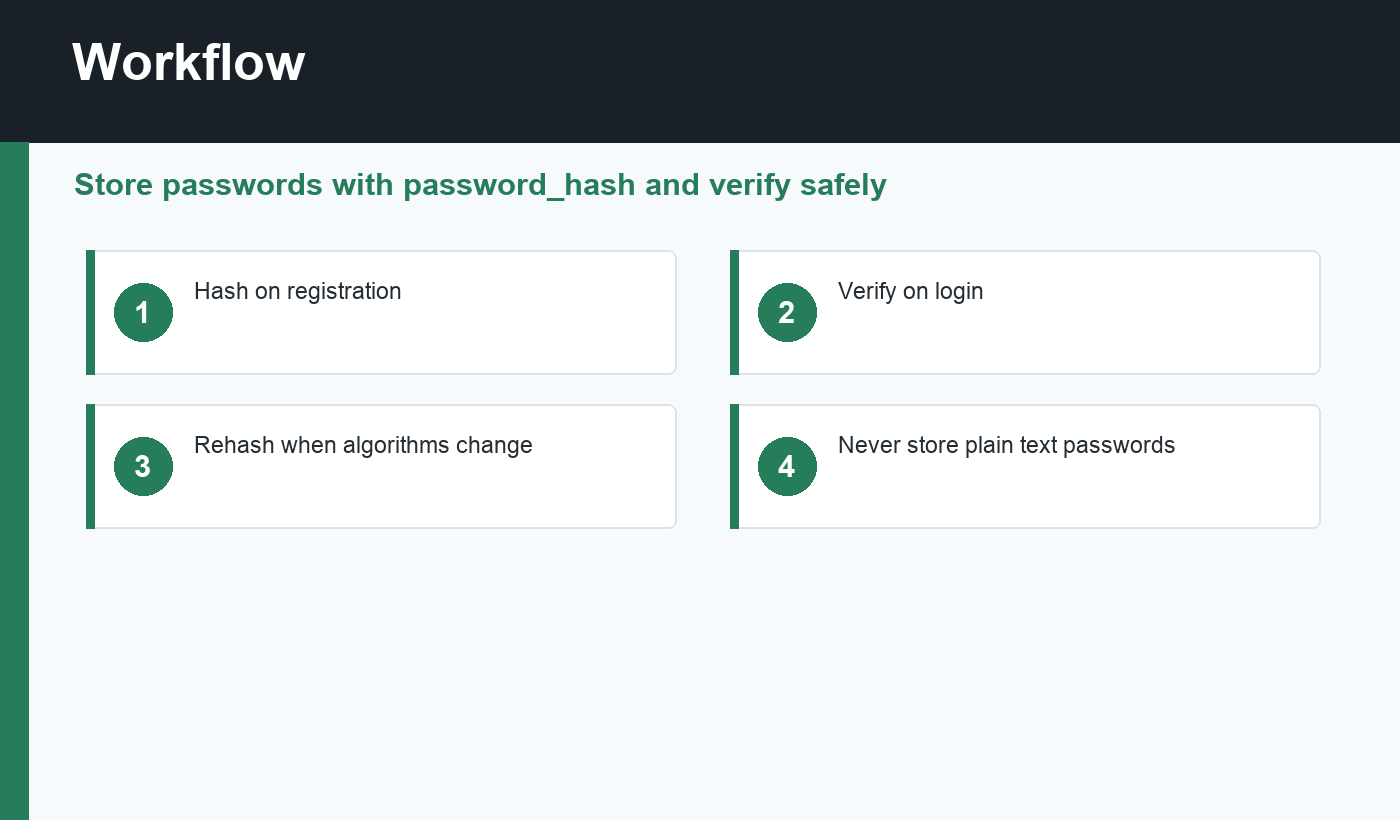
Password hashing is only one layer. Store user records with prepared statements, keep the password hash in a dedicated column, and avoid logging submitted passwords. After a successful login, regenerate the session ID so an old anonymous session cannot be reused as an authenticated session.
Also consider rate limiting login attempts. Hashing protects stored passwords if the database leaks, but it does not stop someone from trying thousands of passwords against a login form. A safer login system combines password hashing, generic error messages, session protection, and abuse controls.
Password reset considerations
Password reset flows should use short-lived, random tokens stored safely on the server. When a user creates a new password, hash the new value and invalidate the reset token. Do not email passwords, and do not show old passwords back to users.
Common beginner mistakes
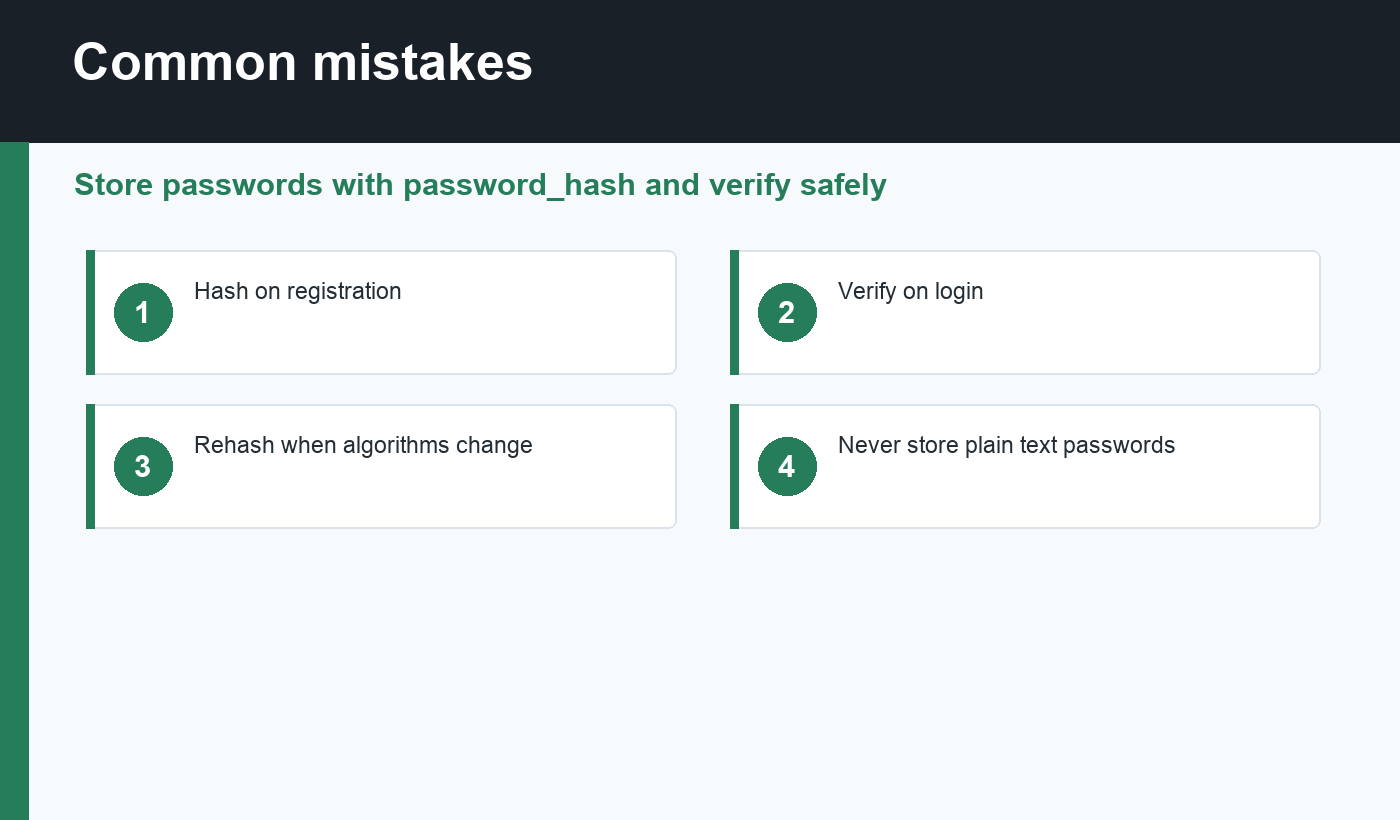
Avoid using fast general-purpose hashes such as MD5 or SHA1 for password storage. They are not appropriate for modern password protection. Also avoid adding your own manual salt when using PHP’s password functions, because the API already manages salts correctly.
Another mistake is cutting the hash column too short. Store the complete string returned by password_hash(). If you trim it, verification can fail and users may be locked out.
If an old application already has weak password hashes, migrate carefully. Verify the old hash during login, then replace it with a modern PHP password hash after the user successfully authenticates.
Final recommendation
Use PHP password hashing exactly as the platform intends: hash on registration, verify on login, and rehash when settings change. Avoid custom algorithms, avoid plain text storage, and combine hashing with sessions, validation, rate limiting, and careful database queries.
Discussion
Join the conversation