PHP MySQL PDO: Connecting PHP to MySQL Safely

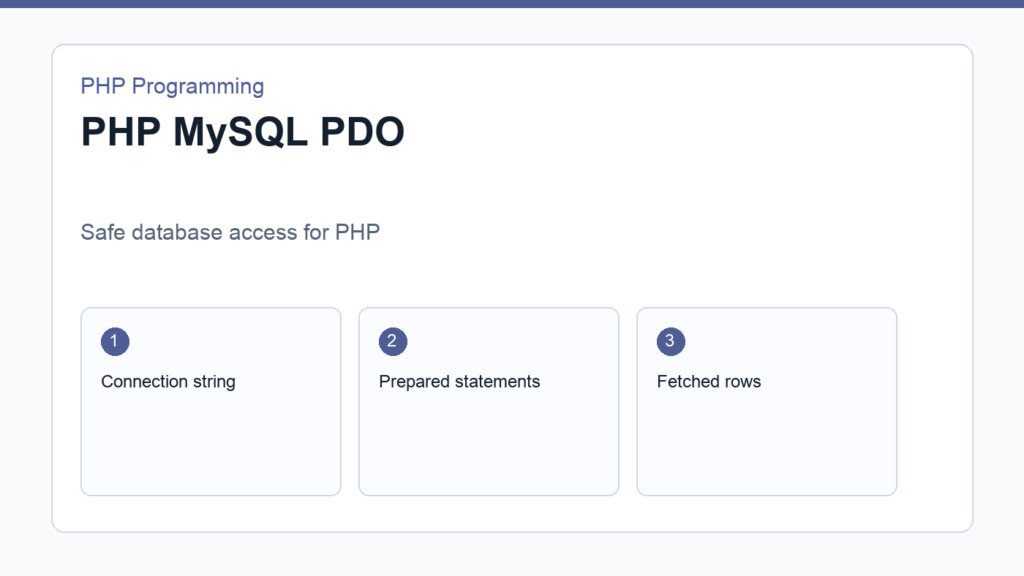
PHP MySQL PDO is the safest beginner-friendly way to connect PHP to a MySQL database. PDO gives you a consistent API, prepared statements, and a cleaner path for querying data without writing database-specific code all over your project.
If you already understand PHP form handling and PHP arrays, this is the next step in building real applications. The official PDO manual is the main source to keep open while you learn.
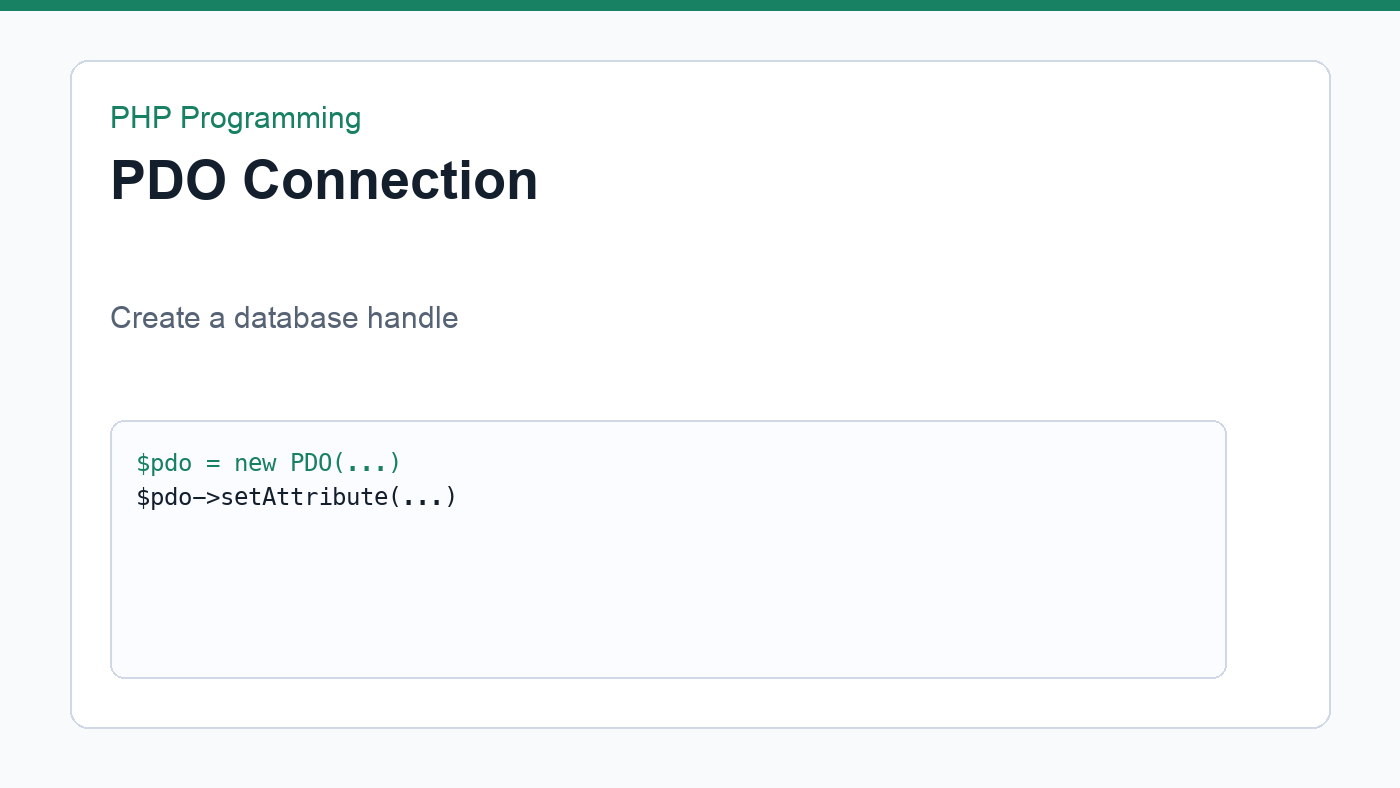
PHP MySQL PDO: a basic connection
<?php
$dsn = 'mysql:host=localhost;dbname=app;charset=utf8mb4';
$username = 'root';
$password = '';

try {
    $pdo = new PDO($dsn, $username, $password);
    $pdo->setAttribute(PDO::ATTR_ERRMODE, PDO::ERRMODE_EXCEPTION);
    echo 'Connected successfully';
} catch (PDOException $e) {
    echo 'Connection failed: ' . $e->getMessage();
}
The dsn tells PDO where the database lives and which database to use. The error mode line is important because it makes problems visible as exceptions instead of silent failures.
Use prepared statements
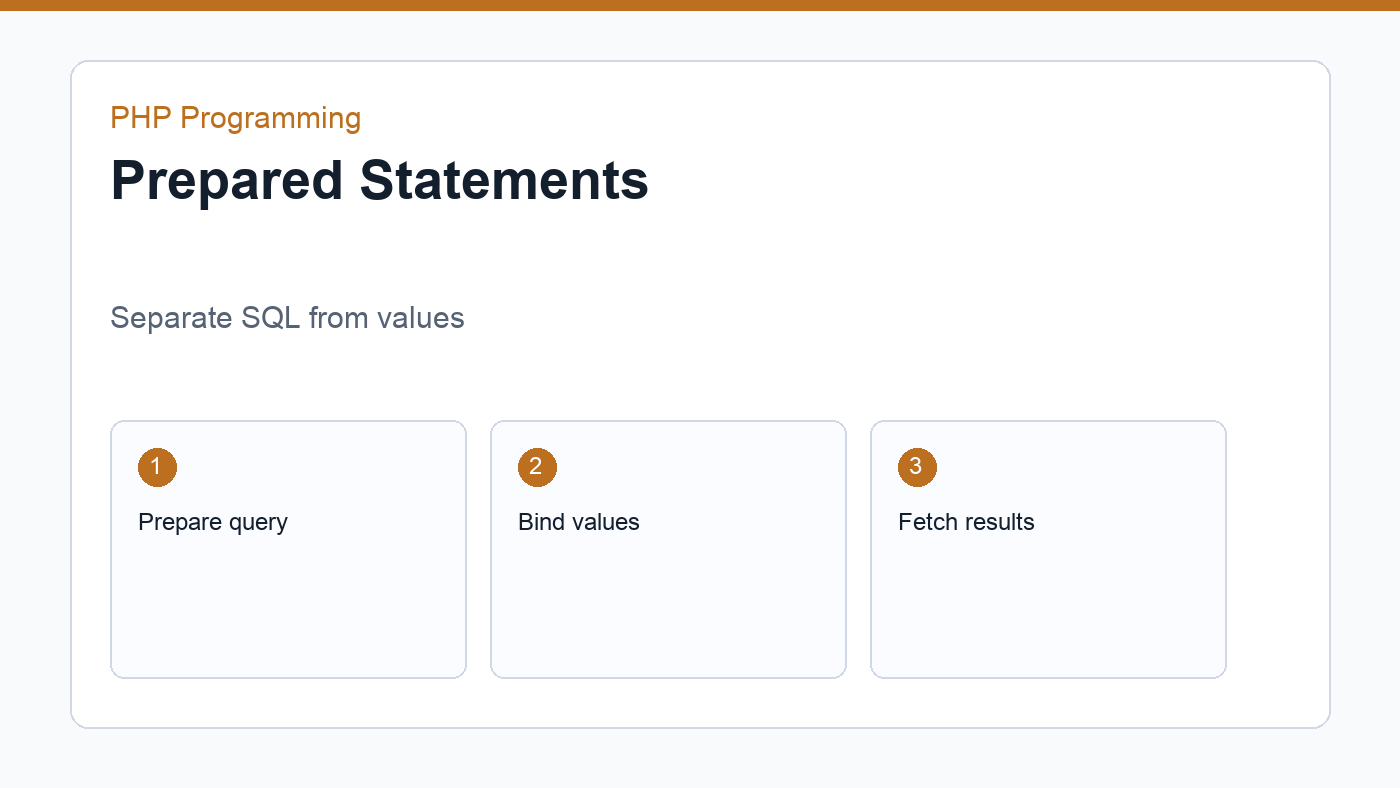
Prepared statements separate the SQL structure from the user data. That makes your code safer and easier to read.
<?php
$stmt = $pdo->prepare('SELECT id, name, email FROM users WHERE email = :email');
$stmt->execute(['email' => $email]);
$user = $stmt->fetch(PDO::FETCH_ASSOC);
Do not concatenate raw user input into SQL strings. Bind values through placeholders so the driver can handle them correctly. That habit matters even in tiny tutorials.
Fetch rows from the database
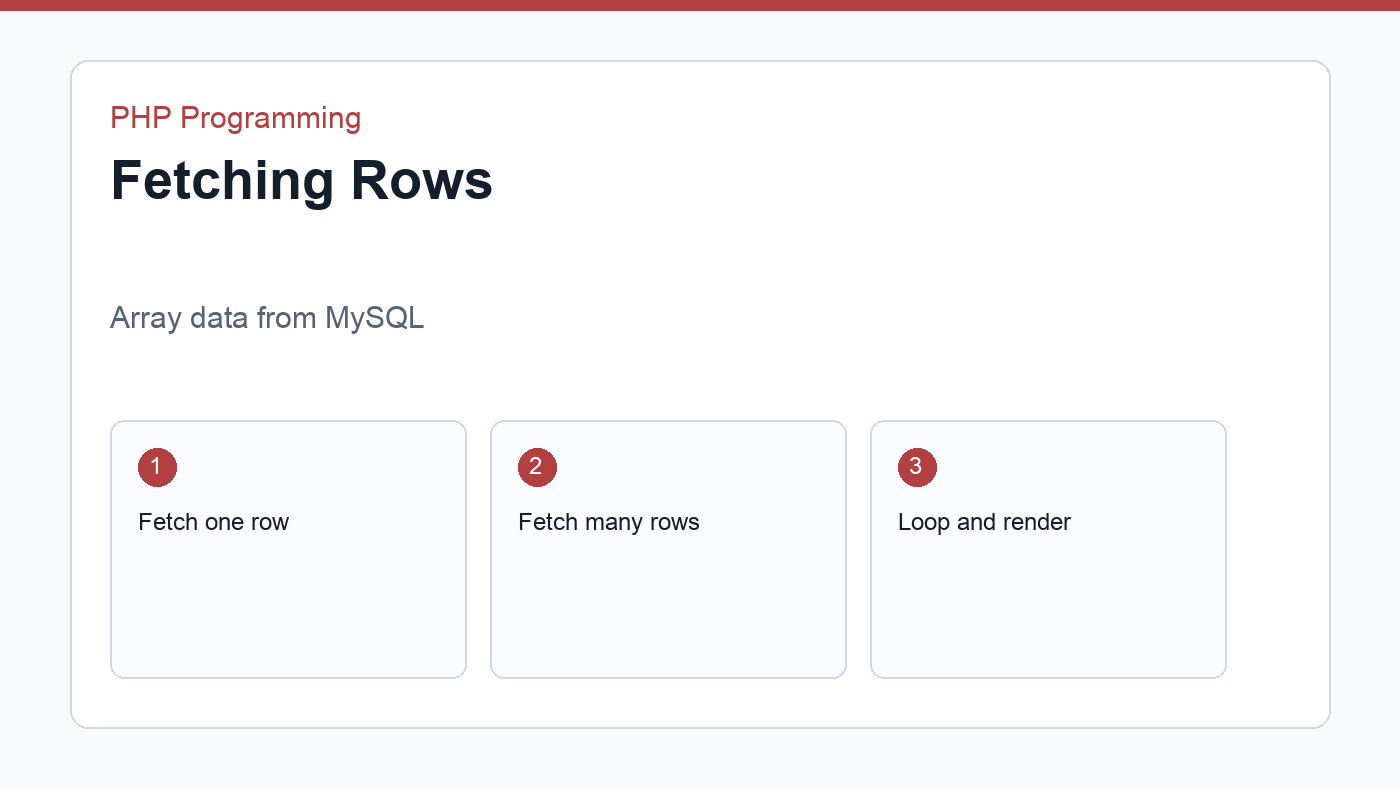
PDo can return one row, many rows, or a scalar value depending on the query and fetch mode. For beginners, associative arrays are the most approachable choice because the column names become array keys.
<?php
$stmt = $pdo->query('SELECT id, name FROM products ORDER BY name');
$products = $stmt->fetchAll(PDO::FETCH_ASSOC);
From there, you can loop through the result set with foreach and render a table, list, or card grid. That pattern appears in most PHP database-backed pages.
Handle errors carefully
Database errors should be visible in development and controlled in production. In local builds, exceptions help you find the problem quickly. In live sites, log the issue and show a friendly message instead of raw SQL details.
Next practice step
Create a small table named notes, insert a few rows with PDO, and display them in a list. Once that works, add a form so users can create a new record. That is the shortest path from theory to a real CRUD app.
Insert data safely
After selecting rows, the next important step is inserting data. Prepared statements work the same way for inserts. You define the SQL structure once, then pass the values separately so the database driver can handle them safely.
<?php
$stmt = $pdo->prepare('INSERT INTO notes (title, body) VALUES (:title, :body)');
$stmt->execute([
    'title' => $title,
    'body' => $body,
]);
This pattern is the basis of create, read, update, and delete workflows. Once you can insert and fetch data safely, the rest of CRUD becomes a matter of combining the same pieces.
Transactions help keep data consistent
A transaction groups multiple database operations so they either succeed together or fail together. That matters when several inserts or updates must stay in sync. If one step fails halfway through, you want the database to roll back the partial work.
You do not need transactions for every beginner script, but it helps to know they exist before you build more serious database features.
PDO debugging habits
- Check the DSN, database name, username, and password first.
- Confirm the database server is running.
- Use exception mode while developing.
- Inspect the exact SQL statement and bound values.
Learning PDO is a huge milestone because it turns PHP from a scripting language into a real backend tool. Once you can connect, query, fetch, and insert, you can build far more useful applications.
From here, the natural next topics are update and delete queries, pagination, filtering, and transaction handling. Those topics all use the same PDO habits you learned here, so the jump is much smaller than it first appears.
Keep one small sample project around and reuse it when you learn new SQL clauses. A tiny PDO playground is often better than starting a brand-new app for every database experiment.
Discussion
Join the conversation