Simple PHP Router: Build Clean Routes Without a Framework

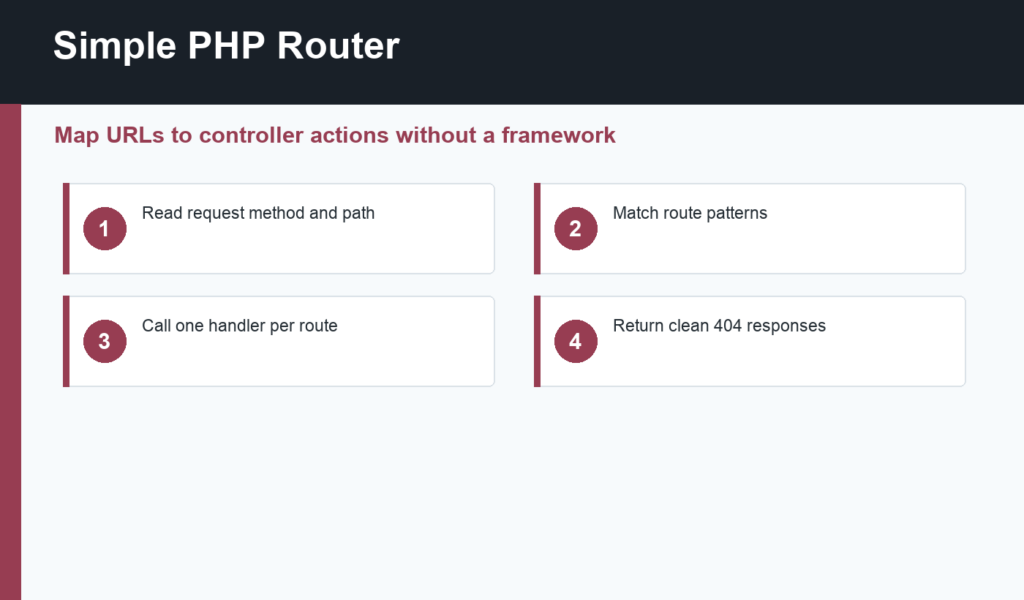
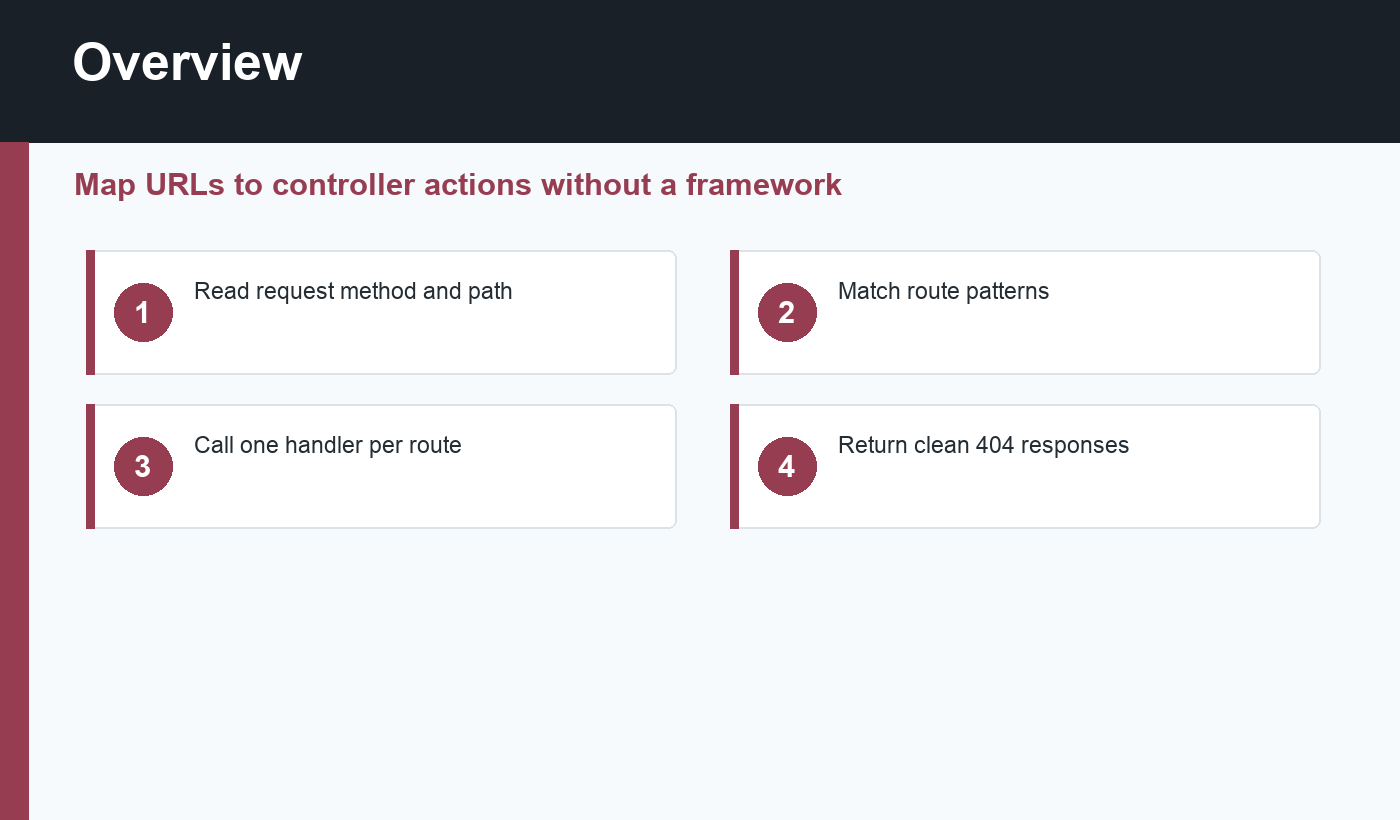
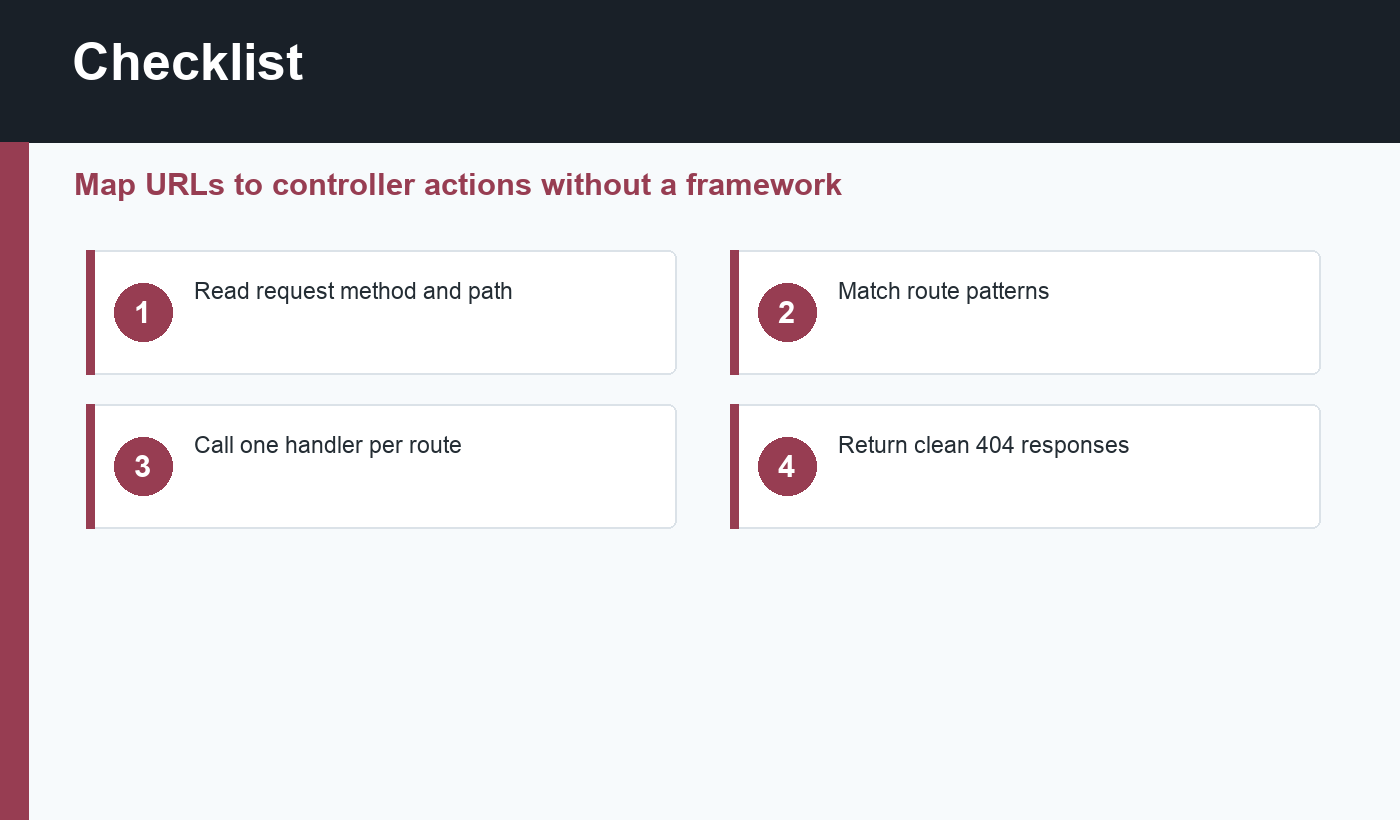
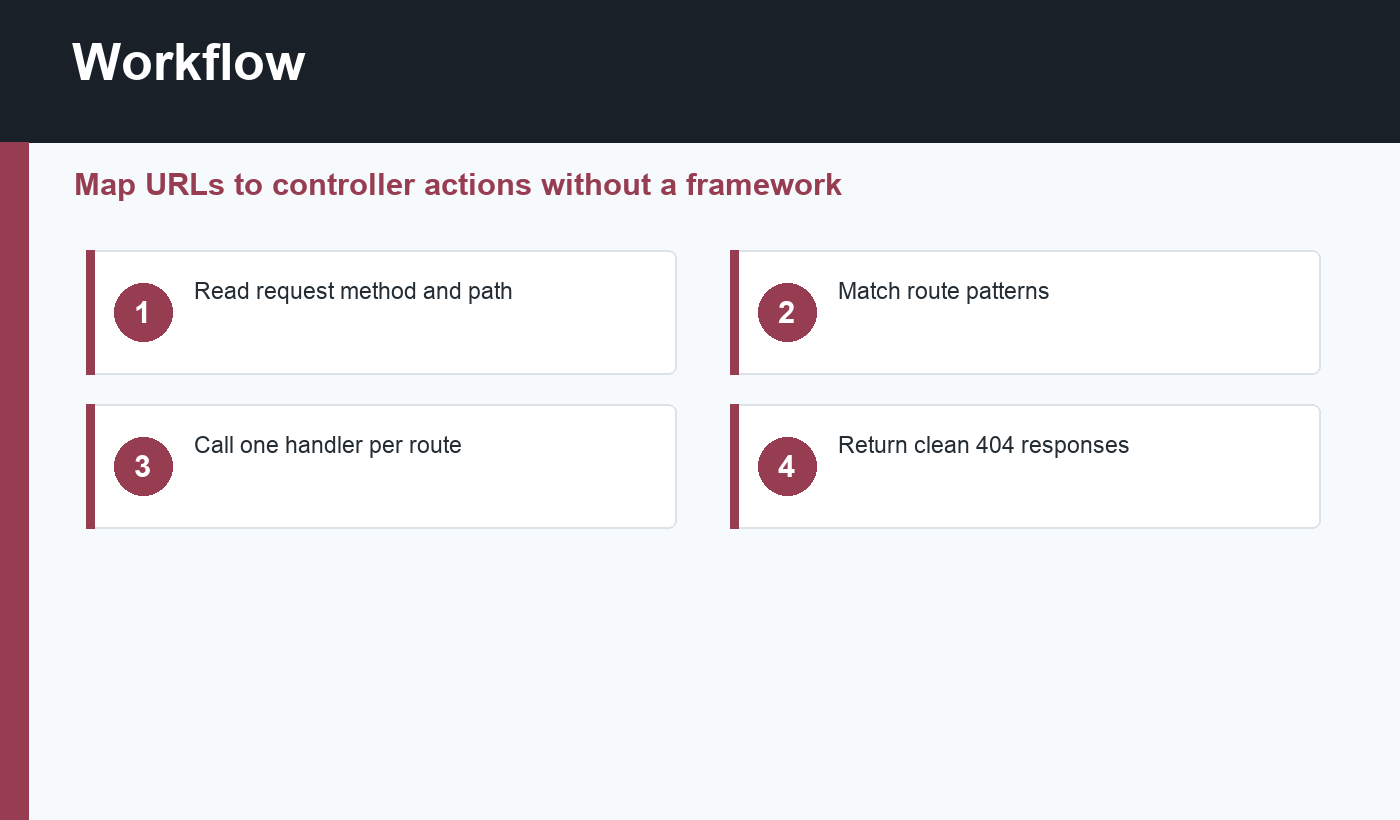
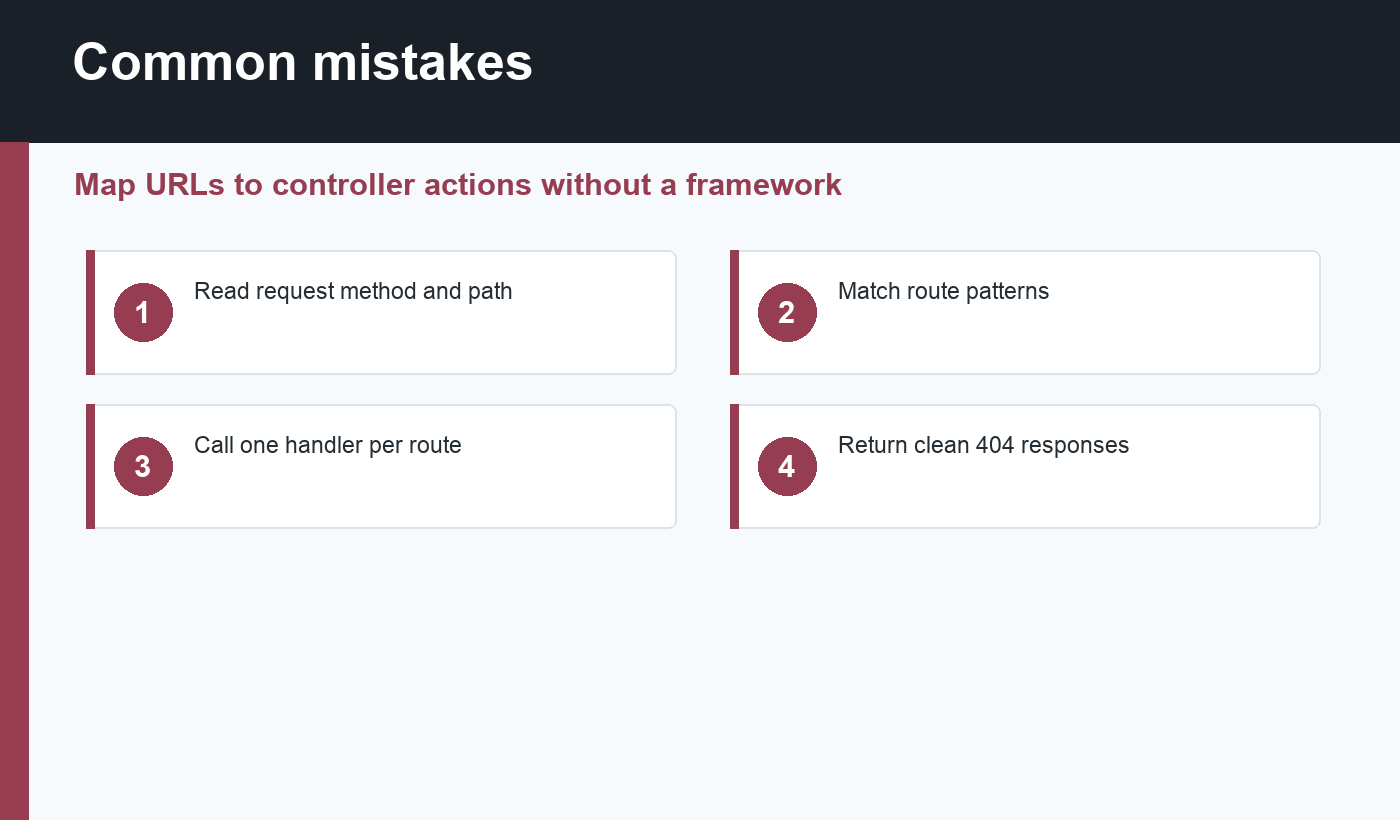
A simple PHP router maps an incoming URL to the code that should handle it. Frameworks such as Laravel and Symfony have powerful routing systems, but beginners can learn the core idea with a small front controller: read the request method, read the path, match a route, call a handler, and return a response.
This guide fits after your first PHP script, PHP functions, and object-oriented PHP. Routing is where small scripts begin to feel like an application.
Simple PHP router concept
Without routing, you may create separate files such as about.php, contact.php, and profile.php. That works for tiny sites, but it becomes messy when you need shared layout, authentication, validation, or API responses. A router lets one entry file decide which code should run for each path.
PHP exposes request information through server variables such as $_SERVER['REQUEST_METHOD'] and $_SERVER['REQUEST_URI']. The PHP manual documents $_SERVER as an array of server and execution environment information.
Create route definitions
A beginner router can start with an array. Each route can define a method, a path, and a handler function. For example, GET / can show the homepage, while POST /contact can process a contact form. Keeping method and path together prevents a form submission from accidentally using the same logic as a page view.
Use exact routes first. Pattern matching, route parameters, middleware, and controllers can come later. The goal is to understand the control flow before adding features that make debugging harder.
Return clear responses
When a route matches, call the handler and return output. When no route matches, return a clean 404 response. Use http_response_code(404) and show a friendly not-found page or JSON response. The PHP manual documents http_response_code() for setting response status codes.
For API-style routes, set the correct content type and encode arrays with json_encode(). For HTML pages, render a template or include a view file. Avoid mixing too much business logic into the route table itself.
Keep routing separate from application logic
The router should decide where a request goes. It should not validate every form, query every table, and render every template inline. Move real work into functions, classes, or controllers. That separation makes the app easier to test and extend.
As the project grows, Composer autoloading and namespaces help organize controllers and services. If routing starts to feel large, revisit PHP namespaces and your project folder structure.
Simple PHP router checklist
- Use one front controller such as
index.php. - Read the request method and path.
- Match exact routes before adding patterns.
- Keep GET and POST behavior separate.
- Return 404 when no route matches.
- Move business logic into handlers or controllers.
- Keep templates separate from routing rules.
- Test common paths and missing paths.
A simple PHP router folder layout
A small routed app can start with public/index.php as the only public entry point. Application code can live in src/, templates in views/, and configuration in a separate file that is not publicly exposed. This keeps direct browser access away from internal classes and helper files.
For local development, configure the PHP built-in server or your web server to point at the public directory. Then every request flows through the router. That makes it easier to add shared behavior later, such as session startup, authentication checks, error handling, and JSON response formatting.
When to move to a framework
A learning router is valuable, but you do not need to maintain your own routing system forever. When the application needs route parameters, middleware, controllers, validation, dependency injection, and testing conventions, a framework can save time. The beginner router teaches the concepts so those framework features make sense.
Testing your routes
Test a simple PHP router with both expected and unexpected URLs. Visit the homepage, a known content page, a POST-only route with the wrong method, and a missing path that should return 404. This confirms that the router is not only matching happy paths but also responding correctly when users or bots request something invalid.
As the route list grows, keep names and handlers clear. A route table should help you understand the application map at a glance.
Final recommendation
Build a simple PHP router to learn how web requests move through an application. Keep it small, explicit, and easy to debug. Once you understand method, path, handler, and response, framework routing will feel much less mysterious.
Discussion
Join the conversation