Async Await JavaScript: Control Promises and Handle Failures

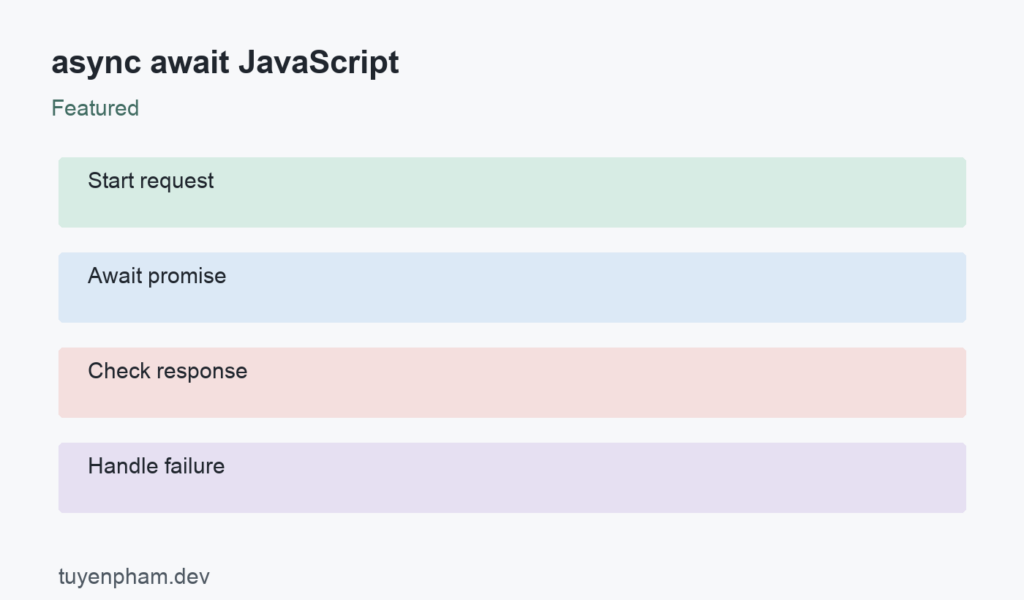
Async await JavaScript syntax makes promise-based work easier to follow, but it does not make asynchronous code synchronous or move CPU-intensive work to another thread. An async function returns a promise. Await pauses that function until the awaited value settles, while other scheduled work can continue. Understanding that distinction helps you choose between sequential requests, concurrent requests, and work that needs a separate worker. The practical goal is predictable completion and failure handling.
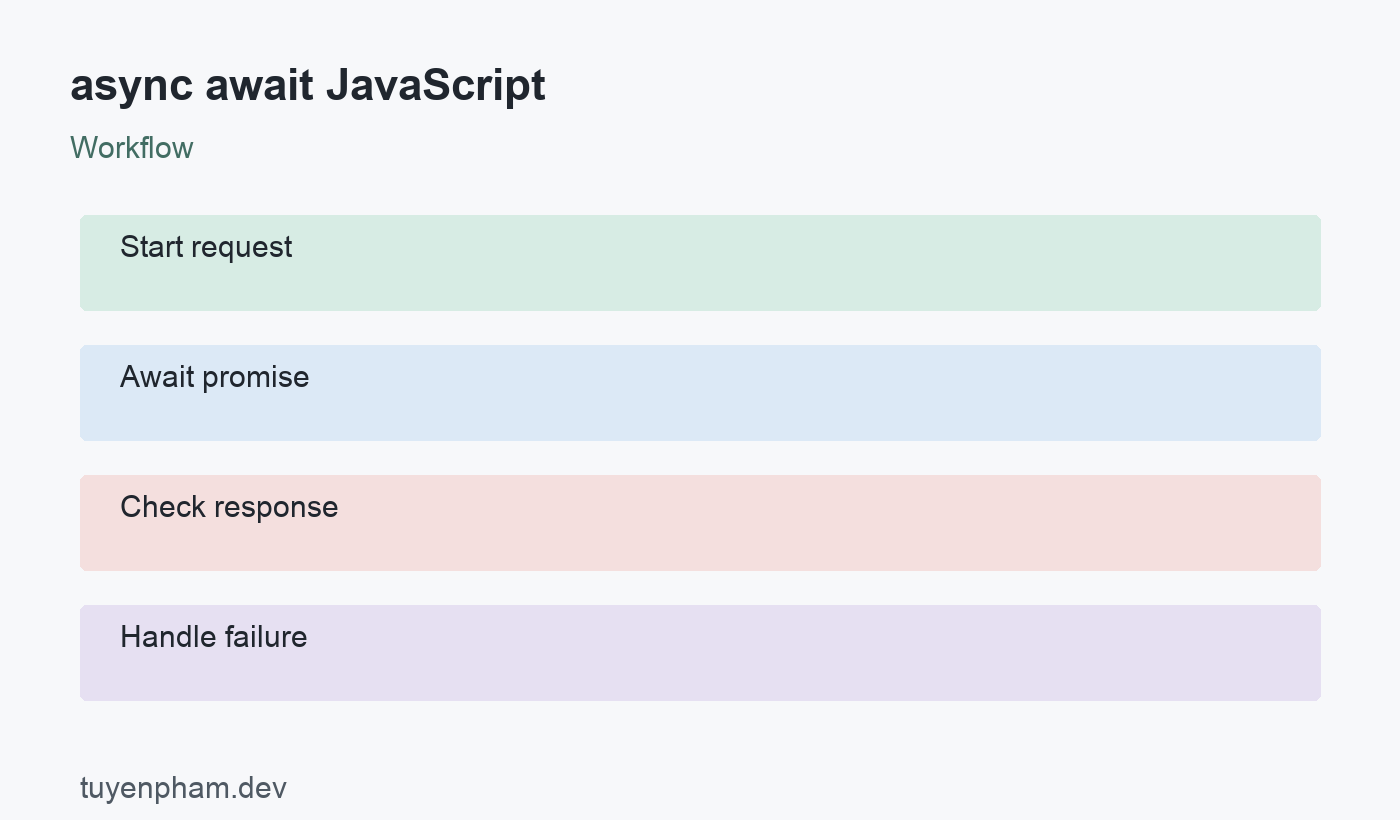
async await JavaScript: a practical workflow
The sequence is Start request → Await promise → Check response → Handle failure. The sections below explain what each decision changes, which failure cases deserve attention, and how to verify the result in a small project. Use the example as a starting point, then adapt the interfaces and error policy to your own application.
Separate promise rejection from HTTP failure
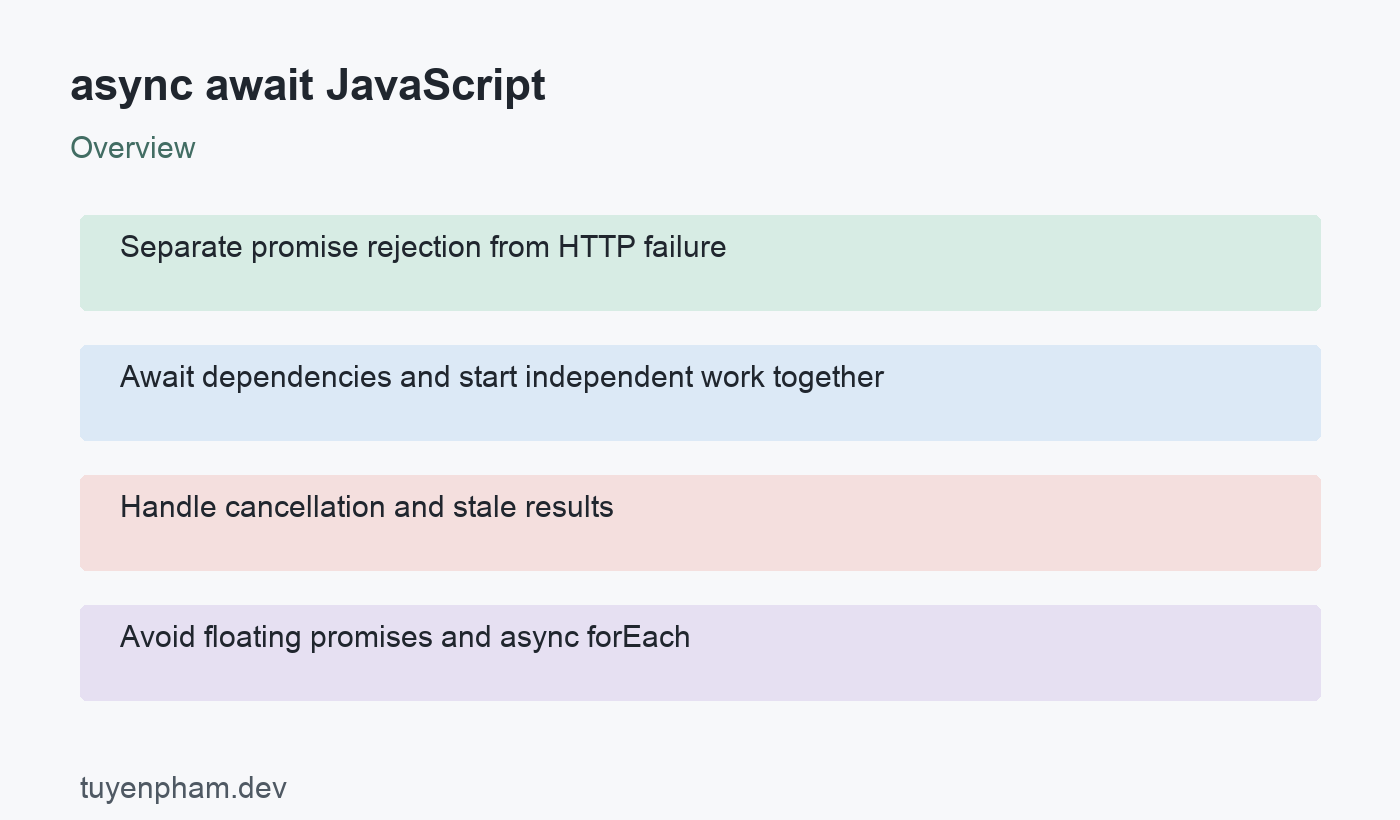
Fetch rejects for failures such as a network problem or an abort, but an HTTP response with status 404 or 500 normally resolves. Check response.ok before treating the payload as a successful result. Parsing JSON can also fail independently, so decide where parsing errors should be handled. Use a try/catch around the work whose failures you can meaningfully recover from. A catch that returns an empty object makes debugging difficult and can turn a visible failure into misleading successful output.
Await dependencies and start independent work together
If the second operation needs the result of the first, await them in order. If they are independent, start both and await Promise.all. Promise.all rejects when one input rejects; it does not cancel the other operations. Use Promise.allSettled when every outcome is useful, such as collecting independent dashboard widgets. Neither method imposes a concurrency limit. Launching thousands of requests at once can overload your service, so use a bounded queue when the workload is large.
Handle cancellation and stale results
AbortController can cancel a fetch that no longer matters. It is useful when a user changes a search query or leaves a screen. Cancellation is cooperative and does not undo a server-side operation that has already completed. The UI should also avoid allowing an old response to overwrite a newer one. Track a request sequence or compare the request identity before updating state. Report cancellation separately from an unexpected error when a canceled request is normal behavior.
Avoid floating promises and async forEach
Array.forEach does not wait for promises returned by an async callback. Use a for…of loop for ordered work, or map to promises followed by Promise.all for independent work. A deliberately detached task still needs a rejection handler and a clear owner. At service boundaries, return or await the promise so callers can observe completion. For CPU-heavy transformations, repeated await does not provide parallel execution; consider worker threads or a web worker when profiling shows the main thread is blocked.
Example and implementation notes
async function loadUser(id) {
  const response = await fetch(`/api/users/${encodeURIComponent(id)}`);
  if (!response.ok) throw new Error(`HTTP ${response.status}`);
  return response.json();
}
const [user, settings] = await Promise.all([
  loadUser("42"), fetch("/api/settings").then(r => {
    if (!r.ok) throw new Error(`HTTP ${r.status}`);
    return r.json();
  })
]);
This example illustrates the core contract rather than a complete production application. Connect it to your real inputs, authentication rules, and failure-handling paths before using it. Check the expected output first, then change one input at a time to verify the assumptions. Keep those checks alongside the implementation so future changes do not silently weaken the behavior.
Verification checklist
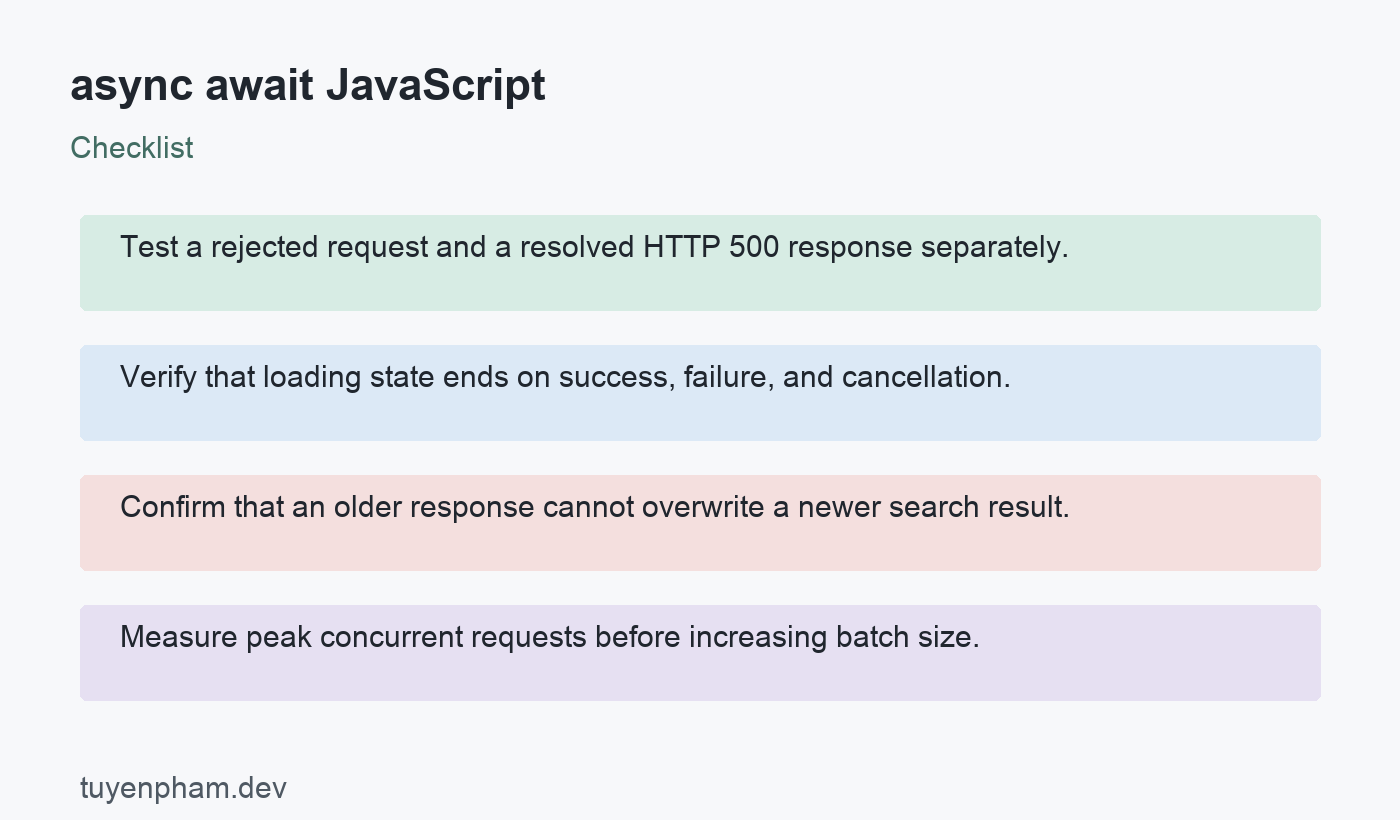
- Test a rejected request and a resolved HTTP 500 response separately.
- Verify that loading state ends on success, failure, and cancellation.
- Confirm that an older response cannot overwrite a newer search result.
- Measure peak concurrent requests before increasing batch size.
Practice exercise
Create a search box with a fake request function that resolves after a configurable delay. Make the first query slower than the second query and confirm the latest query stays visible. Add explicit error and empty-result states. Then replace the fake function with fetch and AbortController. Your test should prove ordering behavior rather than relying on the network being fast enough to hide the race. Keep a sequence guard if cancellation alone cannot guarantee the state update policy.
Review the result
After completing the exercise, describe the successful path and one failure path in plain language. Record the input, expected result, actual result, and the evidence you used to compare them. A passing demonstration should remain repeatable after a dependency update or a refactor. If you cannot reproduce the result, reduce the example until the source of uncertainty is visible. Keep the smallest useful regression check rather than depending on memory.
References and related reading
Consult the official reference for async await JavaScript for exact platform behavior. Continue with a practical debugging workflow and unit testing basics to turn these decisions into repeatable checks.
Discussion
Join the conversation