npm Lockfile: Keep Dependency Installs Reproducible and Reviewable

An npm lockfile records the resolved dependency tree for a project, making an installation more predictable than relying only on version ranges in package.json. It helps reviewers see exactly what changed and gives automated builds a concrete dependency input. A lockfile is not a security certificate and cannot eliminate every environmental difference. Use it with a defined runtime, package-manager version, configuration, and test workflow. The useful goal is a reproducible process that can deliberately update dependencies, not a frozen project that never receives maintenance.
npm lockfile: a practical implementation workflow
Distinguish allowed versions from selected versions
package.json states direct dependency requirements, often using version ranges. package-lock.json captures the resolved choices, including transitive dependencies. Commit both when changing application dependencies. Editing a range alone and leaving an inconsistent lockfile makes the intended tree unclear. Read the lockfile diff for new packages, unexpected source locations, and changed transitive relationships. A small direct dependency can bring a large tree, so review the total change rather than only the one package named in the request. Avoid hand-editing generated resolution details when the package manager can produce them.
Use npm ci at a controlled build boundary
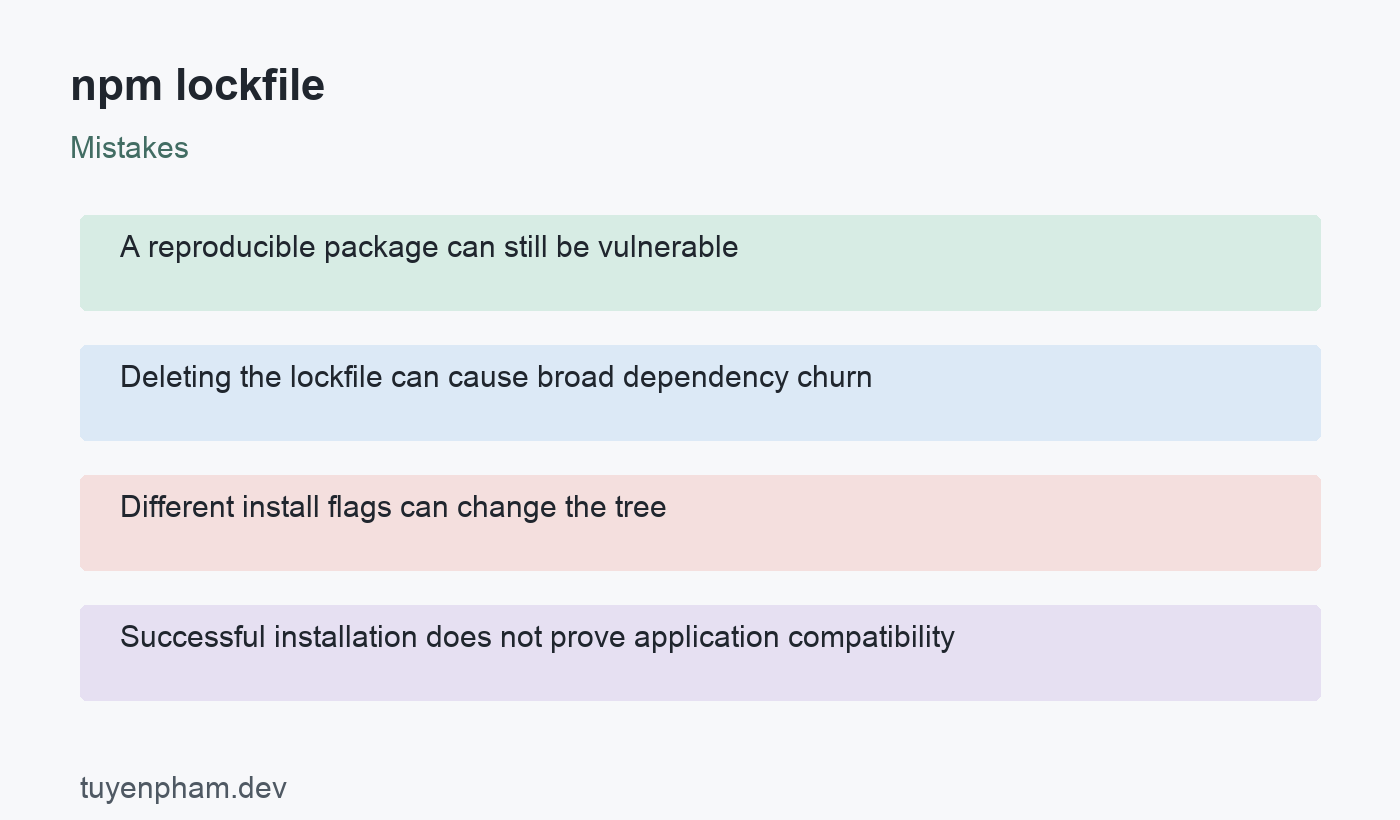
npm ci requires an existing supported lockfile and fails when it disagrees with package.json rather than updating it to make the install pass. It also removes an existing node_modules directory before installing, so use it where a clean installation is intended. It does not add an individual package. For development changes, use the appropriate install or update command and commit the resulting files; for CI, install the reviewed tree. Preserve configuration flags that affected the tree, because inconsistent peer-dependency or linking settings can cause differences or failures.
Keep environment assumptions visible
Pin or otherwise control Node.js and npm versions in the project workflow, and record relevant configuration. Native modules, operating-system differences, optional dependencies, and install scripts can affect the resulting environment or artifacts. A matching lockfile does not promise bit-identical output on every machine. Cache package downloads where appropriate, but do not let a stale application dependency directory hide a bad clean install. Review private-registry access and ensure credentials are injected securely rather than committed in project configuration or displayed in build logs.
Treat updates as reviewed changes
Use a deliberate update branch with a clear reason, such as a vulnerability response or a needed bug fix. Read release notes for direct dependencies and inspect the changed dependency graph. Test the application behavior that crosses the affected package boundary, not just installation success. Avoid deleting the lockfile as a routine fix for dependency conflicts; that can change far more packages than intended. Resolve the root constraint or configuration issue, then regenerate with the agreed tooling. Keep the resulting review small enough to understand when practical.
Separate reproducibility from trust
A lockfile can repeatedly install the same vulnerable or malicious package. Audit output is useful evidence about known advisories, but a clean report is not proof of complete security. Assess whether findings affect deployed code and what mitigation or upgrade is appropriate. Install scripts and package sources deserve review because dependency installation can execute code. Do not run a forceful automated audit fix in production without understanding the changes. Keep tests, provenance review, permissions, and update monitoring alongside the reproducible install process rather than treating one command as a complete supply-chain defense.
Code example
Run these commands in a disposable checkout or CI workspace with the project lockfile committed. npm ci removes node_modules. The test and build commands assume those scripts exist. The final diff check detects tracked manifest changes; it is not a substitute for reviewing dependencies or artifacts.
node --version
npm --version
npm ci
npm test
npm run build
git diff --exit-code -- package.json package-lock.json
Worked example
A hypothetical application passes tests on a developer laptop but fails in a clean build. The team discovers that local node_modules hid a dependency mismatch and that CI used different install flags. It fixes the manifest, regenerates the lockfile using the agreed npm configuration, and verifies npm ci in a fresh checkout. A later security update changes the tree in a separate review with integration tests. The lockfile makes those changes visible and repeatable; it does not independently decide whether the new dependencies are trustworthy.
Verification checklist
- Commit the manifest and lockfile together.
- Verify npm ci in a clean, controlled workspace.
- Review direct and transitive dependency changes.
- Evaluate advisories without blind forceful upgrades.
Practice task
Create a disposable application with a dependency and commit its manifest and lockfile. Run a clean install, then intentionally change a dependency range without updating the lockfile and observe the failure. Regenerate through the package manager and review the diff before accepting it. Repeat in a fresh checkout with the documented Node.js, npm, and configuration settings. Introduce a small dependency update and run a test that exercises its actual application use. Record what the lockfile guarantees and which environment or security assumptions remain outside it.
Sources and related reading
Consult npm package-lock.json documentation; npm ci documentation; npm audit documentation for API contracts and implementation details. Continue with Ci Cd Pipeline and Git Version Control for related concepts.
Discussion
Join the conversation