Site Architecture SEO: Organize Pages Around Useful Reader Paths

Site architecture SEO connects the organization of content with the paths visitors and crawlers can follow. A clear structure helps a reader move from a broad subject to the resource needed for a specific task. Menus, category pages, contextual links, and pagination all contribute. Folder names alone do not create that structure. Begin with the audience and the content already on the site, then make important destinations easy to discover through meaningful links. The objective is a usable organization that can grow with the site.
site architecture SEO: a practical workflow
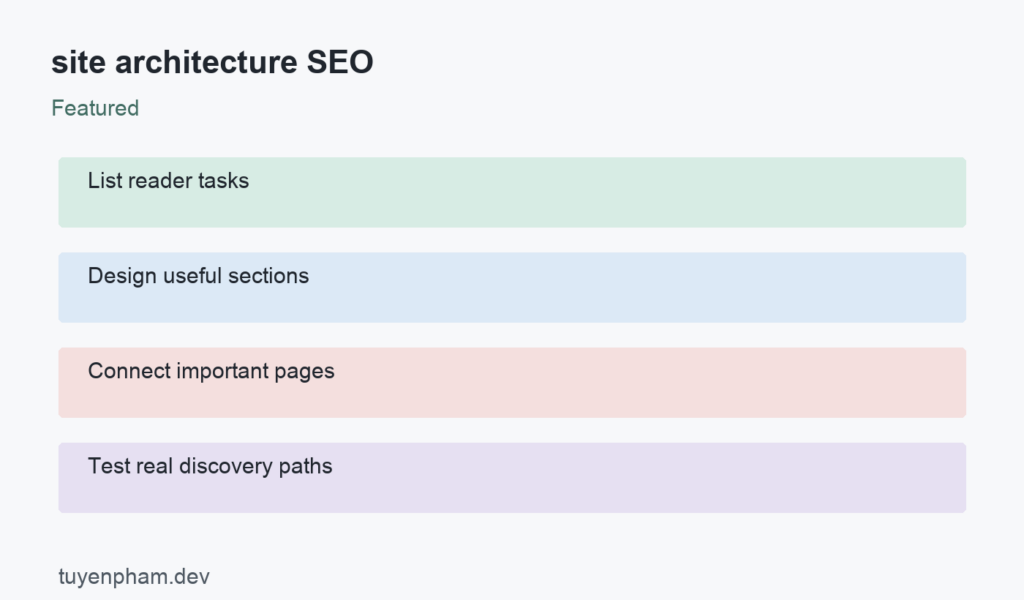
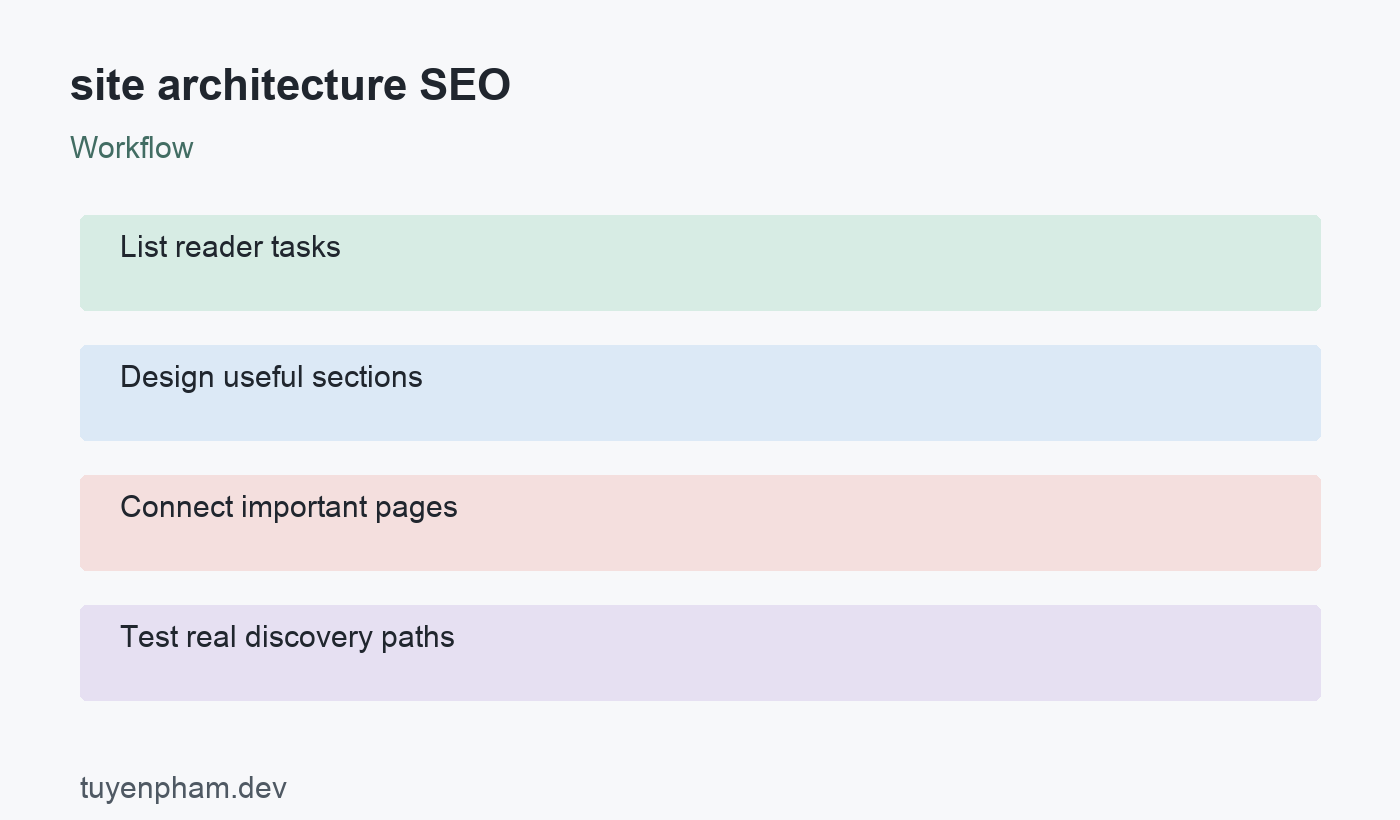
Use the following sequence to organize the review: List reader tasks → Design useful sections → Connect important pages → Test real discovery paths. The sections below explain the decisions and evidence needed at each stage. The worked example is hypothetical and illustrates the process rather than claiming a measured result from this website.
Inventory the tasks and destinations
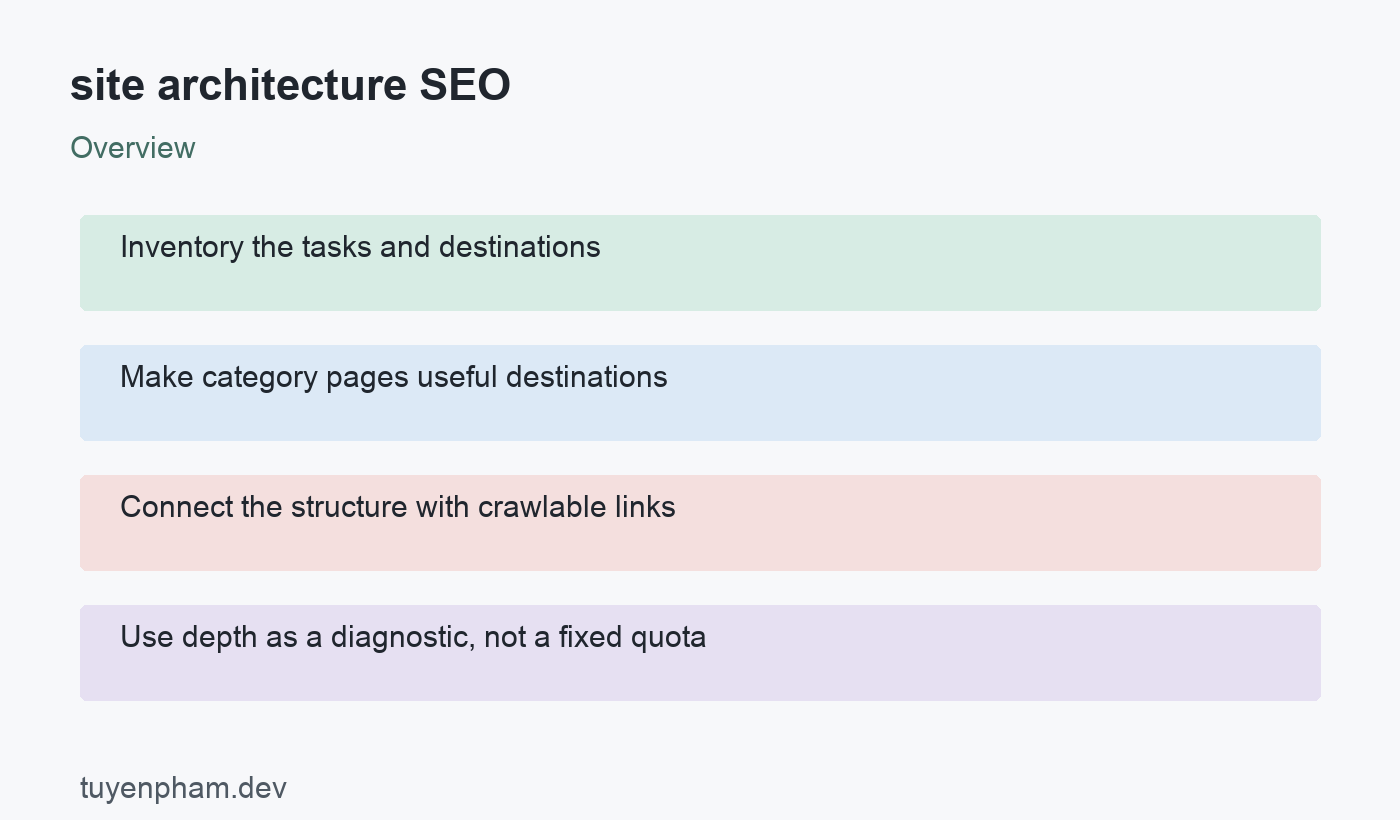
List the key tasks the site supports and the pages that serve them. Separate information, evaluation, purchase, and support needs where appropriate. A developer site might need paths for learning a concept, comparing a tool, and fixing an error. Identify overlapping destinations and content with no useful home. Do this before drawing a large navigation tree. A structure built from internal department names can be confusing to visitors who describe the problem differently. Test proposed section labels with the terms readers actually use.
Make category pages useful destinations
A category should help visitors choose an appropriate next resource rather than merely display an unexplained list. Use clear labels, sensible ordering, and concise context where it helps. Keep the taxonomy manageable so a new article has an obvious place. A tag for every minor phrase can generate repetitive archives that add little navigational value. Decide which collections deserve public navigation and search visibility. Evaluate the usefulness of the collection itself instead of assuming that every automatically created archive needs to be promoted.
Connect the structure with crawlable links
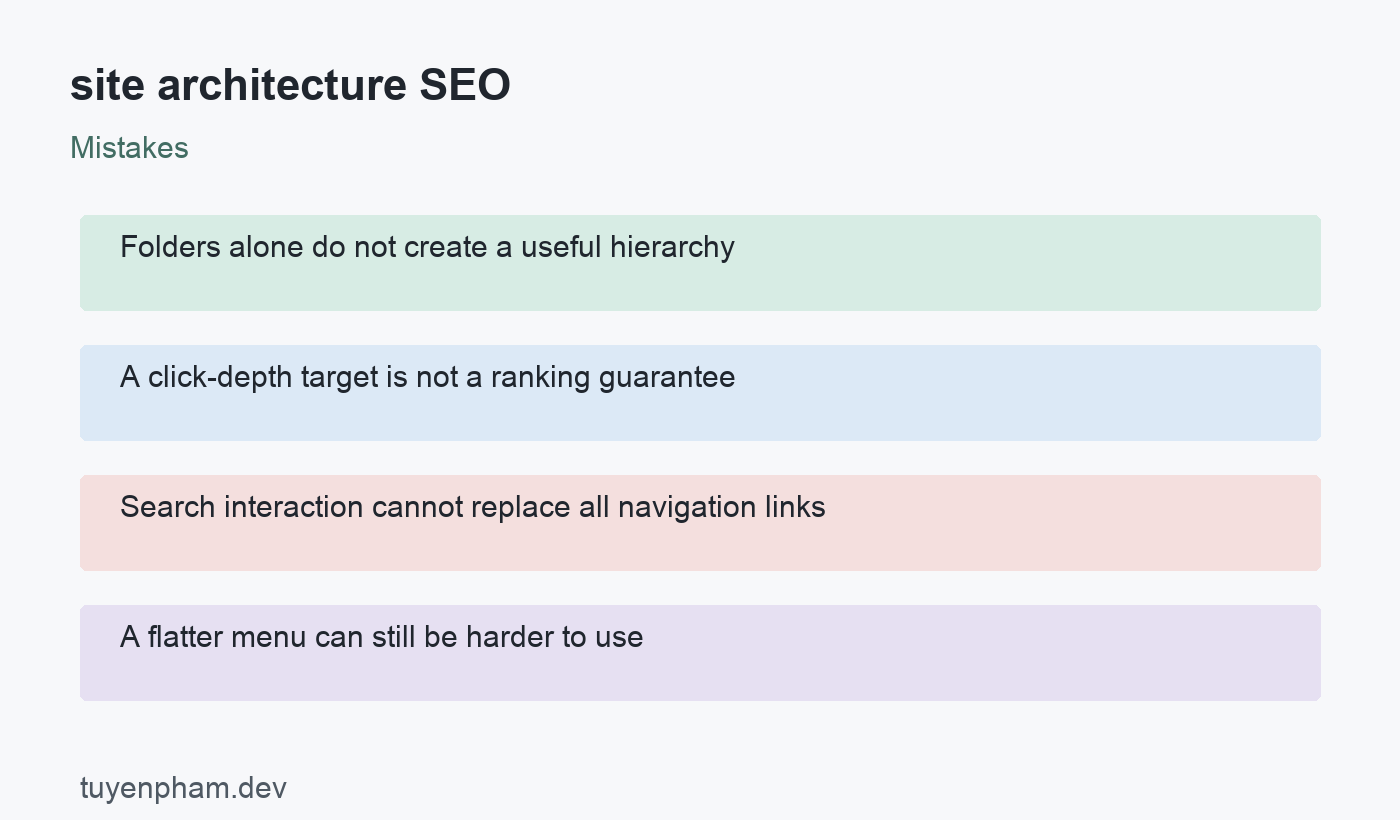
Google explains site relationships through page links, including links from broad categories to more specific destinations. Use real anchors with href values for important navigation. An interactive search box or JavaScript-only button is not an equivalent path for discovery. Include sensible links from overviews and related resources, and check deeper pagination. A sitemap can support discovery but does not explain the reader journey. Keep important content reachable through the structure even when a visitor arrives somewhere other than the homepage.
Use depth as a diagnostic, not a fixed quota
Rank Math discusses clear hierarchy and accessible page organization. A crawl-depth report can help find resources hidden far from useful entry points, but there is no universal click number that guarantees rankings. A large catalog may need several meaningful levels. Flattening everything into one menu can make the site harder to use. Examine whether each step helps the reader narrow the task. Improve an unnecessarily indirect route while keeping categories that genuinely organize a large or varied collection.
Review the architecture after content changes
Adding sections, deleting categories, and changing templates can disconnect useful resources. Recheck important paths after those changes. If URLs change, maintain appropriate mappings and update links to the final destinations. Measure successful navigation and relevant visits alongside crawl findings. A redesigned tree does not guarantee an immediate ranking increase. Document why each major section exists and who maintains it, so the organization stays useful as new articles, products, or services are introduced.
Worked example
A site has tutorials, comparisons, and troubleshooting articles in one chronological archive. Readers looking for a fix must browse many unrelated entries. The team creates a useful troubleshooting section and links relevant fixes from each tutorial. It retains broader learning paths for beginners and checks that later archive pages remain reachable. The improvement is the relationship between resources and tasks, not simply changing /blog/ to a keyword-rich folder or placing every article in the main menu.
Verification checklist
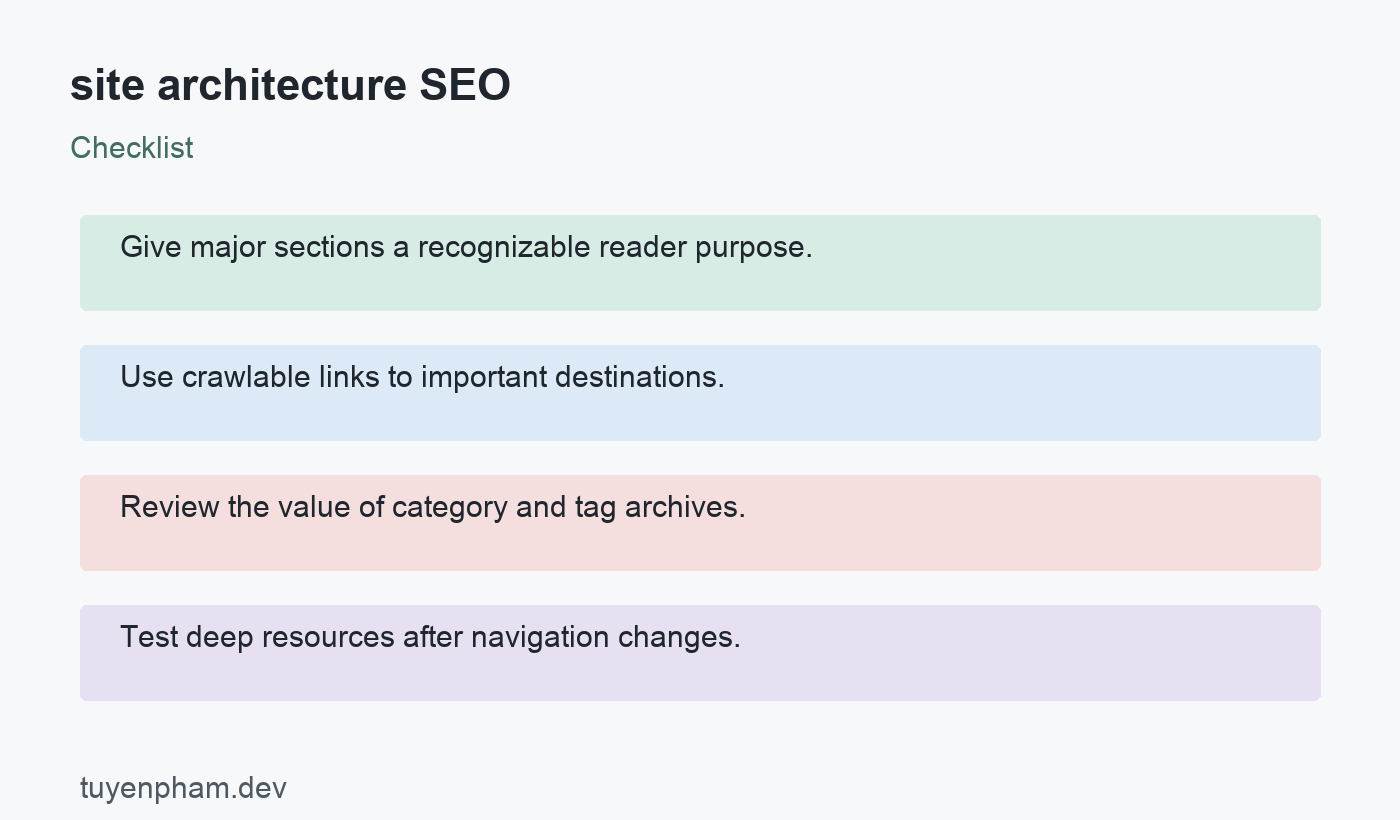
- Give major sections a recognizable reader purpose.
- Use crawlable links to important destinations.
- Review the value of category and tag archives.
- Test deep resources after navigation changes.
A focused task for your website
Choose one section with at least ten pages. Write the reader task for each and draw the current route from a relevant entry point. Identify a resource with an unnecessary detour and one archive that provides little guidance. Improve those paths in a test environment. Ask a reader to find three resources and record where the labels cause confusion. Keep the structure proposal, link changes, and verification evidence together for the next content release.
References and related reading
Review Google’s official guidance and Rank Math’s related explanation or workflow for the relevant requirements and tool details. Continue with Orphan Pages Seo and the SEO audit checklist to connect this review with the rest of your website.
Discussion
Join the conversation