Node.js Streams: Process Large Files with Backpressure

Node.js streams let an application process data incrementally instead of loading an entire file into memory first. They are useful for exports, compression, uploads, and transfers where the destination may be slower than the source. The central design question is not simply how to read chunks: it is how to coordinate production, consumption, errors, and completion. Start with a small file pipeline, then test it with a deliberately slow destination before applying the same pattern to a production workload.
Node.js streams: a practical implementation workflow
Identify the source, transformation, and destination
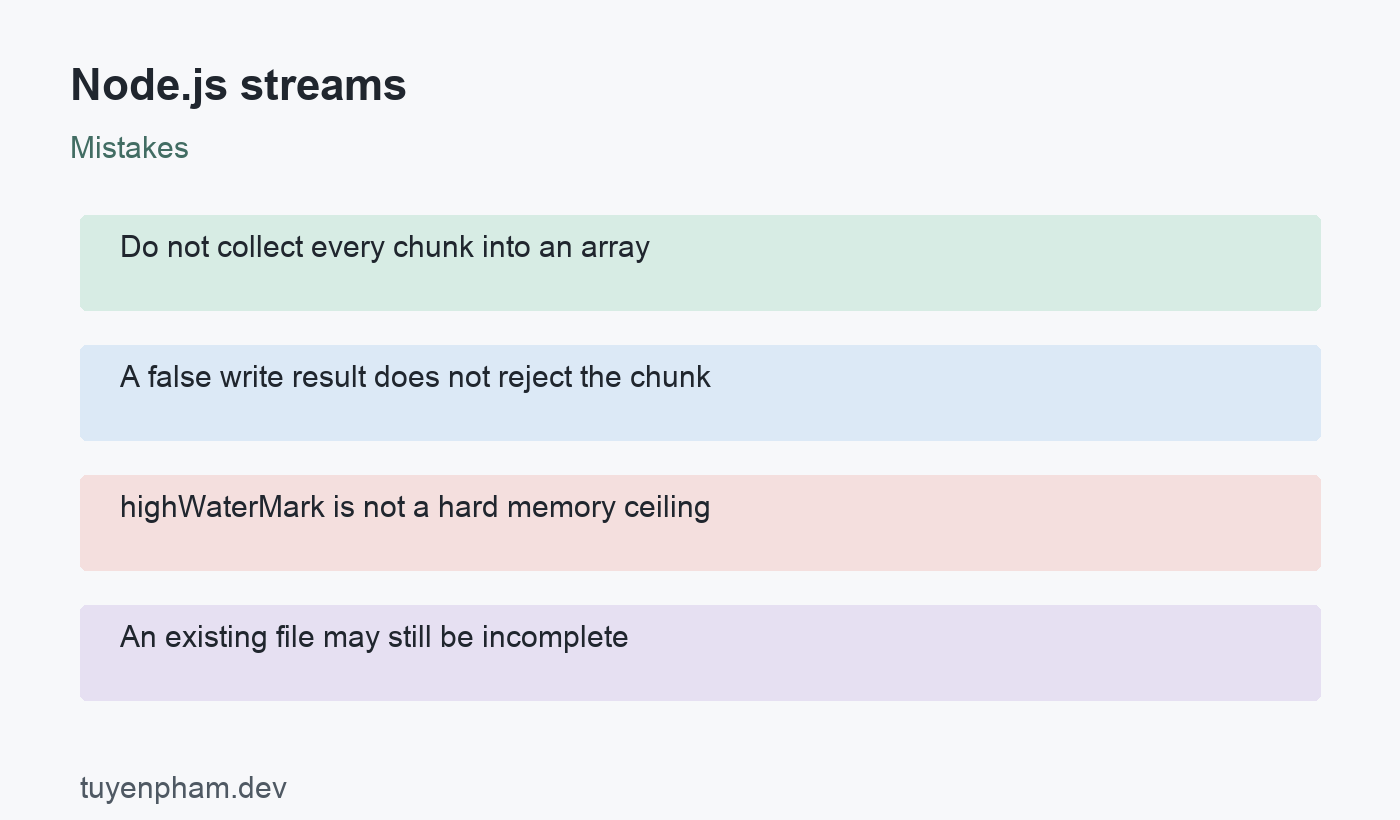
A readable stream supplies data, a writable stream consumes it, and a transform can do both. For a compressed export, the file reader is the source, gzip is the transformation, and the output file is the destination. Write down those responsibilities before choosing APIs. A stream still consumes memory through buffers and application state. Collecting every chunk into an array defeats the incremental design. Also check whether the producer actually streams: a database driver that materializes every row before returning has already paid the large memory cost.
Understand what backpressure controls
Backpressure slows a producer when the consumer cannot keep up. For manual writable usage, a false return from write means that the chunk was accepted but further writes should wait for drain. Do not resend that chunk. The highWaterMark setting is a buffering threshold, not a universal hard memory limit. Object-mode buffers count objects, which can vary enormously in size. Measure memory with realistic records and avoid increasing buffering simply to hide a slow consumer. Throughput, latency, and memory need to be evaluated together.
Prefer pipeline for a complete transfer
The promise version of pipeline connects compatible streams and rejects when the transfer fails. This keeps completion and error handling in one place rather than scattering handlers across a chain. Await its promise before reporting success. When writing a reusable helper, let the caller decide how to report failures and whether cancellation should be supported. The example uses built-in file and compression streams, so it needs no third-party package. Use trusted paths in the demonstration; accepting arbitrary user-controlled paths requires separate access and path validation.
Treat failed output as incomplete
An interrupted write may leave a file that exists but is unusable. For a real export, write to a temporary path and publish it only after the pipeline succeeds. Decide how to remove incomplete output and whether the destination supports atomic replacement. If the pipeline writes to an HTTP response, a late failure may mean headers are already sent or the socket has been destroyed; an ordinary JSON error response may no longer be possible. Design that failure path before telling clients that a transfer has started successfully.
Test the slow path and the failure path
Use a custom slow writable or a constrained test destination to make buffering behavior observable. Inject a read failure, a destination failure, and a cancellation while the transfer is active. Record whether the promise rejects, resources close, and temporary output is removed. Validate decompressed content rather than assuming a nonempty file is correct. Check concurrency as well: ten bounded pipelines can still exceed the process budget together. Establish a workload-specific concurrency limit and monitor failures without logging sensitive file content.
Code example
Save this as compress.mjs and run it with a supported Node.js release. Create input.txt first. The wx flag rejects an existing destination instead of overwriting it. A rejected pipeline must not be reported as a completed export.
import { createReadStream, createWriteStream } from "node:fs";
import { createGzip } from "node:zlib";
import { pipeline } from "node:stream/promises";

await pipeline(
  createReadStream("input.txt"),
  createGzip(),
  createWriteStream("output.txt.gz", { flags: "wx" })
);
Worked example
Consider a hypothetical reporting service producing a large download. A first implementation reads the whole report and creates another full buffer for compression. A streaming implementation can pass incremental output through gzip, but only if the report producer also supports incremental reads. The team tests a slow client and limits simultaneous exports. It stores incomplete files separately from downloadable reports. The improvement comes from controlling the full data path, not merely replacing one file-reading method while keeping every row in an application array.
Verification checklist
- Await pipeline completion before reporting success.
- Verify output by decompressing and comparing content.
- Test a slow consumer and an unavailable destination.
- Remove incomplete files after a failed transfer.
Practice task
Create a small compression command using the example, then repeat the experiment with a larger synthetic file containing no private data. Compare peak memory and elapsed time with a version that reads the whole input first. Force a destination error and inspect the resulting file. Add temporary-output cleanup and a cancellation signal, then verify both behaviors. Keep the input generator, runtime version, and measurement method with the results so another developer can reproduce the comparison without relying on a claimed universal performance improvement.
Sources and related reading
Consult Node.js stream API; Node.js backpressure guide for API contracts and implementation details. Continue with Async Await Javascript and Logging Best Practices for related concepts.
Discussion
Join the conversation