AbortController JavaScript: Cancel Requests and Prevent Stale Results

AbortController JavaScript patterns give asynchronous operations a cooperative cancellation signal. A search view can cancel an obsolete request, and a loader can stop waiting after a deadline. Cancellation is not a promise that the server undoes work it already performed. It is also not a replacement for deciding which result the interface may display. Separate those responsibilities: use a signal for supported operations and an explicit current-request check for application state. This makes rapid interactions and slow responses much easier to reason about.
AbortController JavaScript: a practical implementation workflow
Give each operation its own lifetime
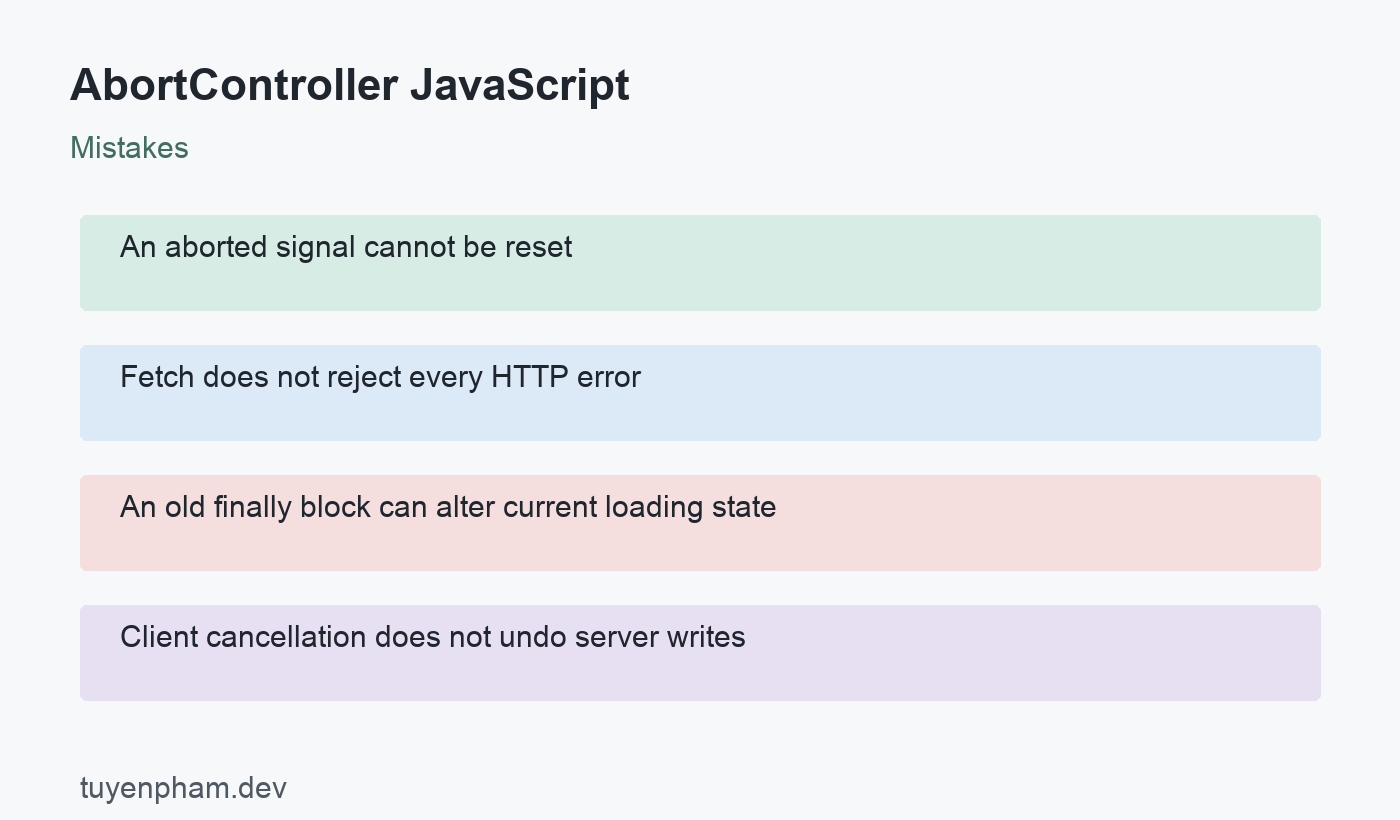
Create a controller for one request or one intentional group of operations. Pass its signal to fetch before starting the request. When the user leaves a view or changes the query, abort that operation and create a fresh controller for the next one. An aborted signal stays aborted; it cannot be reset and reused. Keep ownership clear so unrelated requests do not share cancellation accidentally. In component frameworks, tie cleanup to the lifetime of the effect or task that created the request rather than an unrelated global variable.
Handle HTTP errors separately from cancellation
Fetch can resolve successfully at the promise level even when the response is an HTTP error such as 404. Check response.ok before accepting the body. Cancellation can reject the request or interrupt body consumption, and malformed JSON can fail for another reason. Decide how the caller distinguishes cancellation, timeout, transport failure, HTTP failure, and invalid payload. The example deliberately propagates errors rather than turning every failure into an empty list. At the UI boundary, a canceled obsolete search usually needs no alarming error message.
Clear deadline timers in every outcome
A controller plus a timer is a simple way to add a deadline where the runtime supports fetch cancellation. Clear the timer in finally, whether parsing succeeds or the request fails. Choose the deadline from the actual interaction and service expectations instead of copying a number without context. If the caller also needs to cancel, design how the external signal and deadline work together. Do not leave dangling event listeners or timers in a frequently called helper. Check newer signal-composition APIs against the browsers and runtimes you support.
Reject stale state changes even after cancellation
Cancellation reduces unwanted work, but application state still needs protection. A previous task may already have completed, or later processing may not honor the signal. Associate each search with a monotonically increasing generation number. Before updating results, confirm that its generation still matches the current one. This prevents an old query from overwriting a newer query even when completion order differs from input order. Guard loading and error state too: an old finally block should not clear the loading indicator for a request that is still active.
Do not equate abort with rollback
The server may have received and committed a request before the client aborts. For purchases or other state-changing operations, use the service contract to reconcile an uncertain outcome and apply idempotency where appropriate. A disabled button or canceled fetch alone does not prevent duplicate effects. On the server, cancellation propagation depends on the framework and downstream libraries. Use it as a resource-management mechanism, then verify business state separately. Never tell the user that a committed change was undone solely because the browser stopped waiting for its response.
Code example
This helper demonstrates a local deadline and timer cleanup. Its caller must catch errors and validate the returned JSON. It does not yet accept an external cancellation signal or implement a current-search generation check.
export async function loadJson(url, timeoutMs = 5000) {
  const controller = new AbortController();
  const timer = setTimeout(() => controller.abort(), timeoutMs);
  try {
    const response = await fetch(url, { signal: controller.signal });
    if (!response.ok) throw new Error(`HTTP ${response.status}`);
    return await response.json();
  } finally {
    clearTimeout(timer);
  }
}
Worked example
In a hypothetical search interface, a user types a second query before the first finishes. The interface aborts the first controller and starts another request with a new generation number. A result may update the screen only if it belongs to the current generation. The same check applies to loading cleanup. A slow response from the older query therefore cannot replace current results. The design remains correct even if a mocked transport ignores cancellation, which makes that an especially useful test case.
Verification checklist
- Create a fresh controller for each new operation.
- Check HTTP status and validate the response body.
- Clear deadline timers after success and failure.
- Guard result, error, and loading state by request generation.
Practice task
Build a search loader with two mocked responses that finish in reverse order. First prove that the unprotected version displays stale data, then add cancellation and a generation guard. Test a mock that honors the signal and another that ignores it. Add an HTTP error and malformed JSON response, checking that each reaches a meaningful failure state. Finish by leaving the view during loading and verifying that no obsolete task updates its state. Document cancellation separately from any state-changing server operation.
Sources and related reading
Consult MDN AbortController; MDN Fetch API usage for API contracts and implementation details. Continue with Async Await Javascript and Http Status Codes Api for related concepts.
Discussion
Join the conversation