Best WordPress Permalink Structure for SEO: Clean URLs That Work

WordPress permalink structure is a small setting with a long SEO shadow. A clear URL helps readers understand what a page is about before they click, and it gives search engines a clean signal about the topic of the post.
The best permalink structure for most WordPress sites is simple: use the post name, keep the slug short, and avoid changing URLs after a page is already indexed. This guide explains what to choose, what to avoid, and how to update permalinks without creating a mess of broken links.
Best WordPress Permalink Structure for SEO
For most blogs, business sites, tutorials, and content hubs, the best WordPress permalink structure for SEO is /%postname%/. In the WordPress dashboard, this is usually shown as the “Post name” option.
A post-name URL is readable, short, and easy to share. A URL like /wordpress-permalink-structure/ is more useful than a URL filled with dates, numbers, or query parameters. Google’s guidance on URL structure also recommends simple, descriptive URLs whenever possible.
Why Permalinks Matter
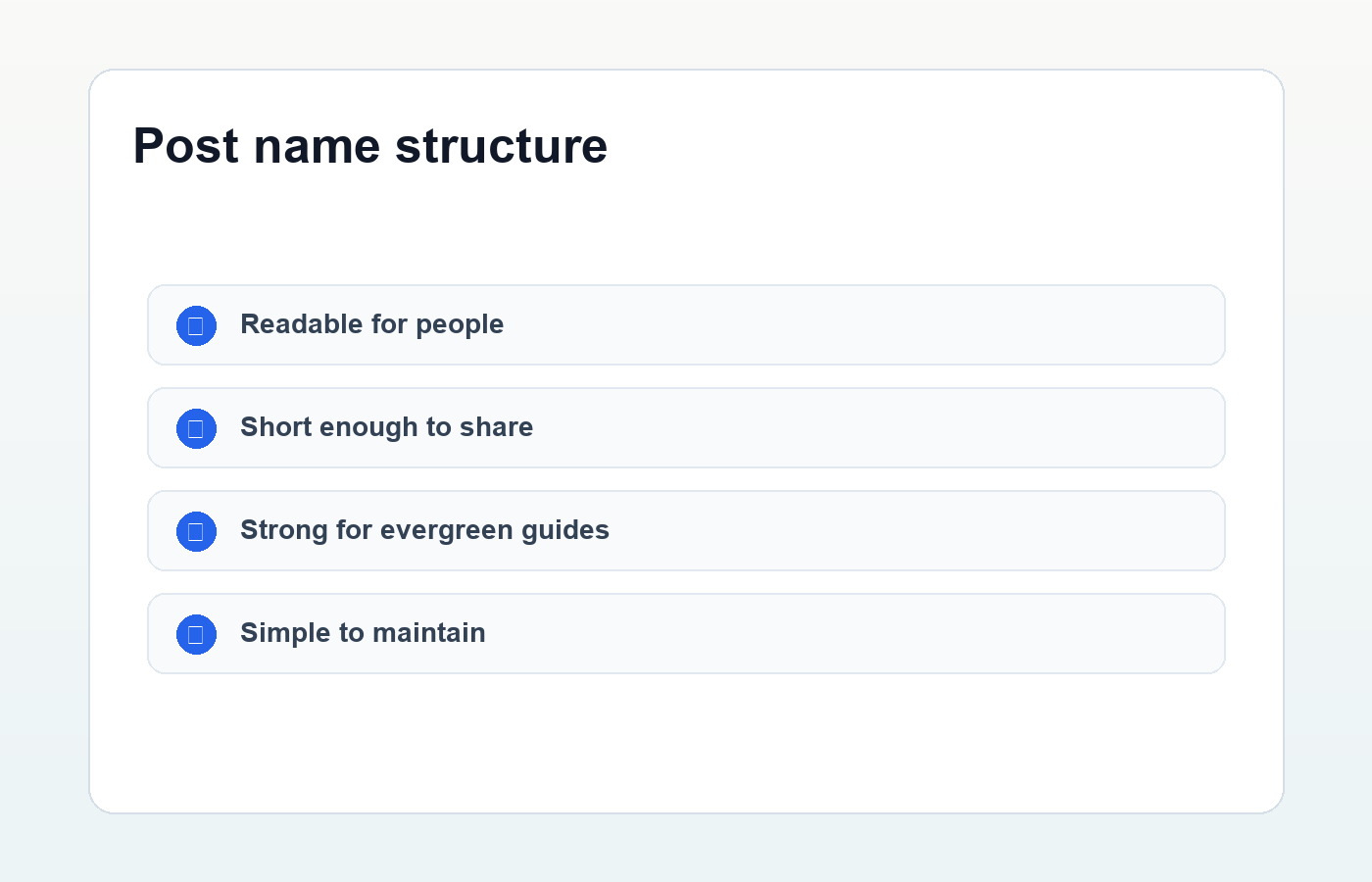
Permalinks matter because they sit at the intersection of SEO, user experience, analytics, and site maintenance. A clean URL is easier to remember, easier to paste into an email, easier to recognize in search results, and easier to organize inside your site.
- Readers can understand the page topic from the URL.
- Search engines can crawl and interpret the page more easily.
- Internal links look cleaner and feel more trustworthy.
- Redirects are easier to manage when the structure is consistent.
How to Change WordPress Permalinks
To choose a permalink structure, go to Settings → Permalinks in your WordPress dashboard. Select Post name, then save changes. WordPress.org’s permalink documentation explains the available structures and custom tags in more detail.
If your site is new, changing this setting is usually straightforward. If your site already has published content and traffic, treat the change as a migration. Every old URL that changes should redirect to the new URL.
When Dates Belong in URLs
Date-based URLs can make sense for news sites, magazines, or archives where the publication date is part of the content experience. For evergreen tutorials, product guides, service pages, and long-term SEO content, dates usually add clutter without helping the reader.
A date in the URL can also make updated content feel old. If you publish a WordPress SEO guide in 2026 and update it in 2027, a dated URL can quietly work against the page even when the content is current.
Write Short, Descriptive Slugs
The permalink structure controls the pattern. The slug controls the specific words in each URL. A good slug is short, lowercase, and focused on the primary topic. Remove filler words when they do not add meaning.
- Good:
/wordpress-permalink-structure/ - Too long:
/what-is-the-best-wordpress-permalink-structure-for-seo-in-2026/ - Too vague:
/wordpress-tips/ - Too messy:
/post?id=123&cat=seo
The goal is not to squeeze every keyword into the slug. The goal is to make the URL clear enough that a person can guess what the page is about at a glance.
Use Categories Carefully
Some WordPress site owners like category-based URLs such as /wordpress-seo/permalink-structure/. This can work when your categories are stable and meaningful. It can become a problem if you often move posts between categories or rename category slugs.
For most beginner sites, post-name permalinks are easier to maintain. You can still use categories inside WordPress for navigation, breadcrumbs, related posts, and content organization without forcing them into every URL.
Do Not Change Published URLs Without Redirects
The biggest permalink mistake is changing live URLs without planning redirects. If Google has indexed an old URL, or other sites have linked to it, a sudden change can create 404 errors and lost traffic.
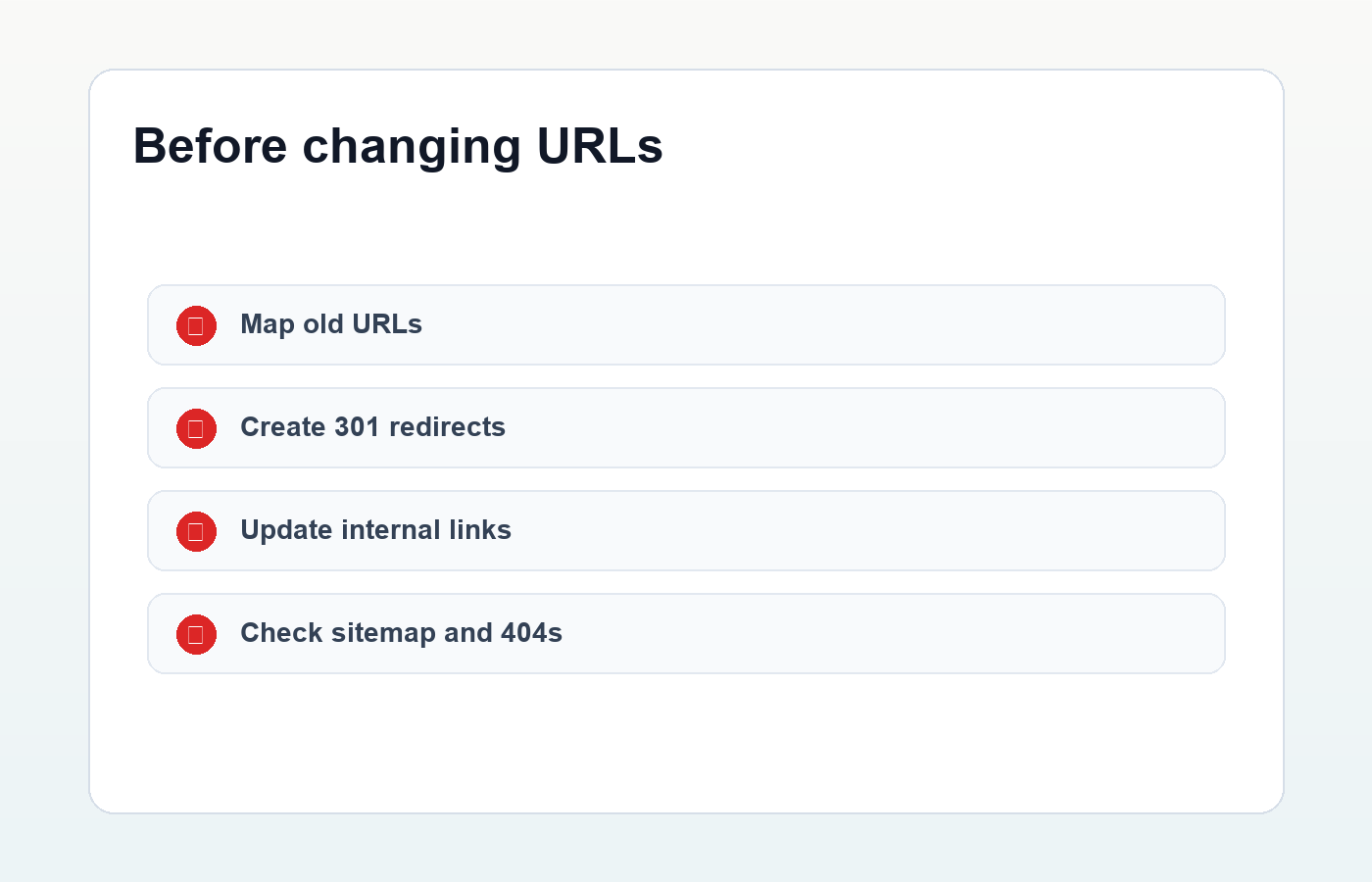
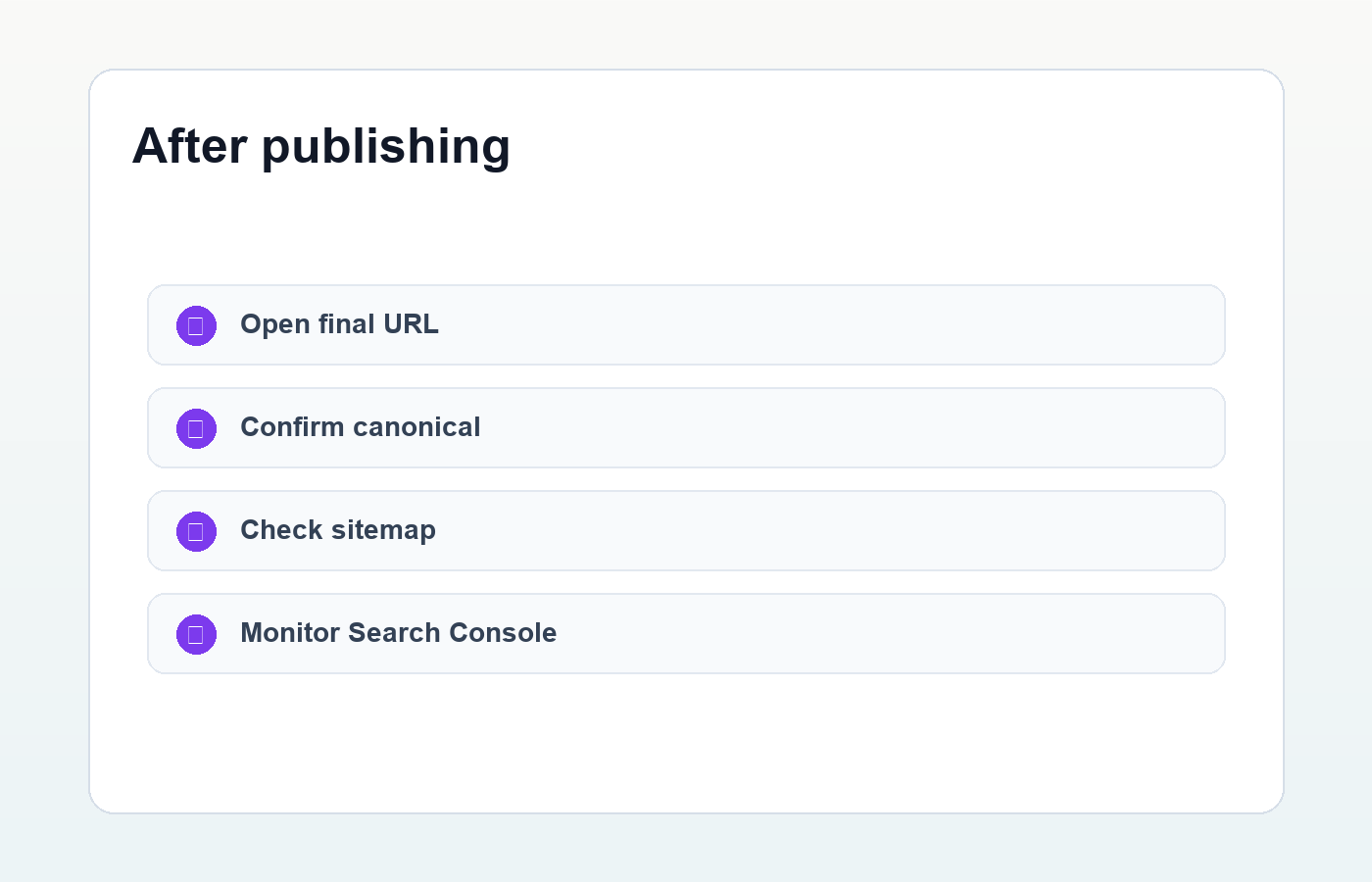
Before changing a live permalink, export a list of old URLs, decide the matching new URLs, then create 301 redirects. After the change, test important pages, update internal links, and check Google Search Console for crawl errors.
Permalink Checklist Before Publishing
- Use the post-name permalink structure for evergreen content.
- Keep the slug short and descriptive.
- Use lowercase words separated by hyphens.
- Remove dates unless they are useful for the content type.
- Avoid changing published URLs unless you add redirects.
- Update internal links after URL changes.
- Confirm the final URL appears in your sitemap.
A strong WordPress permalink structure will not rank a weak article by itself, but it removes unnecessary friction. Pair clean URLs with helpful content, internal links, good metadata, and a consistent publishing process like the one in this WordPress SEO checklist.
Discussion
Join the conversation