Breadcrumbs SEO: Build Clear Navigation and Valid Structured Data

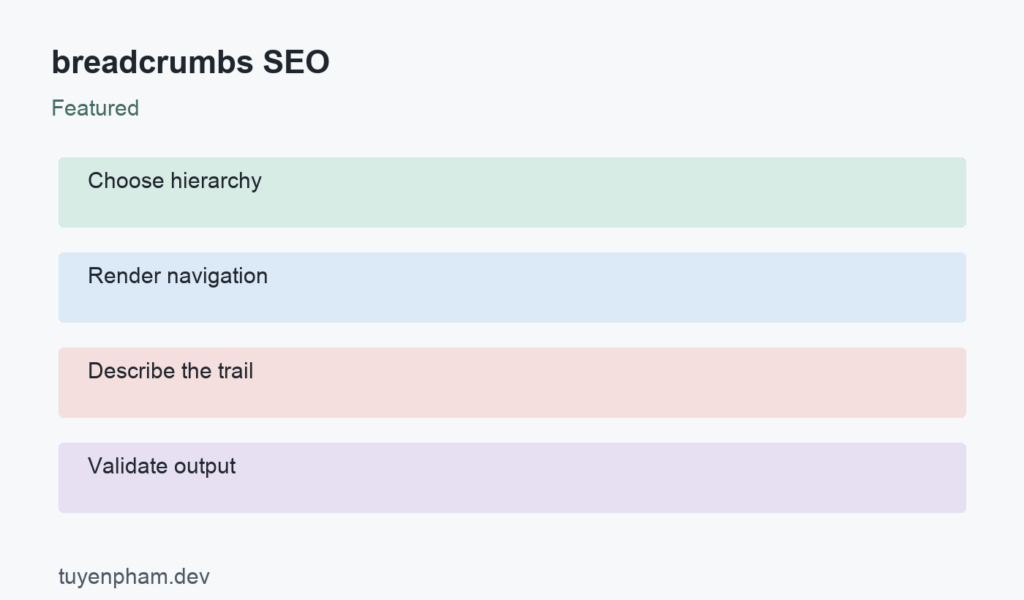
Breadcrumbs SEO combines a navigation benefit with a structured-data implementation. A visible breadcrumb trail helps users understand where a page belongs and return to a broader section. BreadcrumbList markup can describe that hierarchy to Google, which may use it in supported search presentations. A valid trail is useful even if no search feature appears. Start by defining a meaningful path through the site, then ensure the visible links and structured data describe the same real page organization.
breadcrumbs SEO: a practical decision process
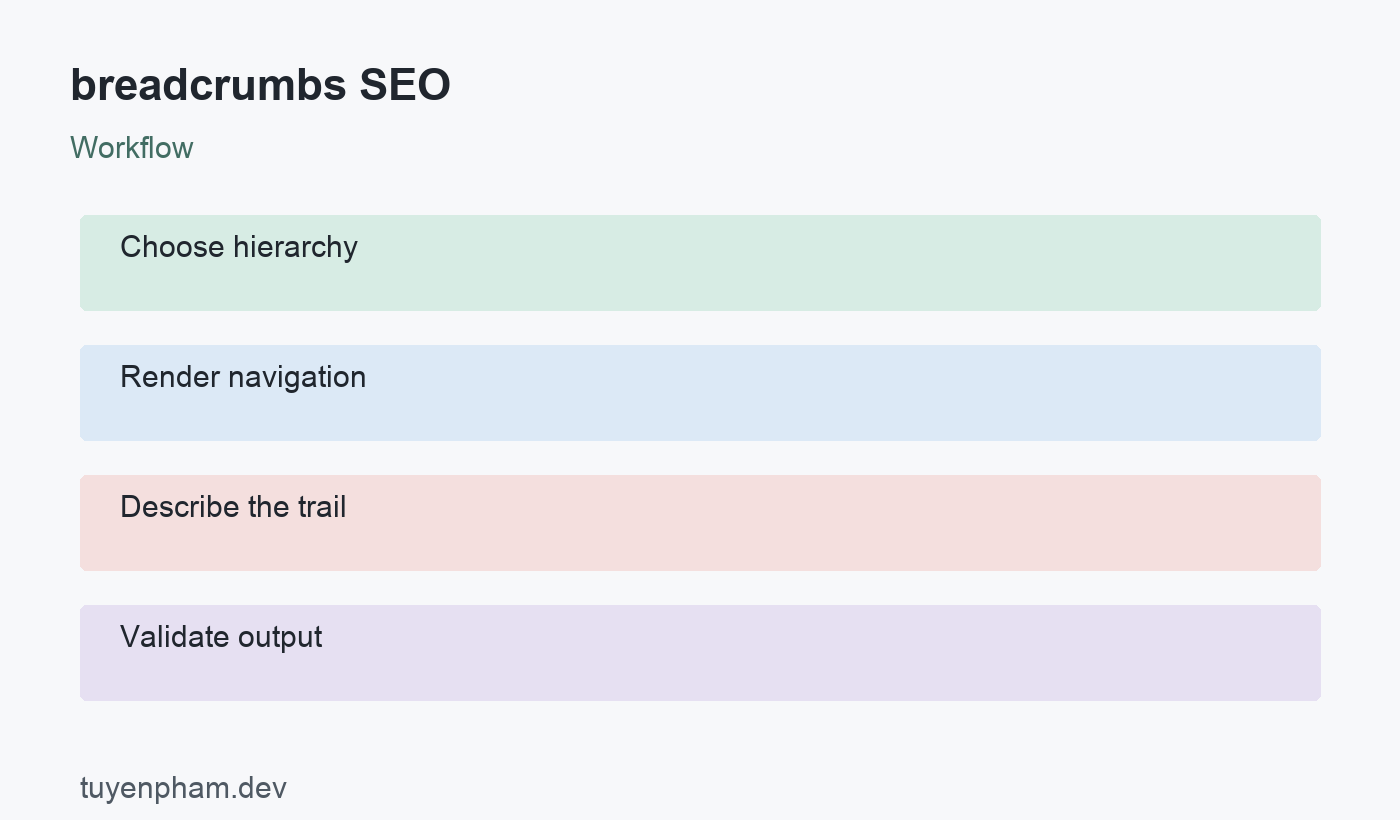
Follow this sequence: Choose hierarchy → Render navigation → Describe the trail → Validate output. Use it to organize the work, then verify the editorial and technical choices described below. The example is hypothetical and illustrates the decision rather than claiming a measured ranking result.
Choose a useful hierarchy rather than click history
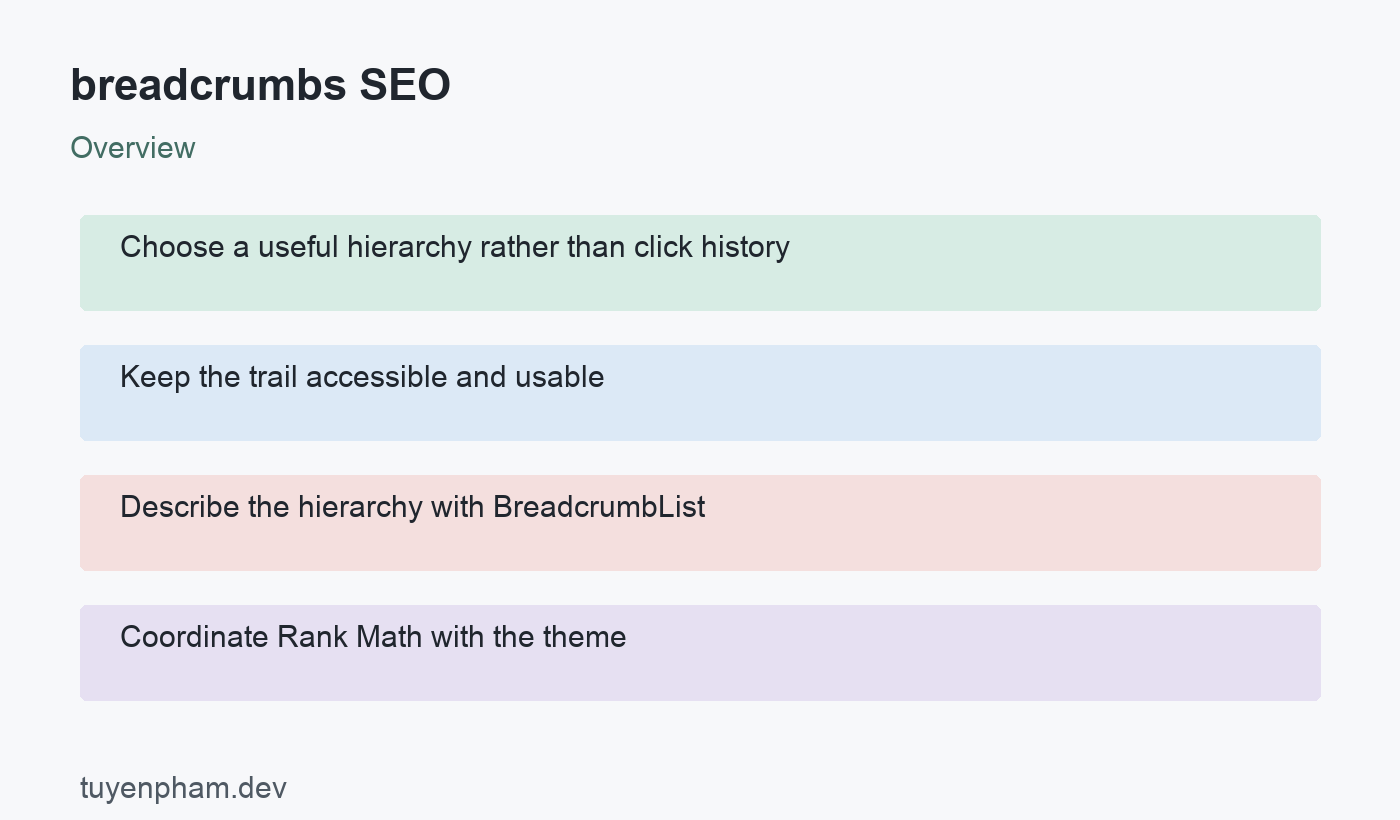
A breadcrumb normally shows the site structure, not every page the visitor clicked. For an article, a path such as Home, SEO, Technical SEO, and the current article may be appropriate if those sections actually exist. For a product, use a relevant category path. Avoid fabricated intermediary sections that lead nowhere. A page can belong to several categories, so choose a predictable policy or support multiple meaningful trails where suitable. The hierarchy should remain understandable when a user lands directly from search.
Keep the trail accessible and usable
Use normal links for parent sections and concise labels that match the destination. Present the trail as navigation and identify the current page appropriately. Make separators readable without forcing screen readers to announce decorative characters unnecessarily. On mobile, allow wrapping or a careful layout rather than cutting off the important category name. Breadcrumbs support the main navigation; they should not be the only path to essential pages. Check that each linked destination exists and is accessible to visitors.
Describe the hierarchy with BreadcrumbList
Google documents BreadcrumbList with ListItem entries using positions and names, along with the relevant page URLs. Follow the current requirements rather than copying a snippet without understanding it. The last entry represents the current page and has particular item-property allowances described in the documentation. Keep position numbering coherent and use final canonical URLs for linked entries. Structured data should describe the real page context, not add unrelated keyword-rich labels that a visitor never sees.
Coordinate Rank Math with the theme
Rank Math provides breadcrumb settings and integration guidance for WordPress themes. Enabling a setting may not automatically display a visible trail in every theme; use the documented theme integration method for your setup. Check whether another plugin or the theme already produces breadcrumb markup. Avoid duplicate trails with contradictory hierarchies. Review primary-category behavior where the implementation uses it. Test the actual rendered article and archive pages after template changes, not only the settings screen.
Validate both semantics and behavior
Use the Rich Results Test to detect relevant markup errors and inspect the live page after deployment. Confirm parent links, labels, and canonical URLs. Google does not guarantee a search feature simply because markup is valid, and presentation can vary across search surfaces. A warning about an optional property differs from a required-property error. Investigate each in context. Measure whether the navigation helps readers and maintain it when categories change rather than judging success only by a search screenshot.
Worked example
A store moves a product from Accessories to Camera Accessories. The visible trail is updated, but cached JSON-LD still points to the old hierarchy and a deleted category URL. The page may pass a superficial visual check while describing an inconsistent structure. Updating the category mapping, structured data, and cache together produces a trail that works for visitors and matches the page. If the old category was removed permanently, handle its URL according to the actual replacement relationship.
Implementation checklist
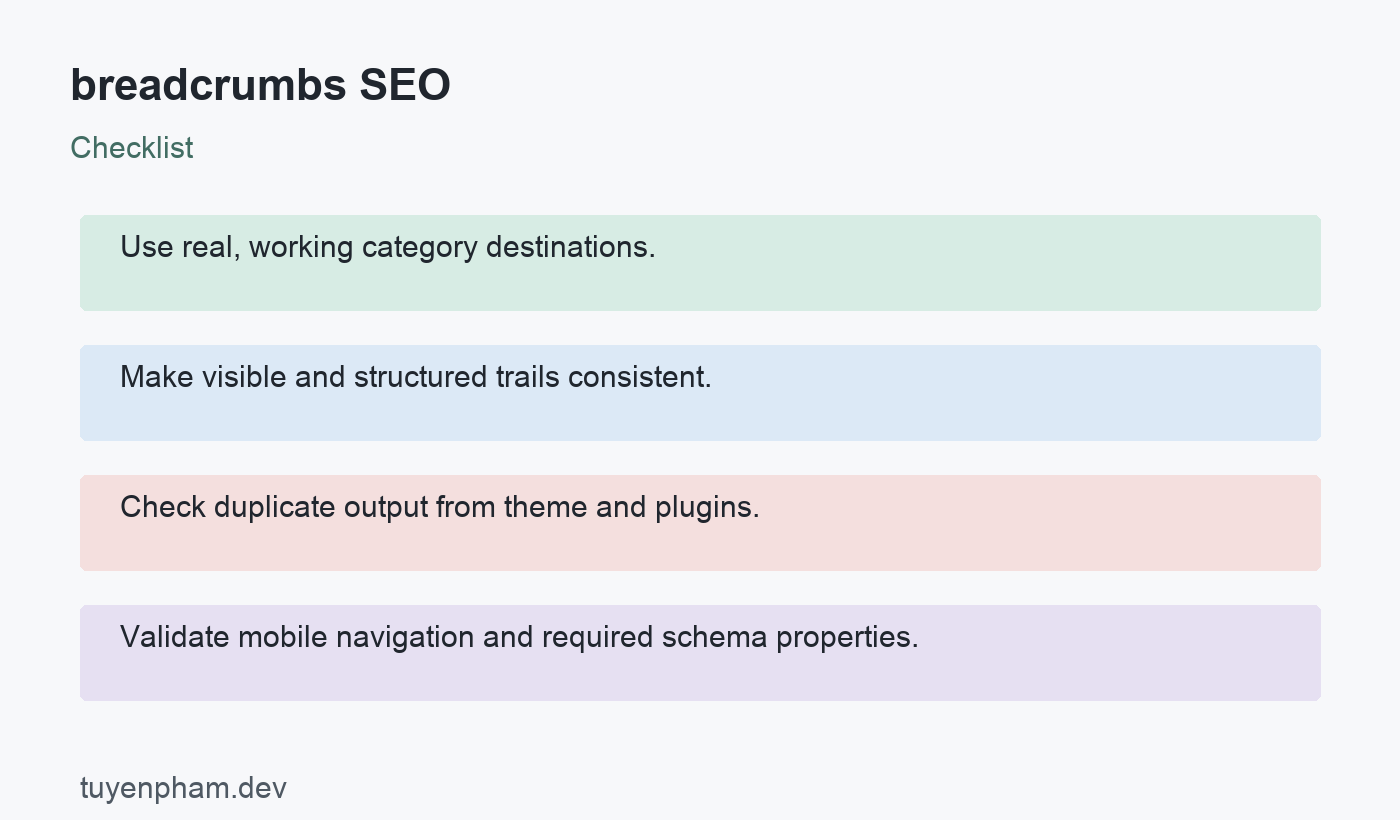
- Use real, working category destinations.
- Make visible and structured trails consistent.
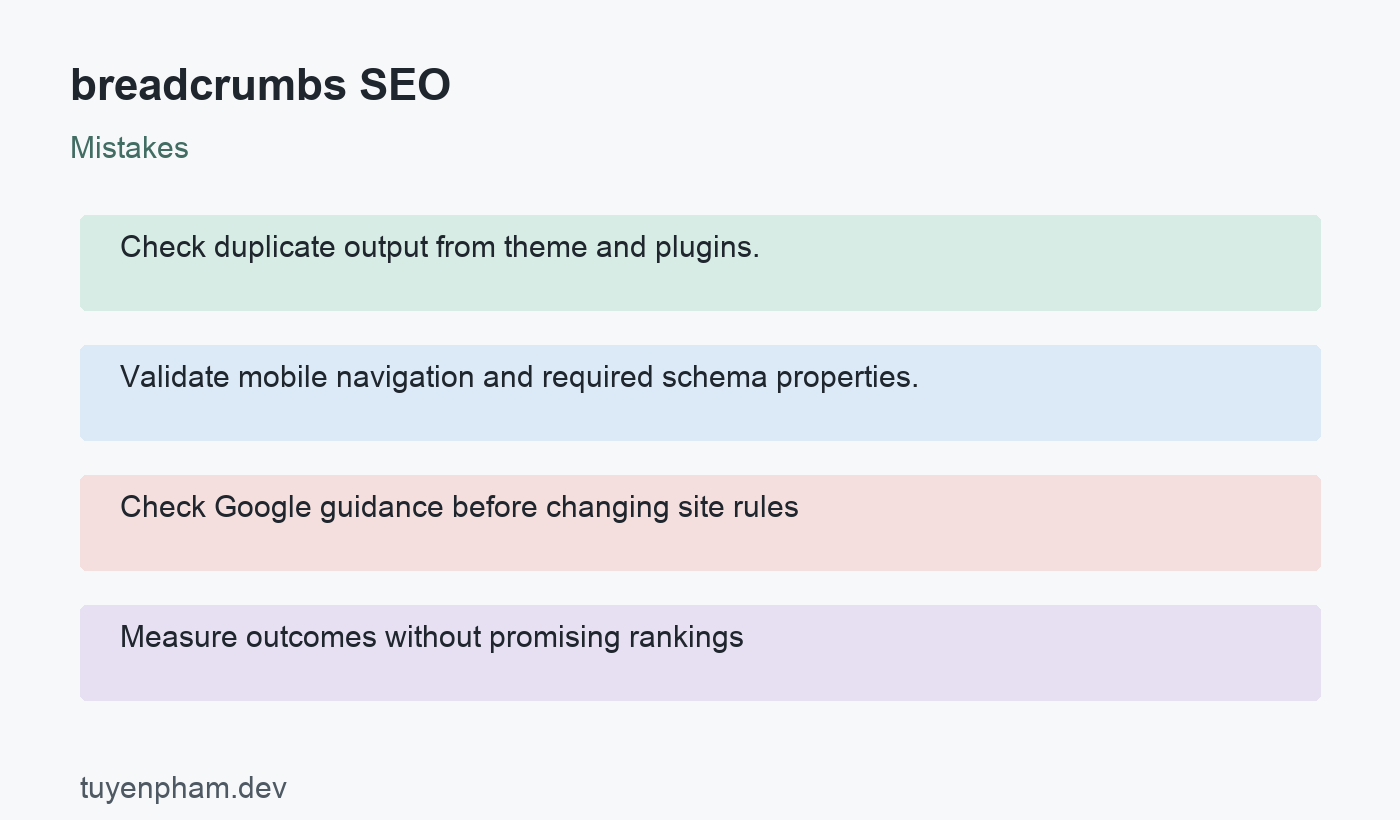
- Check duplicate output from theme and plugins.
- Validate mobile navigation and required schema properties.
A focused task for your website
Inspect an article, a category page, and a deeply nested product or service page. Draw the intended trail for each, then compare it with visible links and JSON-LD. Follow every parent link and confirm it returns the expected page. Test a page assigned to several categories. After changes, validate the rendered markup and inspect a mobile layout. Record any hierarchy decision that needs to remain consistent across future content.
References and next steps
Consult Google Search Central documentation for the relevant search requirements and Rank Math guidance on this topic for practical workflows. Continue with WordPress Schema Markup and the SEO audit checklist for related implementation checks.

Discussion
Join the conversation