PHP Conditional Statements: if, else, switch, and match

PHP conditional statements let your code make decisions. A website needs decisions everywhere: show a discount, reject invalid input, display an admin button, choose a message, or redirect a user who is not logged in.
This guide covers if, else, elseif, switch, match, and comparison habits beginners should learn early. If you need a broader foundation first, read PHP Syntax Basics. The official PHP control structures documentation is the deeper reference.
PHP conditional statements with if and else
The simplest conditional uses if:
<?php
$total = 75;

if ($total >= 50) {
    echo 'Free shipping is available.';
} else {
    echo 'Shipping fee applies.';
}
PHP checks the condition inside parentheses. If it evaluates to true, the first block runs. Otherwise, the else block runs.
Use elseif for multiple paths
<?php
$score = 82;

if ($score >= 90) {
    echo 'Excellent';
} elseif ($score >= 70) {
    echo 'Good';
} else {
    echo 'Keep practicing';
}
Order matters. PHP checks from top to bottom and runs the first matching branch. Put the most specific or highest-priority condition first when branches overlap.
Comparison operators beginners should know
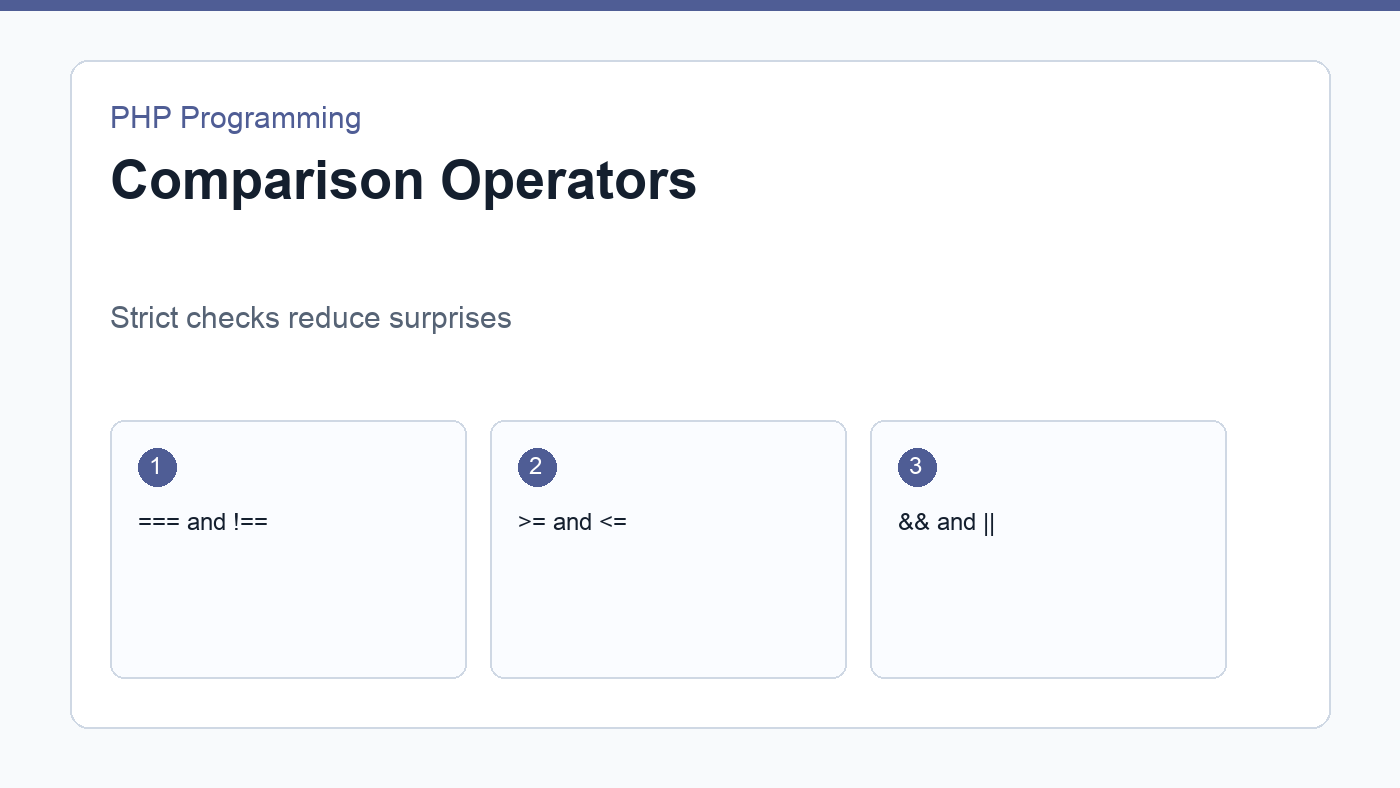
===means equal value and equal type.!==means not equal value or not equal type.>,>=,<, and<=compare numbers or sortable values.&&means both conditions must be true.||means at least one condition must be true.!reverses a boolean condition.
Prefer strict comparisons with === and !== when checking known values. Strict comparisons reduce surprising type conversions, especially with form values and database results.
A validation example
<?php
$email = trim($_POST['email'] ?? '');

if ($email === '') {
    $error = 'Email is required.';
} elseif (!filter_var($email, FILTER_VALIDATE_EMAIL)) {
    $error = 'Email is invalid.';
} else {
    $message = 'Email looks good.';
}
This pattern appears in PHP form handling. Check for missing values first, then validate format, then continue with the successful path.
switch for many exact values
<?php
$role = 'editor';

switch ($role) {
    case 'admin':
        echo 'Full access';
        break;
    case 'editor':
        echo 'Can edit content';
        break;
    default:
        echo 'Limited access';
}
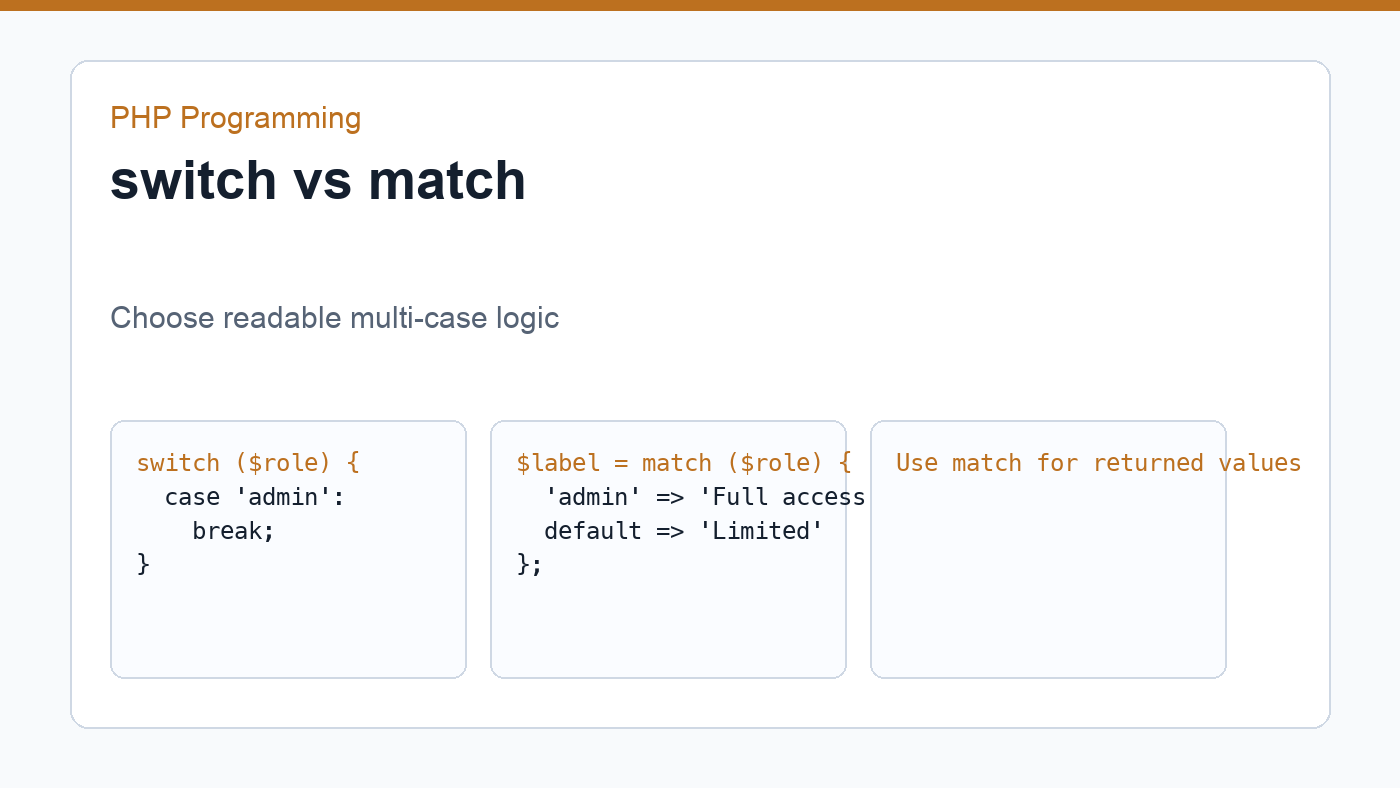
A switch can be readable when one value has many possible cases. Remember break, because without it PHP continues into the next case.
match in modern PHP
The match expression is available in modern PHP and returns a value:
<?php
$role = 'editor';

$label = match ($role) {
    'admin' => 'Full access',
    'editor' => 'Can edit content',
    default => 'Limited access',
};

echo $label;
match is often cleaner than switch for mapping one value to another. It also uses strict comparison behavior, which makes results easier to predict.
Keep conditions readable
Complex conditions can become hard to understand. When a condition grows too long, move part of it into a well-named variable or function. A line such as if ($userCanPublish) is easier to scan than a long chain of role, status, and permission checks.
Conditional logic is where business rules become code. Write it in a way that future you can read without solving a puzzle.
Guard clauses can simplify code
A guard clause handles an invalid or special case early, then lets the main path continue with less nesting. This is helpful when validating input, checking permissions, or stopping a request that should not continue.
<?php
function publishPost(array $user, array $post): string
{
    if (($user['role'] ?? '') !== 'admin') {
        return 'You do not have permission.';
    }

    if (($post['status'] ?? '') === 'published') {
        return 'Post is already published.';
    }

    return 'Post can be published.';
}
Without guard clauses, the same logic might become deeply nested. Nesting is not always wrong, but beginners often find flat decision paths easier to debug.
Truthiness and explicit checks
PHP can evaluate many values as true or false. Empty strings, zero, empty arrays, and null behave differently from filled values. This can be convenient, but it can also hide mistakes. When the exact value matters, write explicit checks such as $email === '' or count($items) === 0.
Explicit conditions are especially useful with form input because request values arrive as strings. A value such as '0' may be meaningful in your application, even though loose checks can make it behave unexpectedly.
Practice exercise
Create a checkout message that depends on cart total, user role, and coupon status. Use if for range checks, match for role labels, and clear variable names for complex conditions. This exercise connects conditional logic with arrays and functions in a practical way.
Then test the same script with several inputs: a guest user, an admin user, an empty cart, a high cart total, and an invalid coupon. Good PHP conditional statements should be readable when the happy path works and when edge cases fail.
Final thoughts
Conditional logic is one of the skills you will use in every PHP project. Keep comparisons explicit, avoid unnecessary nesting, and name complex checks clearly. Those habits make beginner scripts easier today and larger applications easier tomorrow.
Discussion
Join the conversation