PHP File Uploads: Validate and Store Files Safely

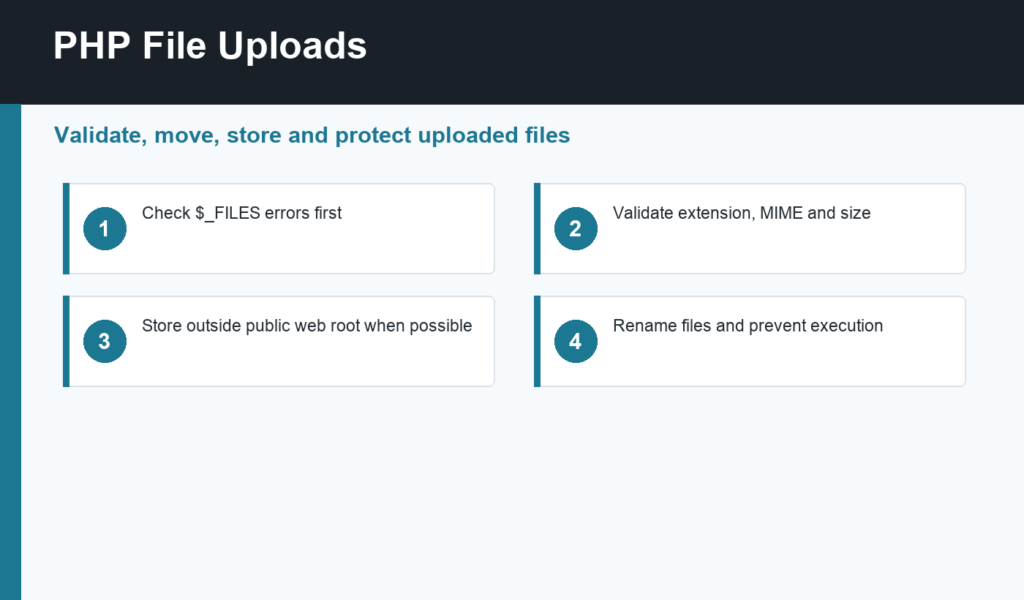
PHP file uploads look simple in a demo, but they become risky quickly when real users can send files to your server. A safe upload flow checks errors, limits size, validates type, renames files, stores them in a controlled location, and never trusts the original filename.
This guide continues the beginner path after PHP form handling and PHP security basics. The goal is to understand the moving parts before adding a larger framework or media library.
PHP file uploads start with the form
An upload form must use method="post" and enctype="multipart/form-data". The file input sends information to PHP through the $_FILES superglobal. The official PHP manual for POST method uploads explains this flow and the structure of uploaded file data.
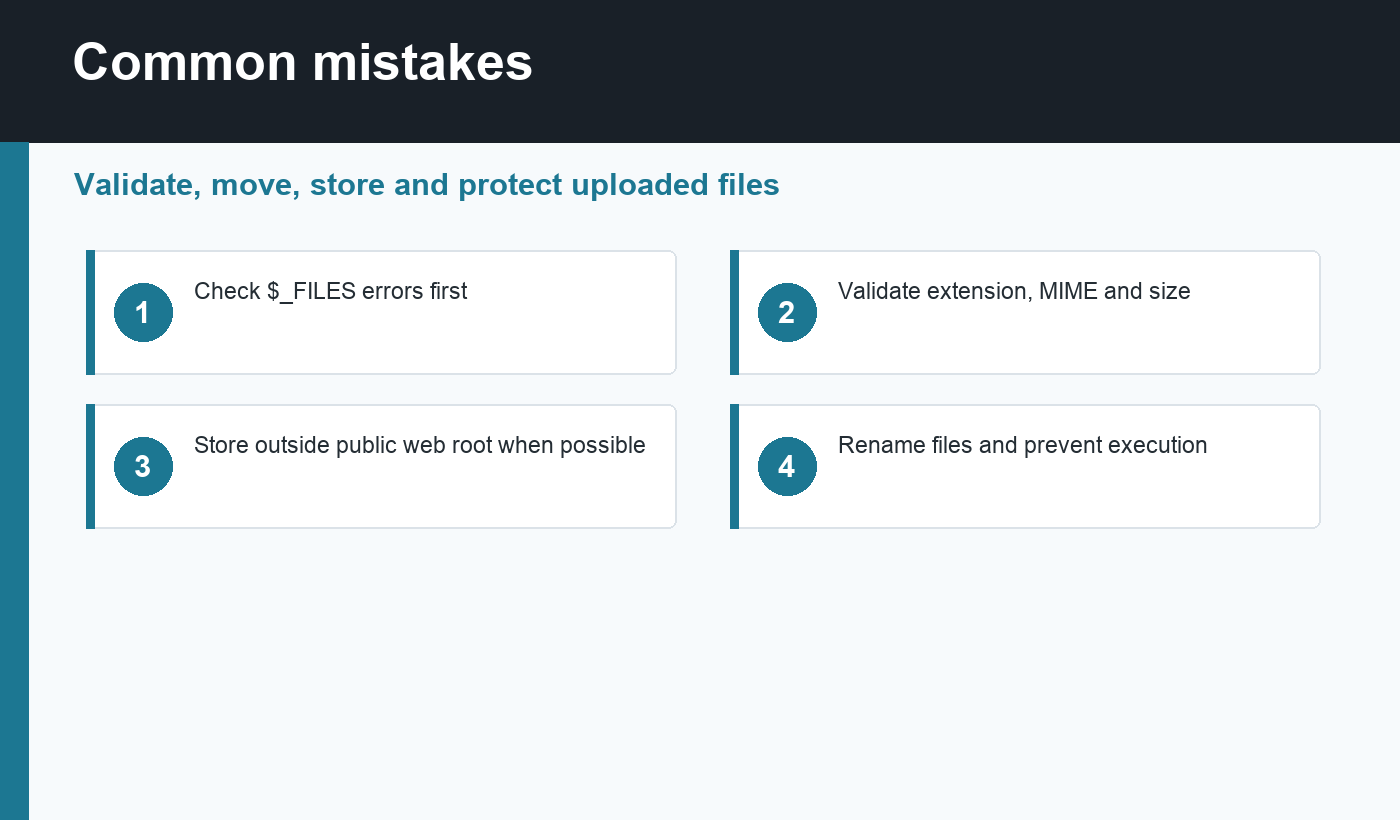
On the server, check the upload error code before doing anything else. A missing temporary file, partial upload, oversized file, or server configuration problem should stop the process. Do not move or process a file until PHP reports a successful upload.
Validate size, extension, and MIME type
Validation should happen in layers. First, enforce a maximum size that makes sense for the feature. Second, allow only the extensions your app needs. Third, inspect the file type using server-side checks such as finfo_file(). The browser-provided MIME type is only a hint, not proof.
For example, an avatar upload may allow JPEG, PNG, or WebP under two megabytes. A document upload may allow PDF only. Smaller allowlists are easier to secure than broad rules such as “any image” or “any document.”
Move uploaded files safely
PHP stores uploaded files in a temporary location. Use move_uploaded_file() to move the file after validation. Generate a new filename instead of using the original name. A random ID, timestamp, or database identifier reduces collisions and avoids dangerous characters.
When possible, store uploads outside the public web root and serve them through controlled download logic. If files must live in a public directory, prevent script execution there. The OWASP File Upload Cheat Sheet is a strong reference for risks such as malicious files, path traversal, and content-type tricks.
A beginner upload checklist
- Use
multipart/form-dataon the form. - Check
$_FILES['field']['error']first. - Set a realistic maximum size.
- Allow only specific extensions.
- Verify file type on the server.
- Rename files before storage.
- Store uploads outside public access when possible.
- Log failures without exposing server details to users.
Common mistakes
The biggest mistake is trusting the original filename or extension. Attackers can rename files, hide double extensions, or send files with misleading MIME types. Another mistake is storing uploads in a folder where PHP scripts can execute. That turns an upload feature into a possible remote code execution path.
Also avoid showing raw error details to users. A friendly message is enough on the page. Technical details belong in logs where a developer can review them later. This matches the safer error handling pattern covered in common PHP errors.
Example workflow for profile images
Imagine a profile image upload. The form accepts one file. PHP checks the upload error, confirms the file is under the size limit, verifies that the detected MIME type is one of the allowed image types, and generates a new filename such as a random ID plus .webp or .jpg. The app then moves the file to a dedicated uploads directory and stores only the new filename in the database.
That workflow is intentionally strict. Users do not need to choose the storage name, and the application does not need to support every possible file format. When the image is displayed later, escape the output path and render a normal image tag. If the upload fails, keep the user-facing message short and log the exact cause privately.
Configuration limits to remember
PHP and the web server both have upload limits. Settings such as upload_max_filesize, post_max_size, and request body limits can stop large uploads before your application logic runs. If a valid file keeps failing, compare your form limit, PHP configuration, server configuration, and application validation rules.
Final recommendation
Handle PHP file uploads as a security feature, not just a form feature. Validate first, rename carefully, move files with the proper PHP function, and keep uploaded content away from execution paths. A small, strict upload workflow is much safer than a flexible one that accepts files you do not truly need.
Discussion
Join the conversation