Command Line Basics: Terminal Skills for New Developers

command line basics are easier to learn when you connect the concept to a real programming decision. The goal is not to memorize terms. The goal is to make better choices while writing, reviewing, and maintaining code.
This guide explains command line basics for beginners and early developers. It gives you a practical workflow, common mistakes, and simple ways to apply the idea in real projects.
command line basics: the practical idea
The terminal feels intimidating when every command looks permanent. Beginners often avoid it until a framework, package manager, or deployment tool forces them to use it.
Command line basics are about precise navigation and small, inspectable actions. That means the concept should help you write code that is easier to reason about, test, debug, and change later.
For a deeper technical reference, read MDN command line crash course. Use documentation as a map, then confirm the idea by building a small example yourself.
Why this matters in real projects
Small projects forgive messy decisions. Larger projects do not. A weak structure can make every bug fix slower, every new feature riskier, and every handoff harder for another developer.
command line basics give you a way to slow down before complexity spreads. You learn what data exists, what behavior belongs where, what can fail, and what needs to be verified before the code is trusted.
This connects naturally with Git version control and Deployment checklist. Those related topics show the same habit from another angle: make intent visible, keep feedback close, and reduce surprise.
A simple command line basics workflow
- Check where you are before running a command.
- List files before editing or deleting anything.
- Read help output for unfamiliar flags.
- Use version control before risky changes.
- Prefer reversible commands while learning.
Keep the workflow small enough that you can repeat it without ceremony. The strongest developer habits are not dramatic. They are ordinary checks done consistently before the code grows expensive to change.
When practicing command line basics, write down what you expect before running the code. After running it, compare the actual result with the expected result. That one habit trains careful thinking faster than reading another long tutorial.
What to practice first
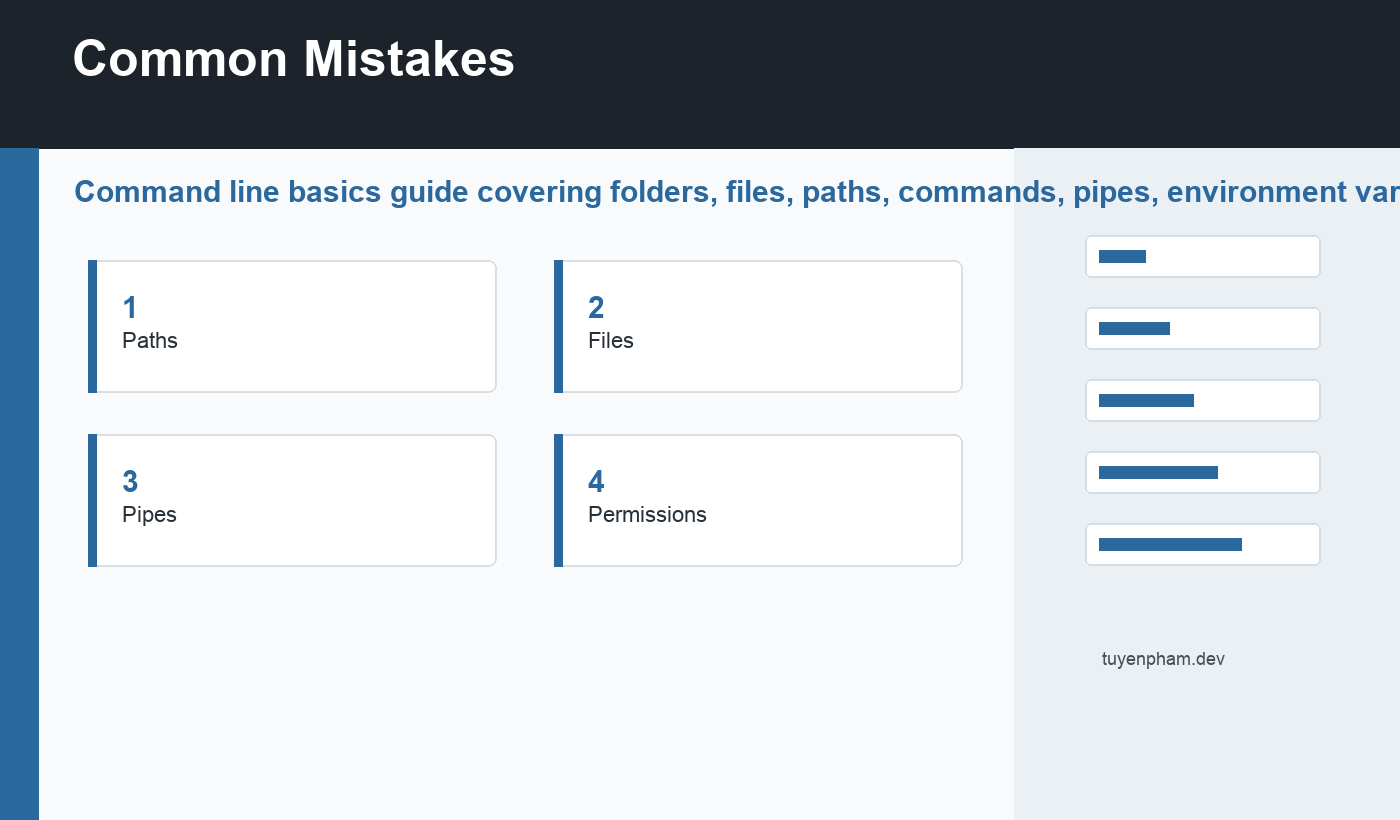
Start with Paths, Files, Pipes, and Permissions. These ideas appear constantly in application code, API code, tests, deployment scripts, and debugging sessions.
Use tiny examples first: one file, one function, one request, or one command. Then apply the same idea to a real feature. A concept becomes durable when it survives contact with your own project.
Common mistakes
- Running commands in the wrong folder.
- Copying destructive commands without understanding them.
- Ignoring spaces in file paths.
- Assuming no output means success.
Most beginner mistakes are not caused by a lack of talent. They happen because the feedback loop is too wide. If you make ten changes before running the code, the problem becomes harder to isolate.
How to apply this today
Choose one file in an active project and inspect it through the lens of command line basics. Ask what the code is trying to do, what assumptions it makes, and where a future developer could misunderstand it.
Then make one small improvement. Rename a vague value, add a missing check, split one crowded function, write one test, improve one log message, or document one setup requirement.
Do not mix cleanup with unrelated feature work when the change is risky. A focused improvement is easier to review, easier to revert, and easier to learn from.
How to measure progress
You are getting better at command line basics when you can explain your choice in plain language. You should know why you used a structure, pattern, command, test, or configuration approach instead of another option.
Progress also shows up in calmer debugging. When something breaks, you can reproduce the issue, inspect the right signal, and make one deliberate change instead of editing randomly.
Final recommendation
Treat command line basics as a practical habit. Read the documentation, build a tiny example, apply it to a real project, and keep notes on what worked. That is how programming knowledge becomes reliable.
Discussion
Join the conversation