CORS Explained: Fix Browser Access Without Weakening API Security

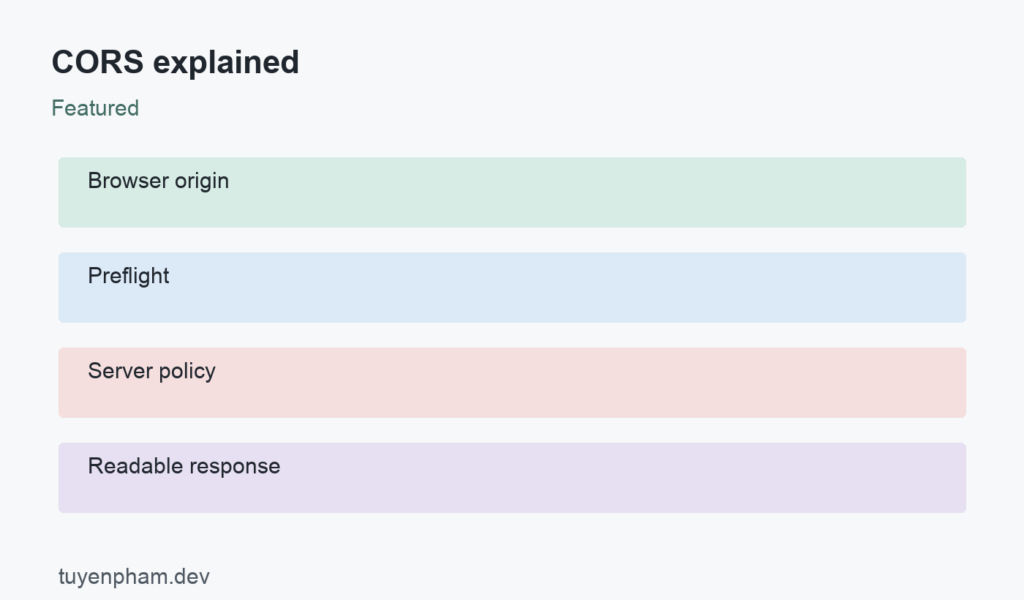
CORS explained starts with the browser same-origin policy. A page from one origin cannot freely read responses from another origin. Cross-Origin Resource Sharing lets a server state which origins may read its responses through browser JavaScript. Origin includes scheme, hostname, and port. CORS is especially visible when a frontend and API use different development ports. It is a browser response-sharing mechanism, so it must be paired with authentication, authorization, and appropriate protection against cross-site requests.
CORS explained: a practical workflow
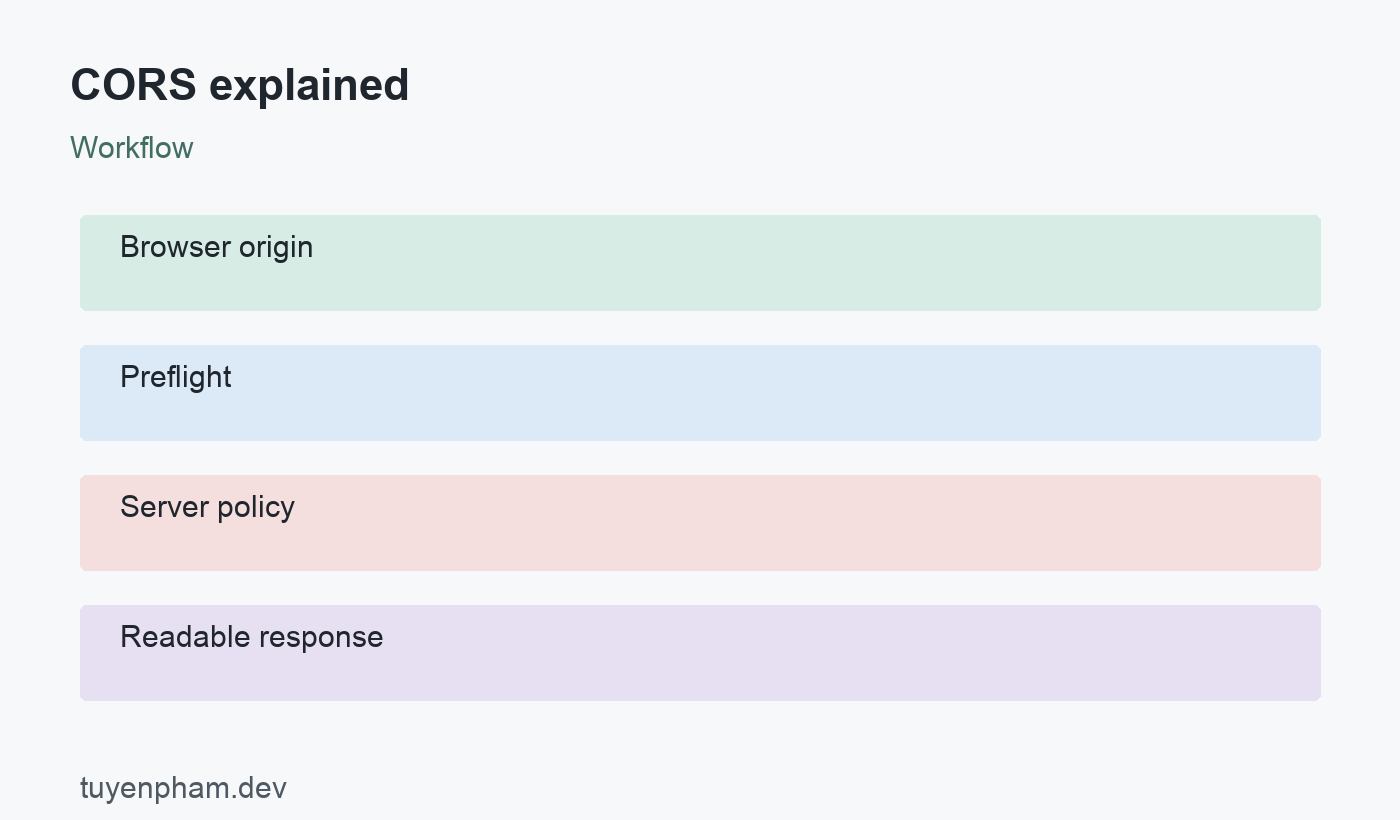
The sequence is Browser origin → Preflight → Server policy → Readable response. The sections below explain what each decision changes, which failure cases deserve attention, and how to verify the result in a small project. Use the example as a starting point, then adapt the interfaces and error policy to your own application.
Understand preflight before debugging headers
Certain cross-origin requests cause the browser to send an OPTIONS preflight before the actual request. The browser asks whether the intended method and headers are allowed. For example, an Authorization header or an application/json content type can trigger preflight. The server should answer with a policy that matches the intended request. An OPTIONS route blocked by authentication middleware can cause the browser to stop before the application request reaches its handler. Inspect both network entries when diagnosing a failure.
Configure allowed origins deliberately
For a public resource without credentials, Access-Control-Allow-Origin can be a wildcard. For credentialed browser access, return a permitted explicit origin and Access-Control-Allow-Credentials: true. A wildcard origin is not valid for credentialed sharing. Do not reflect every incoming Origin header while allowing credentials. Compare origins against an allowlist. If the response changes based on Origin, include Vary: Origin so shared caches do not reuse a response with the wrong access-control header for another origin.
Separate browser restrictions from server authorization
A command-line client can send a request even when a browser would refuse to expose the response. CORS therefore cannot protect an API against unauthorized callers. Some requests can still be sent by a browser without preflight even if the response cannot be read. Protect state-changing operations with suitable authentication and CSRF defenses where relevant. Sending mode: no-cors does not grant JavaScript access to the response; it generally produces an opaque response that cannot be used as ordinary JSON.
Check credential and cookie behavior together
The frontend must opt into credentials where required, and the server policy must allow them. Cookie rules also matter: SameSite, Secure, domain, path, and browser third-party-cookie restrictions can prevent a cookie from being sent independently of CORS. Do not assume a CORS header fixes a missing session cookie. Diagnose the actual request headers and browser messages. If JavaScript needs to read a non-safelisted response header, explicitly expose that header rather than assuming all headers are accessible.
Example and implementation notes
// Policy sketch for an allowed credentialed origin:
Access-Control-Allow-Origin: https://app.example.com
Access-Control-Allow-Credentials: true
Access-Control-Allow-Methods: GET, POST
Access-Control-Allow-Headers: Content-Type, Authorization
Vary: Origin

// Browser request:
fetch("https://api.example.com/profile", { credentials: "include" });
This example illustrates the core contract rather than a complete production application. Connect it to your real inputs, authentication rules, and failure-handling paths before using it. Check the expected output first, then change one input at a time to verify the assumptions. Keep those checks alongside the implementation so future changes do not silently weaken the behavior.
Verification checklist
- Test an allowed origin and a denied origin in a real browser.
- Inspect preflight and actual response headers separately.
- Verify authentication still rejects unauthorized direct requests.
- Check cache variation and cookie policy before blaming CORS.
Practice exercise
Run a frontend and an API on separate local ports. Request a JSON endpoint, then add a custom request header to observe preflight. Configure a single allowed origin and verify a second frontend port cannot read the response. Repeat with a session cookie and inspect whether the browser sends it. Record which failure comes from preflight, which comes from authentication, and which comes from cookie rules; those failures require different fixes.
Review the result
After completing the exercise, describe the successful path and one failure path in plain language. Record the input, expected result, actual result, and the evidence you used to compare them. A passing demonstration should remain repeatable after a dependency update or a refactor. If you cannot reproduce the result, reduce the example until the source of uncertainty is visible. Keep the smallest useful regression check rather than depending on memory.
References and related reading
Consult the official reference for CORS explained for exact platform behavior. Continue with a practical debugging workflow and unit testing basics to turn these decisions into repeatable checks.
Discussion
Join the conversation