Google Search Console SEO: A Practical Beginner Workflow

Google Search Console SEO matter because SEO work should produce decisions, not just busy activity. When a site grows, the team needs a repeatable way to decide what to publish, what to fix, what to keep, and what to ignore.
This guide focuses on practical execution for Google Search Console SEO. It is written for site owners, developers, and content teams that want cleaner search visibility without turning every page into a checklist exercise.
Google Search Console SEO: the practical definition
Search Console has enough reports to make beginners bounce around without a system. The result is usually screenshots, panic, and no useful priority list.
The simplest way to think about Google Search Console SEO is to connect the search goal with the page experience. A strong page is discoverable, technically accessible, focused on one intent, and useful enough that a reader can take the next step with confidence.
For search-engine guidance, use Google guide to getting started with Search Console. For WordPress-oriented implementation habits, Rank Math Search Console integration is a helpful Rank Math reference. Use these sources as guardrails, then adapt the work to the site, audience, and page type.
Why this topic affects rankings and revenue
Use Search Console as a diagnostic console, not a complete analytics platform. It shows how Google sees your site, where discovery is improving, and where indexing or search appearance needs attention.
Search performance is rarely changed by one isolated setting. Google Search Console SEO usually touches content quality, crawlability, internal links, metadata, templates, and measurement. If one part is weak, the page can still be indexed but fail to earn meaningful clicks or conversions.
That is why the best workflow starts with the user problem, then checks the technical signals. You want a page that answers the query clearly, sends consistent signals to search engines, and points readers toward a useful next action.
A reliable Google Search Console SEO workflow
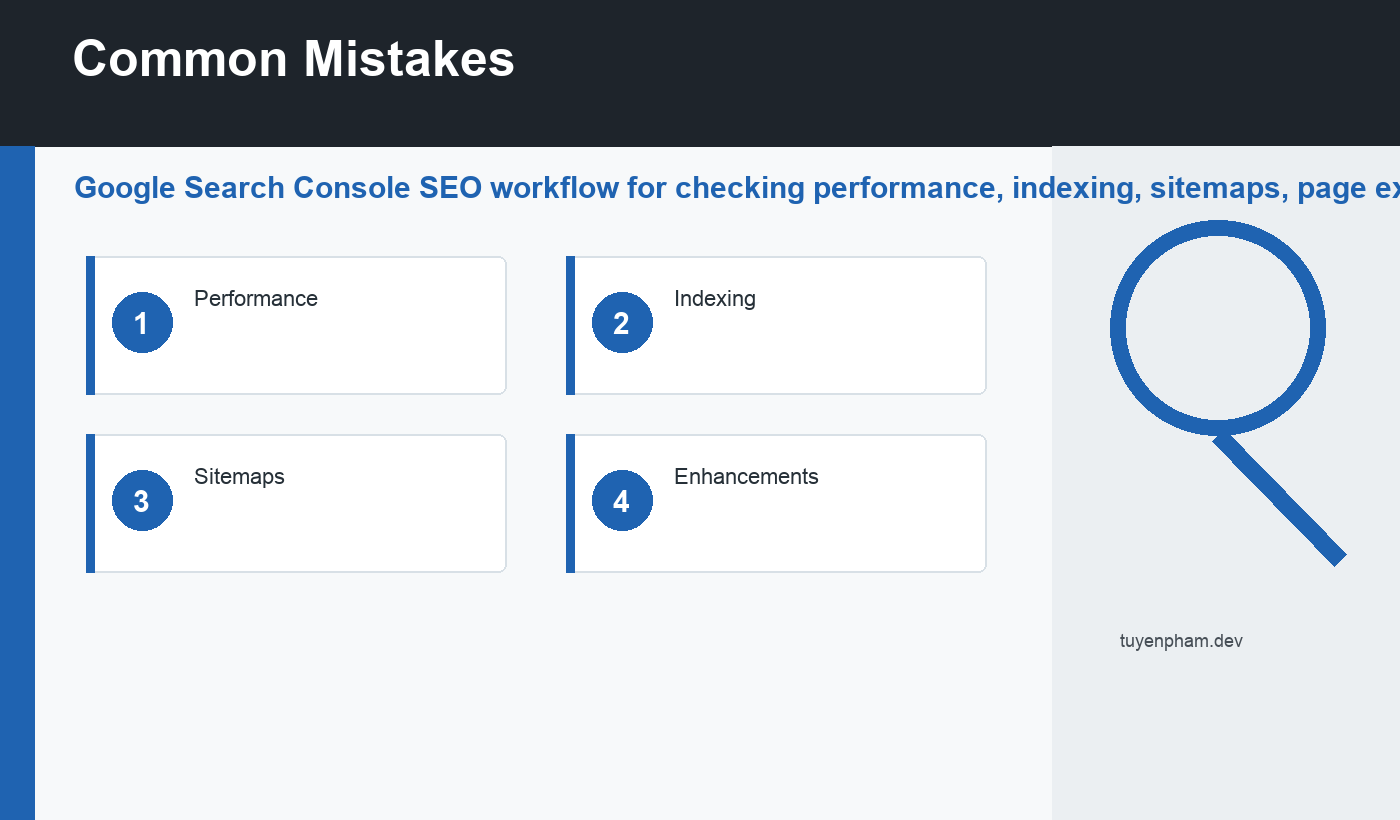
- Start with the Performance report by page.
- Check Indexing for excluded URLs that should be searchable.
- Confirm the sitemap is submitted and readable.
- Inspect important URLs after publishing or updating.
- Export a short list of fixes for the next sprint.
Do the work on a small set of priority URLs first. A narrow review makes patterns visible: weak titles, missing internal links, duplicate intent, slow templates, stale examples, or pages that get impressions but not clicks.
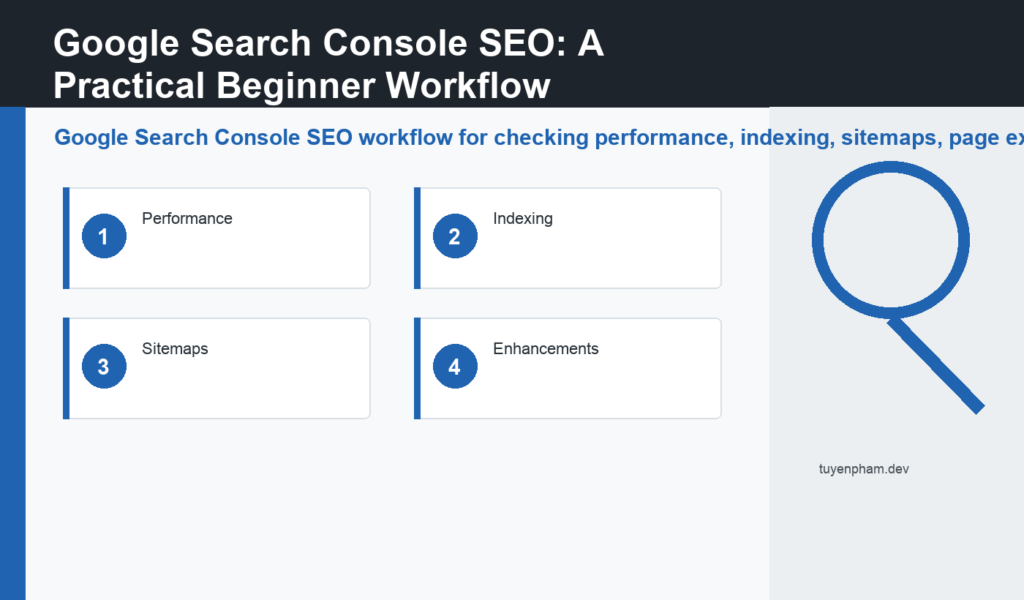
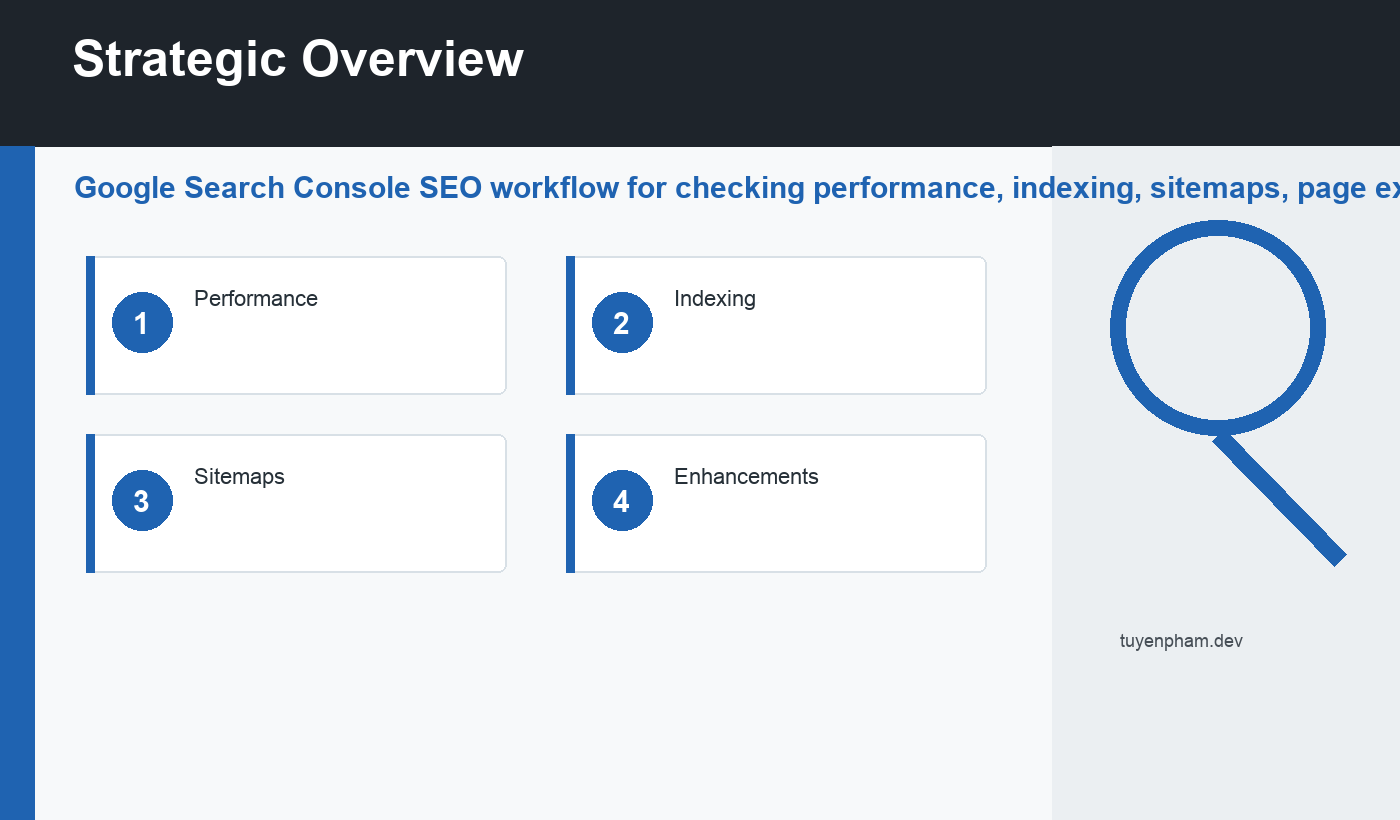
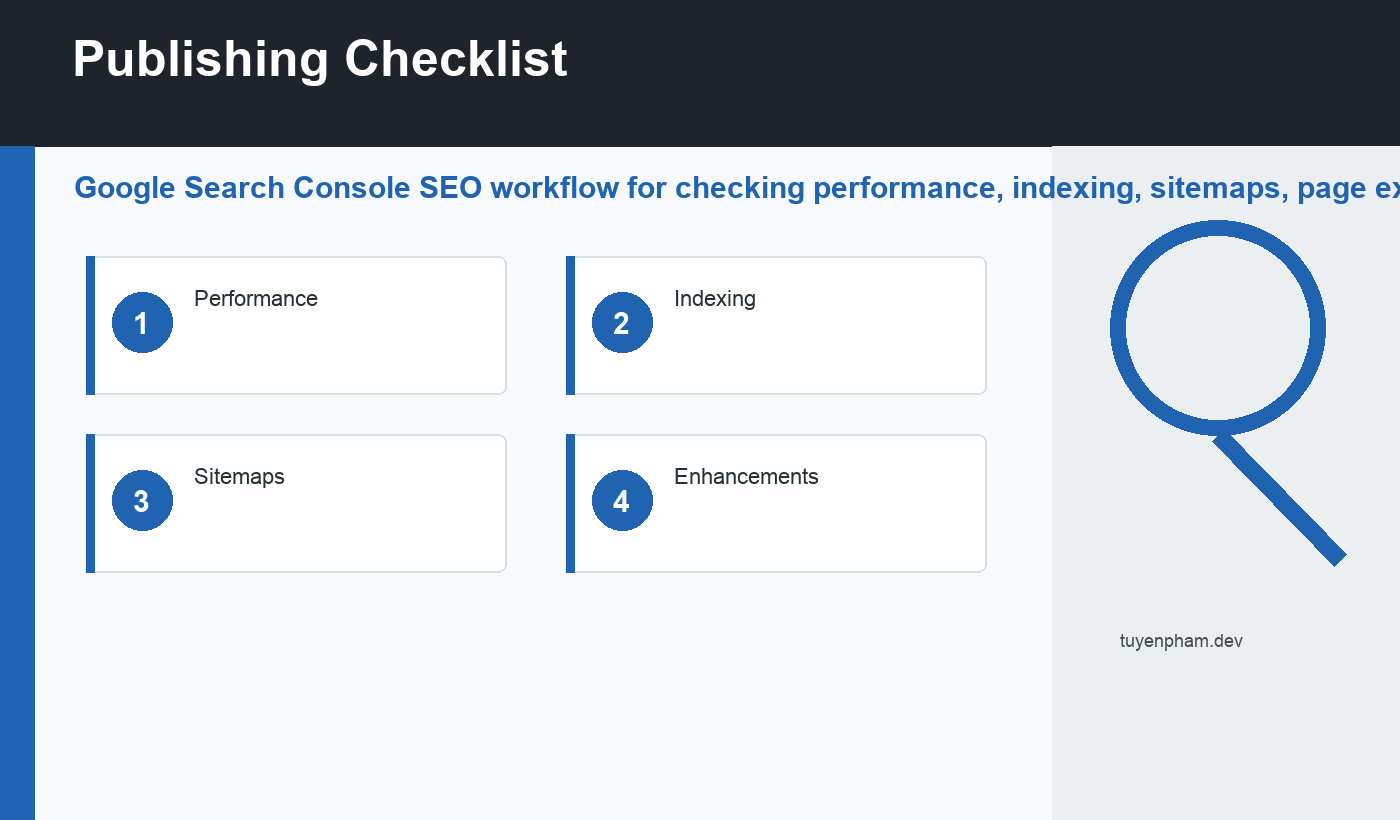
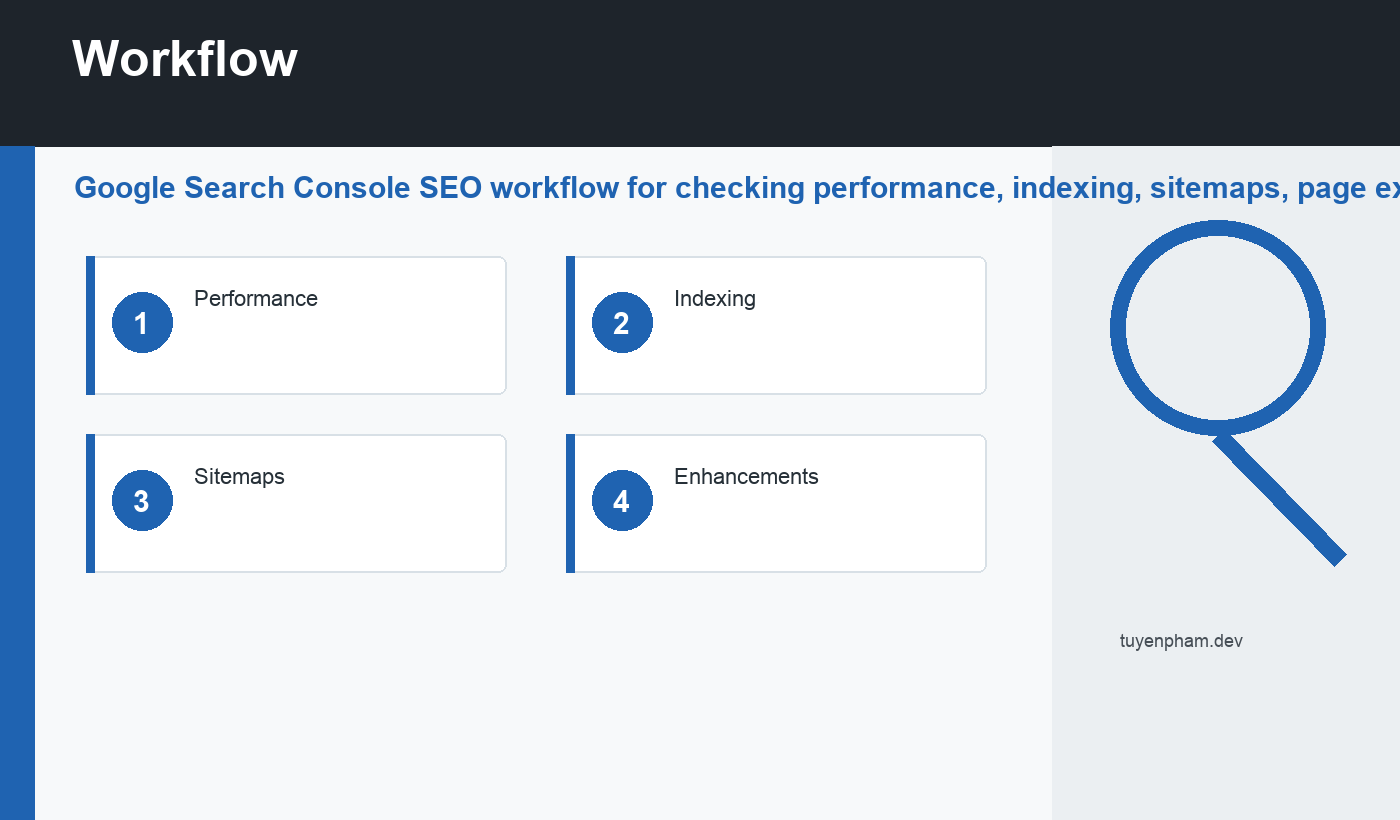
Once the pattern is clear, turn it into a reusable checklist for future publishing. The checklist should include Performance, Indexing, Sitemaps, and Enhancements. It should be short enough that writers and developers will actually use it.
What to check before publishing
Before a new page goes live, confirm that the focus keyword fits the search intent and appears naturally in the title, URL, introduction, at least one relevant heading, and the SEO description. The keyword should guide the page, not crowd the writing.
Add internal links to related pages such as XML sitemap errors and SEO title tags when they help the reader go deeper. Internal links are not filler; they explain the site’s structure and move readers from one useful answer to the next.
Use external sources sparingly but deliberately. One good source can support a technical point, prevent guesswork, and keep the article aligned with current search documentation. That matters especially for SEO because platform behavior, reporting labels, and recommended practices change over time.
Common mistakes
- Assuming every excluded URL is a problem.
- Looking only at queries instead of pages.
- Ignoring date comparisons.
- Forgetting to inspect the final canonical URL.
The deeper mistake is treating SEO as a one-time publication step. Google Search Console SEO should become part of an operating rhythm: plan, publish, inspect, improve, and measure again. That rhythm turns search work from random optimization into a compounding system.
A monthly maintenance rhythm
Review the pages that already have impressions first. These pages have a signal from Google, so small improvements can matter quickly. Look for pages with high impressions and low click-through rate, pages losing clicks, and pages that rank for queries slightly different from the original topic.
Then review indexability and freshness. Make sure important pages are in the sitemap, not blocked by robots rules, not marked noindex, and not canonicalized to an unrelated URL. Update outdated screenshots, examples, statistics, pricing references, and product details before they quietly reduce trust.
How to measure the result
After changes go live, avoid judging results too early. Search engines need time to recrawl, reprocess, and test pages in real search results. Use Search Console, analytics, and Rank Math-style pre-publish checks together: one shows search behavior, another shows on-site behavior, and the checklist reduces avoidable publishing mistakes.
Useful measurements include non-branded clicks, query diversity, pages with rising impressions, conversion paths, indexed URL count, crawl errors, and the number of updated pages that actually improved. The report should end with a decision: keep monitoring, update again, merge pages, improve internal links, or create a new supporting page.
Final recommendation
Use Google Search Console SEO as a practical habit. Start with intent, confirm the technical signals, improve the page experience, and keep a record of what changed. That small discipline makes future SEO work faster, clearer, and easier to trust.
Discussion
Join the conversation