XML Sitemap Errors: How to Find and Fix Common SEO Issues

XML sitemap errors is a practical topic because small mistakes can quietly weaken otherwise good pages. The goal is not to follow a checklist blindly. The goal is to make the page easier for users to understand and easier for search engines to crawl, interpret, and trust.
This guide gives you a clear workflow for the topic, with examples you can use during publishing or monthly SEO maintenance. It also connects to related resources such as submit a WordPress sitemap to Google and technical SEO checklist.
XML sitemap errors: what it means
At its core, XML sitemap errors is about reducing ambiguity. Search engines work best when important URLs are discoverable, indexable, internally linked, and clearly focused on one user need. Users work best when the page title, introduction, headings, links, and next steps match what they expected from the search result.
For current implementation details, use Google sitemap documentation as a primary reference. For WordPress-oriented pre-publish checks, Rank Math’s content analysis tests are also useful as a practical reminder of titles, descriptions, links, keyword placement, and media quality.
Why this matters for SEO
SEO problems often compound. A weak title lowers clicks. A stale sitemap slows discovery. A noindex tag removes a page from search. A poor canonical tag consolidates signals to the wrong URL. Duplicate pages split attention. Missing internal links make useful content harder to find. Fixing one issue helps, but the strongest results come from a clean system.
This is why XML sitemap errors should be treated as part of a repeatable workflow. New pages need a preflight check before publishing. Older pages need periodic review after content changes, plugin updates, redesigns, migrations, and traffic drops.
A simple workflow
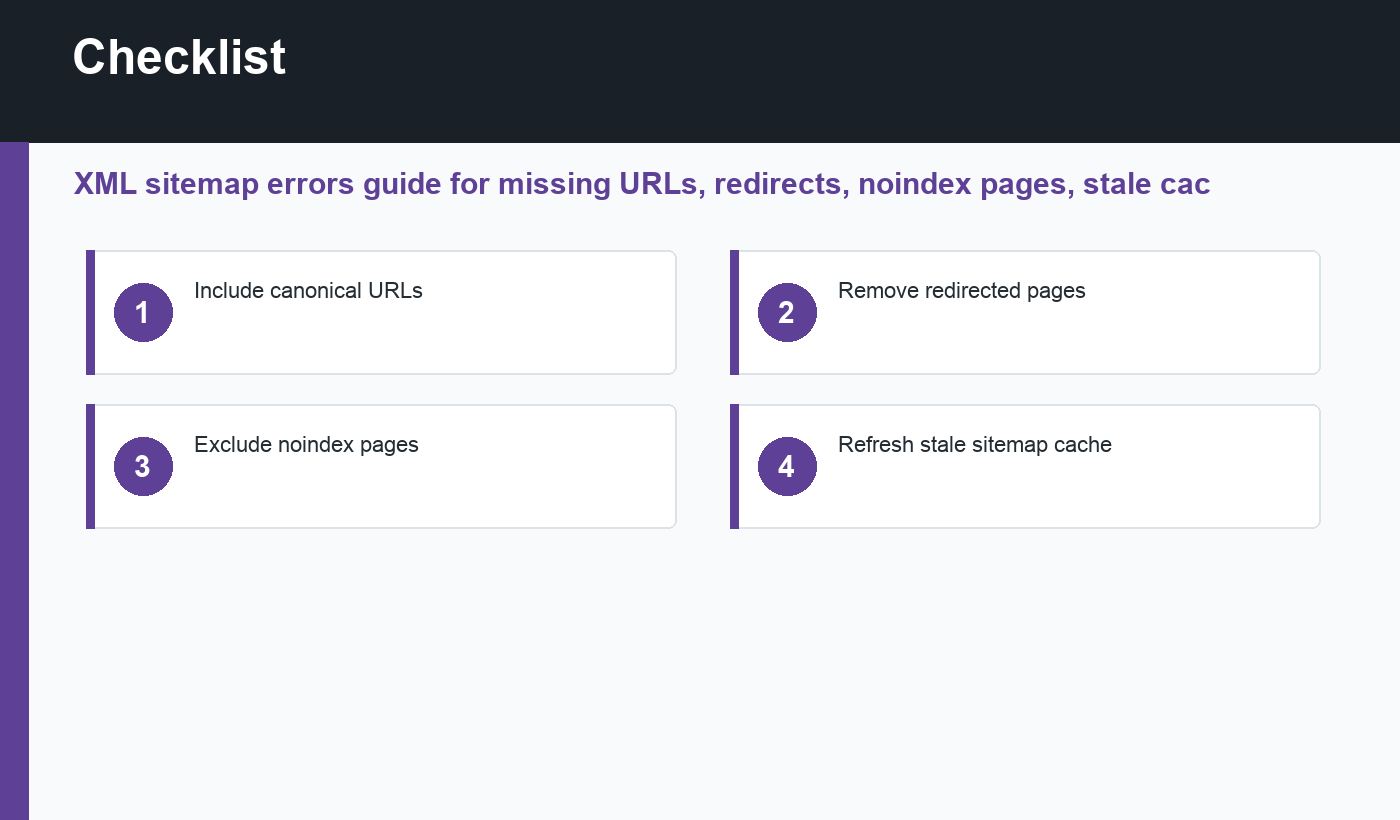
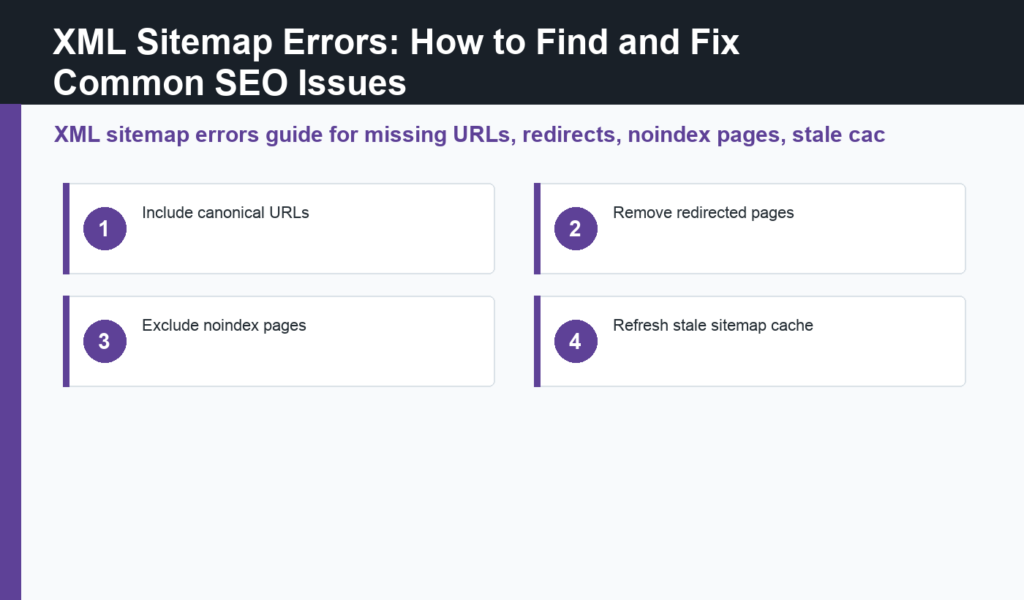
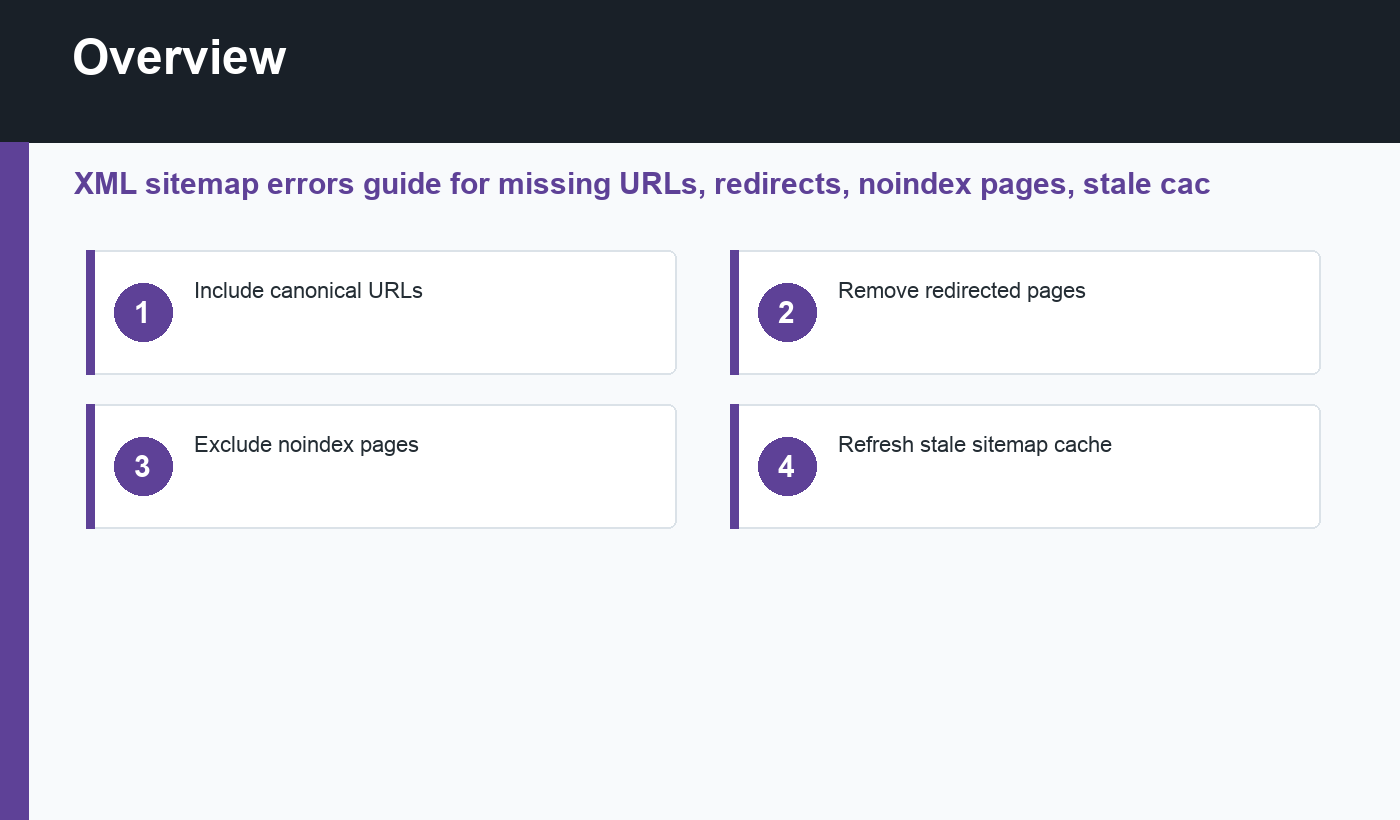
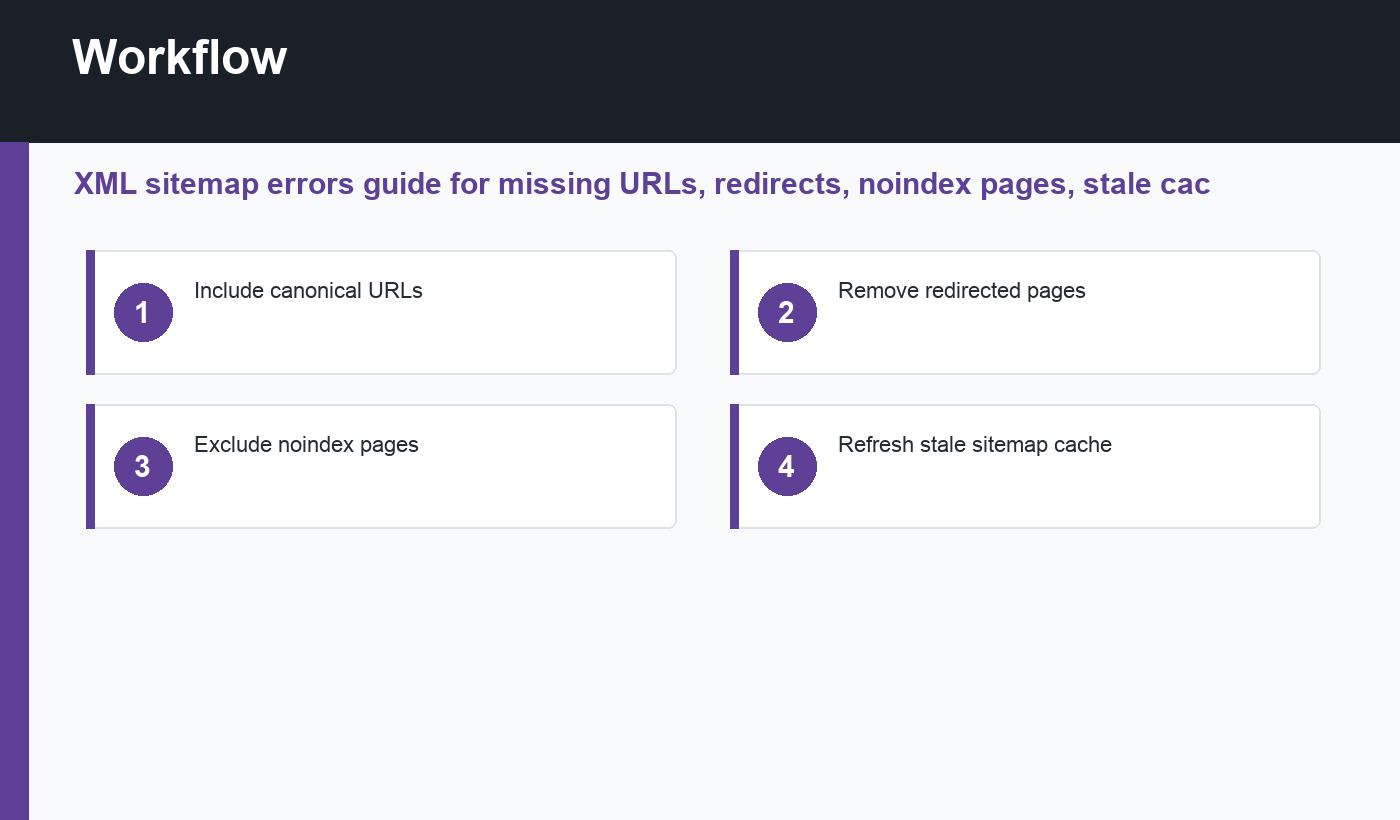
- Include canonical URLs.
- Remove redirected pages.
- Exclude noindex pages.
- Refresh stale sitemap cache.
- Compare the live page with the CMS settings.
- Document the fix and verify the result later.
Do the checks on the final public URL, not only inside the editor. Caching, themes, plugins, CDNs, redirects, and JavaScript can change what users and crawlers actually receive. The live HTML is the truth.
Common mistakes to avoid
The first mistake is changing too many settings at once. If traffic or indexing changes later, you will not know which edit caused the result. The second mistake is optimizing for a tool score while ignoring search intent and usefulness. The third mistake is forgetting old pages when new content goes live.
Use tools to catch patterns, then apply judgment. A page can technically pass an audit and still need clearer examples, stronger internal links, a better title, fresher information, or a more useful format. SEO quality is both technical and editorial.
Maintenance checklist
- Review priority pages first.
- Check the page title and search intent match.
- Confirm indexability and canonical output.
- Review internal links and anchor text.
- Update outdated examples or screenshots.
- Check sitemap inclusion when appropriate.
- Record the change date and reason.
- Revisit performance after Google recrawls the page.
How to review sitemap quality
Open the sitemap and sample several URLs. They should be final, canonical, indexable pages that return HTTP 200. Remove redirected URLs, noindex pages, empty archives, and duplicate parameter URLs. A smaller clean sitemap is better than a large confusing one.
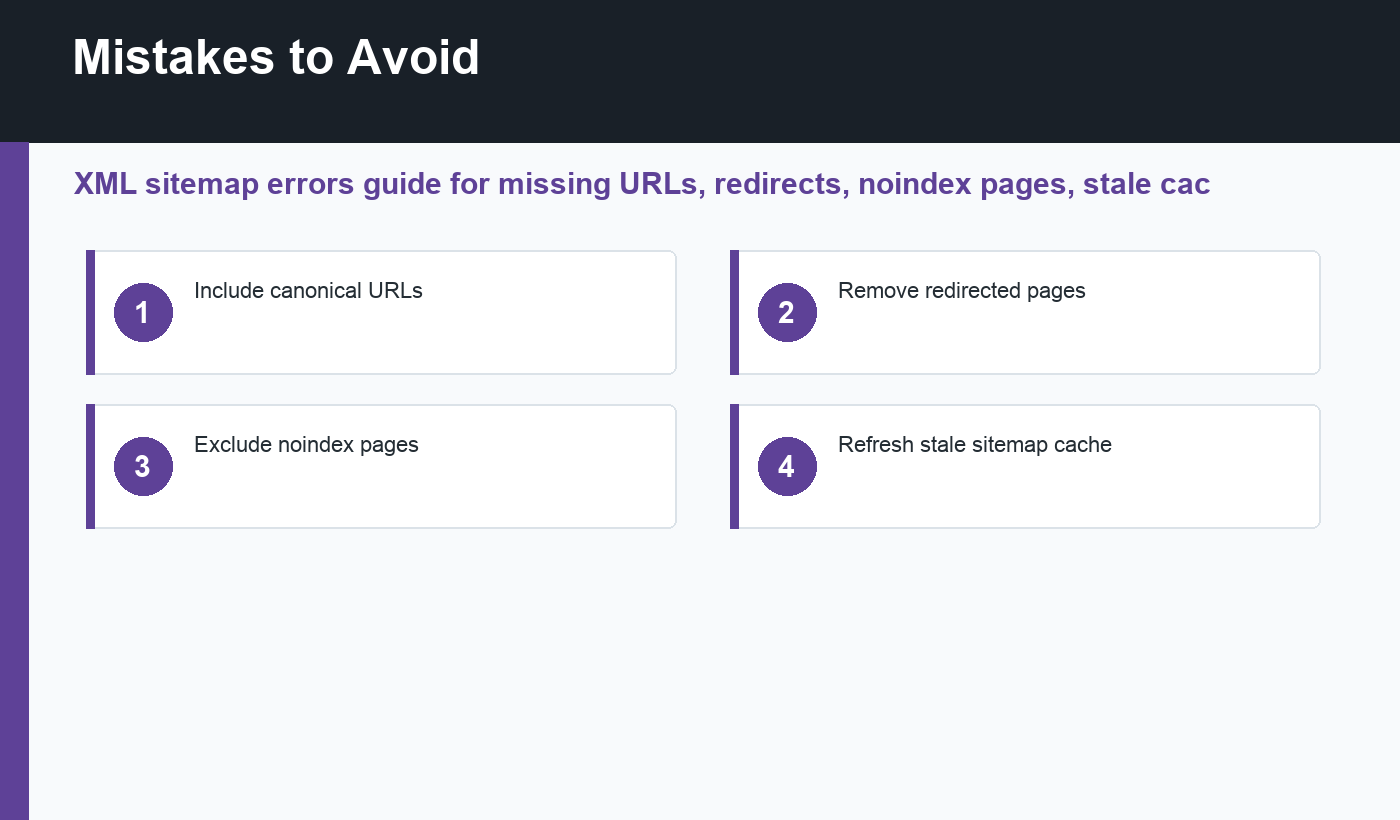
After publishing many posts, clear sitemap caches if your SEO plugin serves stale XML. Then resubmit or refresh the sitemap in Search Console when access is available.
Keep sitemap reviews simple: clean final URLs, no blocked pages, and no outdated content that should no longer be indexed.
Final recommendation
Use XML sitemap errors as a practical SEO habit, not a one-time task. Make small, intentional changes, verify the live result, and keep notes so future audits become faster and more reliable.
Discussion
Join the conversation