JavaScript SEO Basics: Make JS Websites Crawlable

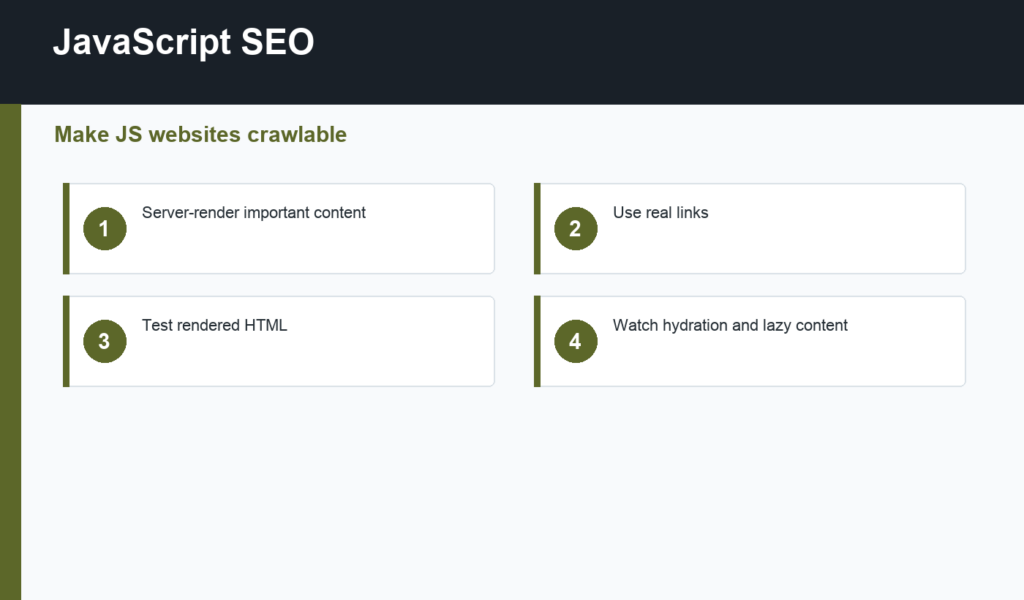
JavaScript SEO helps websites that rely on JavaScript stay crawlable, renderable, and indexable. JavaScript can create excellent user experiences, but search engines need to access important content, links, metadata, and structured data after the page renders.
This guide is for developers, marketers, and site owners working with single-page apps, modern frontend frameworks, dynamic content, or heavy client-side rendering. It fits inside a broader technical SEO checklist.
JavaScript SEO starts with rendered content
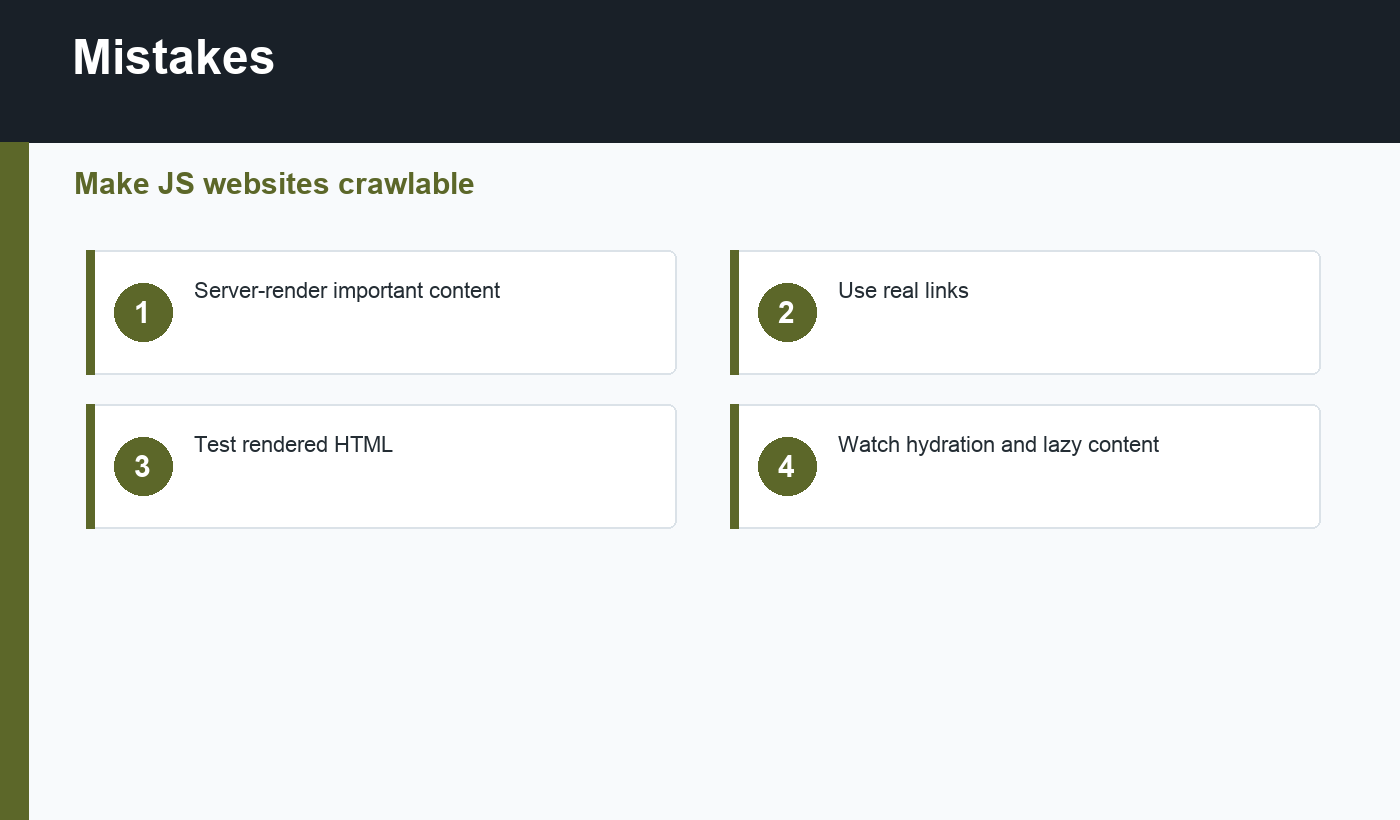
Search engines can process JavaScript, but rendering takes resources and can introduce delays. Important content should appear in the rendered HTML that crawlers can access. If your page loads an empty shell and requires many client-side requests before content appears, crawl and indexing quality can suffer.
Google’s JavaScript SEO basics explain how Google handles rendering and what developers should test. Use this as the primary reference for JS-heavy sites.
Use real links and stable URLs
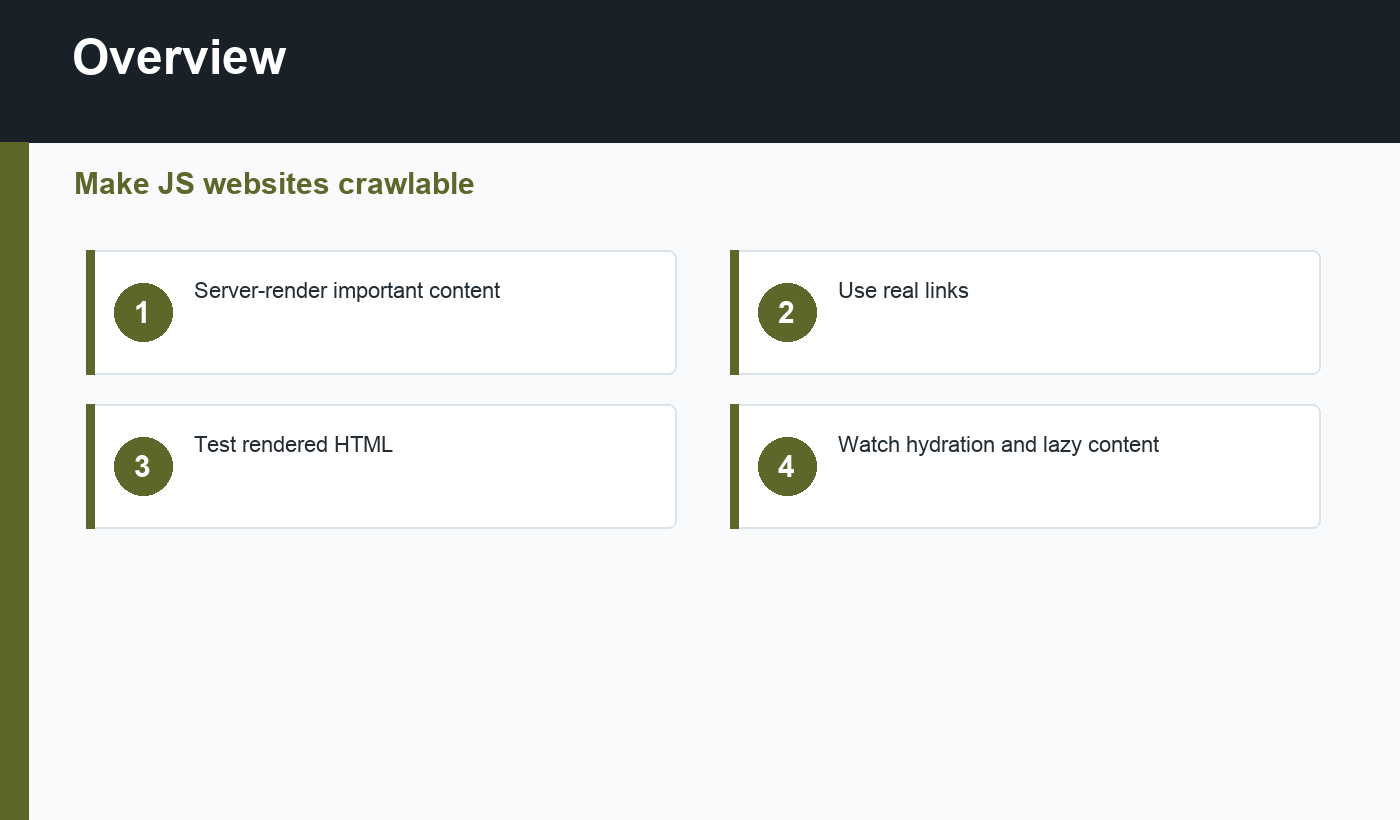
Navigation should use real anchor links with href attributes. Buttons that change views without crawlable URLs can hide important pages from discovery. Each important page should have a stable URL, a clear title, and content that can be rendered by search engines.
If routes are generated by a frontend framework, test direct access to each URL. A product page, blog post, or category route should work when opened directly in a new tab, not only after clicking through the app.
Metadata and structured data
Title tags, meta descriptions, canonical tags, robots meta, Open Graph tags, and structured data should be available for each important route. If they are injected client-side, test the rendered output. Server-side rendering or static generation often makes SEO-critical metadata more reliable.
For content sites, internal links matter just as much as metadata. A strong internal linking for SEO plan should still work when JavaScript is disabled or delayed.
Performance matters for JavaScript SEO
Heavy JavaScript can hurt load time and responsiveness. Large bundles, unused dependencies, hydration work, client-side API waterfalls, and third-party scripts can all slow the experience. That affects users first and can weaken page quality signals.
Use code splitting, server rendering, static generation, caching, and careful third-party script management. Test Core Web Vitals on real templates, not only the homepage.
JavaScript SEO checklist
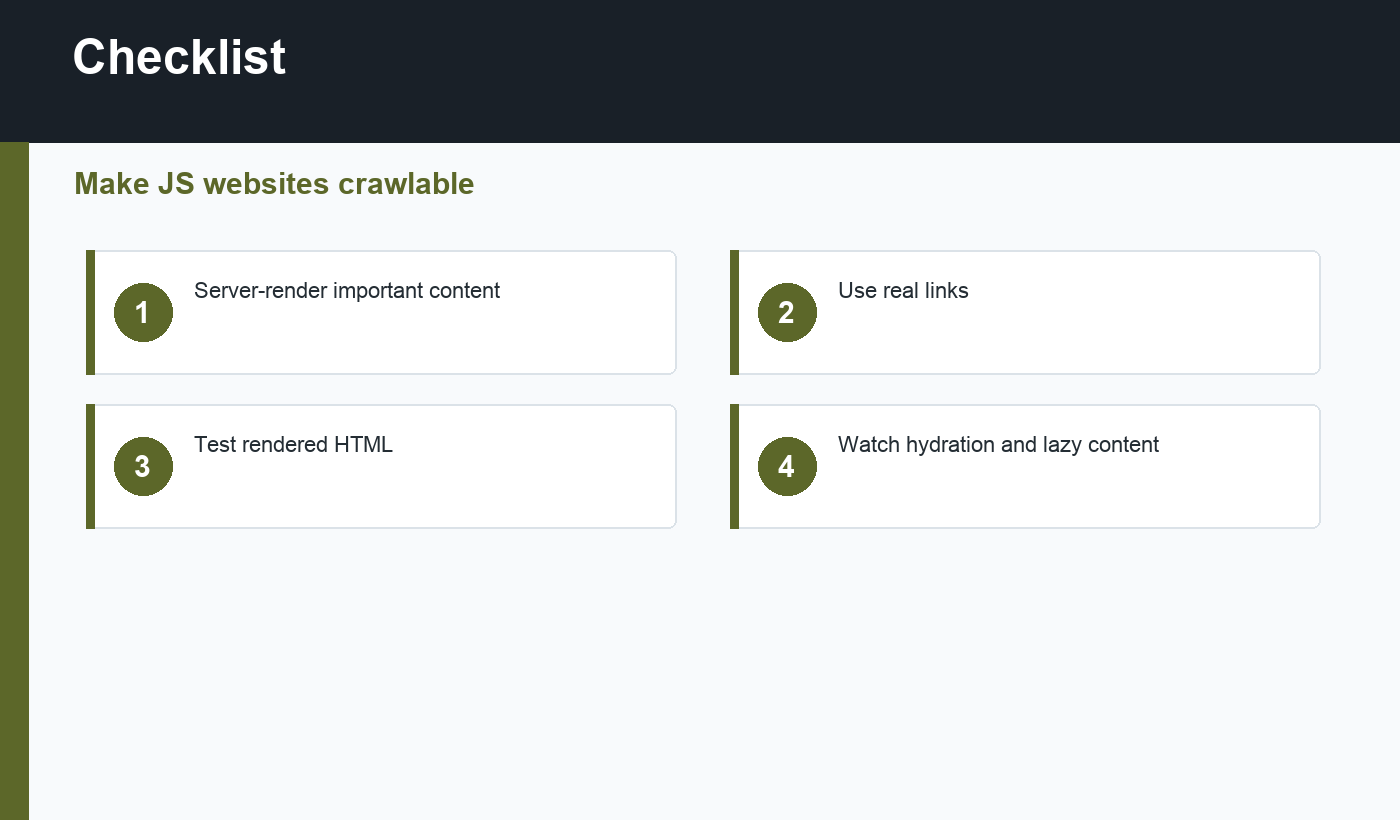
- Important content appears in rendered HTML.
- Navigation uses real crawlable links.
- Each important route has a stable URL.
- Metadata is unique per route.
- Canonical and robots tags are correct.
- Structured data matches visible content.
- Pages work when opened directly.
- JavaScript bundles are kept lean.
How to test JavaScript SEO
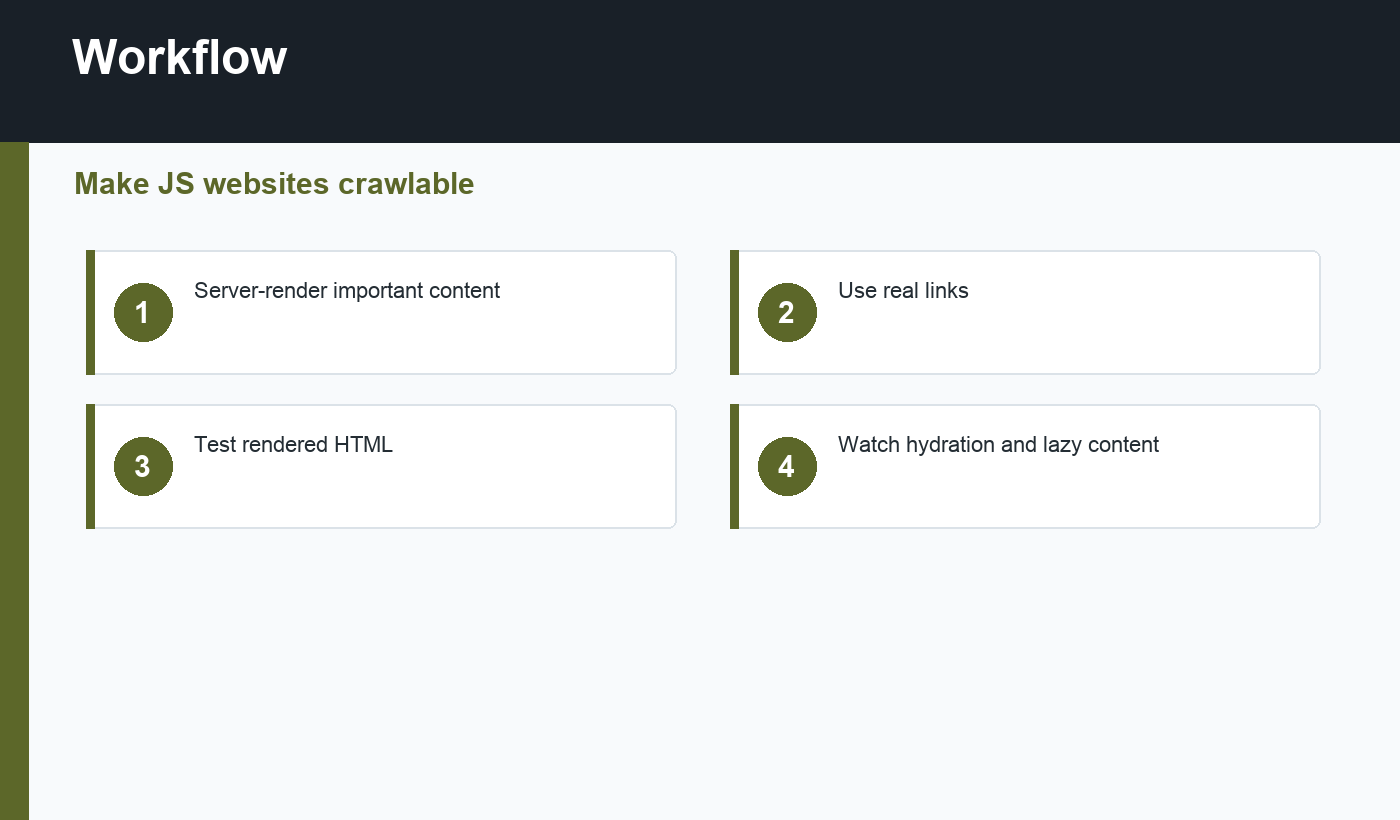
Test important templates with rendered HTML tools, browser inspection, and URL-level checks in Search Console when available. Compare the initial HTML with the rendered DOM. If the title, main content, links, or schema appear only after delayed client-side requests, decide whether server rendering or static generation would be safer.
Also test failure states. If an API request fails, the page should not become an empty shell. Search engines and users both need stable, meaningful content.
Run these checks whenever deployment changes rendering, routing, caching, or data fetching. JavaScript SEO issues often appear after frontend releases, not only during the first launch.
Document the rendering strategy for important templates. Knowing which pages are server-rendered, statically generated, or fully client-rendered makes future SEO debugging much faster.
That documentation also helps marketing and engineering teams discuss SEO issues without guessing how each template is built.
Make rendering checks part of release QA, especially for templates that earn organic traffic.
Small checks now prevent confusing indexing problems later.
Final recommendation
JavaScript SEO is mostly about making modern sites understandable. Render important content reliably, expose real links, keep metadata stable, and test what crawlers actually see.

Discussion
Join the conversation