Technical SEO Checklist for Small Websites

A technical SEO checklist helps small websites stay crawlable, indexable, fast, and easy for search engines to understand. Technical SEO does not replace good content, but it protects good content from being hidden by broken links, duplicate signals, blocked resources, slow templates, or bad redirects.
This guide is written for site owners who need a practical maintenance workflow. WordPress users can combine it with the guide to submit a WordPress sitemap to Google.
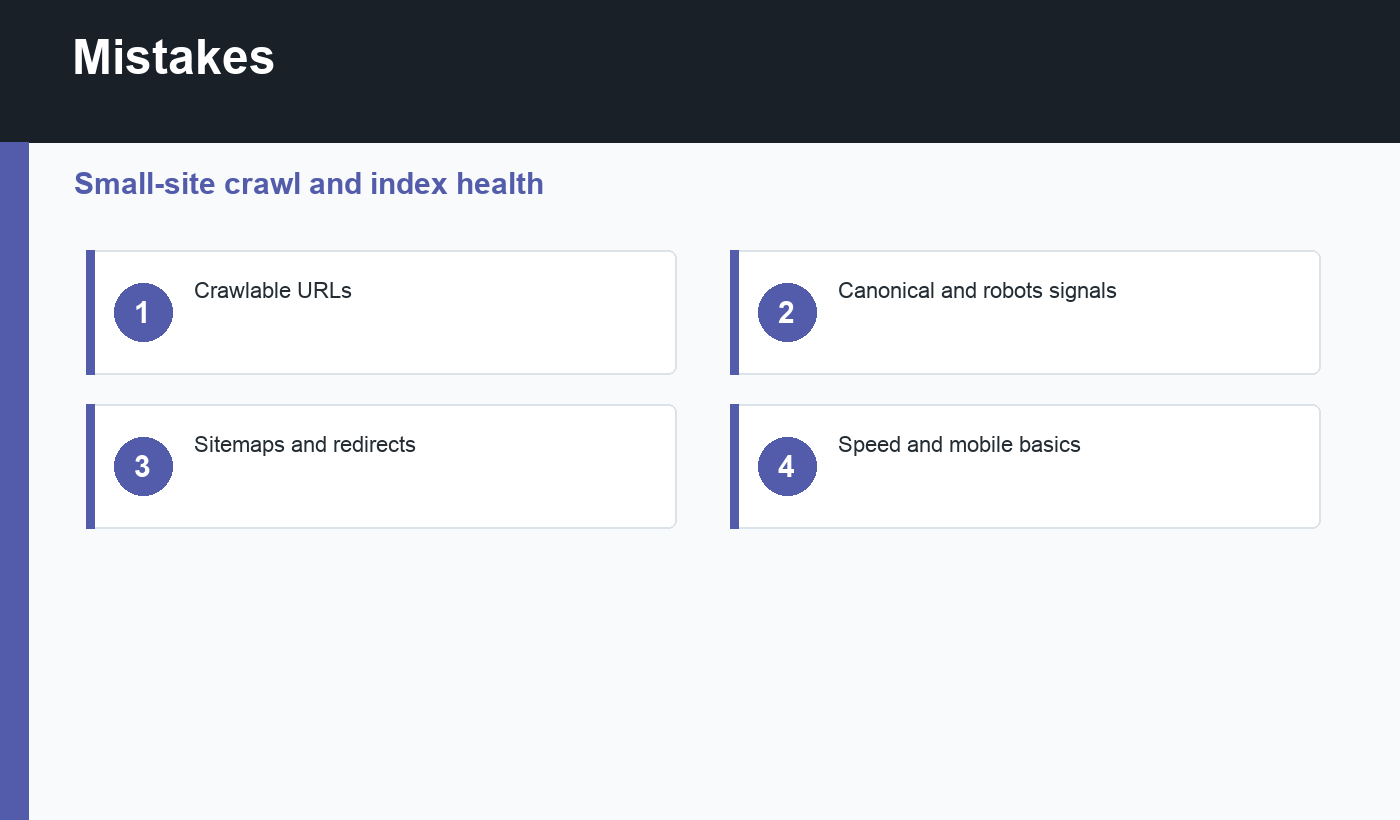
Technical SEO checklist: crawlability
Start by checking whether important URLs can be reached. Navigation links should use real crawlable links. Important pages should not require form submissions, login, or blocked scripts before content is visible. Robots.txt should not block CSS, JavaScript, images, or content directories needed for rendering.
Google’s crawling and indexing documentation explains how Googlebot discovers and processes pages. Your job is to make that path straightforward.
Indexability and canonical signals
Each important page should return HTTP 200, avoid accidental noindex tags, and use a canonical URL that matches the preferred page. Duplicate or filtered pages should have intentional canonical handling. Redirect chains should be short, and broken URLs should be fixed or redirected when a suitable replacement exists.
If a page should rank, do not hide it behind noindex, canonicalize it to another URL, or leave it orphaned with no internal links. Many “SEO problems” are really signal conflicts.
Sitemaps, status codes, and links
Your XML sitemap should include canonical, indexable URLs. It should not be full of drafts, redirects, 404s, tag archives you do not want indexed, or duplicate parameter URLs. Internal links should point directly to final URLs rather than redirected versions.
Run a small crawl every month. Look for 404 pages, redirect chains, missing titles, duplicate titles, missing descriptions, pages with no internal links, and unexpected noindex tags. Small sites can catch most issues quickly with a simple recurring audit.
Performance and mobile basics
Technical SEO also includes user experience. Pages should work on mobile, load reasonably fast, and avoid layout shifts that make the page frustrating. If speed is weak, start with Core Web Vitals for WordPress or the equivalent performance workflow for your platform.
Monthly technical SEO checklist
- Important pages return HTTP 200.
- Robots meta does not block pages that should rank.
- Canonical URLs are self-referencing where appropriate.
- Sitemap includes clean final URLs.
- Internal links do not point through redirects.
- Broken links and 404s are reviewed.
- Mobile templates are usable.
- Core page templates are fast enough for users.
Prioritize fixes by impact
Not every technical issue deserves the same urgency. A noindex tag on a money page matters more than a missing meta description on a low-value archive. A broken internal link from the homepage matters more than one old tag page. Sort issues by traffic, revenue, crawl importance, and ease of repair.
Keep a change log when fixing technical SEO. If rankings, indexing, or traffic change later, you will know which redirects, canonical updates, sitemap changes, or performance fixes happened and when.
After each fix, verify the live URL rather than only trusting the CMS. Fetch the page, inspect robots meta, check canonical output, and open the sitemap. The final rendered result is what search engines and users receive.
For small websites, a simple spreadsheet can track issues well enough: URL, issue, severity, fix, owner, and verification date. The habit matters more than the tool.
Review the highest-value pages first so small fixes protect the pages most likely to earn traffic, leads, or sales.
Final recommendation
Use a technical SEO checklist as maintenance, not emergency repair. A clean site lets your content compete without avoidable crawl and indexing friction.
Discussion
Join the conversation