How to Add Meta Titles and Descriptions in WordPress

Meta titles and descriptions in WordPress help shape how your pages appear in search results and social previews. They do not replace useful content, but they can make a good page clearer, more clickable, and easier to understand.
This guide shows how to add meta titles and descriptions in WordPress with an SEO plugin such as Rank Math, what to write, and how to avoid the common mistakes that make search snippets look vague or over-optimized.
How Meta Titles and Descriptions Work
The meta title is the title you want search engines and social platforms to consider for the page. The meta description is a short summary of the page. Google may rewrite either one in search results, but well-written metadata still gives search engines a strong starting point.
Google’s documentation on title links and snippets explains that clear, accurate page information helps Google choose better search result text.
How to Add Meta Titles and Descriptions in WordPress
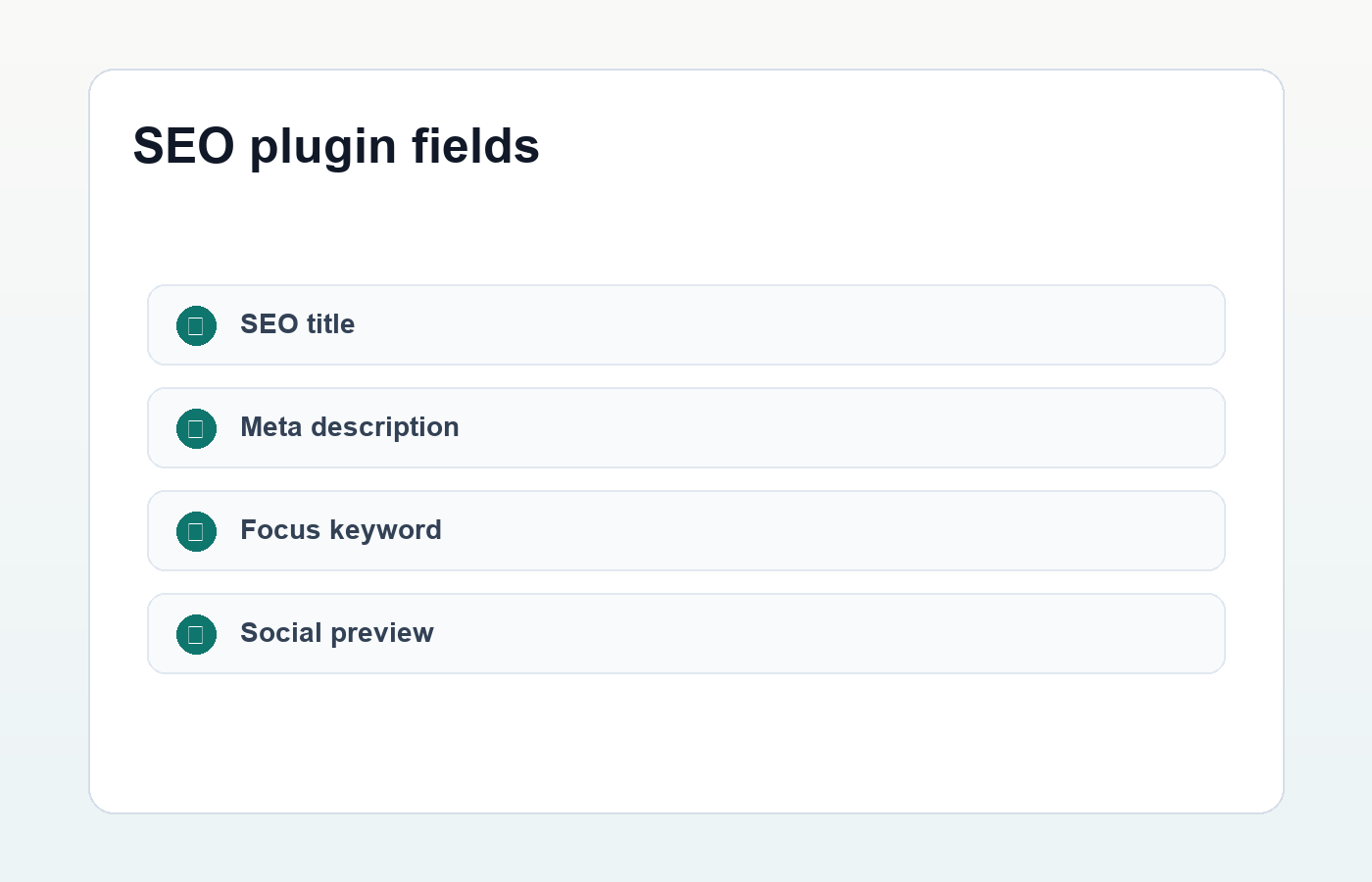
The easiest way to add meta titles and descriptions in WordPress is to use an SEO plugin. Rank Math, Yoast SEO, and similar plugins add fields below the editor where you can customize the SEO title, permalink, description, and social preview.
- Open the post or page in the WordPress editor.
- Open your SEO plugin panel.
- Enter one primary focus keyword if the plugin supports it.
- Write a custom SEO title.
- Write a custom meta description.
- Preview the snippet and adjust the copy before publishing.
If you use Rank Math, its Titles and Meta settings can also define default templates for posts, pages, categories, and other content types. Defaults are helpful, but important pages should still get custom metadata.
Write a Clear SEO Title
A good SEO title tells the reader exactly what the page offers. It should include the main topic, match the search intent, and avoid empty hype. For tutorials, a title that starts with “How to” can work well because it matches the reader’s problem.
- Good:
How to Add Meta Titles and Descriptions in WordPress - Too vague:
WordPress SEO Tips You Need - Too stuffed:
Meta Titles WordPress Meta Descriptions WordPress SEO Meta Tags
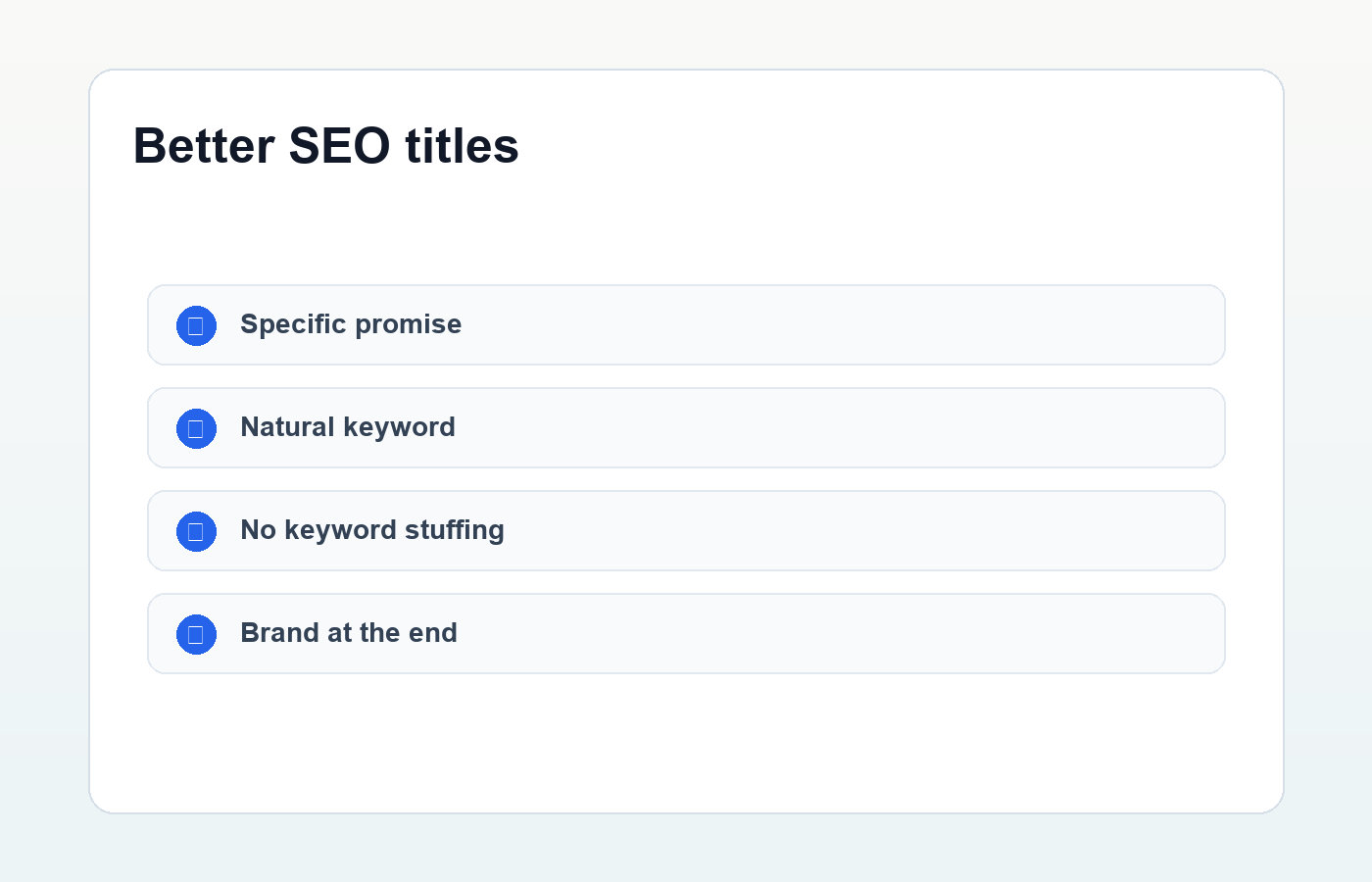
Keep the title natural. If your brand name fits, add it at the end. If the title becomes too long or awkward, prioritize clarity over squeezing in another keyword.
Write a Useful Meta Description
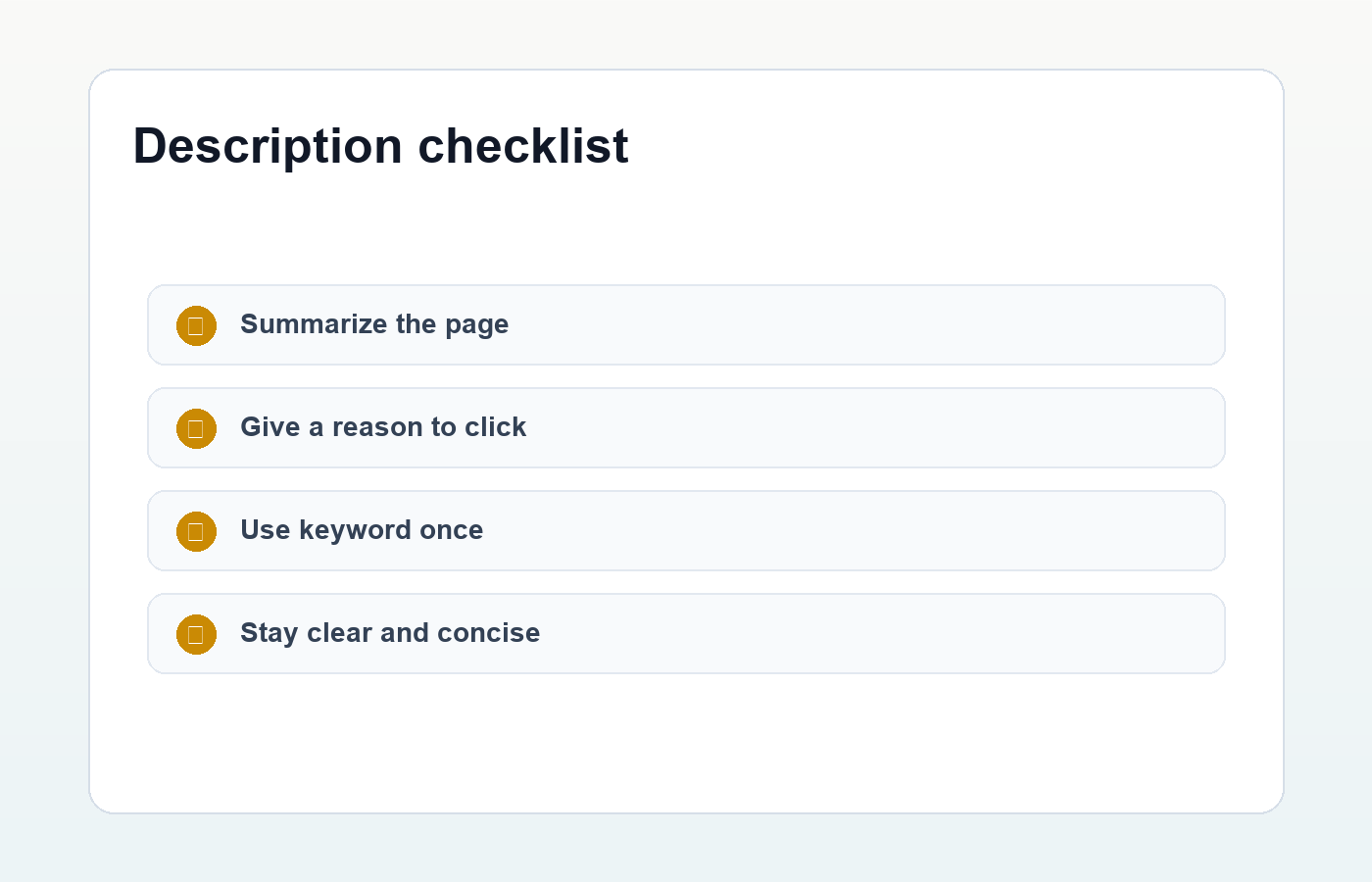
A meta description should summarize the page and give the searcher a reason to click. It should not read like a keyword list. One natural mention of the focus keyword is enough for most posts.
For many WordPress posts, a description around 140 to 160 characters is a practical target. The exact display length can vary, but this range keeps the message focused and easy to scan.
Learn how to add meta titles and descriptions in WordPress, write better SEO snippets, and avoid common metadata mistakes.
Use Templates for Defaults, Not for Every Important Page
SEO plugins let you create templates such as %title% %sep% %sitename%. Templates are useful because they prevent missing titles across the site. They are not a substitute for editorial judgment on important posts, landing pages, product pages, or pillar guides.
Use templates as a safety net. Then customize the pages that matter most for search traffic, conversions, or brand perception.
Match Metadata to Search Intent
Metadata should match what the page actually delivers. If the page is a beginner tutorial, say that. If it is a comparison, make the comparison clear. If it is a checklist, include that format in the title or description.
Misleading metadata may earn a click, but it usually disappoints the reader. That can hurt trust and make the page less useful. Strong SEO copy gets attention without overselling the page.
Check Social Previews Too
Many SEO plugins also control Open Graph and Twitter card fields. These fields affect how the page appears when shared on social platforms. Use a clear title, short description, and featured image that matches the content.
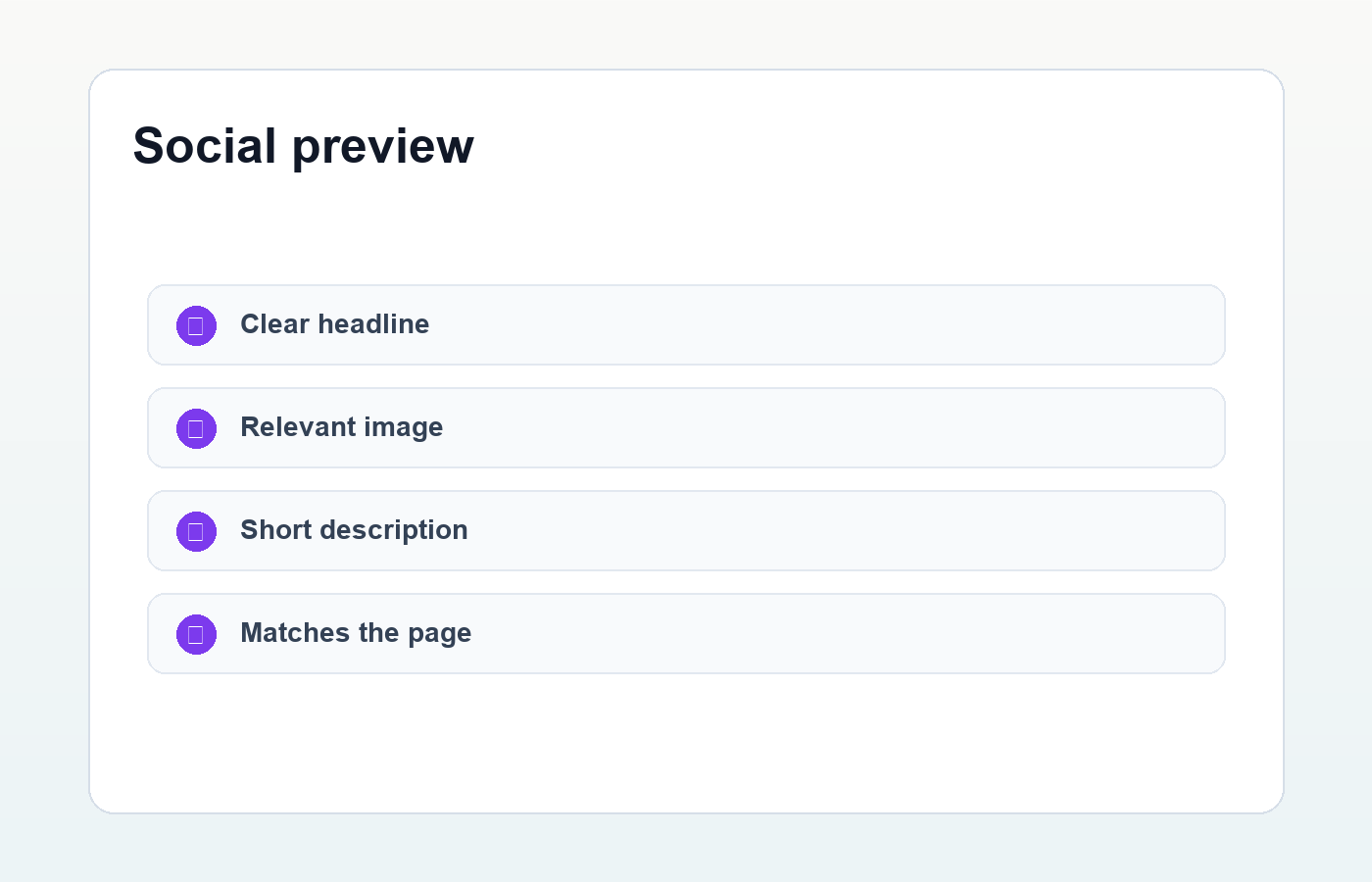
This is especially important for guides, product pages, and portfolio posts. A clean social preview can improve the chance that someone understands and opens the link.
Common Metadata Mistakes
- Using the same meta description on many pages.
- Writing titles that are too vague to understand.
- Stuffing keywords into the title or description.
- Promising something the page does not deliver.
- Leaving old dates in titles after updating content.
- Forgetting to customize important pages.
Final Metadata Checklist
- The focus keyword appears naturally in the SEO title.
- The meta description includes the focus keyword once.
- The title matches the page content and search intent.
- The description is specific, useful, and readable.
- The slug is short and aligned with the topic.
- The social preview has a relevant image.
- The page also has strong headings, internal links, and helpful body content.
Meta titles and descriptions in WordPress are not magic ranking switches. Think of them as careful labels for good pages. Combine them with clear URLs, useful content, and a publishing process like this WordPress SEO checklist, and your site becomes easier for both readers and search engines to understand.
Discussion
Join the conversation