Node.js Event Loop: Find Blocking Work Before It Slows Every Request

The Node.js event loop coordinates JavaScript callbacks and the delivery of asynchronous results. It allows many I/O operations to be in progress without dedicating a JavaScript thread to every request. A callback that performs expensive synchronous work can still delay unrelated clients. Understanding this distinction helps diagnose a server that becomes unresponsive during an export or calculation. Focus first on where time is spent and how much work each input can trigger, rather than trying to memorize a universal ordering of every timer and promise.
Node.js event loop: a practical implementation workflow
Separate waiting for I/O from computing a result
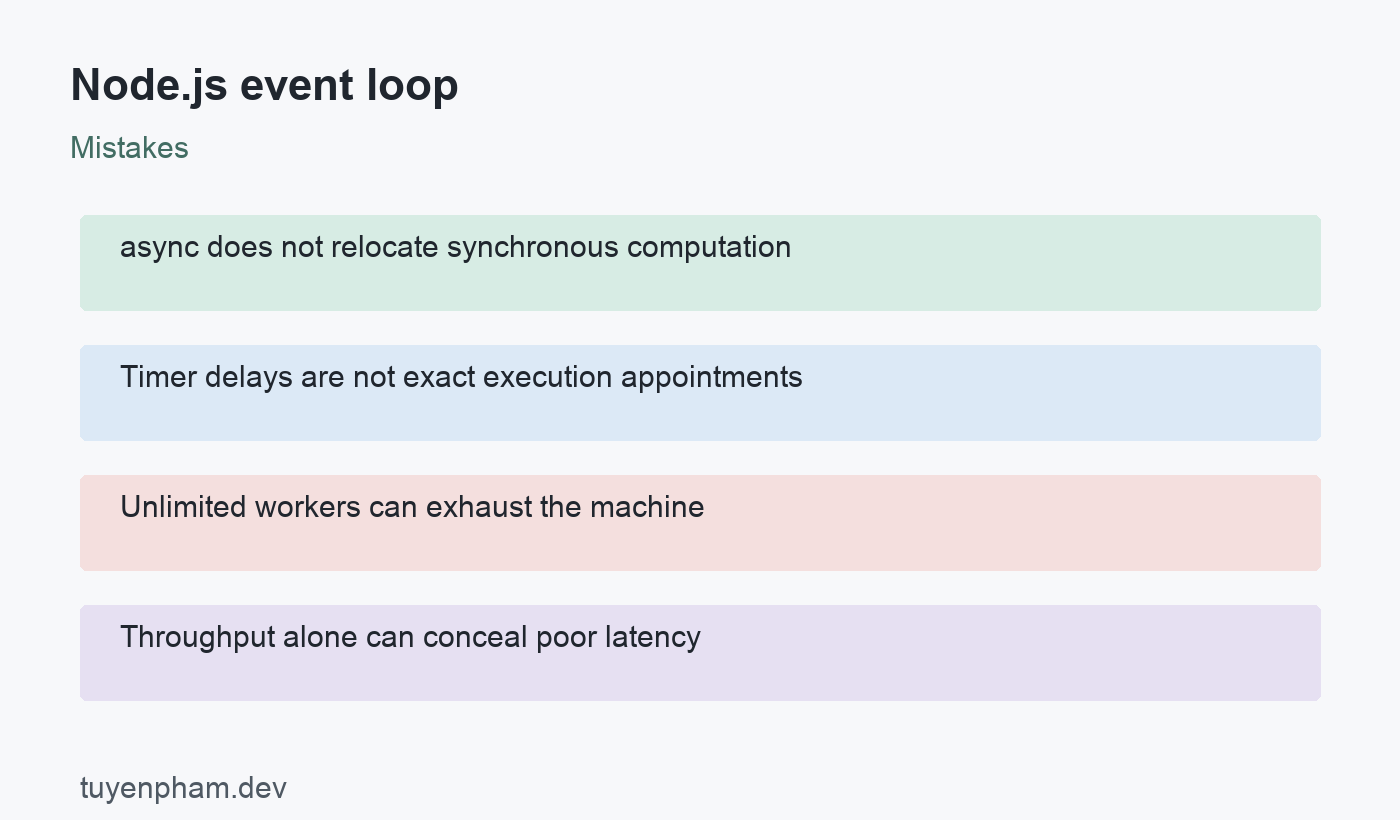
An asynchronous database request can allow other callbacks to run while the application waits. A large synchronous calculation inside the request handler does not. Some Node.js APIs use the operating system and others use the worker pool, so asynchronous is not a claim that every task uses the same mechanism. Read the API contract and profile the workload. A function declared async still runs its synchronous portion normally. Moving a long loop into an async function, or wrapping it in a resolved promise, does not automatically move computation off the JavaScript thread.
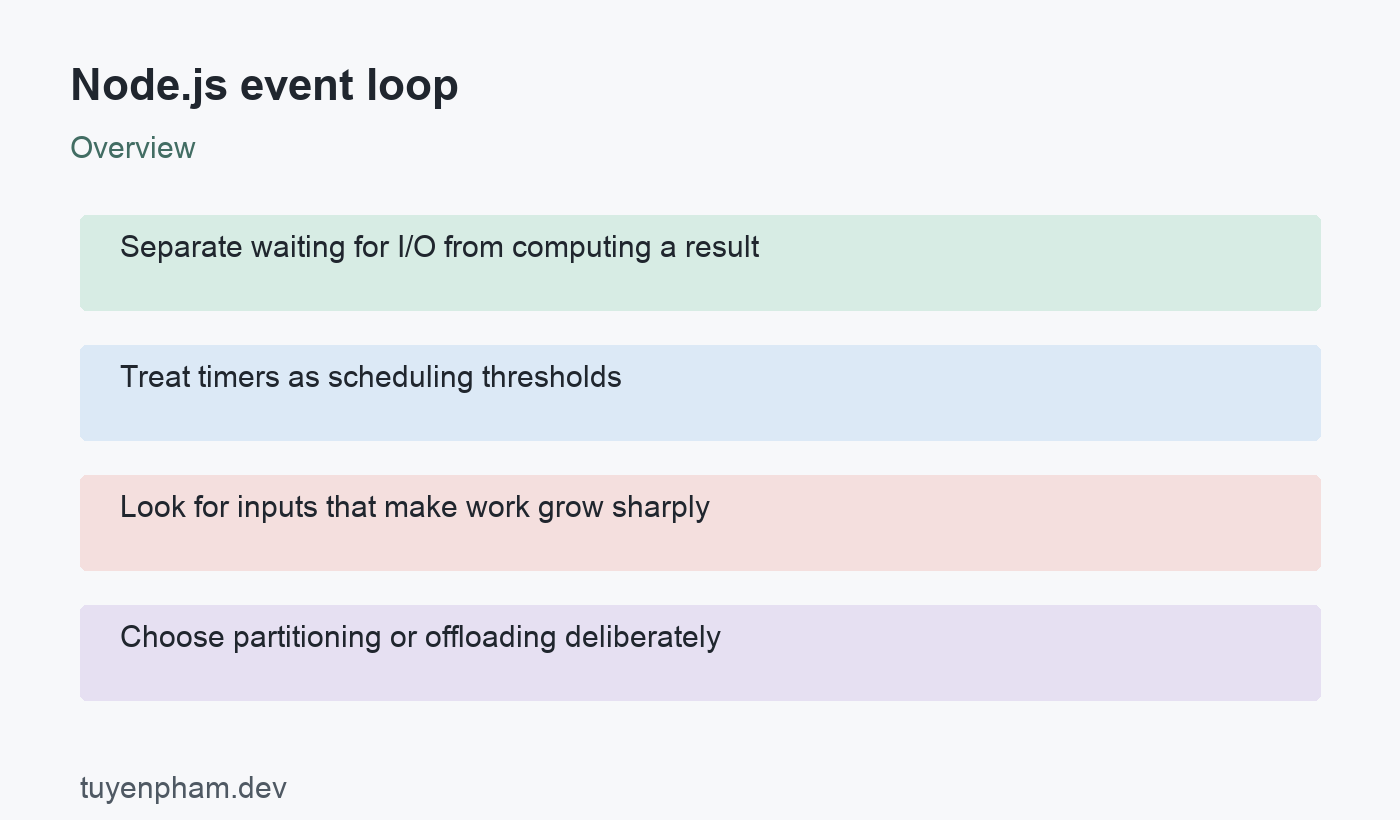
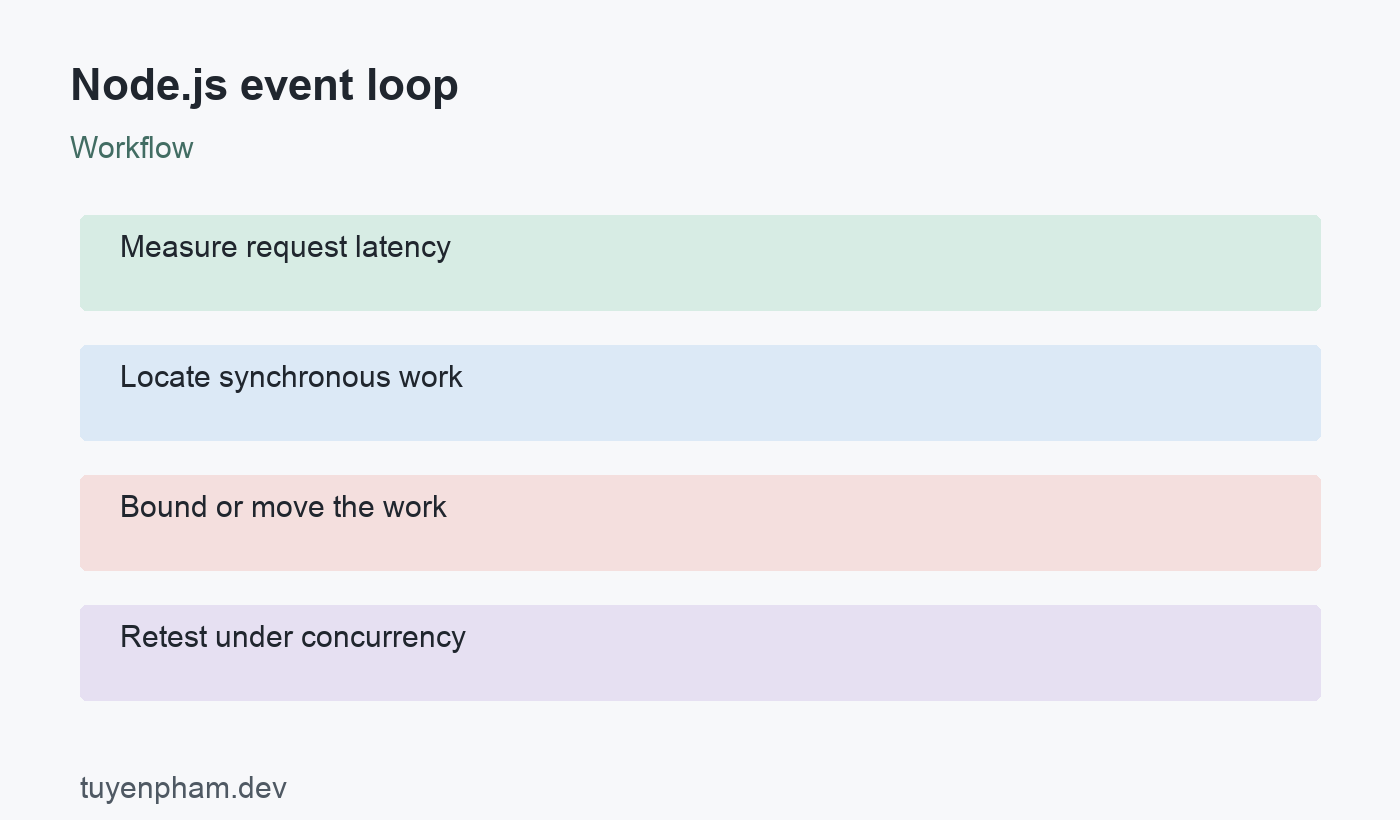
Treat timers as scheduling thresholds
A timer requests that its callback become eligible after a delay; it does not guarantee execution at an exact instant. Other work can postpone it. The example measures this effect by occupying the thread briefly before the timer can run. Use it only as a local demonstration, never in a production handler. Promise continuations and nextTick callbacks have their own scheduling behavior, and repeated microtask scheduling can prevent other work from getting a turn. Avoid promising exact ordering across runtime versions and execution contexts without a focused test.
Look for inputs that make work grow sharply
Review large JSON parsing, serialization, regular expressions, sorting, compression choices, and synchronous filesystem calls. A harmless-looking operation may become costly when its input grows or has an adversarial shape. Bound request sizes and validate resource limits before performing expensive work. Establish maximum supported records or document dimensions as part of the interface contract. An arbitrary timeout cannot interrupt a synchronous callback while it occupies the thread. Preventing excessive work requires limits, a different algorithm, partitioning, or an execution context that can be managed independently.
Choose partitioning or offloading deliberately
Partitioning breaks a calculation into bounded pieces and yields between them so other callbacks can run. It improves scheduling fairness but does not reduce total CPU work. Worker threads are appropriate for some CPU-intensive JavaScript tasks, with costs for startup, communication, and data transfer. Reuse a bounded worker pool instead of creating unlimited workers per request. Ordinary asynchronous I/O generally does not need a worker thread wrapper. Select the approach using task size, latency requirements, and measurements, then include cancellation and worker-failure behavior in the design.
Measure latency alongside throughput
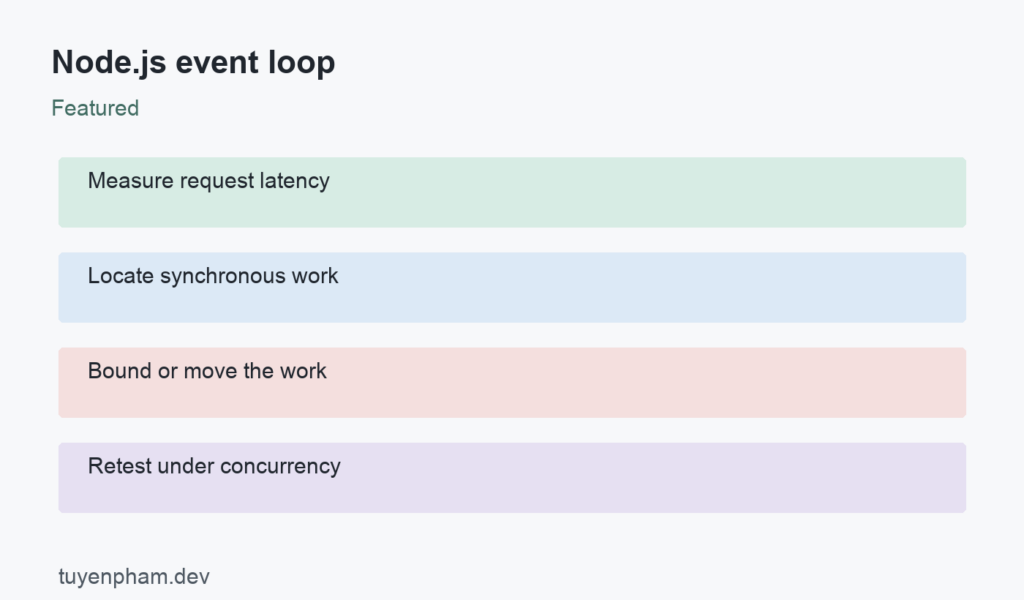
Average response time can hide a small group of very slow requests. Track relevant latency percentiles, event-loop delay, CPU usage, and queue depth during a representative test. Compare a lightweight endpoint while the expensive operation is active. A higher throughput figure is not sufficient if interactive requests miss their latency target. Bound concurrency before concluding that more workers always help; the machine has finite CPU and memory. Keep load generation separate from the service where possible so the measuring tool does not become the bottleneck.
Code example
Run this as an .mjs file on Node.js. The exact delay varies, but the timer cannot execute while the synchronous loop is running. This example demonstrates blocking; it is not a recommended waiting technique.
import { performance } from "node:perf_hooks";

const started = performance.now();
setTimeout(() => {
  console.log(`Timer ran after ${Math.round(performance.now() - started)} ms`);
}, 0);

// Local demonstration only: deliberately occupy the JavaScript thread.
while (performance.now() - started < 100) {}
Worked example
A hypothetical API performs a large synchronous summary calculation after fetching rows asynchronously. Developers initially blame the database because the handler uses await. Profiling shows that unrelated health requests slow down during the calculation. The team adds input bounds and compares incremental processing with a worker pool. It selects an approach that meets interactive latency requirements under concurrent load. The conclusion is tied to the measured workload, not a blanket claim that Node.js cannot perform computation or that every task needs a new thread.
Verification checklist
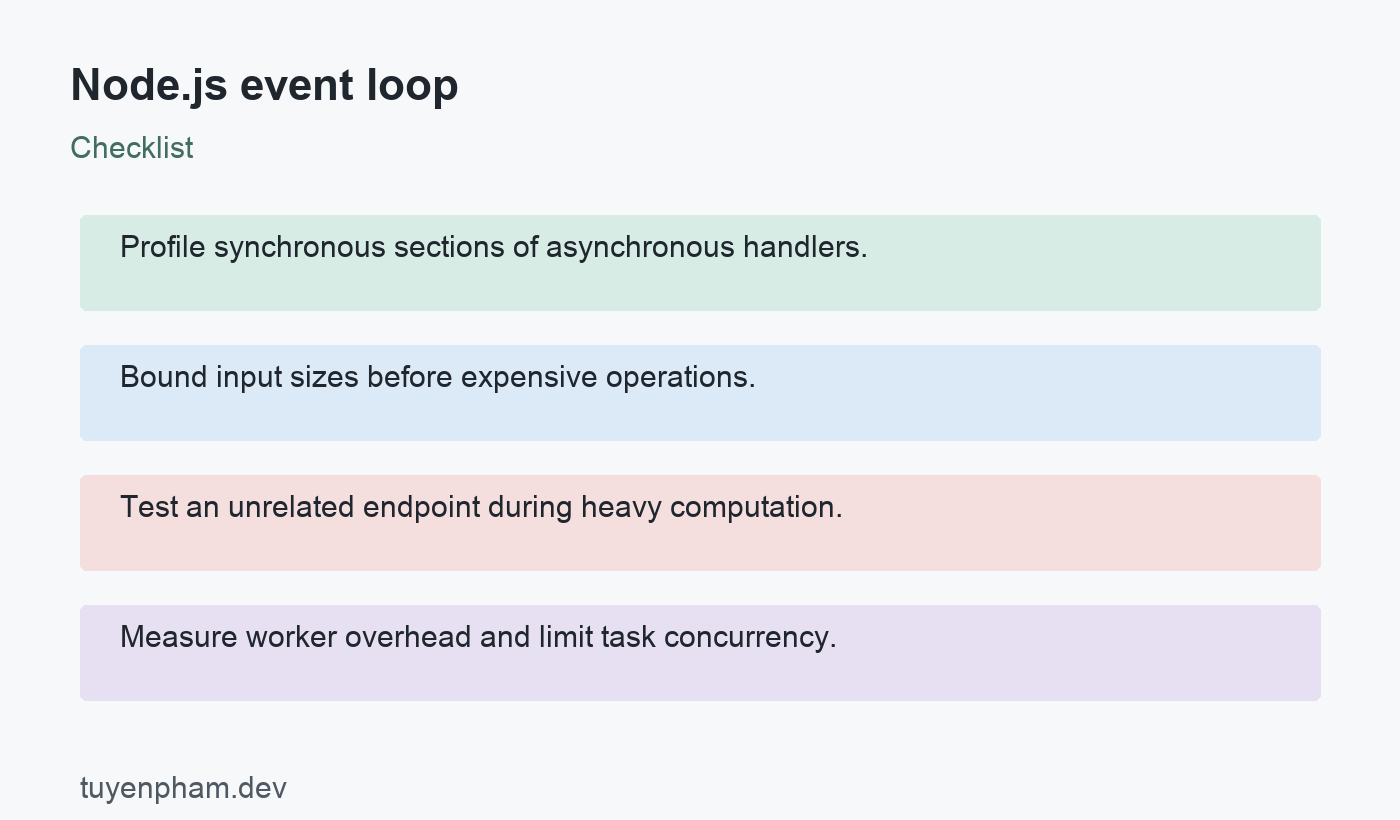
- Profile synchronous sections of asynchronous handlers.
- Bound input sizes before expensive operations.
- Test an unrelated endpoint during heavy computation.
- Measure worker overhead and limit task concurrency.
Practice task
Create a local server with a lightweight endpoint and a synthetic CPU-heavy endpoint. Measure lightweight response latency while another client invokes the heavy route. Add a request-size limit, then implement either bounded partitioning or a small worker pool. Repeat the experiment with identical inputs and concurrency. Record runtime version, hardware, percentiles, and failures instead of only a single average. Explain which work still runs on the main thread and what happens when the task queue reaches its limit.
Sources and related reading
Consult Node.js event loop guide; Node.js blocking-work guide; Node.js worker threads for API contracts and implementation details. Continue with Async Await Javascript and Debugging Code for related concepts.
Discussion
Join the conversation