Parameterized Queries: Keep SQL Structure Separate from User Data

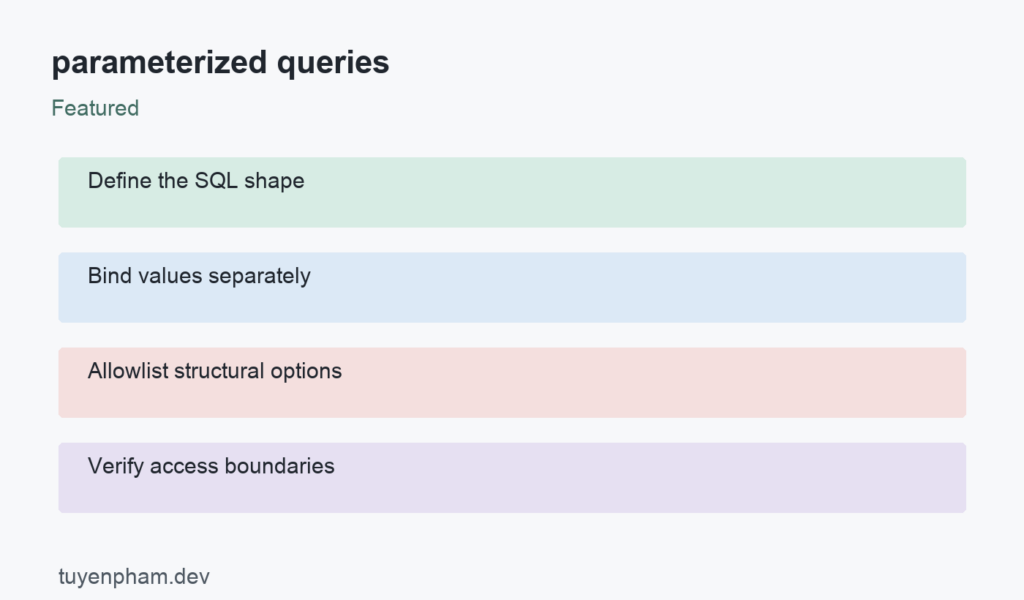
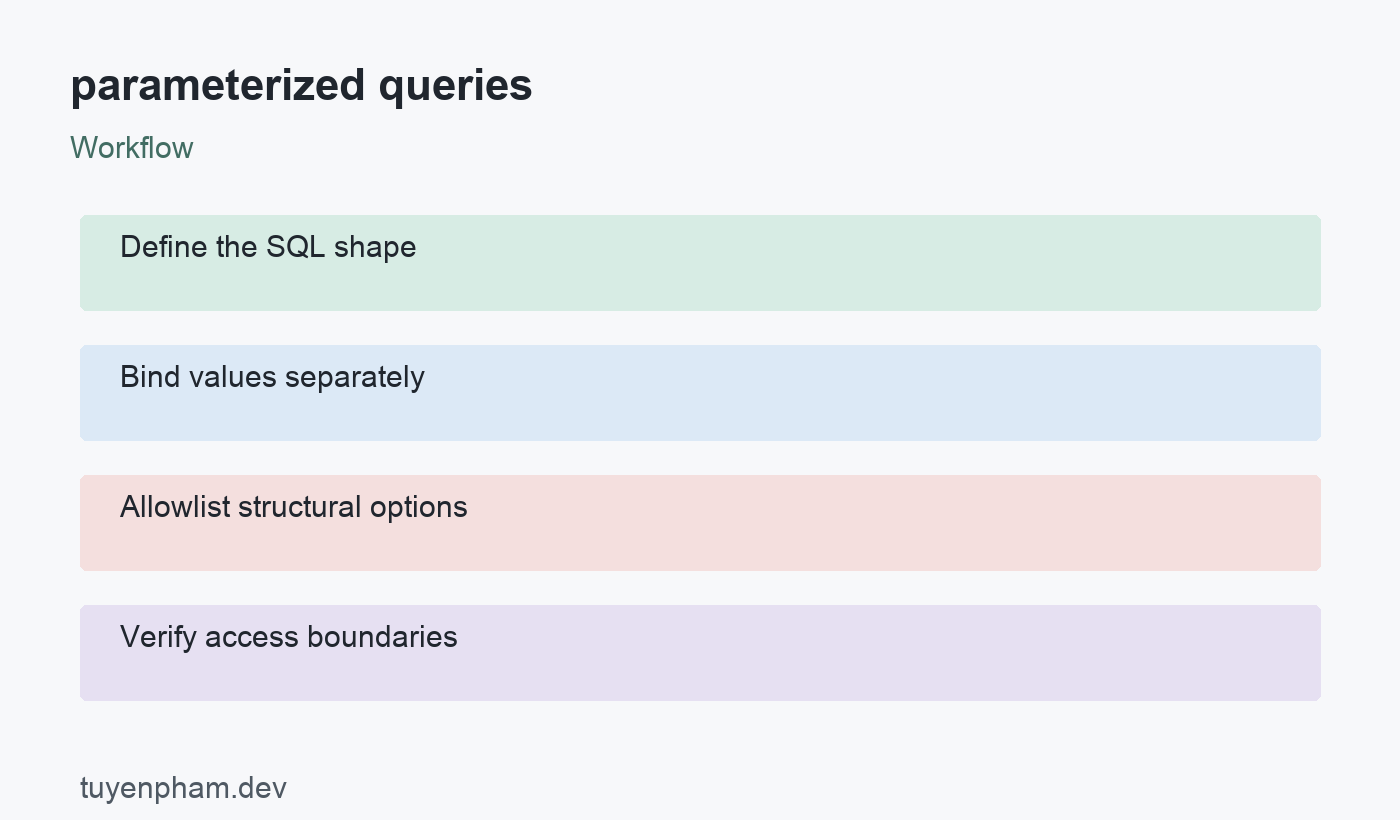
Parameterized queries keep data values separate from the SQL statement that defines an operation. This prevents a value such as a customer name from becoming executable SQL merely because it contains quotes or other special characters. The technique belongs at every database boundary that accepts variable values, not just login forms. It does not replace authorization or business validation. Start by identifying which parts of a query are values and which are structural choices, then use the database driver for the first and carefully controlled code for the second.
parameterized queries: a practical implementation workflow
Bind values through the driver API
Write the statement with placeholders and pass values using the driver mechanism. Placeholder syntax differs across databases and libraries, so copy neither question marks nor numbered parameters blindly between systems. The node-postgres example uses PostgreSQL numbered placeholders. Avoid interpolating a value into the statement first and then calling a parameterized API; that has already mixed code with data. Use the same discipline in reporting, background jobs, imports, and administrative tools. A source is not automatically safe simply because another internal service supplied it.
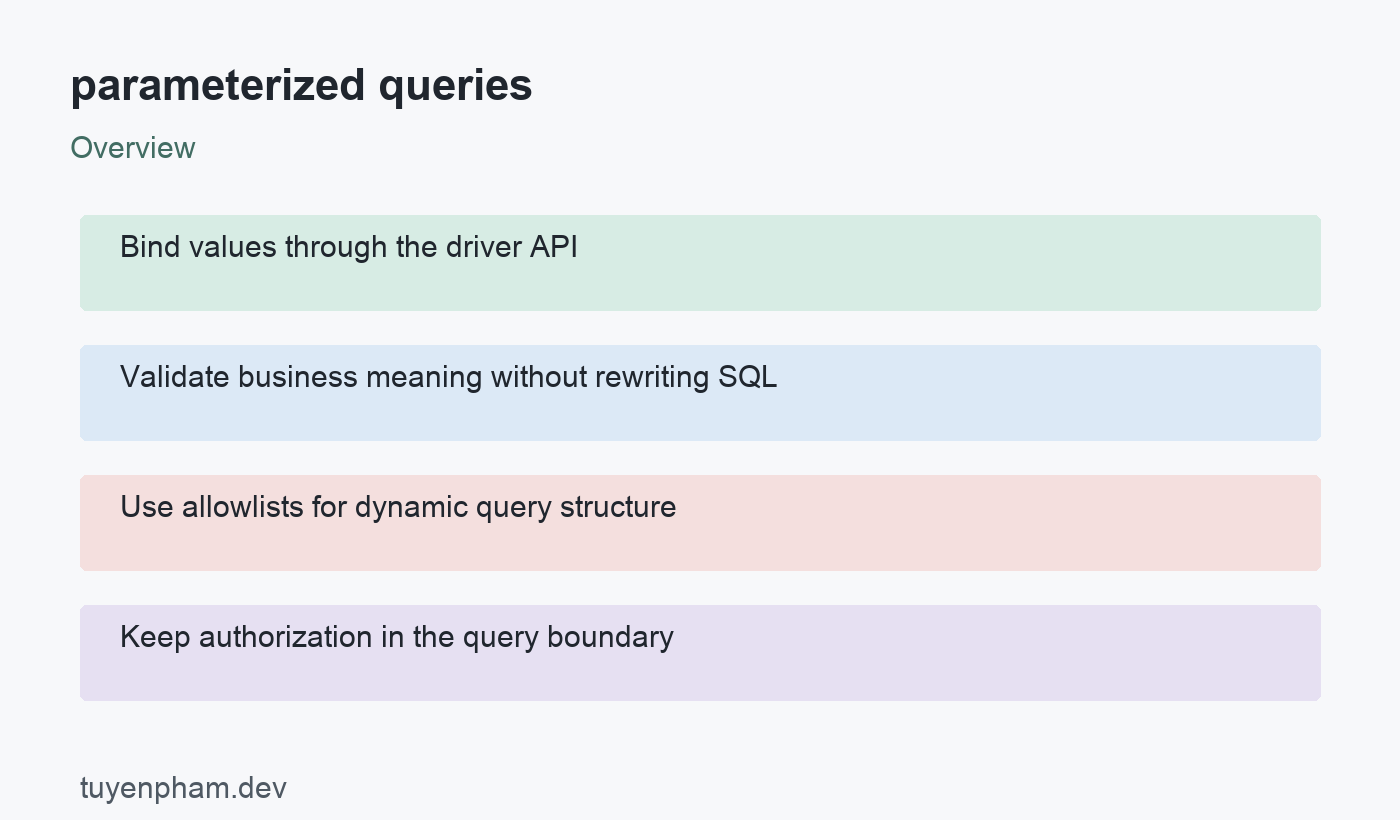
Validate business meaning without rewriting SQL
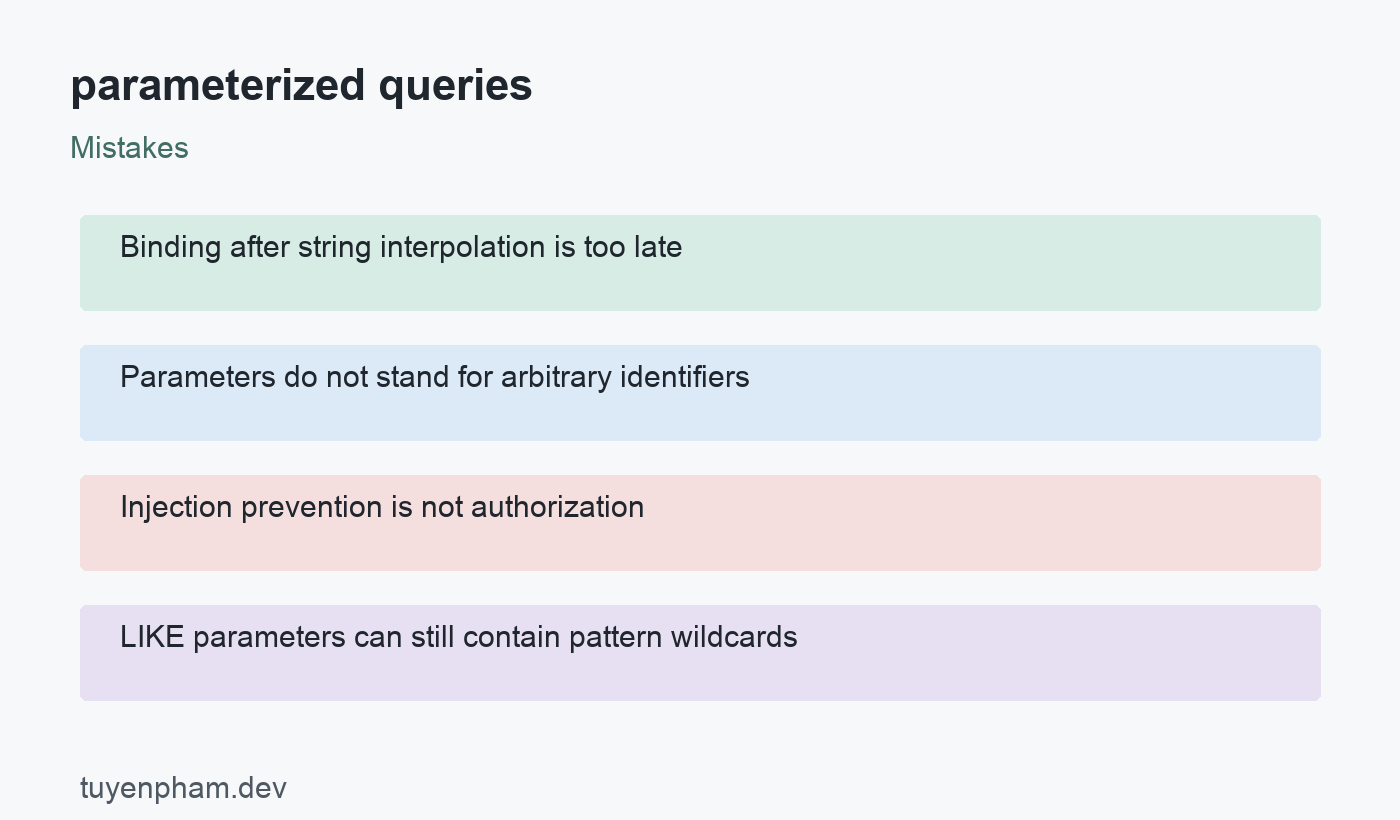
A correctly bound value may still be invalid for the application. Validate allowed lengths, enum choices, date ranges, and pagination limits before issuing the query. Keep those rules distinct from injection prevention. An email containing a quote does not need to be stripped of characters merely to make a safely bound equality comparison possible. Conversely, passing an enormous limit safely does not make the workload acceptable. Preserve legitimate data and reject unsupported requests with clear errors instead of applying a generic sanitization function to every input.
Use allowlists for dynamic query structure
Parameters normally represent data values, not SQL identifiers, operators, table names, or a complete ORDER BY clause. When a user can choose a sort order, map the choice to a fixed, reviewed SQL fragment. Do not insert an arbitrary query-string value as a column name. Limit both the available columns and directions, and define a stable tie-breaker for paginated results. Where identifiers truly must be dynamic, use the driver or database-specific identifier-quoting facility and an authorization-aware design. Quoting alone does not make every selected table appropriate to expose.
Keep authorization in the query boundary
Injection resistance does not decide which records a caller may read or change. In a multi-tenant application, derive the tenant identifier from trusted authenticated context and apply the required filter. Do not treat a tenant value supplied by the client as proof of membership. Use a database role with only the permissions the application needs, and avoid displaying database diagnostics to users. Parameterized raw queries and ORM methods both need review: many ORMs also expose escape hatches where developers can construct unsafe SQL strings.
Test the complete data-access behavior
Verify that quotes, Unicode, and SQL-looking text remain ordinary values. Test authorized and unauthorized records separately so a successful injection test does not conceal an access-control failure. Inspect the generated statement or use a driver spy to confirm that values were bound, while an integration test confirms real database semantics. Include wildcard behavior if implementing LIKE searches: binding a pattern does not make percent and underscore literal characters. Escape pattern metacharacters when the product requires literal matching, using the database-specific rules and an explicit test.
Code example
This example uses an already connected node-postgres client. Obtain tenantId from authorized server context and validate status against your supported states. The sample demonstrates binding; it is not a complete authentication or pagination implementation.
export async function listOrders(client, tenantId, status) {
  const result = await client.query(
    "SELECT id, status FROM orders WHERE tenant_id = $1 AND status = $2 ORDER BY id",
    [tenantId, status]
  );
  return result.rows;
}
Worked example
A hypothetical dashboard lets account members filter orders. A developer replaces string interpolation with bound parameters, then discovers that the handler still accepts an arbitrary tenant identifier from the URL. The team fixes the context lookup and adds a tenant filter while keeping status as a bound value. Sorting is chosen from a fixed mapping. Its tests now cover injection-looking text, valid filters, and cross-account access. These are different failure classes, and each receives a distinct assertion rather than one broad claim that the query is secure.
Verification checklist
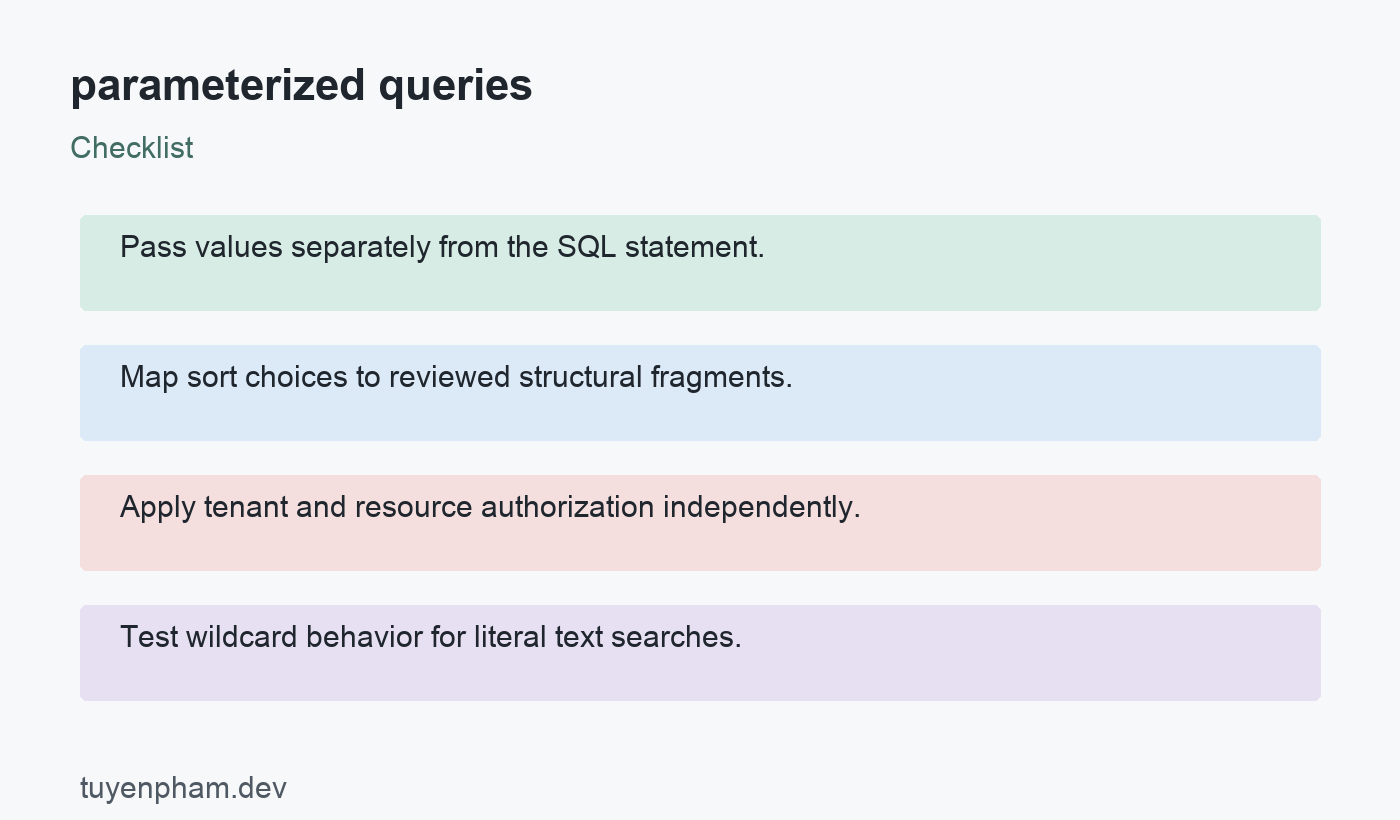
- Pass values separately from the SQL statement.
- Map sort choices to reviewed structural fragments.
- Apply tenant and resource authorization independently.
- Test wildcard behavior for literal text searches.
Practice task
Implement a small order-list query against a disposable PostgreSQL database. Insert records for two tenants, including a text value containing a quote. Test exact matching and an unauthorized tenant request. Add two allowed sort modes through a fixed mapping and reject any other mode. If you add LIKE filtering, decide whether user input is a literal substring or a pattern and write tests for percent and underscore. Review all raw-query call sites to confirm the same binding rule holds outside the main endpoint.
Sources and related reading
Consult OWASP SQL injection prevention; node-postgres query documentation for API contracts and implementation details. Continue with Sql For Beginners and Web Security Basics for related concepts.
Discussion
Join the conversation