Rank Math SEO Setup on WordPress: Step-by-Step Guide

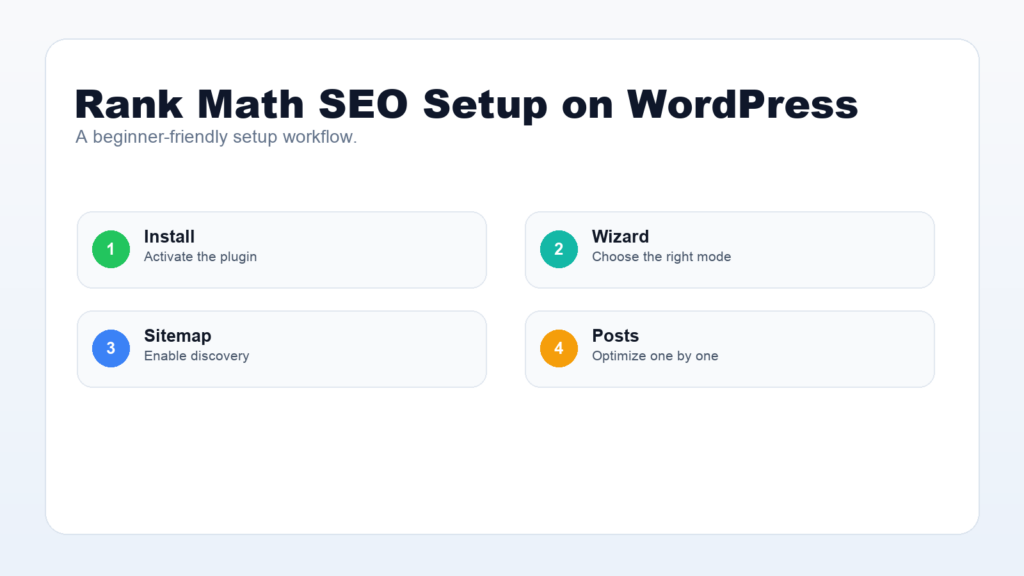
Rank Math SEO setup is one of the fastest ways to give a WordPress site a cleaner SEO foundation. The plugin helps you configure titles, descriptions, sitemaps, schema, redirects, breadcrumbs, and content checks without editing code.
This step-by-step guide explains how to set up Rank Math SEO on WordPress for a beginner-friendly site. You will learn what to configure first, which settings matter most, and how to avoid common setup mistakes.
Rank Math SEO Setup: What You Need First
Before installing Rank Math, make sure your WordPress site has a clear site title, working HTTPS, clean permalinks, and no duplicate SEO plugin running at the same time. Using two SEO plugins together can create duplicate meta tags or conflicting sitemap settings.
- Confirm WordPress is updated.
- Use a secure HTTPS domain.
- Choose a clean permalink structure.
- Deactivate other SEO plugins before switching.
- Back up your site before major SEO changes.
The official Rank Math setup guide is the best reference for exact plugin screens because the interface can change over time.
Install and Activate Rank Math
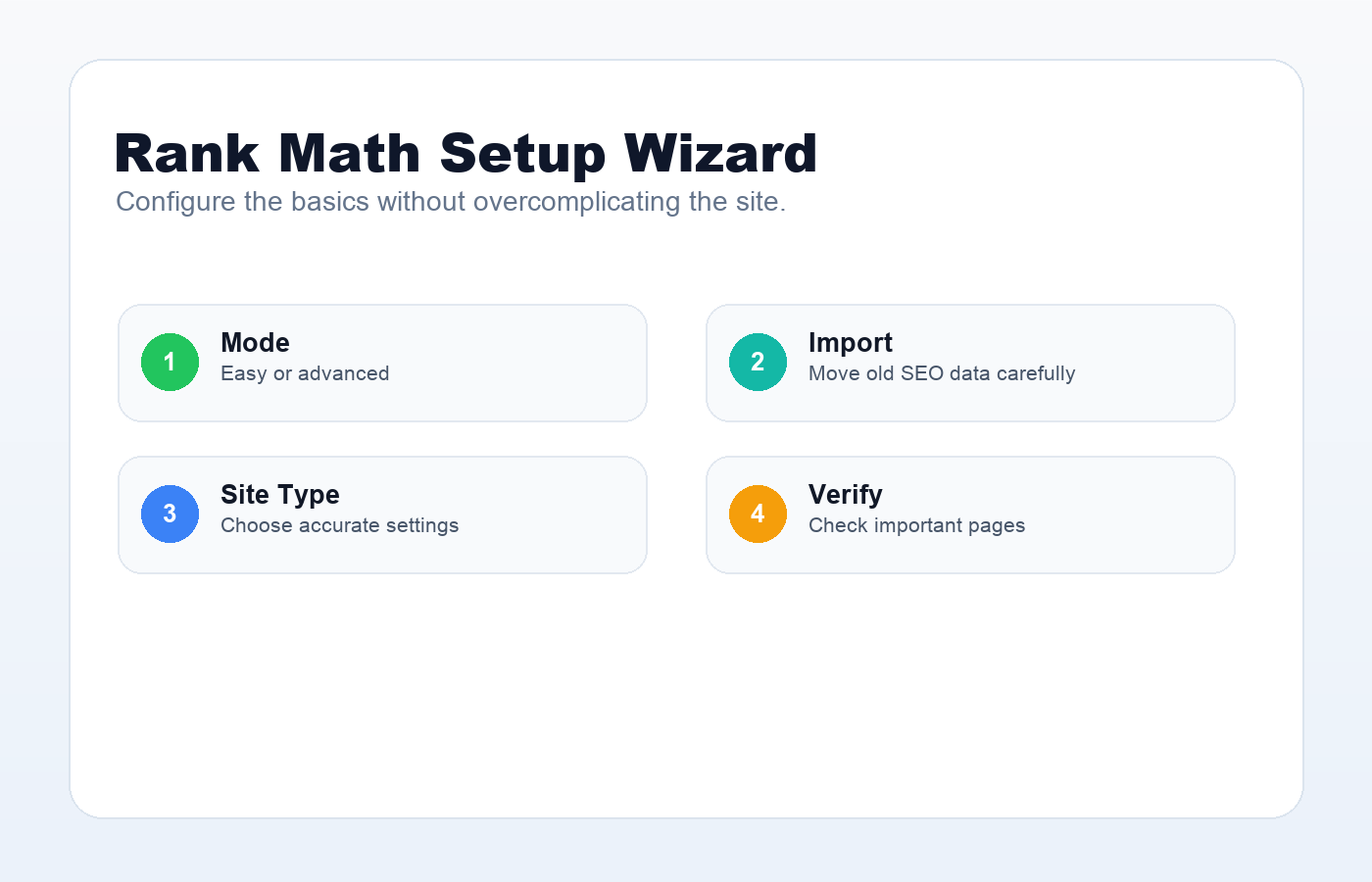
In your WordPress dashboard, go to Plugins, choose Add New, search for Rank Math, install it, and activate it. After activation, Rank Math opens a setup wizard that walks you through the essential configuration.
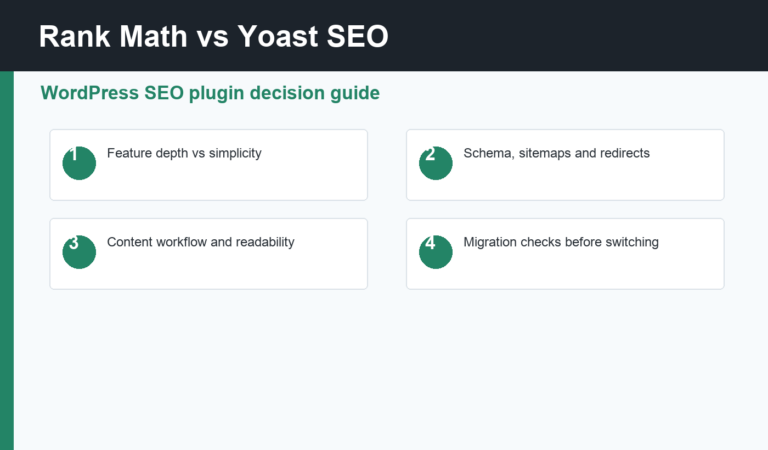
If you are migrating from another SEO plugin, use Rank Math’s import option carefully. Check a few important posts afterward to make sure titles, descriptions, and focus keywords moved correctly.
Choose the Right Setup Mode
Rank Math usually offers different setup modes. Beginner users should start with the recommended or easy mode. Advanced users can choose advanced mode when they need more control over schema, redirects, and role management.
The goal is not to turn on every option. The goal is to configure the features your site actually needs and keep the SEO setup stable.
Connect Google Services
Rank Math can connect with Google services to show search data inside WordPress. If you use Google Search Console or Google Analytics, connect the correct property and verify that the selected domain matches your live site.
You can also use Google Search Console directly. Google’s Search Console documentation explains how the tool helps monitor search performance and indexing signals.
Configure Titles and Meta Settings
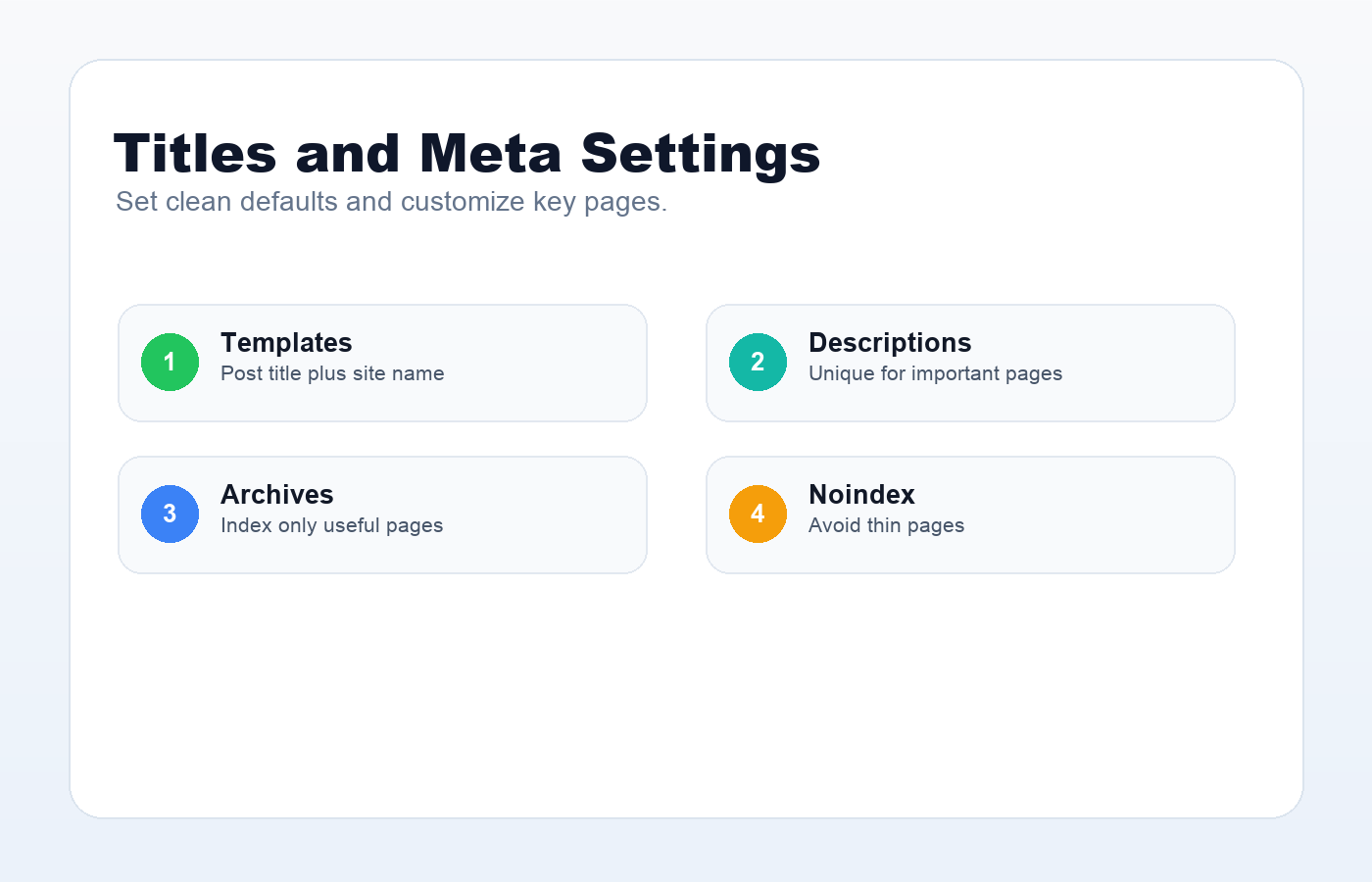
Titles and meta settings control the default search appearance for posts, pages, categories, and other content types. Start with simple templates that include the post title and site name. Then customize individual posts when needed.
- Keep post titles human-readable.
- Write unique descriptions for important pages.
- Noindex thin archive pages if they are not useful.
- Check category and tag archives before allowing them to index.
Enable and Check XML Sitemaps
Sitemaps help search engines discover your content. In Rank Math, enable XML sitemaps and check which post types and taxonomies are included. For most beginner sites, posts, pages, and useful categories should be included.
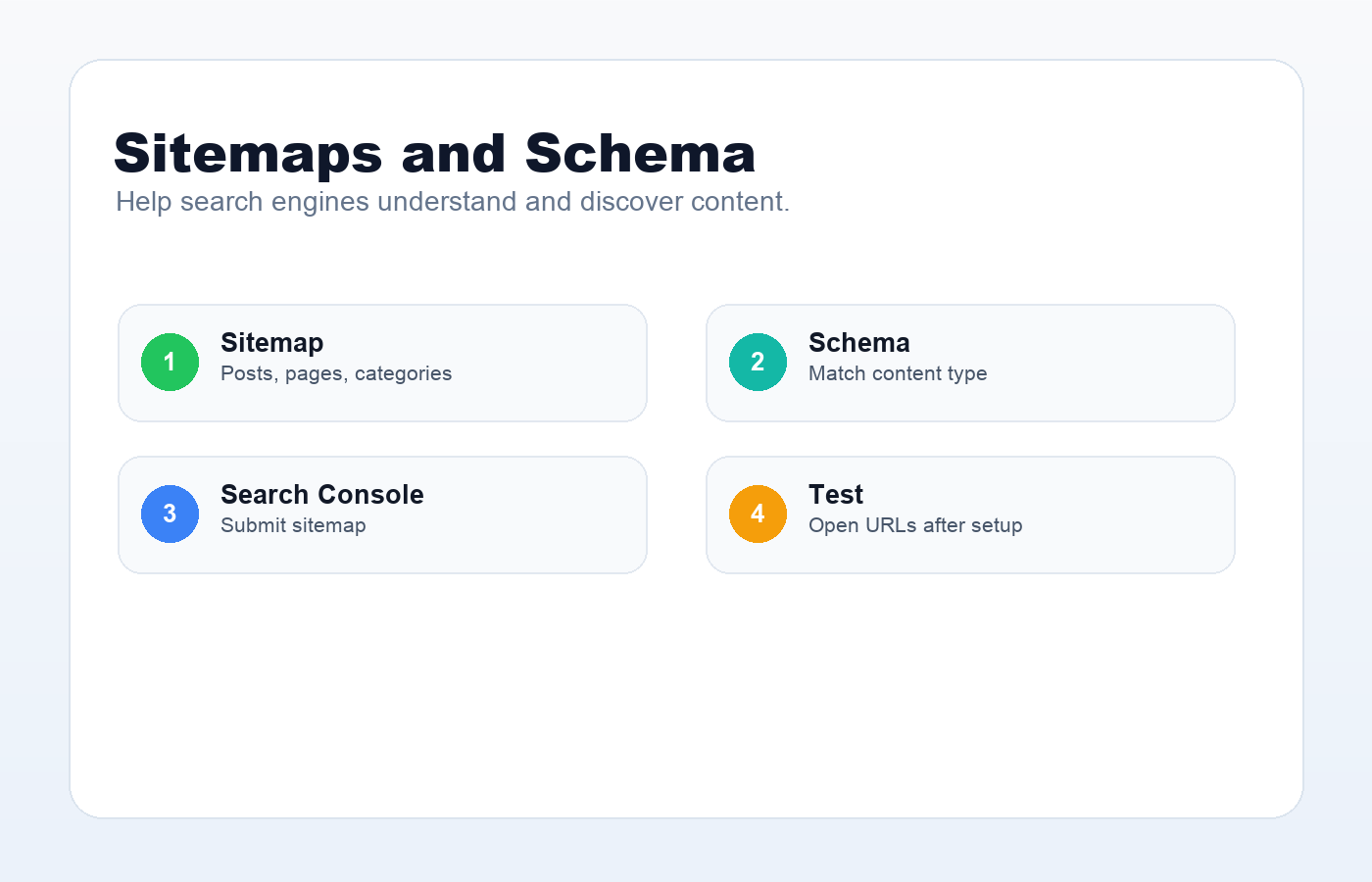
After setup, open your sitemap in a browser. Common URLs include /sitemap_index.xml and /post-sitemap.xml. Submit the sitemap in Google Search Console when the property is verified.
Set Up Schema Basics
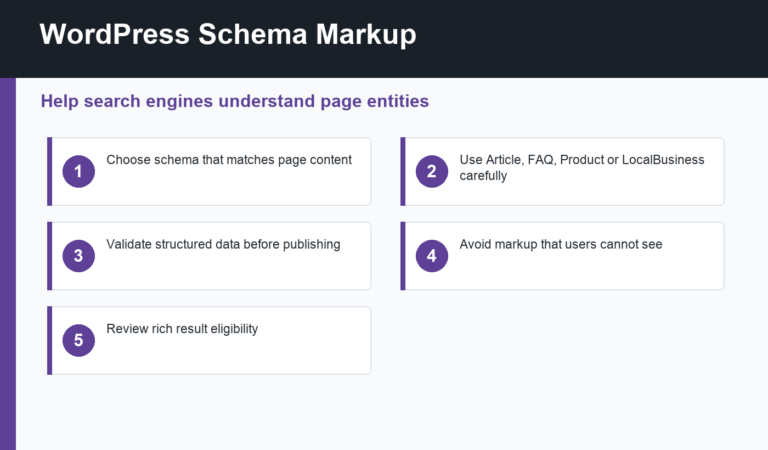
Schema helps search engines understand the type of content on a page. Rank Math can add schema for articles, local businesses, products, FAQs, recipes, and more depending on your site and plugin version.
For a regular blog post, Article schema is usually enough. Do not add schema that does not match the actual content. Misleading structured data can create quality problems.
Configure Breadcrumbs and Internal Links
Breadcrumbs can improve navigation and help readers understand where they are on your site. If your theme supports breadcrumbs, enable Rank Math breadcrumbs and test them on posts and category pages.
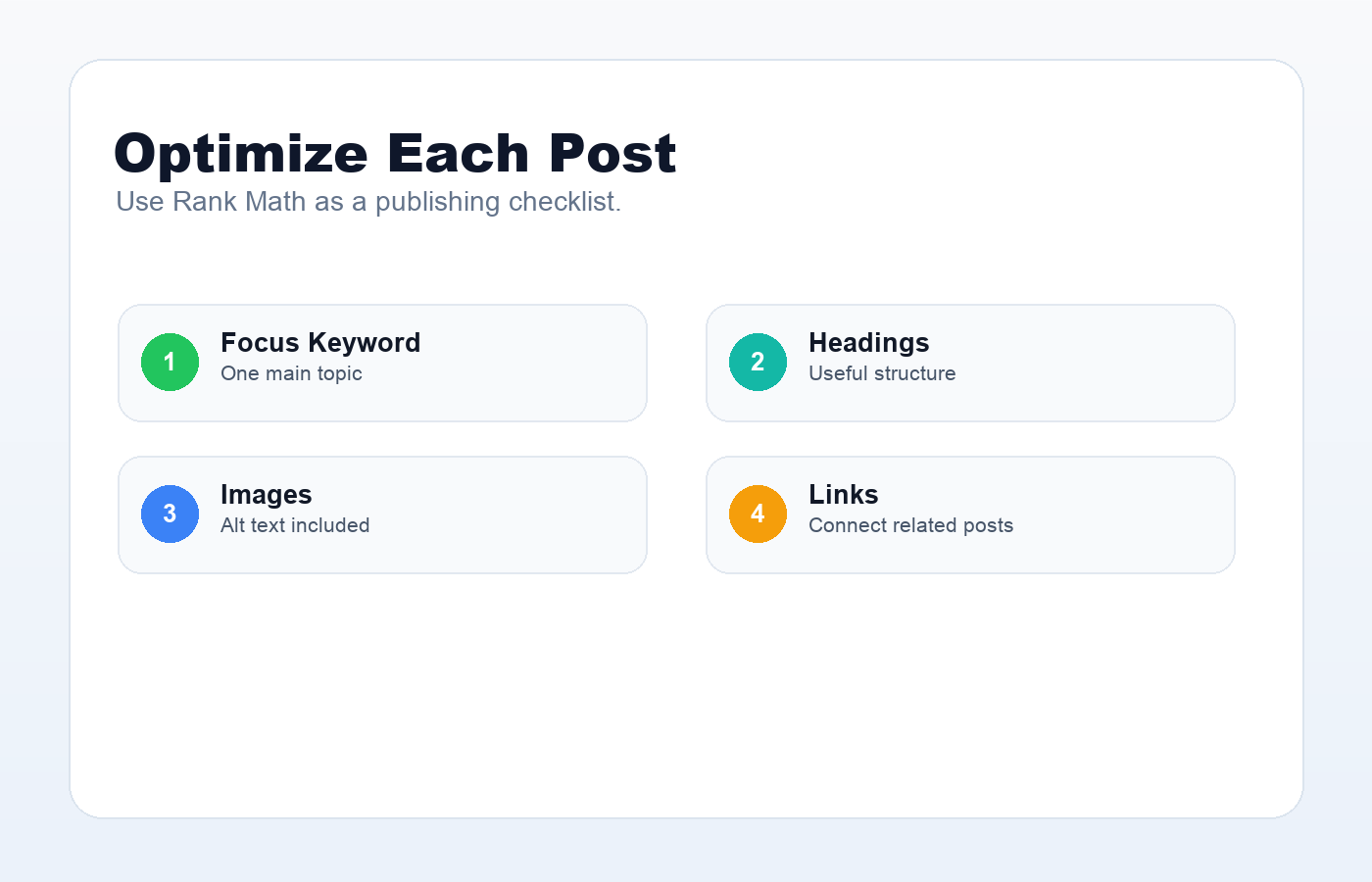
Internal links are just as important. Link related posts together, such as your WordPress SEO checklist, plugin tutorials, and troubleshooting guides. Use descriptive anchor text that explains the destination.
Optimize Each Post With Rank Math
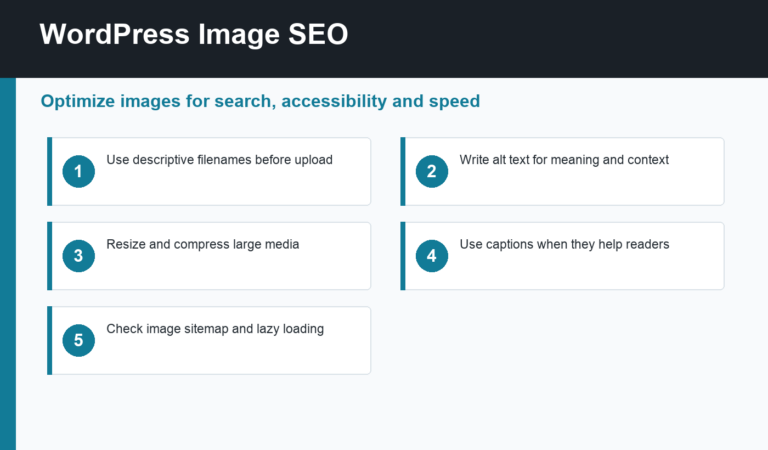
After the global Rank Math SEO setup is complete, optimize each post individually. Choose one focus keyword, write a strong SEO title, write a clear description, check headings, add images with alt text, and review internal links.
Rank Math’s score is helpful, but it is a guide. Do not change a good sentence into an awkward one only to satisfy a mechanical test. The final post should still read naturally.
Rank Math SEO Setup Checklist
- Install and activate Rank Math.
- Run the setup wizard.
- Connect Google services if available.
- Configure titles and meta templates.
- Enable XML sitemaps.
- Set schema defaults.
- Review breadcrumbs.
- Optimize each post before publishing.
- Submit the sitemap in Search Console.
A careful Rank Math SEO setup gives WordPress a better technical base, but the plugin is only part of the work. Strong content, useful links, fast pages, and consistent publishing habits are what make the setup valuable over time.
Discussion
Join the conversation