SEO Basics for Beginners: How Search Optimization Works

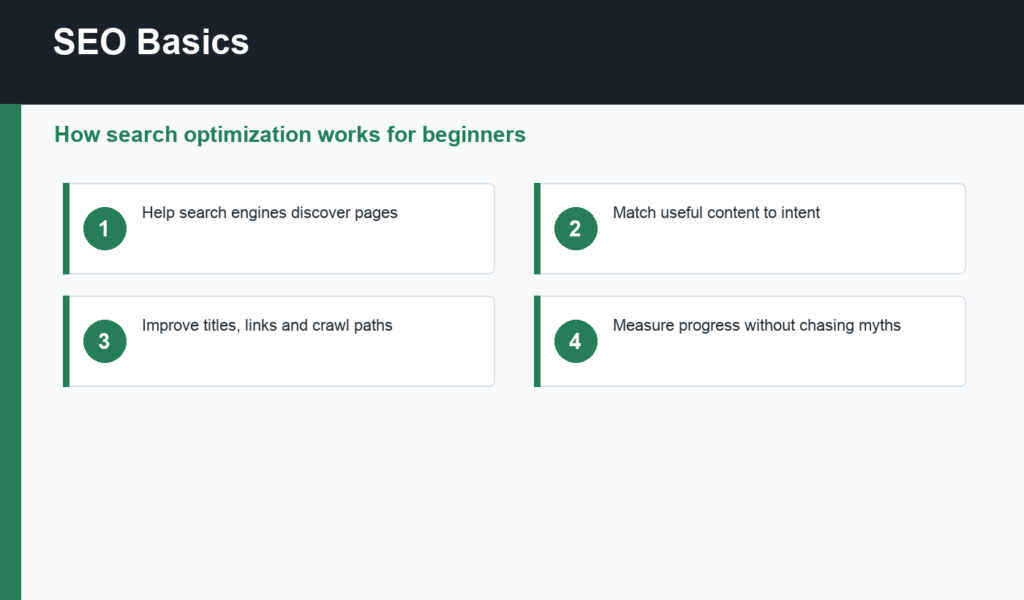
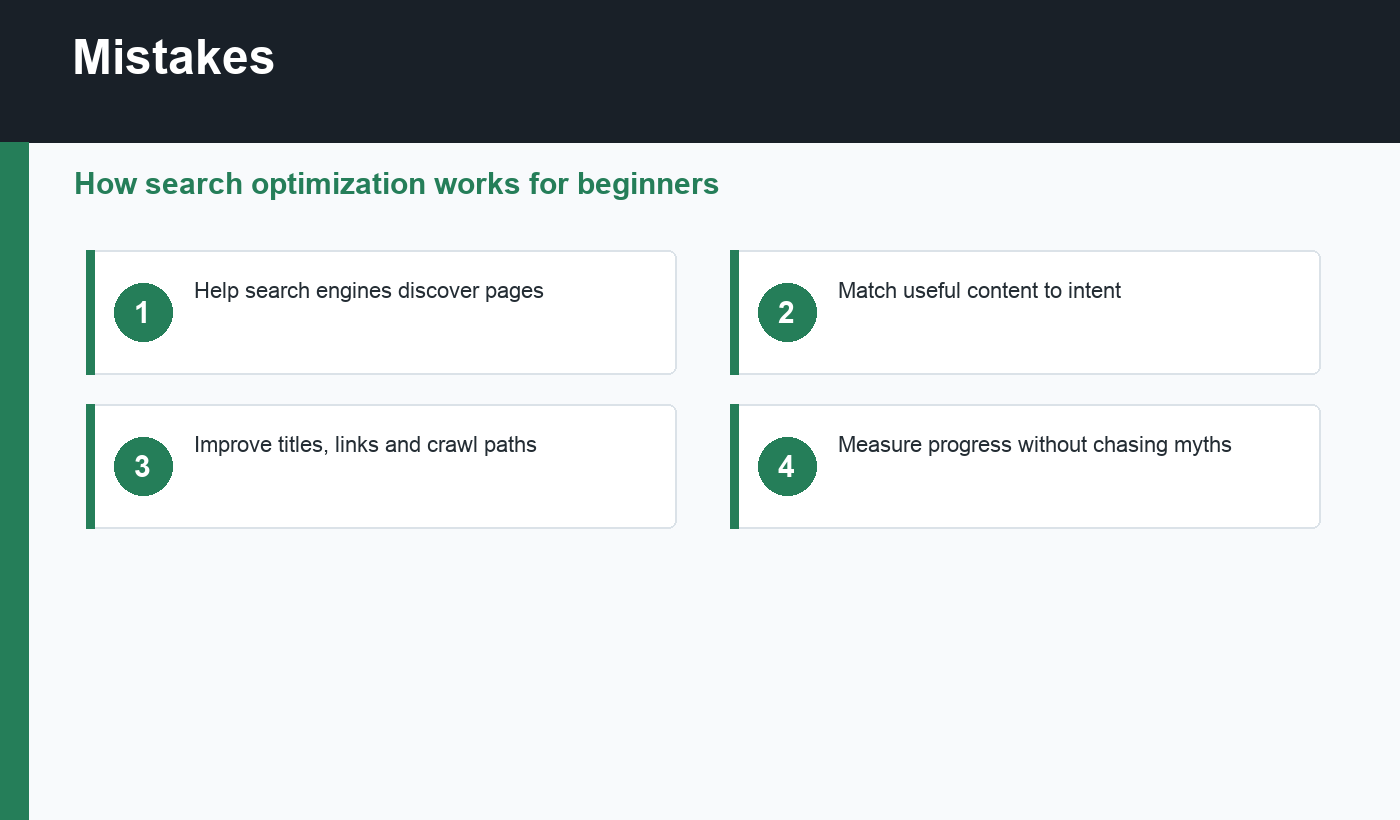
SEO basics are the simple foundations that help search engines discover, understand, and rank useful pages. SEO is not a trick or a one-time plugin setup. It is a repeatable way to create helpful content, organize a website clearly, and make sure important pages can be crawled and indexed.
This beginner guide explains how SEO works in plain language. If you publish with WordPress, pair this with the WordPress SEO checklist so your platform settings and content workflow support the same goal.
SEO basics start with search intent
Search engines try to return pages that satisfy what a user wants. A person searching “what is SEO” needs a beginner explanation. A person searching “best SEO tool” probably wants comparisons. A person searching “SEO consultant near me” may want a local service provider. Matching that intent is more important than repeating a keyword many times.
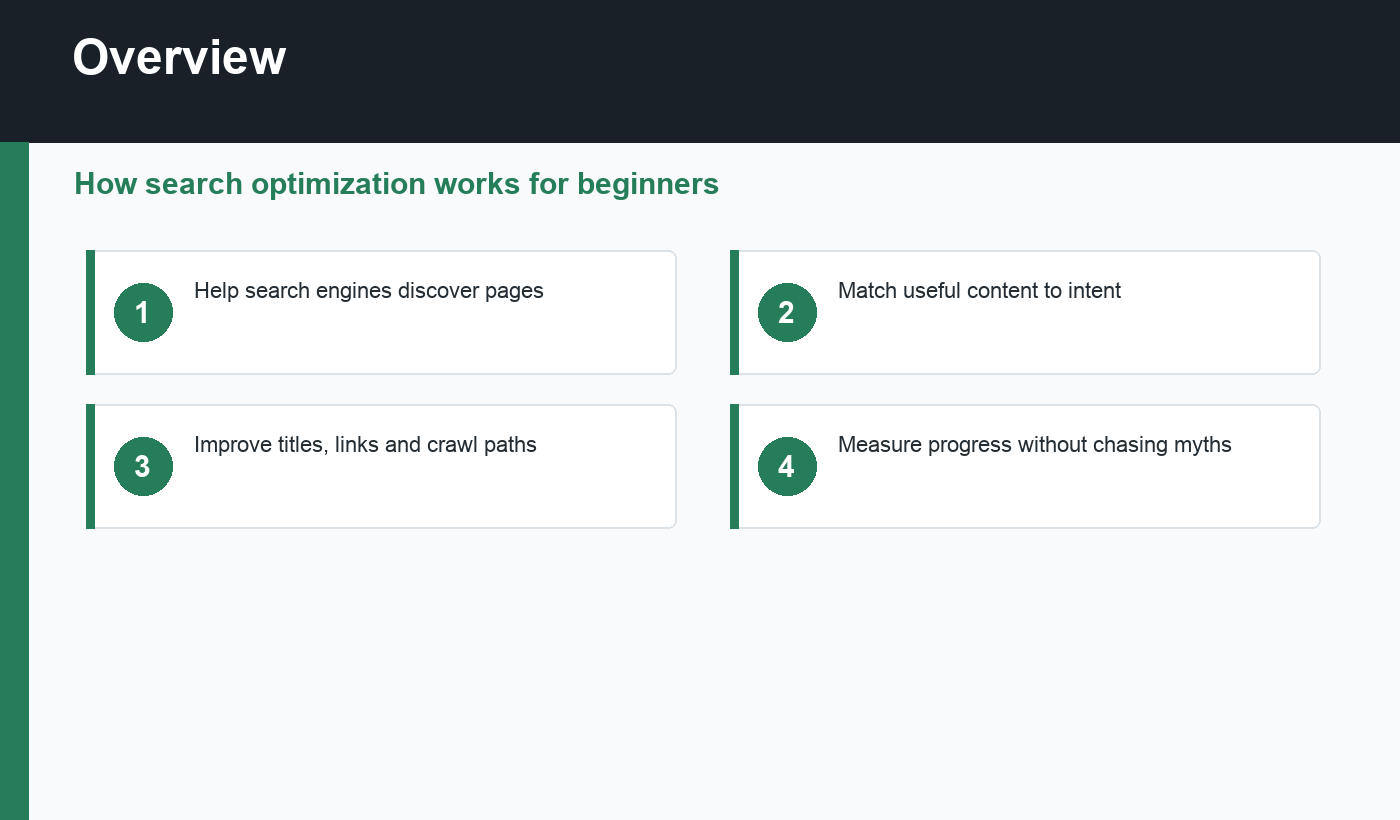
Google’s SEO Starter Guide emphasizes helpful, reliable, people-first content and crawlable pages. That is the center of modern SEO: make pages useful, then make them easy for search engines to process.
How search engines find pages
Search engines discover URLs through links and sitemaps. Internal links tell crawlers which pages are related and important. XML sitemaps list URLs you want search engines to know about. A page with no internal links can be difficult to discover, even if the content is good.
After discovery, crawlers fetch the page, render or inspect content, follow links, and decide whether the URL should be indexed. Indexing is not guaranteed. Thin content, duplicate pages, noindex tags, canonical mistakes, blocked resources, or low-quality pages can keep URLs out of search.
On-page elements that matter
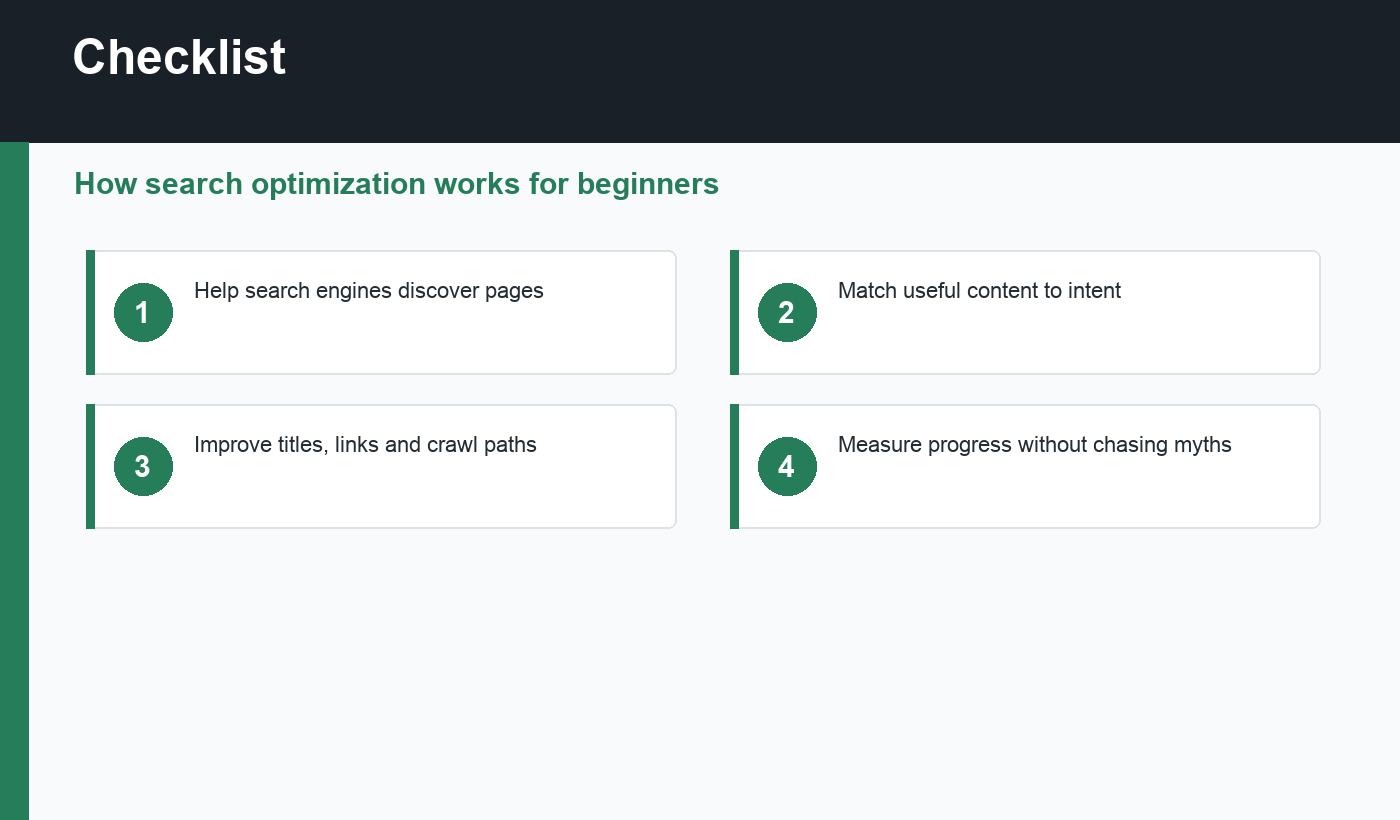
Every important page should have a clear title, a useful meta description, one primary topic, descriptive headings, readable paragraphs, helpful images, and internal links to related pages. The title helps users and search engines understand the page quickly. The meta description can influence clicks when it appears in search results.
For WordPress posts, plugins such as Rank Math can help check focus keyword placement, titles, descriptions, image alt text, and links. Use these checks as guardrails, not as a replacement for judgment. The stronger question is always: does this page answer the searcher better than the alternatives?
Technical SEO foundations
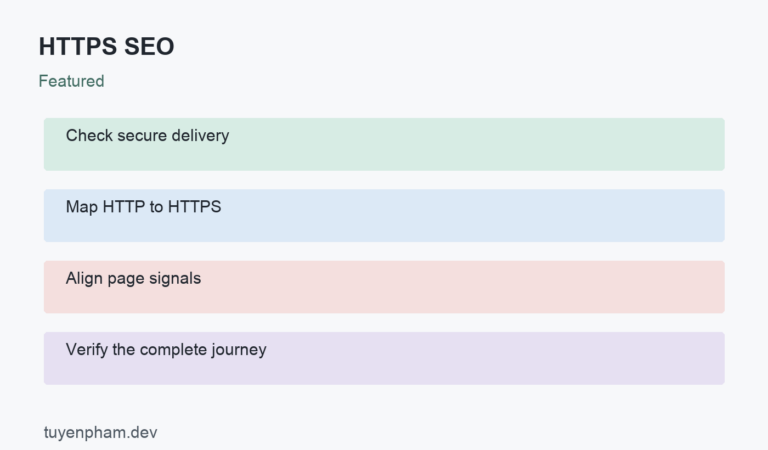
Technical SEO keeps the site accessible to crawlers and usable for visitors. Important basics include HTTPS, mobile-friendly layouts, fast pages, clean URLs, self-referencing canonical tags, working redirects, accessible navigation, and a sitemap that updates correctly. If WordPress pages are not appearing in Google, use this indexing checklist to diagnose the problem.
SEO basics checklist
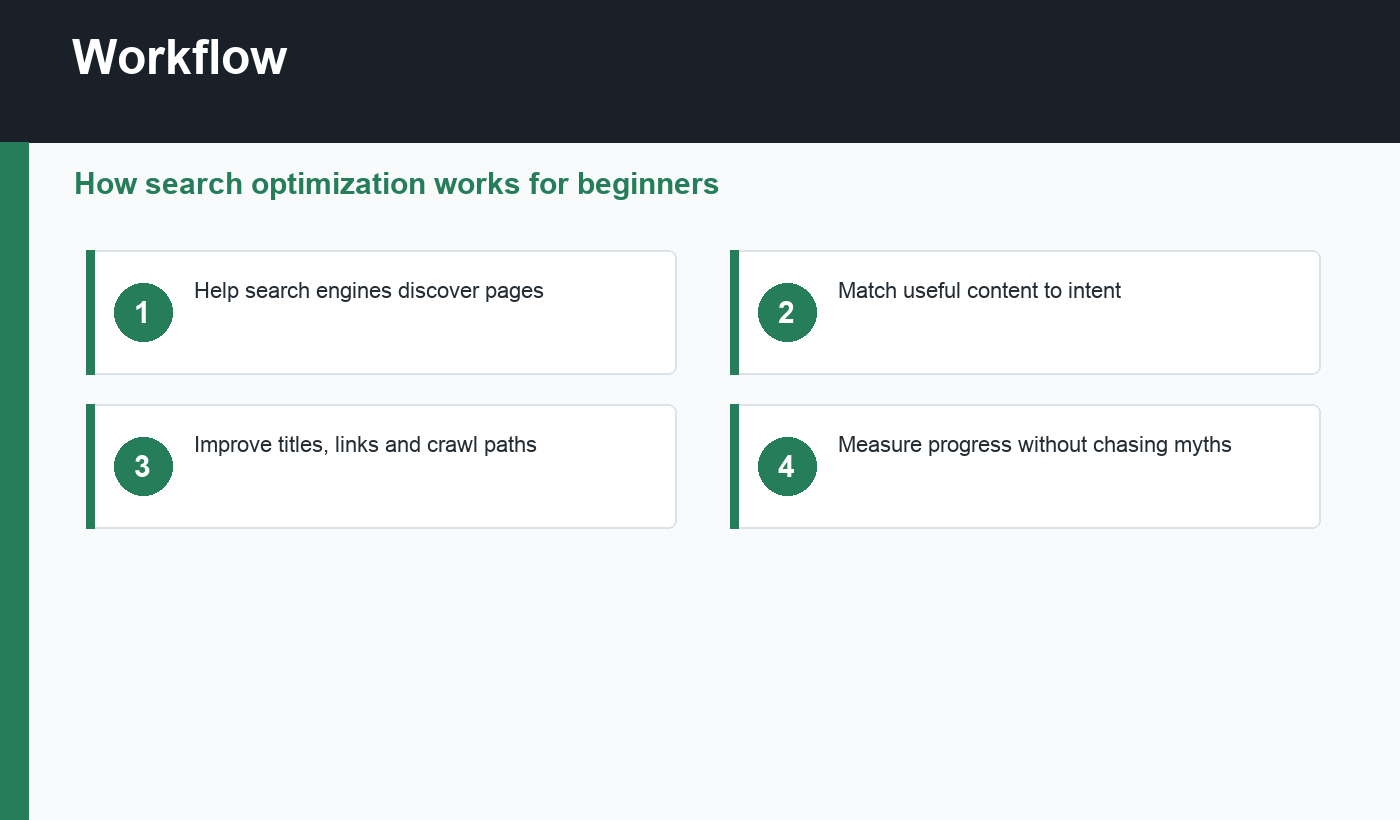
- Choose one primary topic per page.
- Match the dominant search intent.
- Write a clear title and meta description.
- Use descriptive headings and short paragraphs.
- Add helpful internal links.
- Make pages crawlable and indexable.
- Submit a clean sitemap.
- Measure clicks, impressions, rankings, and conversions over time.
How to practice SEO basics
Pick one existing page and audit it slowly. Search the primary keyword, look at the ranking formats, and ask whether your page matches the intent. Then check the title, description, headings, internal links, images, and indexability. This small exercise teaches SEO faster than reading a long list of tactics without applying them.
Repeat the process monthly for pages that matter. SEO improves through steady corrections: clearer answers, better links, fresher examples, cleaner technical signals, and more useful next steps for readers.
Keep notes as you practice. Record the keyword, the page you changed, the issue you fixed, and the date. Over time, those notes reveal which SEO basics create the most visible improvement for your own site.
Final recommendation
Learn SEO basics as a publishing system. Research what people need, create the best useful page you can, connect it with internal links, keep technical signals clean, and improve based on real data. That habit beats shortcuts.

Discussion
Join the conversation