API Development Basics: Design Endpoints Developers Can Use

API development basics are easier to learn when the topic is treated as a practical workflow, not a pile of terms to memorize. A developer improves fastest when every concept is tied to a real edit, a real error, or a real feature.
This guide gives you a clear way to think about API development basics. It is written for beginners and early developers who want stronger habits before projects become large enough to punish guesswork.
API development basics: what it really means
An API can technically work while still being painful to use. Inconsistent names, unclear errors, missing pagination, and surprising status codes make every integration slower.
A good API is a contract. It should expose stable resources, predictable actions, clear validation rules, useful error messages, and documentation that matches reality.
For a reliable technical reference, start with MDN HTTP overview. Official documentation is useful because it explains the behavior behind the examples, not only the happy path.
Why beginners should learn this early
Programming skill compounds. If the foundation is weak, every new tool feels unrelated: a framework looks different from a script, a database looks different from an API, and deployment feels separate from code quality. When you understand the underlying workflow, the pieces become connected.
API development basics help you slow down in the right places. You learn what the code is supposed to do, what input it receives, what output it should produce, and how to verify that the behavior still works after a change.
This is also why related fundamentals such as PHP MySQL PDO and PHP form handling matter. They give you nearby examples where the same thinking appears in actual code.
A simple API development basics workflow
- Model resources before choosing URLs.
- Use HTTP methods consistently.
- Validate input near the boundary.
- Return structured errors with status codes.
- Document examples for common requests.
Keep the loop small at first. Read the requirement, make one change, run the code, observe the result, and write down what changed. That rhythm sounds basic, but it prevents most beginner mistakes because it keeps feedback close to the edit.
Once the workflow is comfortable, increase the size of the task. Add a second file, a database call, an API request, or a deployment step. The goal is not speed for its own sake. The goal is controlled progress that you can explain and repeat.
What to practice first
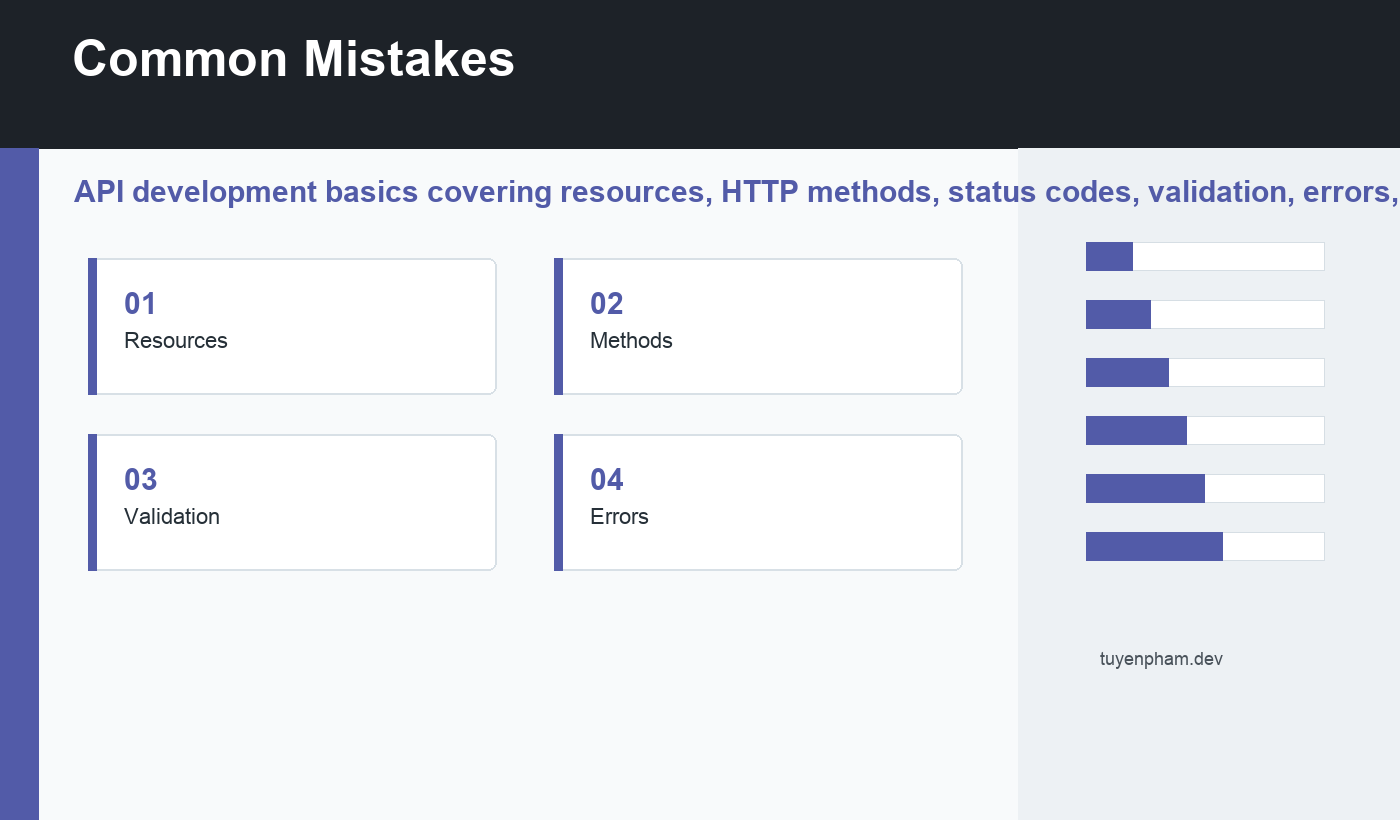
Start with Resources, Methods, Validation, and Errors. These are small enough to practice in a single sitting and important enough to appear in real projects. Write examples by hand instead of only reading them. A concept becomes useful when your fingers have made the mistake and corrected it.
Use short exercises with obvious results. Print values, inspect responses, run tests, check logs, and compare before-and-after behavior. Good practice makes invisible program state visible.
Common mistakes
- Using one endpoint for every action.
- Returning 200 for failures.
- Leaking database details in errors.
- Forgetting pagination until data grows.
The common pattern behind these mistakes is rushing past feedback. The code is always telling you something through output, errors, diffs, tests, logs, or user behavior. Learning to read those signals calmly is one of the most valuable developer skills.
How to use this in a real project
Pick one small feature and apply API development basics deliberately. Before changing code, write the expected behavior in plain language. After changing code, verify the behavior in the browser, terminal, test suite, database, or API client.
If the feature touches user data, authentication, payments, uploads, or publishing, add one more check than you think you need. Important systems deserve slower hands and clearer notes.
Also keep a simple learning log. Record the bug, the cause, the command you ran, the documentation page that helped, and the final fix. That record turns today’s confusion into tomorrow’s shortcut.
How to know you are improving
You are improving when you can explain the change before you run it, predict likely failure points, and recover when something breaks. You are also improving when your code becomes easier for another person to read.
Measure progress by independence, not by the number of tutorials finished. A finished tutorial is useful, but a small original feature with clear commits, tests, notes, and a calm debugging trail is more valuable.
Final recommendation
Use API development basics as a daily practice topic. Keep examples small, read official documentation when behavior is unclear, and connect every lesson to a real project. That is how programming knowledge becomes durable instead of temporary.
Discussion
Join the conversation